Character Shade
- By
A clean, modern replacement for the Character panel, with 17 race and class themes.
Screenshot 2026-11-12 211159.png
Screenshot 2026-11-12 211206.png
Screenshot 2026-11-12 211211.png
Screenshot 2026-11-12 211217.png
Screenshot 2026-11-12 211223.png
Description
CharacterShade
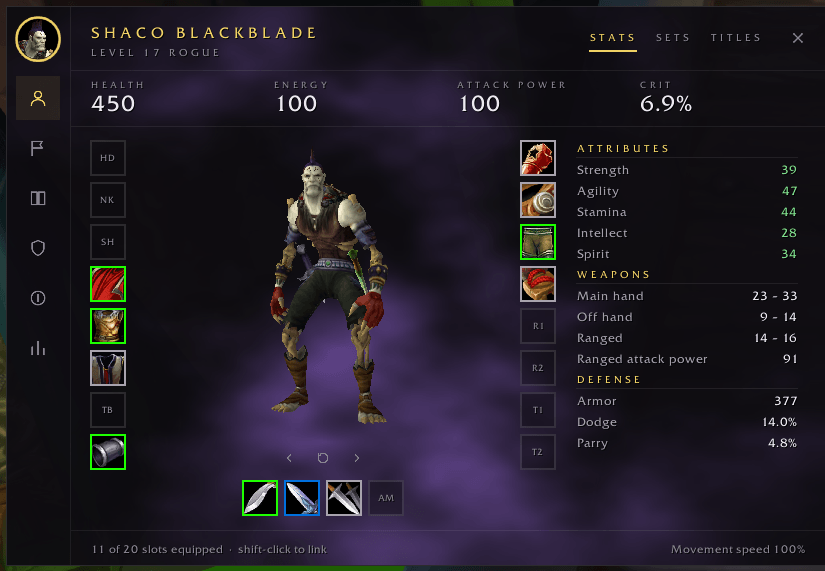
CharacterShade replaces Blizzard's Character panel with a clean, modern window: thin lines, a soft smoke background, and none of the heavy borders. Everything you use the default panel for is still there, just easier to read.
Press C as usual and CharacterShade opens instead.
Features
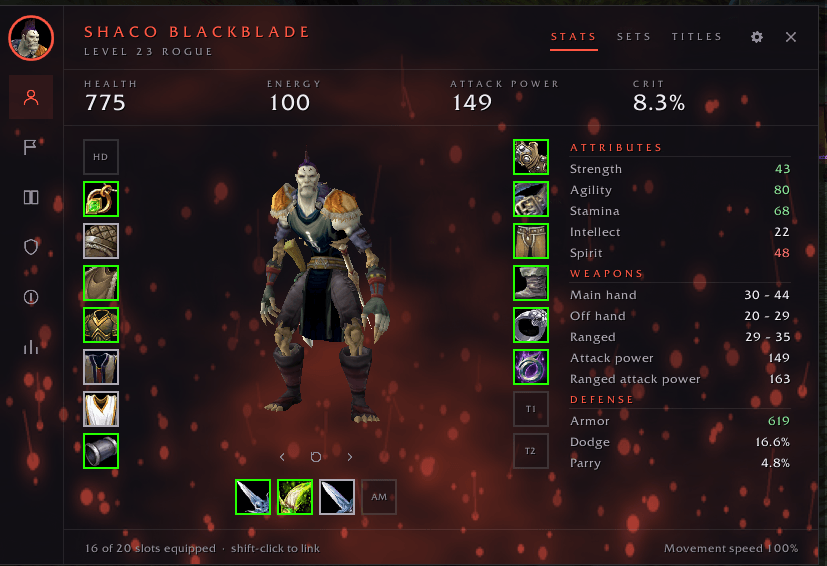
- Character: your gear, 3D model and stats in one view. Drag items in and out of slots, shift-click to link, drag the model to rotate and scroll to zoom.
- Sets and Titles: equip, save, create and delete equipment sets, and pick your title, without leaving the panel.
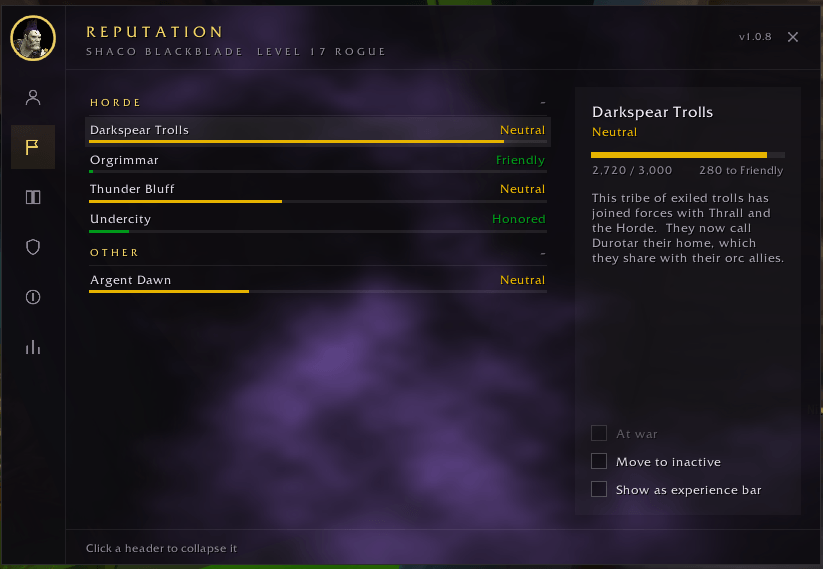
- Reputation: every faction with its standing and progress, plus At War, Inactive and Show as Experience Bar.
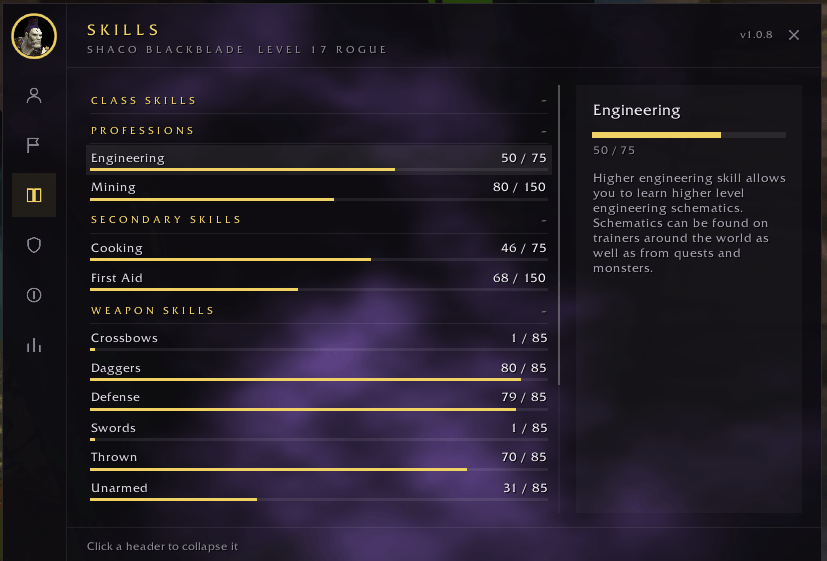
- Skills: professions, secondary skills and weapon skills with progress bars and descriptions.
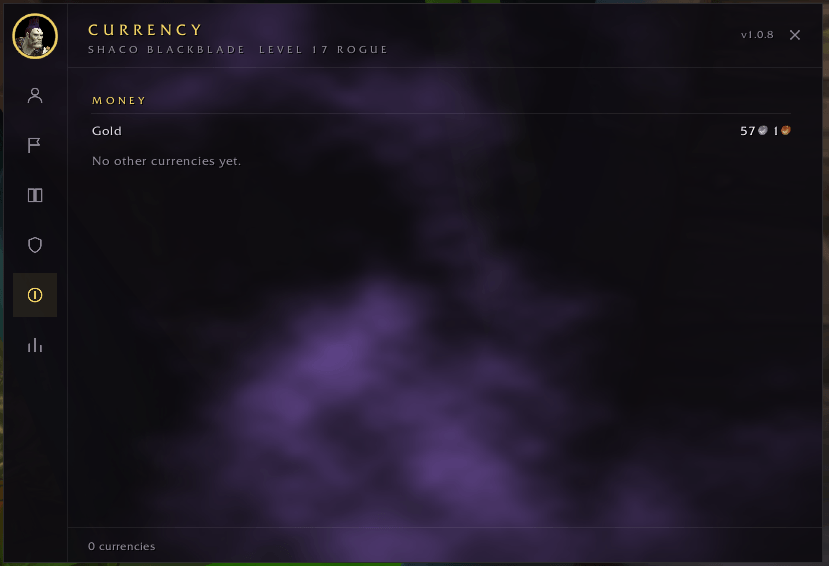
- Currency and Statistics: your gold, currencies and character statistics.
- Minimap button: left-click opens the panel, right-click opens options. It follows your theme.
Themes
17 themes, each with its own smoke color and accent:
- Races: Forsaken, Orc, Tauren, Troll, Human, Dwarf, Night Elf, Gnome
- Classes: Rogue, Warrior, Mage, Warlock, Priest, Druid, Hunter, Paladin, Shaman
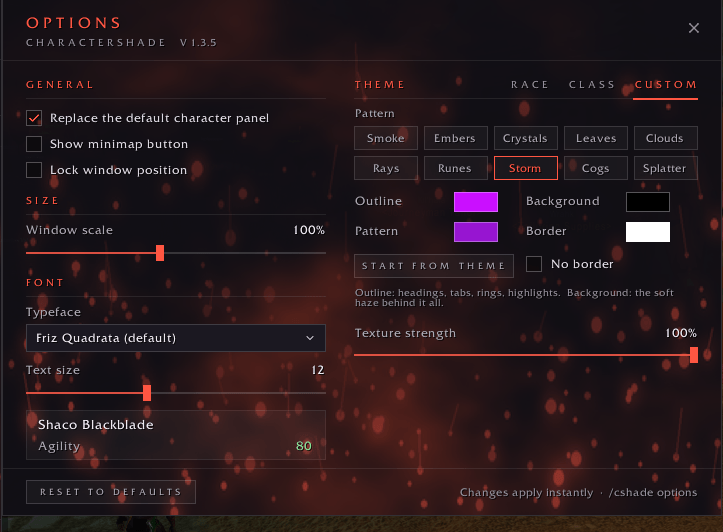
Options
Open with /cshade options, a right-click on the minimap button, or Settings > AddOns.
- Window scale (60–150%)
- Font: Friz Quadrata, Arial Narrow, Morpheus or Skurri, and text size
- Theme and smoke strength
- Replace the default panel on or off, minimap button, lock window position
Commands
/cshade— open or close the panel/cshade options— open options/cshade theme <name>— for exampleorc,night elf,mage/cshade blizz— open Blizzard's panel/cshade reset— reset position and scale
A keybind is available under Options > Keybindings > AddOns.
Compatibility
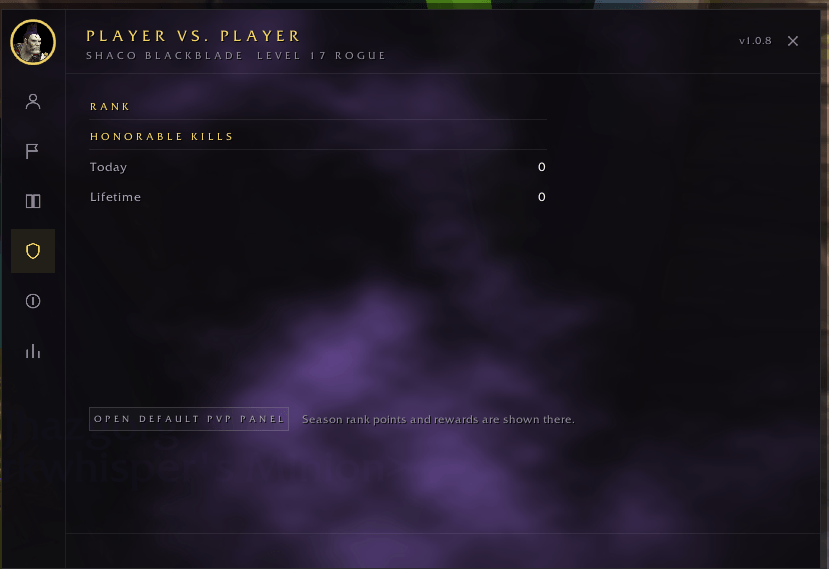
Made for WoW Forever. PvP season rank details aren't available to addons yet, so the PvP tab links to Blizzard's panel for those.
Feedback
Found a bug or have an idea for a theme? Leave a comment. Screenshots help!
Character Shade Team