Chamberlain
- By
Functioning minimap, name your rooms, give them descriptions, add music, ambience and sound effects and other fun features.
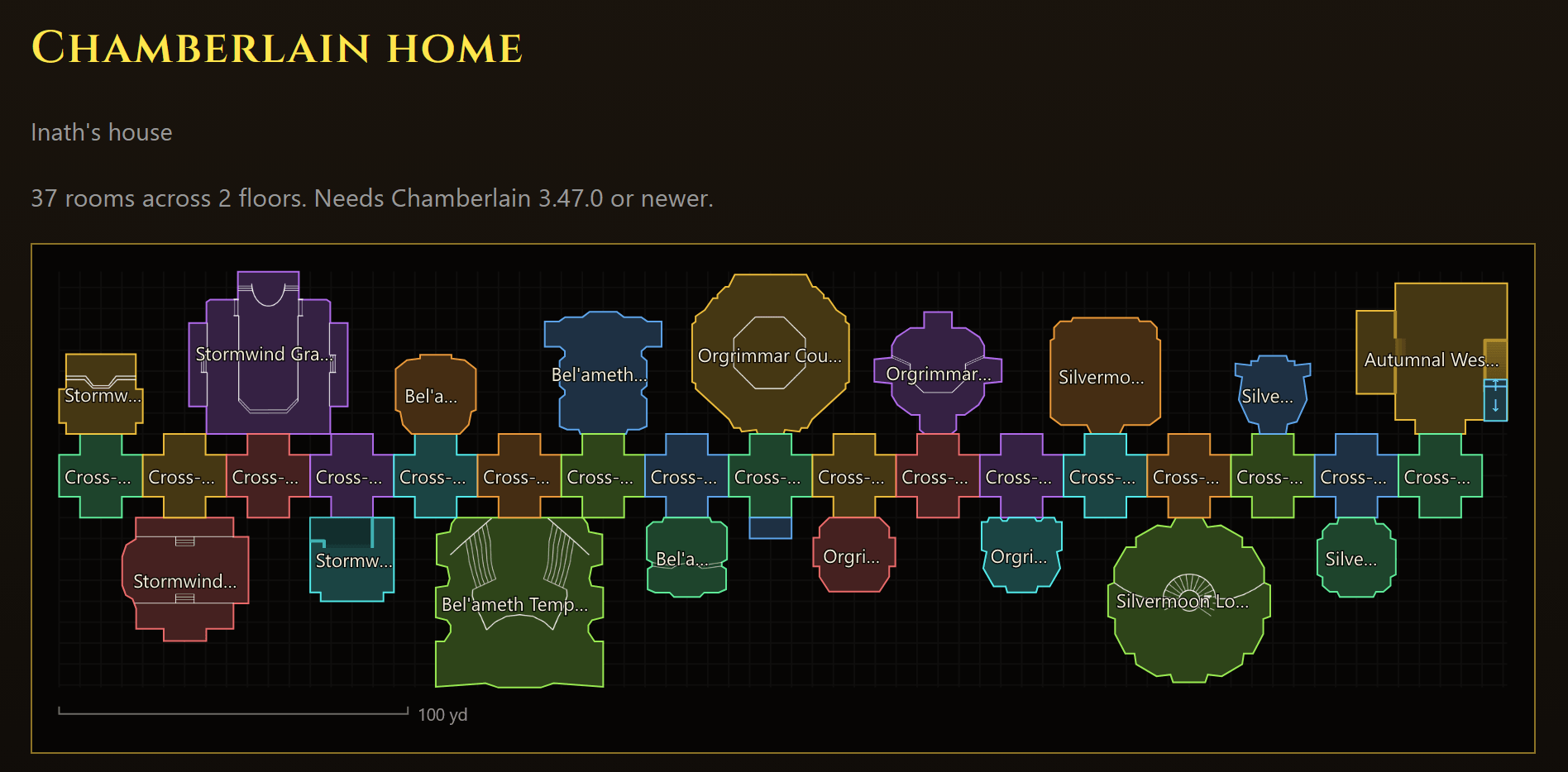
image.png
banner.png
timehere.png
edit room.png
circle room.png
stairs_manual.png
rooms and settings windows.png
sharing live.png
stairsdialog.png
sharing.png
yapper.png
yapper2.png
Description
Chamberlain - Room Names for Housing
Chamberlain lets you name the rooms in your player house. When you walk into a room, a gold banner shows its name. The banner fades out when you leave. The addon takes its name from the manor officer who announced guests as they entered each room.
Start here
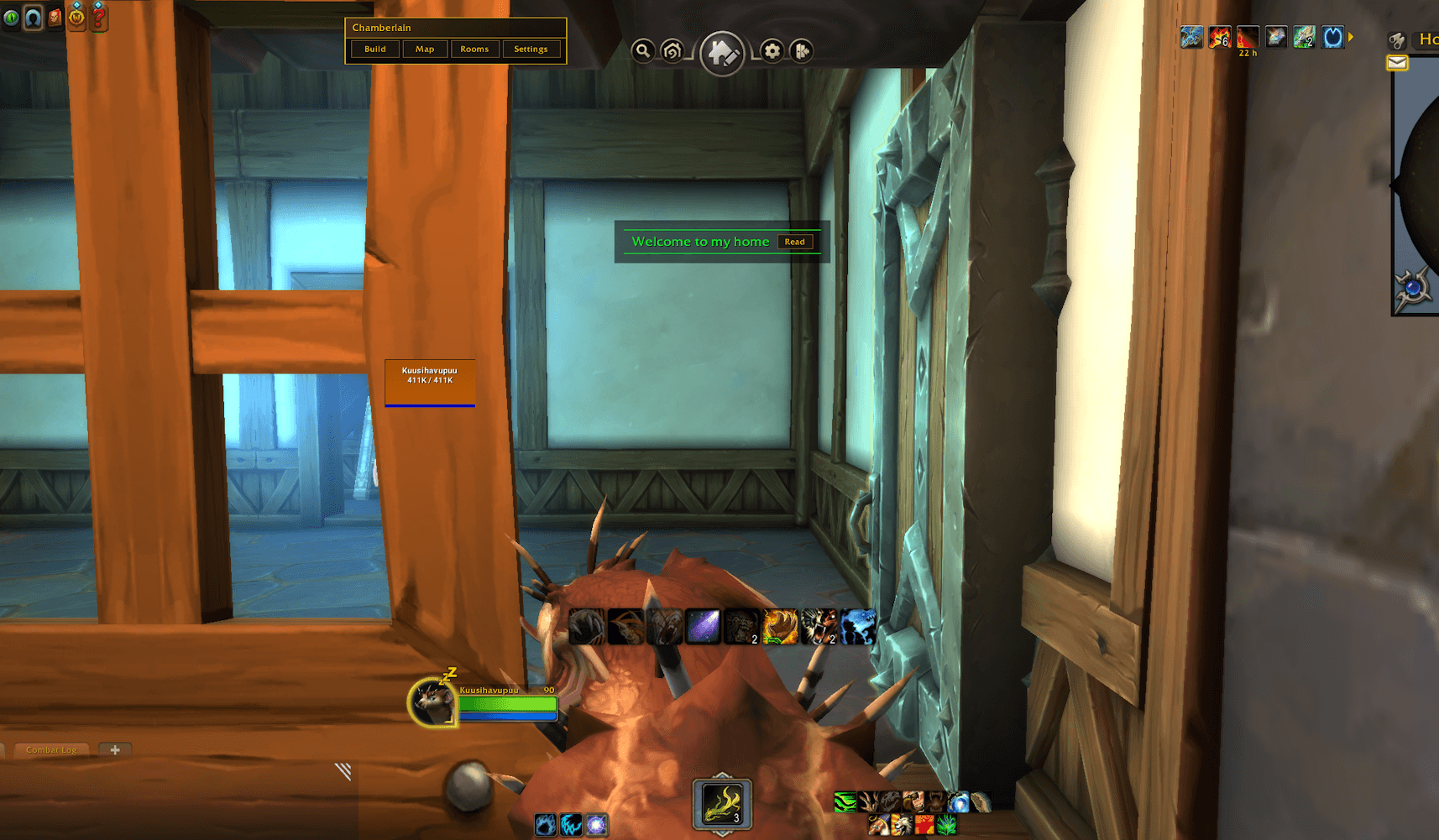
In your own house, walk in while the map is still empty and the Welcome home window opens. It takes you through five steps and ticks each one off as you do it. Stand in the middle of your entrance and click Drop this room. Then walk into each room of the house. Each one goes on the map by itself, joined to the room you came from. If a room is an L or a T, walk to the end of each arm so it turns to fit. Click Done walking, then Open map, pick a room and click Edit room to give it a name. Walk back into it and its banner shows. Closing the window stops Auto map. Map on the bar, then Auto map, brings it back where you left off.
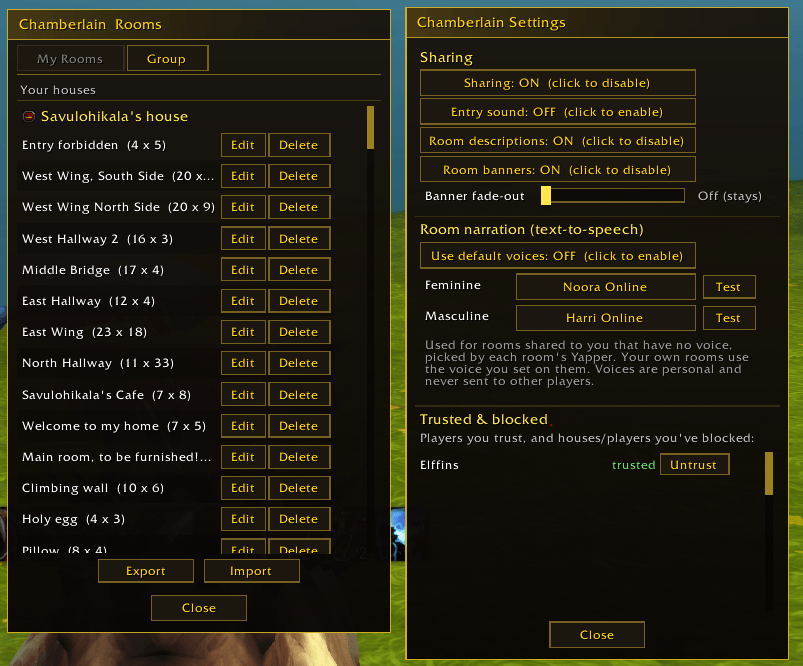
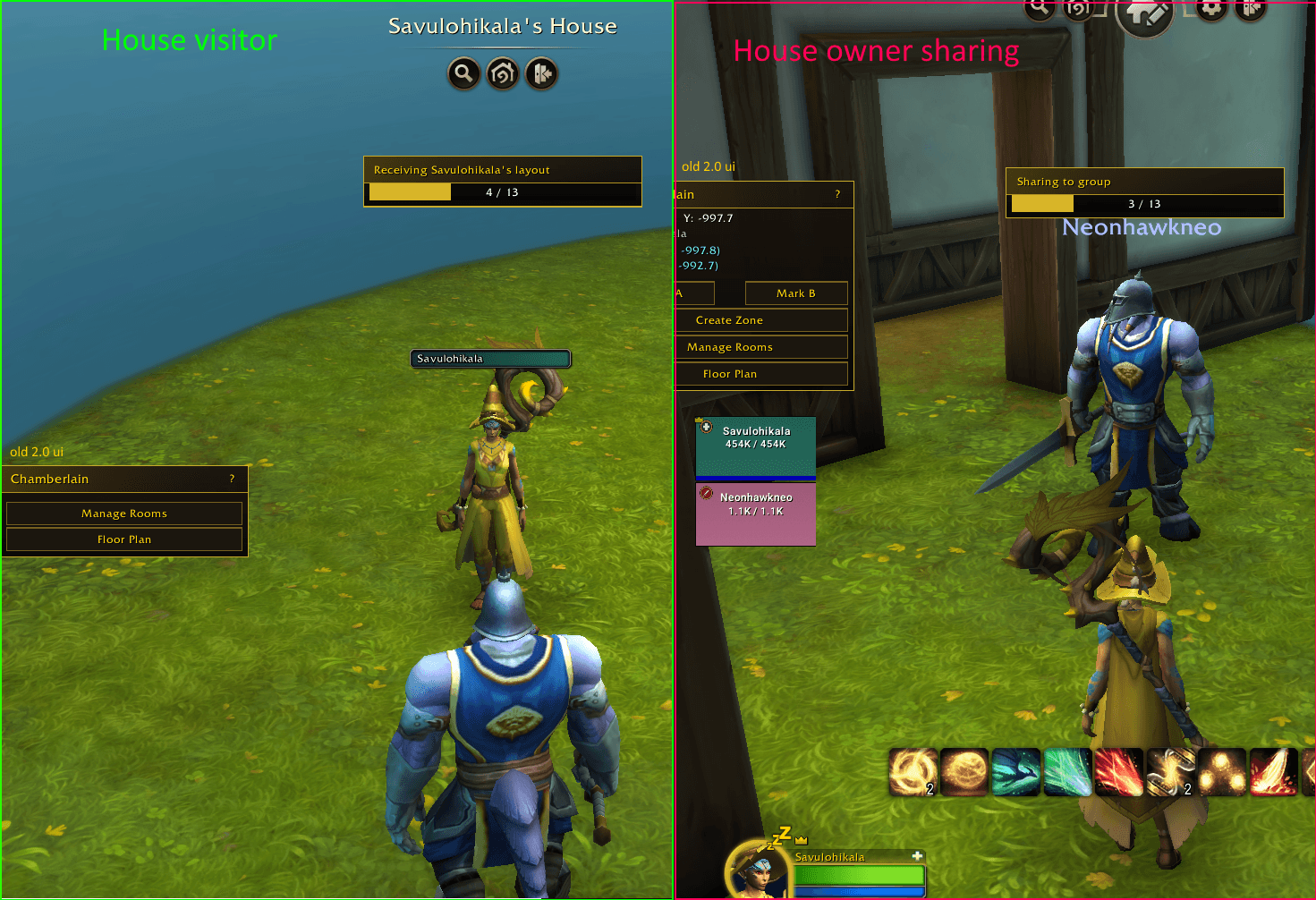
In a friend's house, join a party with the owner. A gold dot on the Sharing button tells you that somebody has a map of the house. Click Sharing and take their map, and their room names show as you walk around.
That's all you need. The rest of this page covers the extras, so read on when you want one.
Building by hand
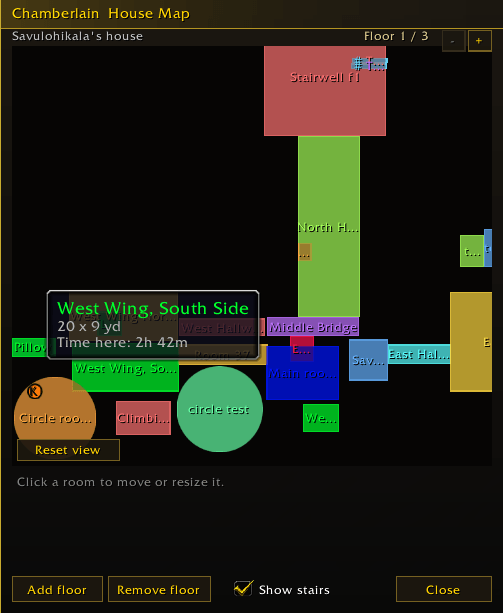
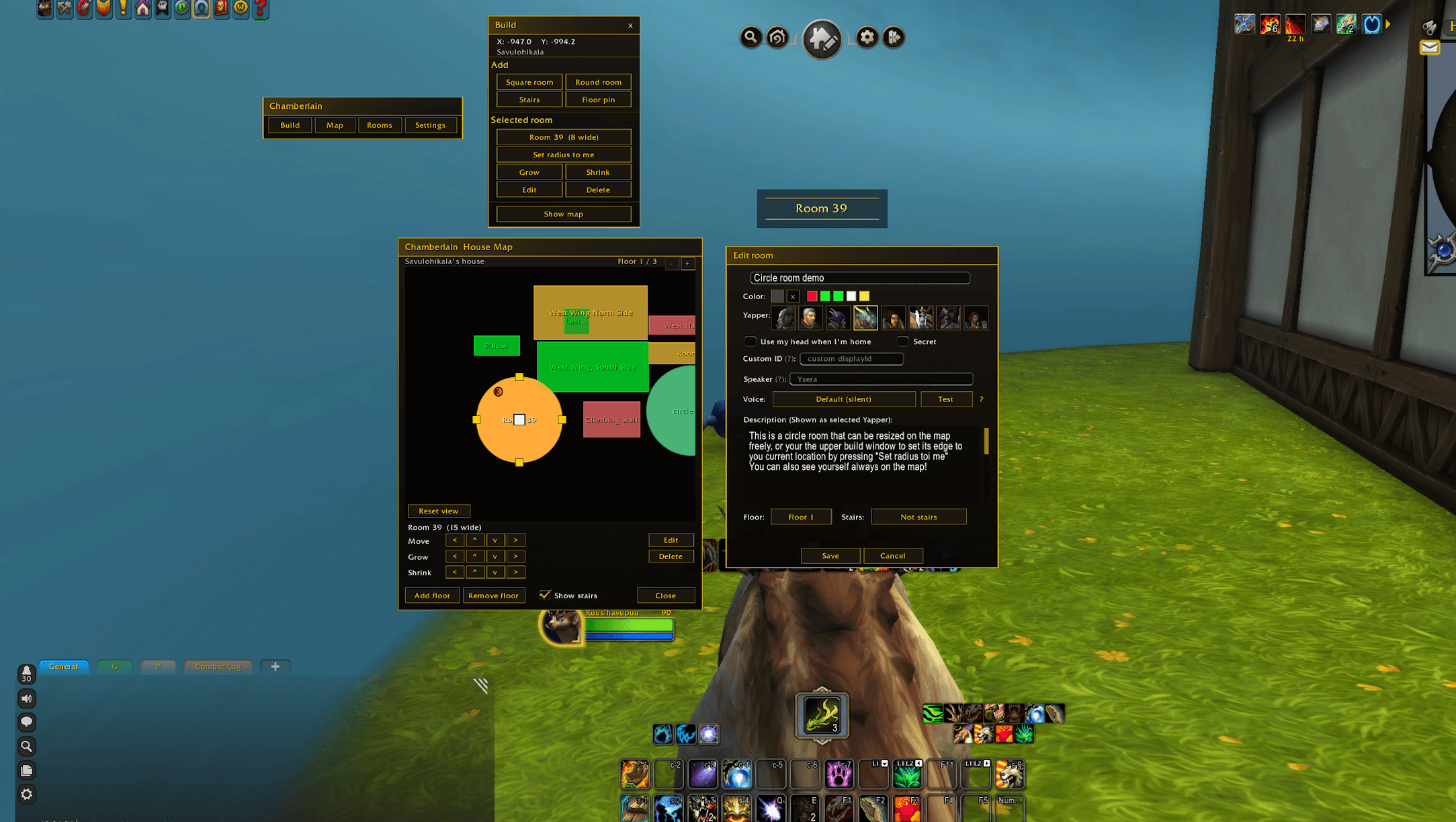
Map on the bar opens the house map with the build tools down its left side. Rooms sit a little apart on it, with a strip of floor across each door two rooms share, like the game's own layout editor. Doorways between rooms in Settings puts them back wall to wall. Click the shape of a room you built and it drops at the size the game builds it. With Snap on it goes onto the nearest open door. Smart drop maps the room you stand in at its real shape and size, most themed rooms from the Westfall barns to the Orgrimmar Council Room too. The barns and the Silvermoon Lofty Study bring their lofts, and the map follows you up their stairs, spiral included. To fit a room already on the map to the real one, select it, stand in the real room and click the Smart drop icon next to Edit room. To line up a small spot, select it, stand where its wall should be and click Slide to me, or drag its grips on the map. Rotate turns an L, a T, a closet or a hallway. Rooms can overlap, and the smaller one wins while you stand in it. Set Kind in the room editor to Nameless room for a hall that sits on the map with no name or banner, or to Sound spot for a spot that only plays a sound. The lock next to the map's close button keeps your layout safe from a stray drag.
Floors
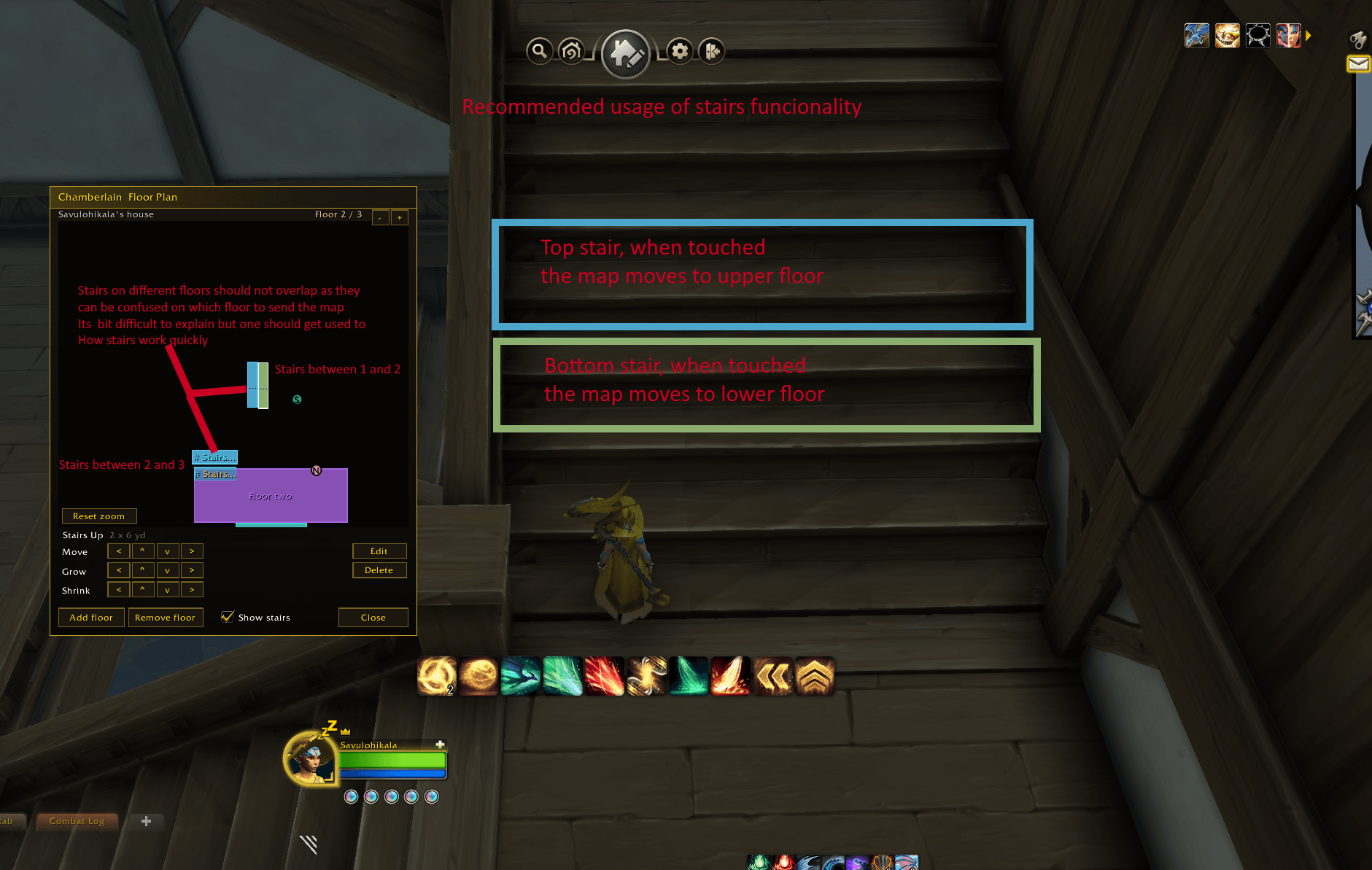
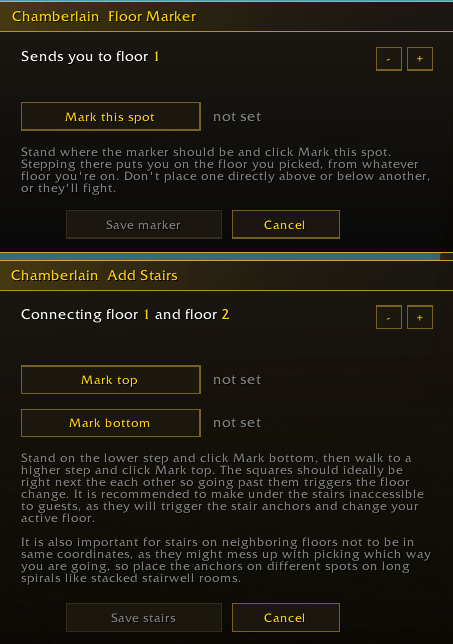
The game doesn't tell addons your height, so Chamberlain learns your floor from your stairs. Click Stairs on the build tools, stand on the lowest step and click Mark bottom, then go up a little and click Mark top. A Floor pin sends you to a floor you pick, for a tall shaft or a balcony. In the room editor, Remember the room I'm in ties a room to the game room you stand in, so a missed stair puts itself right.
The yard
Your yard has a map of its own, on the Yard tab next to the floor tabs. Draw square, L, T, cross and circle rooms out there, or a diamond you can pull out into a long slanted room. Yard rooms sit on a quarter yard grid and do what a room indoors does, and the yard has its own ambience and music. A green fence shows where your plot ends. Drag its grip until it lines up, and drop markers on the corners first if that helps. Out in the neighborhood the yard rooms of houses you have a map of show on the minimap. If you move your house, Chamberlain offers to bring your map along, yard rooms included.
Banners and the plaque
The banner has 145 looks, from drawn ones and old ornaments to rainbows, medallions and the game's own scenario art. The one in Settings is your own and only you see it. A house of yours starts on Gilded, and the House panel changes how visitors see it. A room can have its own style on the Banner tab of the room editor. When you walk into a house, a plaque shows its name, its owner and the owner's motto. Set both in the House panel. Your house name also goes on the cornerstone and in the game's View Houses list for everyone with your map.
Room stories
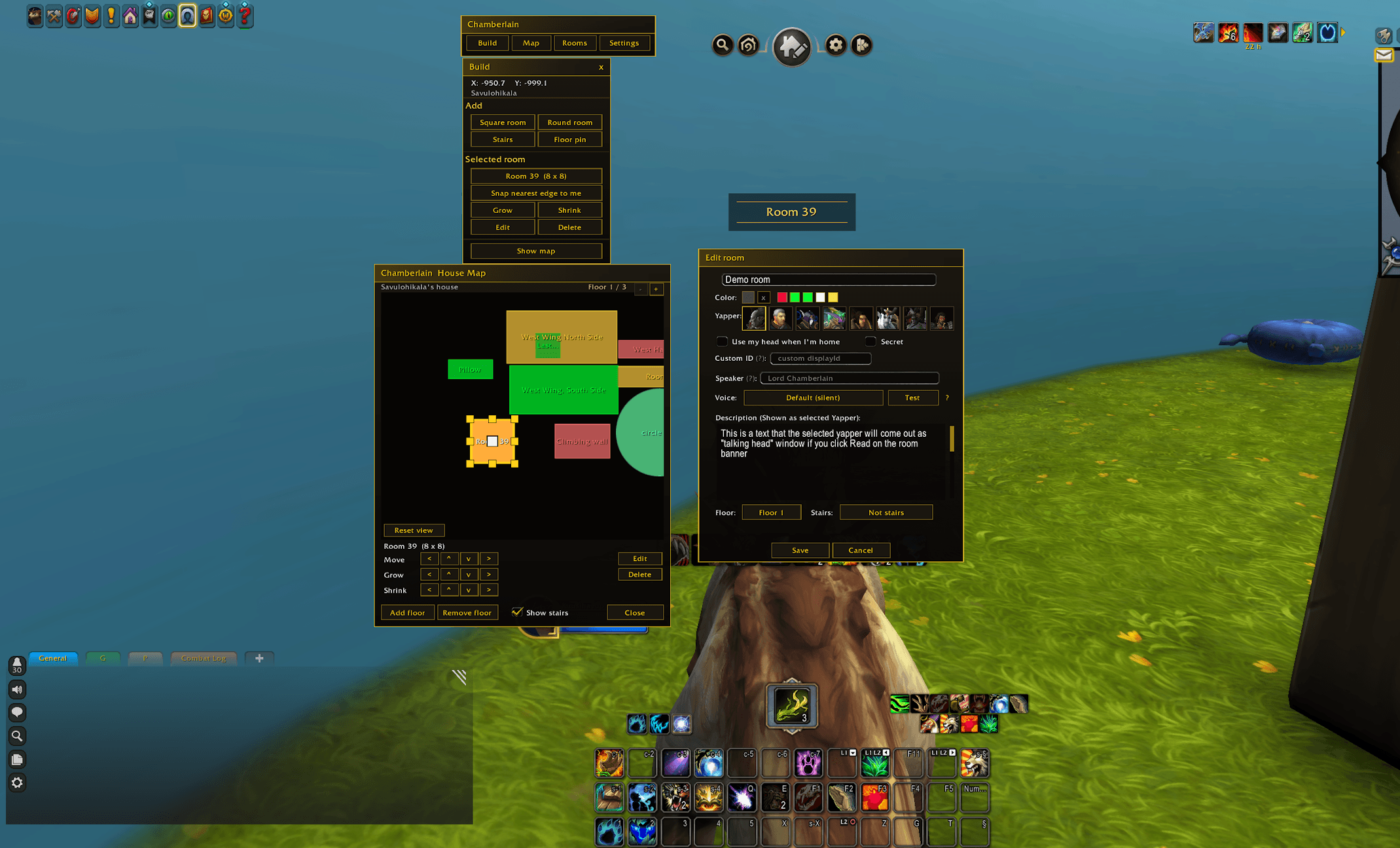
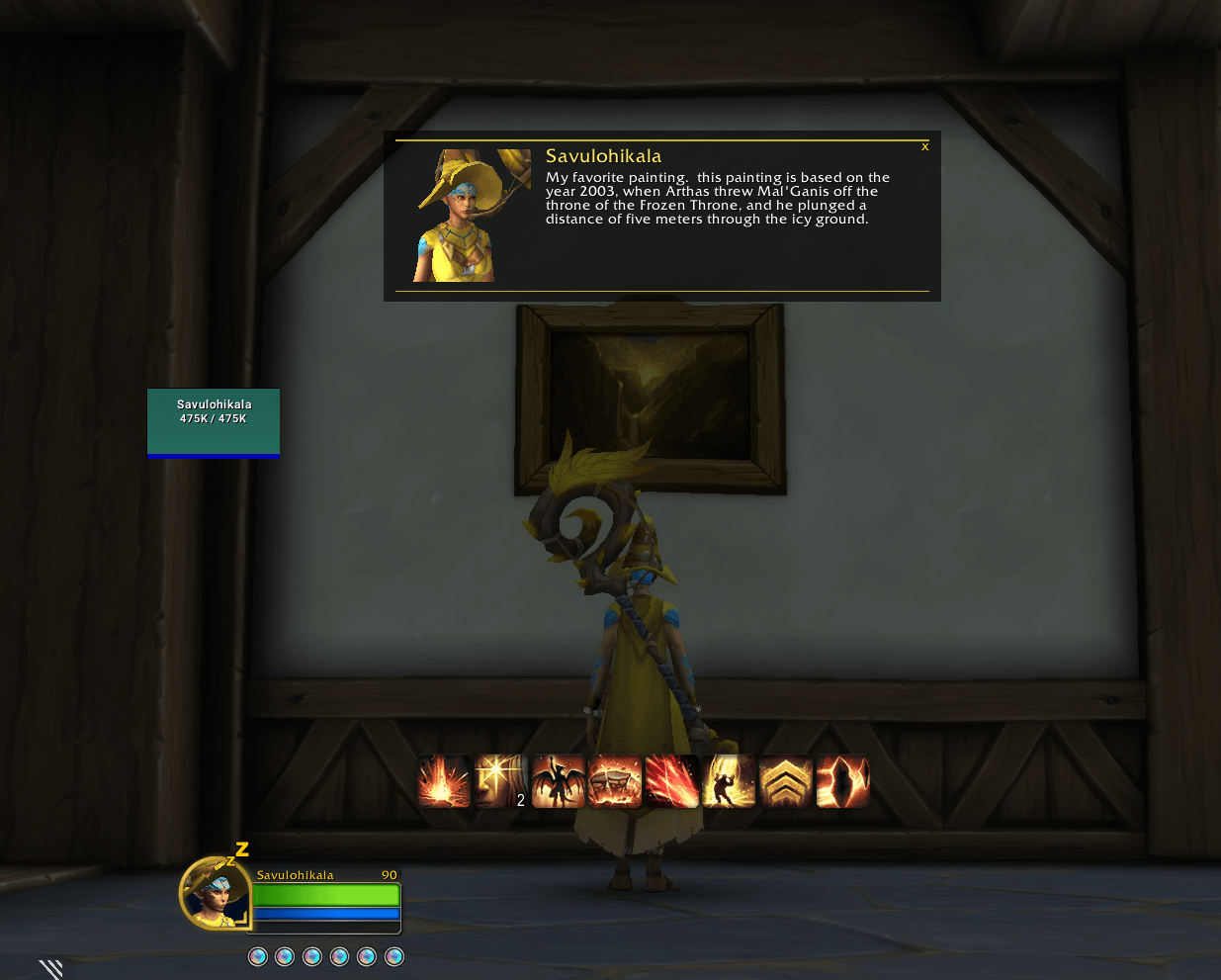
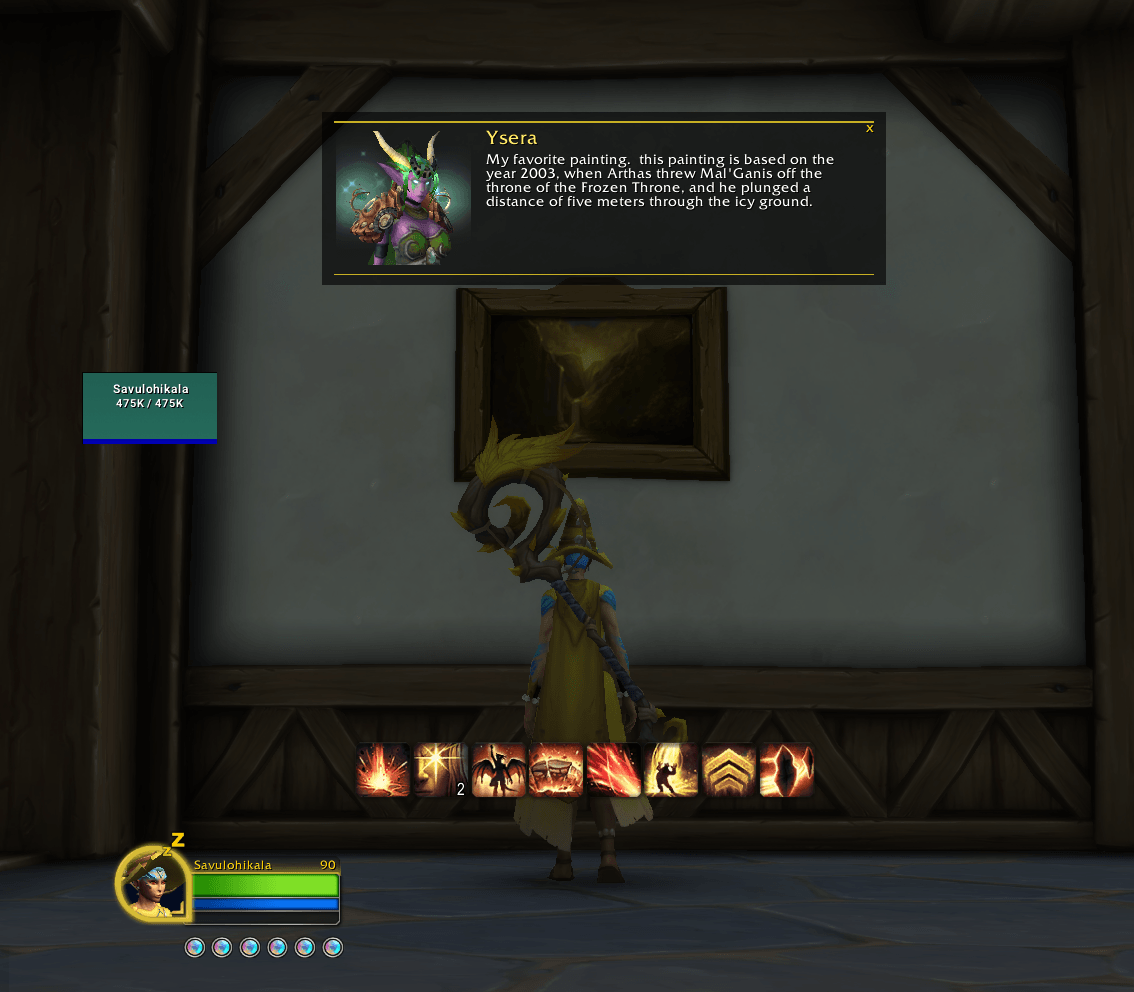
A room can have its own color and a description. Click Read on the banner and a card drops down with a talking head, a piece of decor from the catalog or the words alone. Your computer can speak it in a voice you pick. A room marked Secret stays off your visitors' map but still announces itself.
Locked areas
On the Lock tab, give a room a code of 4 to 8 digits. Visitors see "Locked by Arcane Ward" and have to enter the code as glyphs on a ring of magic circles. The right code shows the room's real name, banner and story. The code never leaves your computer.
Style on the same tab swaps the ward for a Hallowe'en lock made from old postcards: a pumpkin balloon, a talking board with a planchette or a witch flying a kite of bats.
Pumpkin hunt
Click the pumpkin on the bar to hide up to eight pumpkins around your house. Stand where one should hide and click Hide a pumpkin here. Visitors who have your map get a pop-up when they walk near one and pick it up into their bag. Lock a few rooms with the Pumpkin Patch in the same panel, and they open once a visitor has found every pumpkin.
Tours
Once your map has two rooms, Tour on the bar sets up a tour. Pick the rooms in your order and write a welcome and a goodbye. Visitors with your map get Take the tour on the plaque. A card with an arrow leads them from stop to stop, and each stop plays its room's story.
Sounds
A room, a floor or the whole house can have ambience from more than 100 game loops, and music from the game's tracks, with Silence as one of the picks. A room with no music or ambience of its own lets the room under it play where the two overlap, so the track doesn't stop when you step into it. A room can also ring a sound as you walk in, a door bell or anything else by its file number. A sound spot adds its ambience on top of the room it sits in, so a fire crackles over the hall's own sound, and its music or entry sound replaces the room's while you stand in it. Echo lets others in the house hear an entry sound, out to the yards you set, and an arrival sound rings for everyone inside when a visitor walks in. The arrival also reaches guildmates through the guild channel. Turn off My arrival sound to guildmates in Settings if you don't want that. The speaker on the bar mutes each kind of sound, and the game's own volume sliders apply.
Map and minimap
The house map draws your rooms to scale with you and your group as dots. Indoors your rooms also replace the game's still house picture on the minimap. If another addon makes your minimap square, turn on Square minimap in Settings. Showcase, the eye on the bar, keeps Chamberlain on screen when you hide the UI.
Archive and sharing
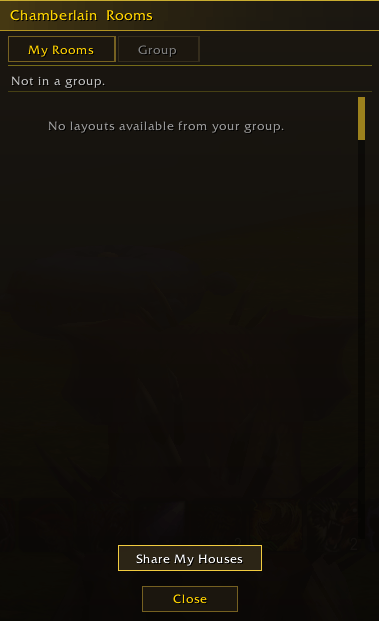
The Archive keeps stored maps of a house, tied to your 12.1 blueprints if you want, so a reset or a new blueprint doesn't cost you your rooms. Sharing sends your map to your party or raid, always after a consent dialog. Export and Import do the same through a text string. A map from someone else never replaces the map of your own house. After you add, move or delete a room, share the map again, or room sounds may not reach your group. Your group needs a recent version for the newest features, and an older one skips what it doesn't know.
Logo by Lorc from game-icons.net, licensed under CC BY 3.0
Chamberlain Team

Owner