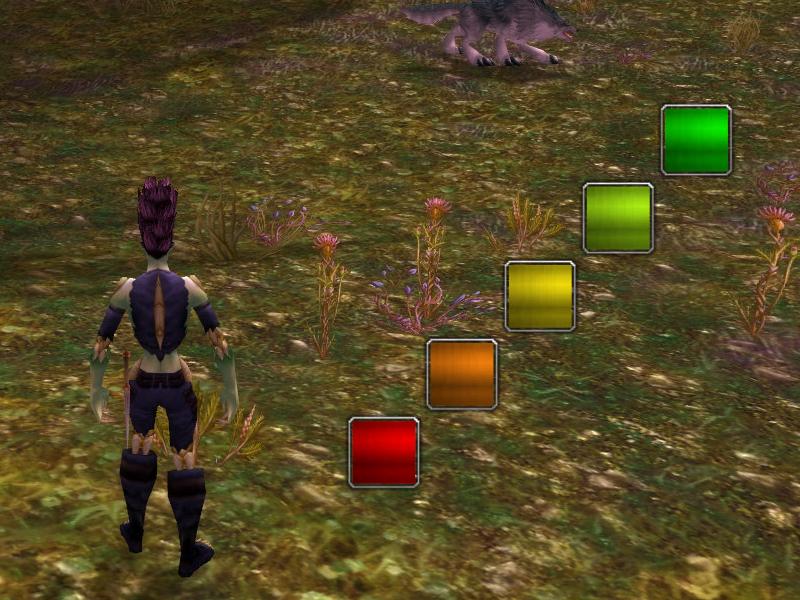
You can also change height, width and distance of the dots.
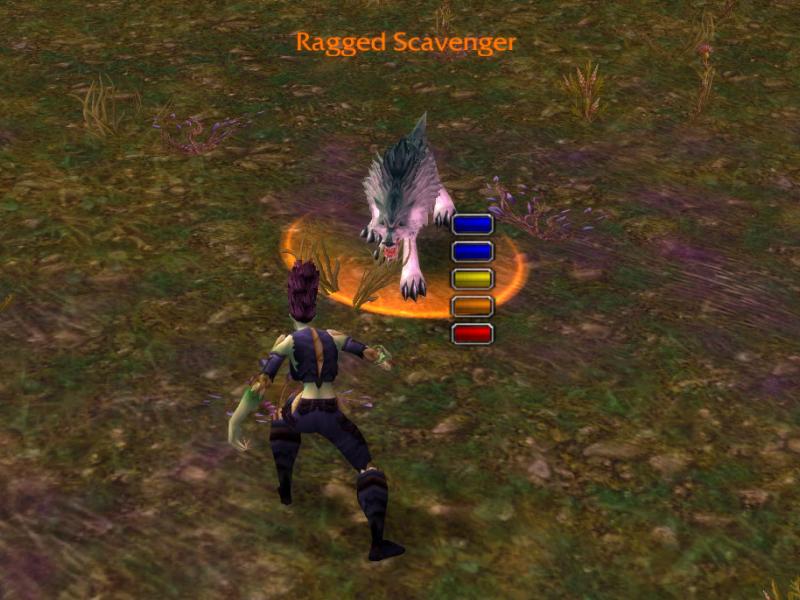
You can change the color of the dots, the layout and you can have inactive dots shown with a special color.
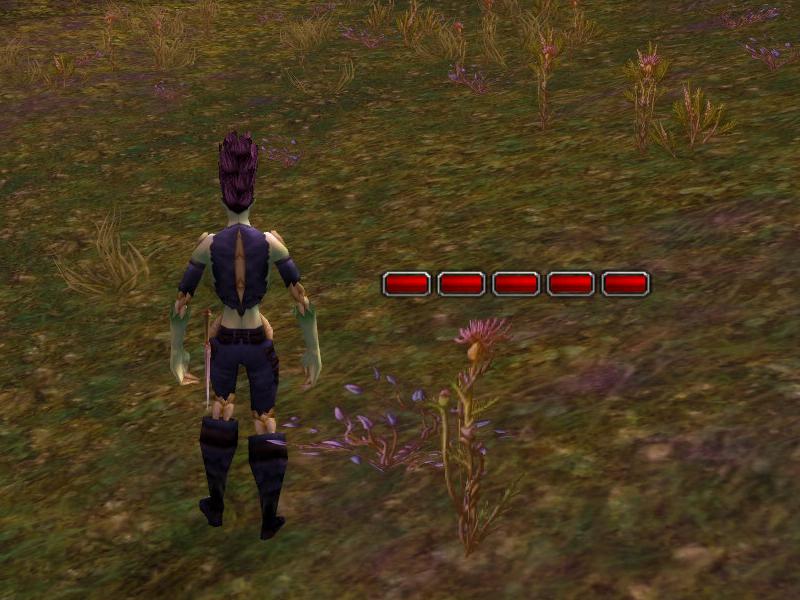
This is what the default dot layout looks like. You can change several aspects of it.
Description
UIM:ComboPoints just displays a rogue's combo points.
This addon was originally written by Xaroth and published on WOWUI. I'm just maintaining it. He seems to have disappeared, so I had the project transferred to me to update it for WotLK. I'm now publishing it on Curse.
Features:
Use
- Movability: move it wherever you want to show it.
- Display: tell the mod how you want it to display it, it can display the 5 boxes horizontal, vertical and diagonal, in any of the 8 directions.
- Colors: each dot is seperately colorable, get a nice look by making them all pink or purple, or keep it neat and black. Or maybe let them go from red to green.
- Background: Show the background for the combopoints you don't have yet, or hide them to only show up when you have that amount of combo points.
- Visibility: the mod won't nag you if you're not a class that uses combo points, yet you can force it to show, same goes for rogues/druid. If your layout doesn't want it, hide it.
Use
/cbp or /combopoints./cbp reset reset all settings to defaults./cbp report report all saved values./cbp lock lock the points in position./cbp unlock make the points moveable./cbp visible (0|no|false) hide the points./cbp visible (1|yes|true) allow showing the points./cbp appear show all points and make the moveable. The points will have the 'inactive' color when they are dragged./cbp color (1..5|inactive) let the user choose the color for a point or the 'inactive' color./cbp gap pixels choose the distance between the points. 0 gives you the default, -5 puts them right next to each other./cbp background toggles displaying the background. This means that an inactive point is displayed with the 'inactive' color until it is active./cbp height pixels Set the height of the dots./cbp width pixels Set the width of the dots./cbp mode 1..9 Change the orientation of the points relative to each other. The numbers mean the direction from the keypad '5' to the number, i.e. '1' means the points run from lower right to upper left, while '6' means they run from left to right. '5' is equivalent to '6'.The UIM:ComboPoints Team