Campfire Guild Roster
- By
Guild log with who-did-what, alts & mains, join and promotion dates, inactive members – synced between officers.
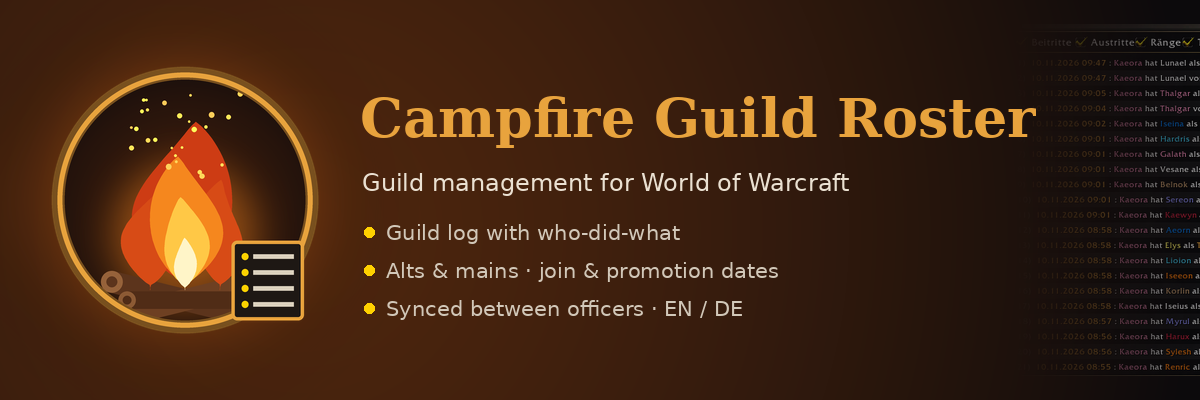
Campfire Guild Roster keeps track of your guild – who joined, who left, who promoted whom, which characters belong together – and shares it with every officer who uses the addon.
Deutsche Beschreibung weiter unten.
✨ Features
📜 Guild log – who did what Joins (with inviter), leaves, kicks, promotions and demotions (with who did it), renames, notes and alt links. Numbered, class-colored, filterable and searchable. Campfire Roster also reads Blizzard's guild event log, so things that happened while you were offline show up with time and actor.
🔄 Synced between officers Everyone with the addon shares log entries, alt links, join and promotion dates and roster notes. The same event seen by two officers is merged – a missing actor is filled in and the more exact time wins. New installs receive the last 60 days.
👥 Alts & mains Link alts from either side, see the whole group and click through it. The main tag shows up in guild, officer, party/raid and whisper chat and in the player tooltip.
📋 Member table Name, rank, level, join date, last promotion, main/alt and time offline – sortable by every column, alts listed under their main. The Inactive tab lists everyone offline longer than you set.
🧭 Player panel at the guild roster (J) Hover a member to see everything at a glance, click to pin it. Edit join date, promotion date, public note, officer note, roster note and alts right there. The panel docks to the guild window and grows with its content.
🔥 Lightweight Data is compared at login (or with Sync now) – no constant traffic. Only ranks you allow (default: ranks 0–2) can change or send data.
🌍 English & Deutsch – follows your game language.
⌨️ Commands
| Command | |
|---|---|
/cfr |
open the window |
/cfr sync |
sync now and show who has the addon online |
/cfr settings |
settings |
/cfr help |
all commands |
Or use the minimap button and the Guild Log button on top of the guild window.
ℹ️ Good to know
- Blizzard does not allow addons to promote players – Campfire Roster only shows and records.
- Blizzard's guild event log only covers the last few weeks; older promotion dates can be entered by hand.
- Every officer who should share data needs the addon.
🇩🇪 Deutsch
Campfire Guild Roster behält eure Gilde im Blick – wer beigetreten ist, wer gegangen ist, wer wen befördert hat, welche Charaktere zusammengehören – und teilt das mit allen Offizieren, die das Addon nutzen.
- 📜 Gilden-Log – Beitritte (mit Einlader), Austritte, Kicks, Beförderungen und Degradierungen (mit Verursacher), Namenswechsel, Notizen und Twinks. Nummeriert, in Klassenfarben, filter- und durchsuchbar. Liest auch Blizzards Gildenprotokoll, damit Ereignisse aus deiner Offline-Zeit mit Uhrzeit und Verursacher auftauchen.
- 🔄 Sync zwischen Offis – Log-Einträge, Twinks, Beitritts- und Beförderungsdaten und Roster-Notizen werden geteilt. Gleiche Ereignisse werden zusammengeführt, Neuinstallationen bekommen die letzten 60 Tage.
- 👥 Twinks & Mains – von beiden Seiten verknüpfen und durchklicken. Main-Tag im Gilden-, Offiziers-, Gruppen-/Raid- und Flüsterchat sowie im Tooltip.
- 📋 Mitglieder-Tabelle – nach jeder Spalte sortierbar, Twinks unter ihrem Main, Reiter Inaktiv.
- 🧭 Spielerfenster an der Gildenliste (J) – Maus drüber zeigt alles, Klick fixiert. Beitritt, Beförderung, Notizen und Twinks direkt bearbeiten. Dockt ans Gildenfenster an.
- 🔥 Ressourcenschonend – Abgleich beim Login oder per Jetzt syncen. Nur erlaubte Ränge (Standard 0–2) dürfen ändern und senden.
Befehle: /cfr Fenster · /cfr sync jetzt syncen · /cfr einstellungen · /cfr hilfe
Campfire Guild Roster Team