Cadence Rotation Coach
Learns your rotation from your own fights and shows the next ability to press. Never presses anything for you.
cadence-banner.png
Cadence - Buffs.png
Cadence - Damage.png
Cadence - Progress.png
Cadence - Timeline.png
Cadence - Builds.png
Cadence - Gear.png
Cadence - Rotation.png
Description
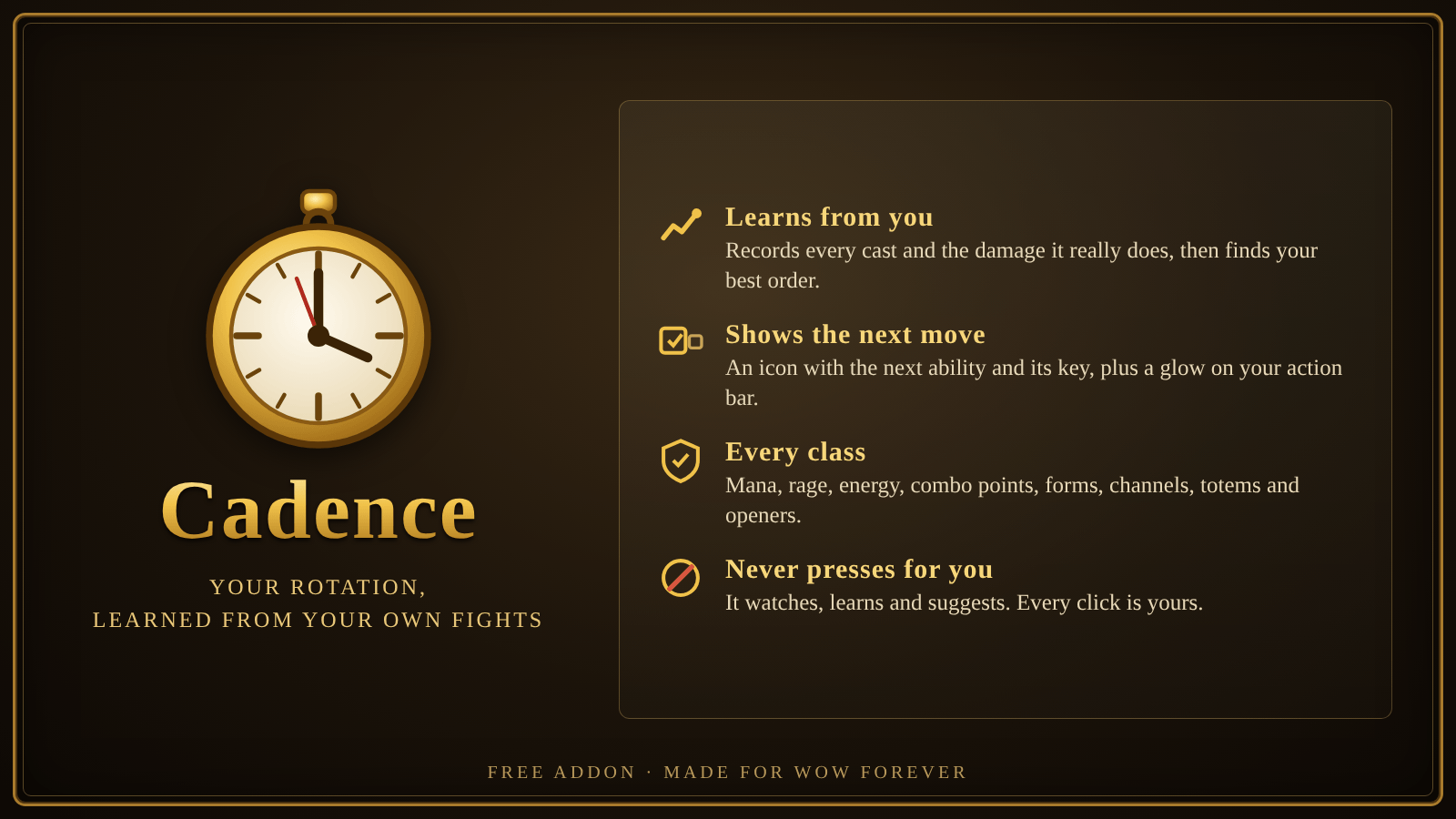
Your rotation, learned from your own fights.
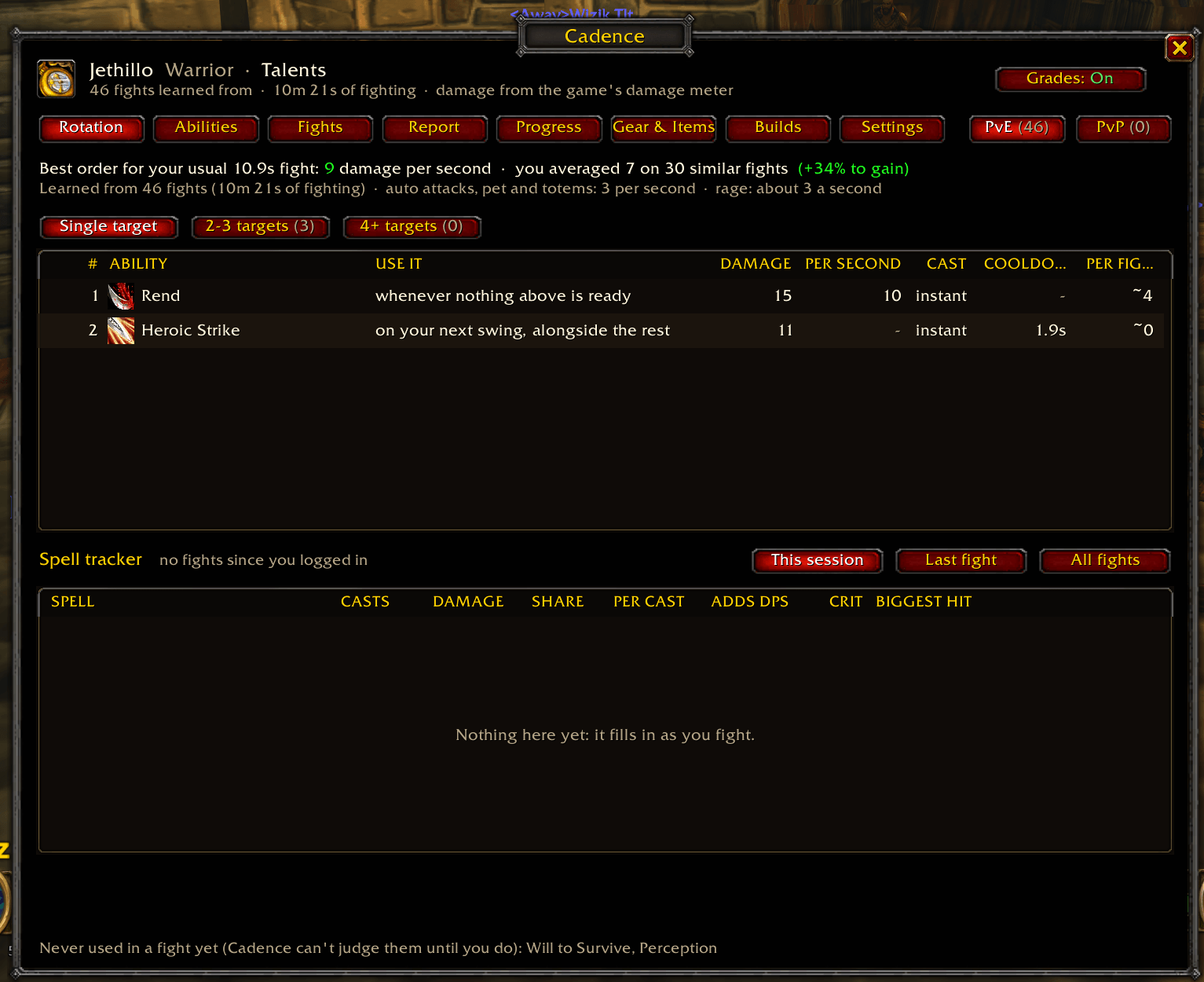
Cadence watches you fight, learns what every ability is really worth for your character, works out the best order to use them, and shows you the next ability to press, right where your eyes already are.
It never presses anything for you. It watches, learns and suggests. Every click is yours.
Why Cadence
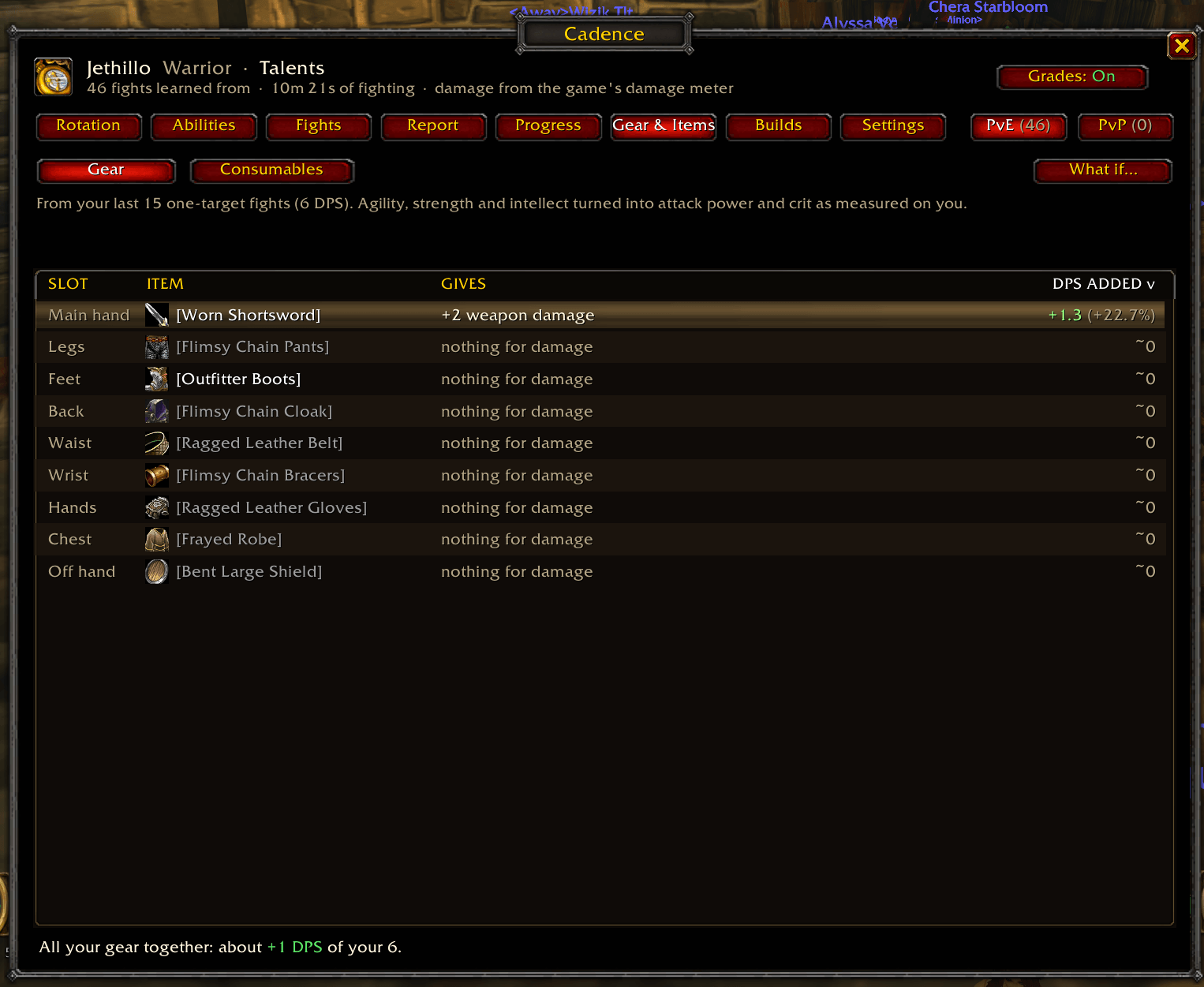
- Learns from you, not a guide. Your gear, your talents, your ranks. Cadence measures the real damage of every cast, including crits, damage over time, Auto Shot, melee and your pet.
- Finds the best order. After each fight it simulates thousands of fights of your usual length and keeps the order that does the most damage.
- Shows the next move. A clean icon with the next ability, its keybind and the one after. The button on your action bar glows too (Blizzard bars, Bartender and ElvUI).
- Keeps up. As you level, gear up or respec, new data takes over and old data fades out.
The right rotation for the fight you're in
- One target or a pack. Separate rotations for single target, 2-3 targets and 4+ targets. Cadence counts what's fighting you and switches on its own, so Whirlwind and Multi-Shot climb the list in packs.
- Short or long fights. Mana and energy users get a burn order for quick kills and a make-it-last order for long ones. Cadence picks between them from how long the target has left and how much mana you've got, before you go dry.
- PvE and PvP, learned apart. Battlegrounds, arenas and enemy players use your PvP rotation; everything else uses PvE.
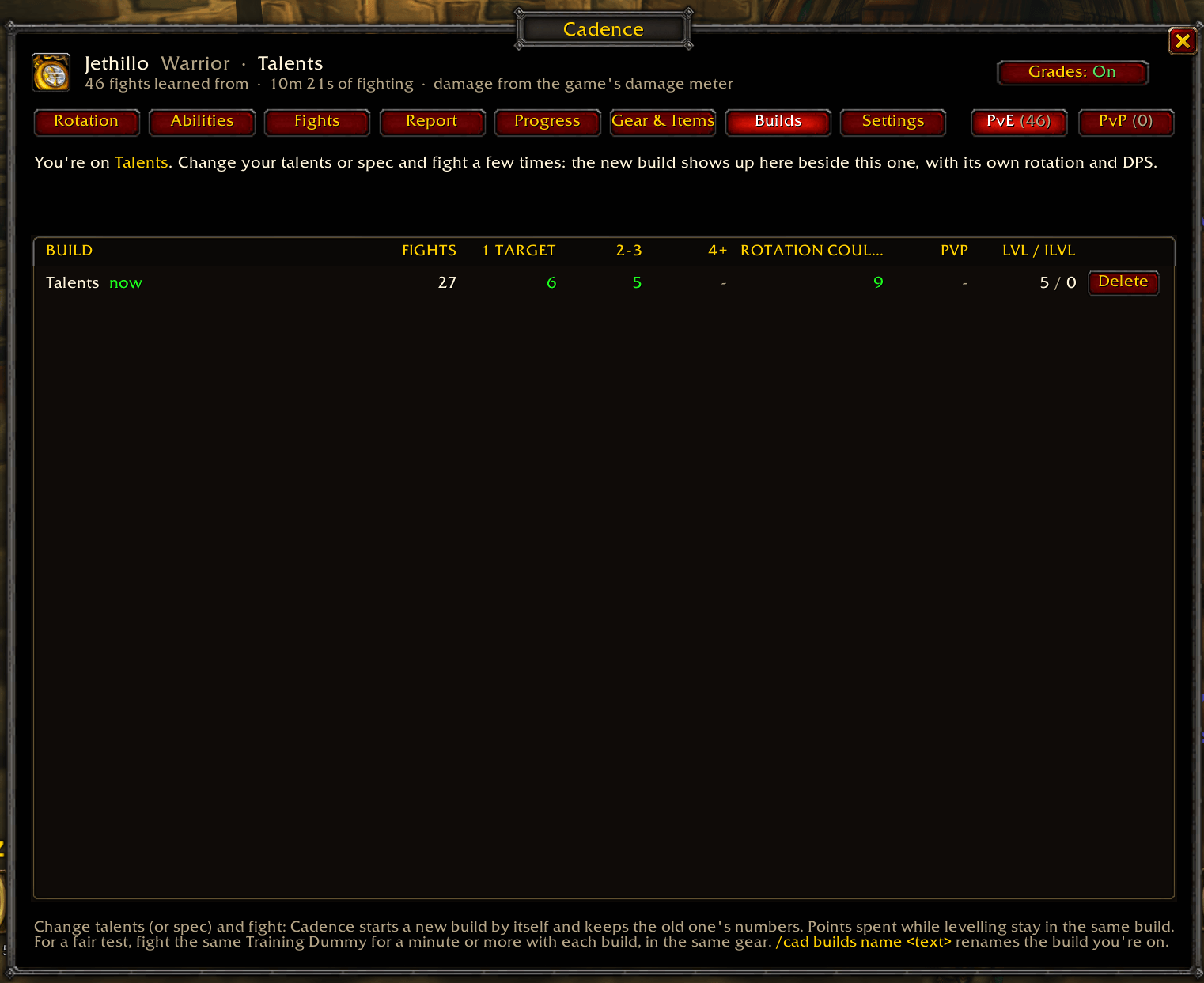
- Compare talent builds. Respec and Cadence starts a new build with its own rotation and keeps the old one. The Builds page puts them side by side (one target, packs and PvP) and tells you which wins.
Every class
Mana, rage and energy · combo points and finishers · next-swing abilities · channels · keep-up buffs and seals · totems · situational abilities like Overpower and Execute · stealth openers · a separate rotation for each druid form · an Auto Shot timer for hunters.
See how you're doing
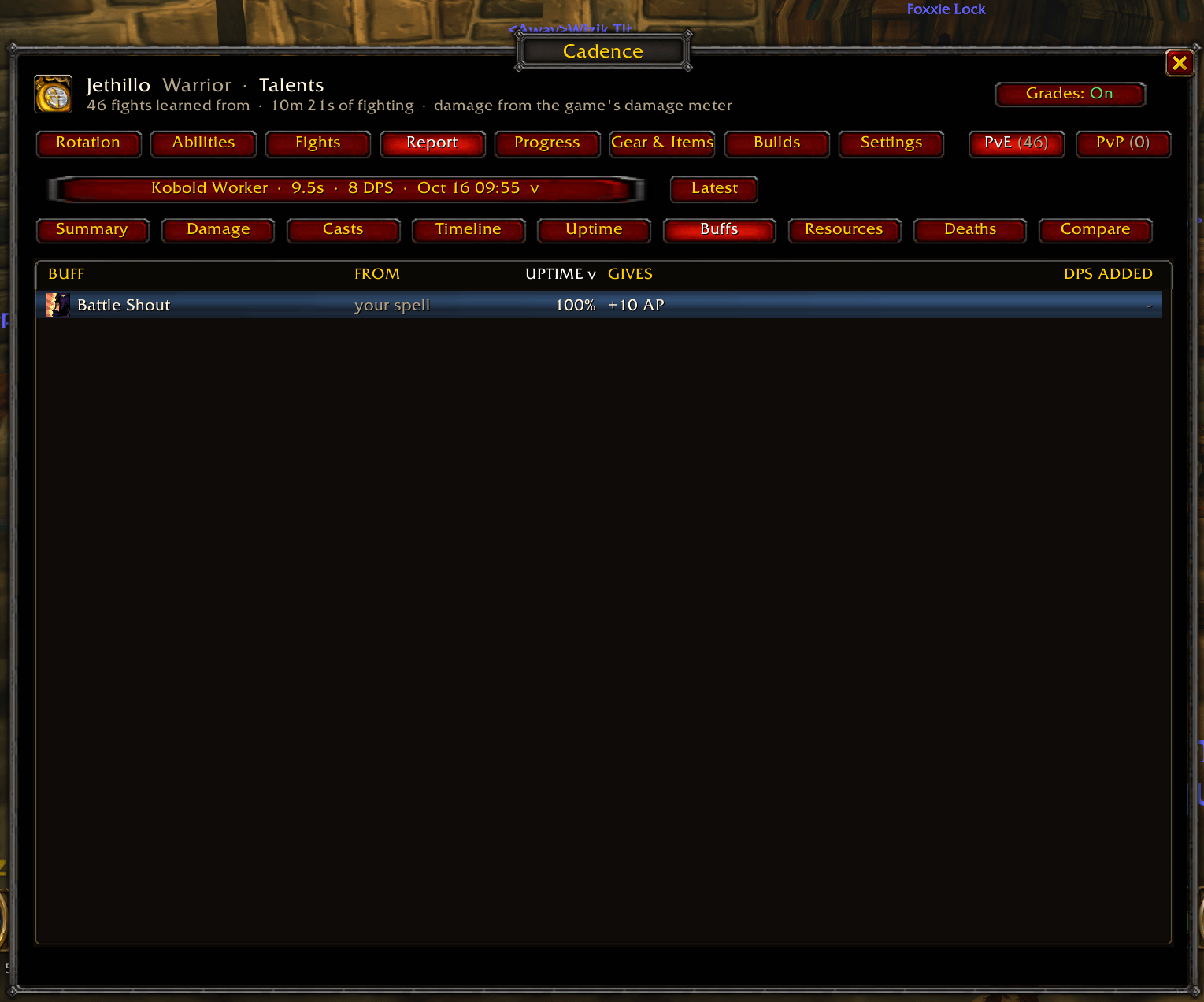
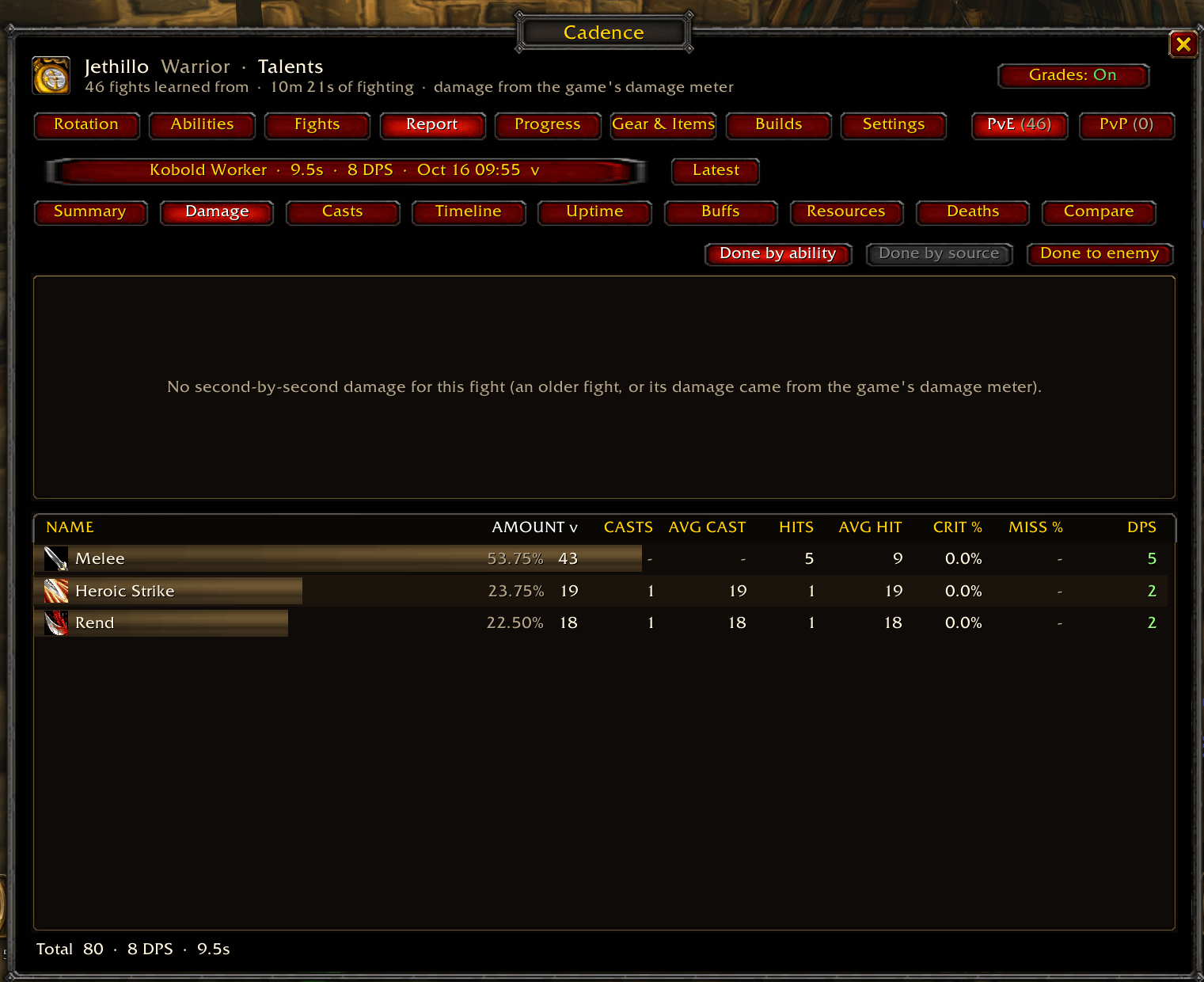
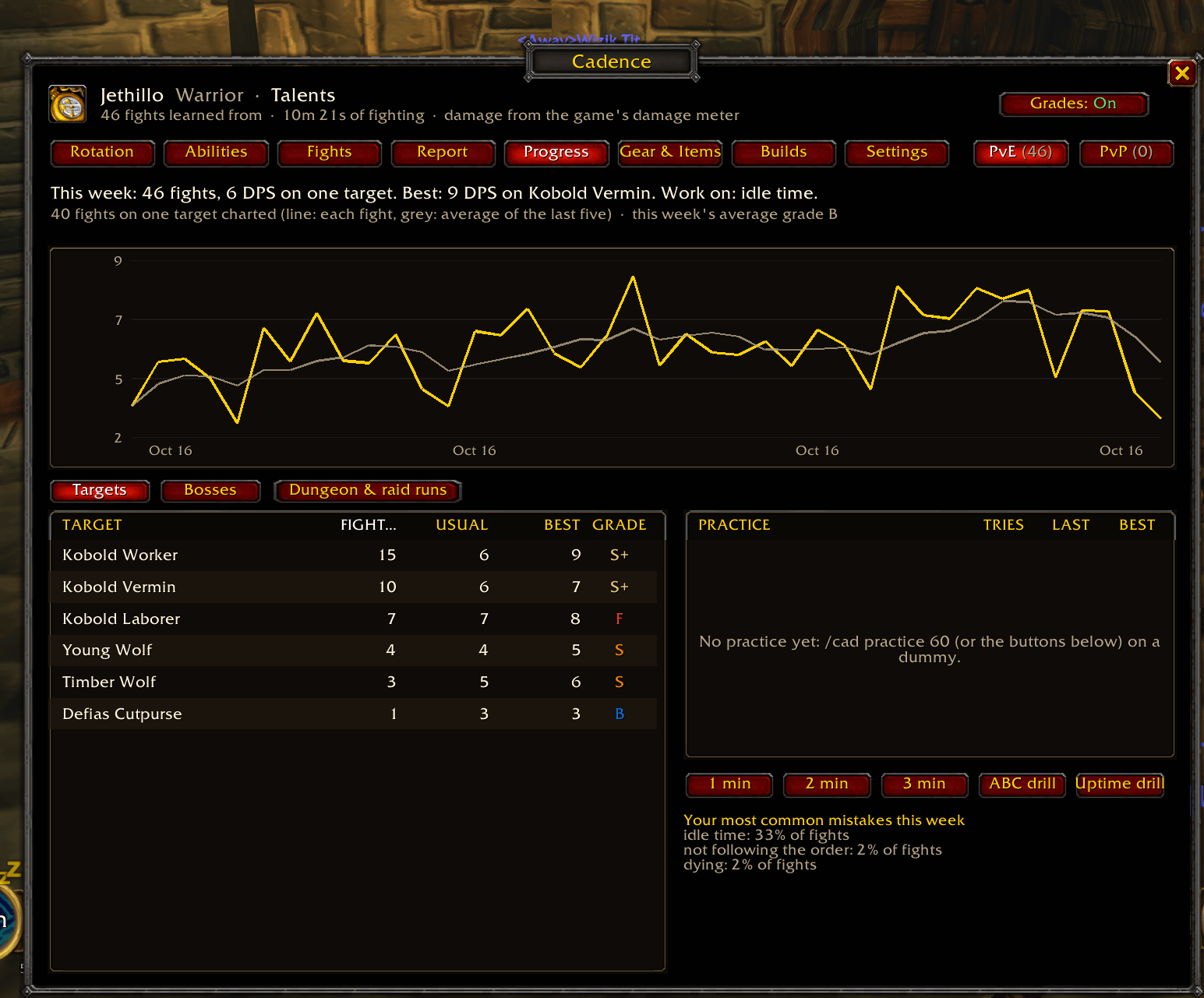
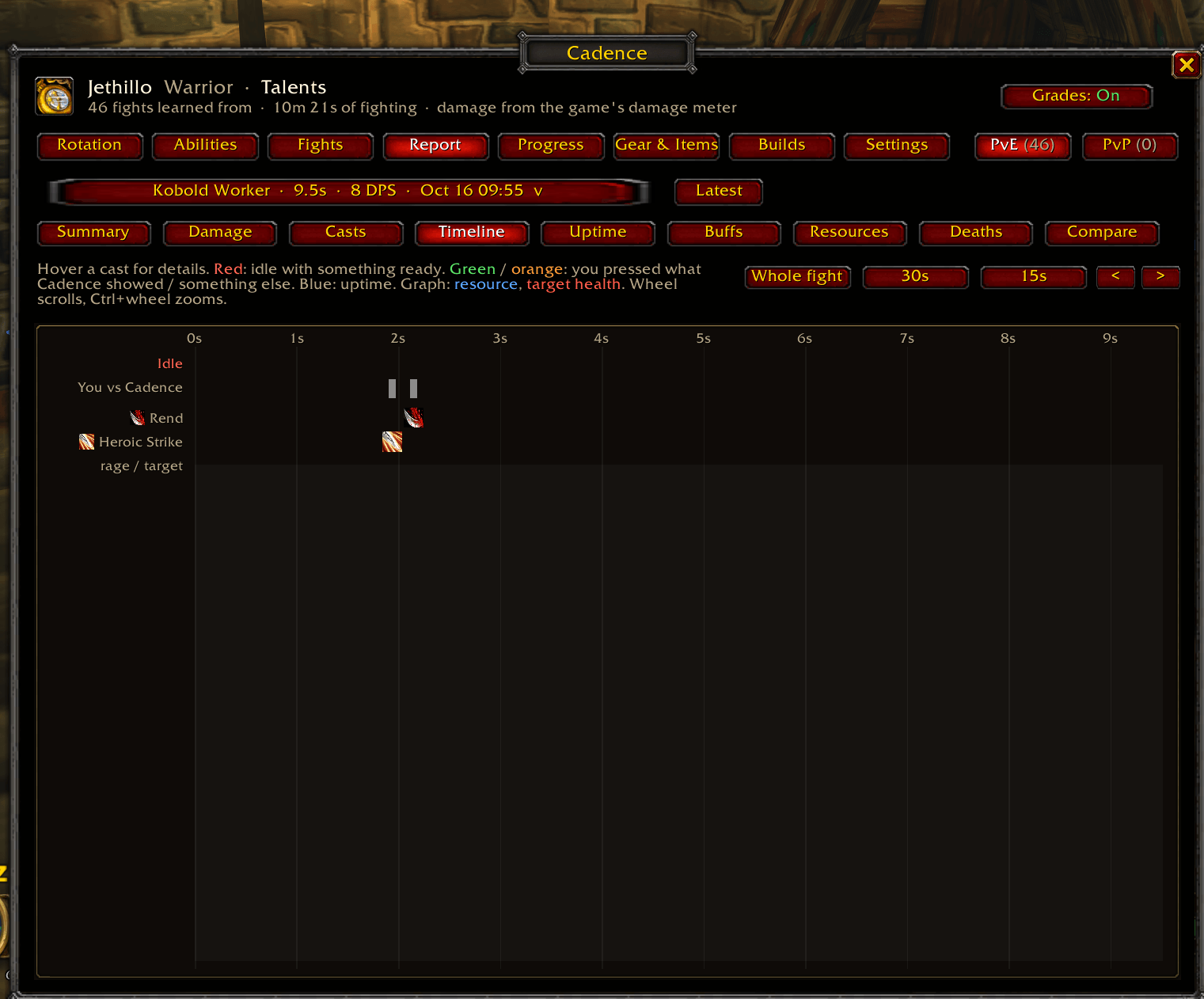
The /cad window shows your learned rotation for each pack size, a spell-by-spell damage breakdown (session, last fight or all time), every fight's DPS and how closely you followed the suggestions, and your talent builds compared.
Getting started
- Install, then fully restart the game.
- Fight something. A training dummy gives the fastest learning.
- After a couple of fights, the icon starts suggesting your next move.
/cad window · /cad builds compare talent builds · /cad targets pin a pack size · /cad pvp pin PvP or PvE · /cad lock unlock to drag the icon · /cad icon turn suggestions on or off · /cad check see what the game lets Cadence read
Free, and always will be. If Cadence helps you, a tip is appreciated but never expected: ☕ Buy me a coffee
Cadence Rotation Coach Team