C-Perl Unit Frames
- By
A customizable unit frame addon for WoW: Forever with enhanced player, target, party, raid, pet, focus, and class-resource displays.
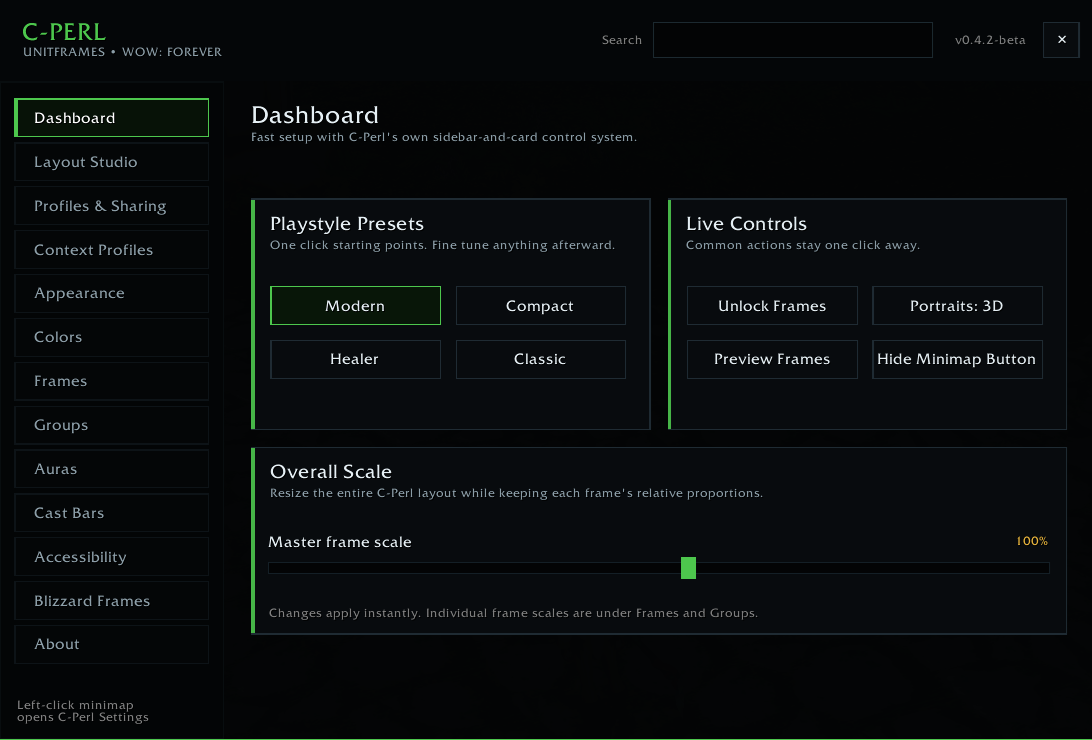
c-perl-1.png
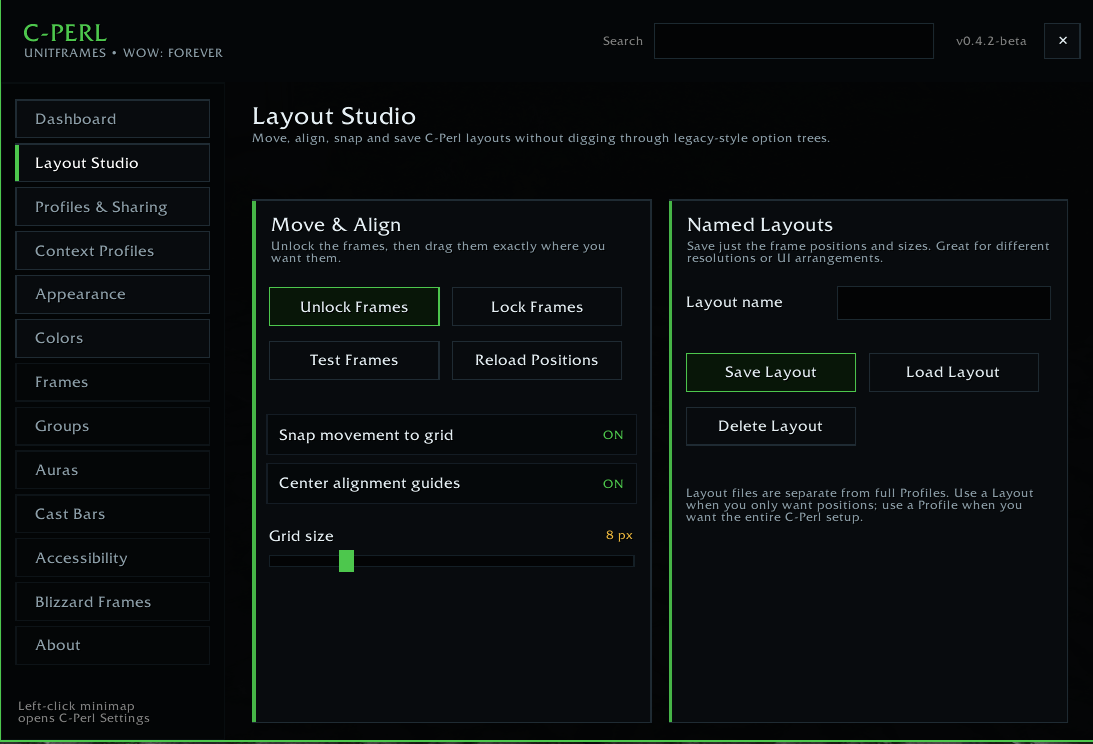
c-perl-2.png
c-perl-3.png
c-perl-4.png
Description
# C-Perl Unit Frames
C-Perl is a customizable unit frame addon built specifically for WoW: Forever.
It brings the classic X-Perl style of highly configurable unit frames into Forever, while being actively adapted for the client’s API differences instead of assuming Retail behavior will work unchanged.
## Features
- Custom player and target frames
- Party and raid frames
- Pet and focus support
- Portrait support
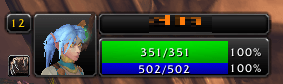
- Health, power, level, name, and status displays
- Buff and debuff tracking
- Class-resource support, including combo points
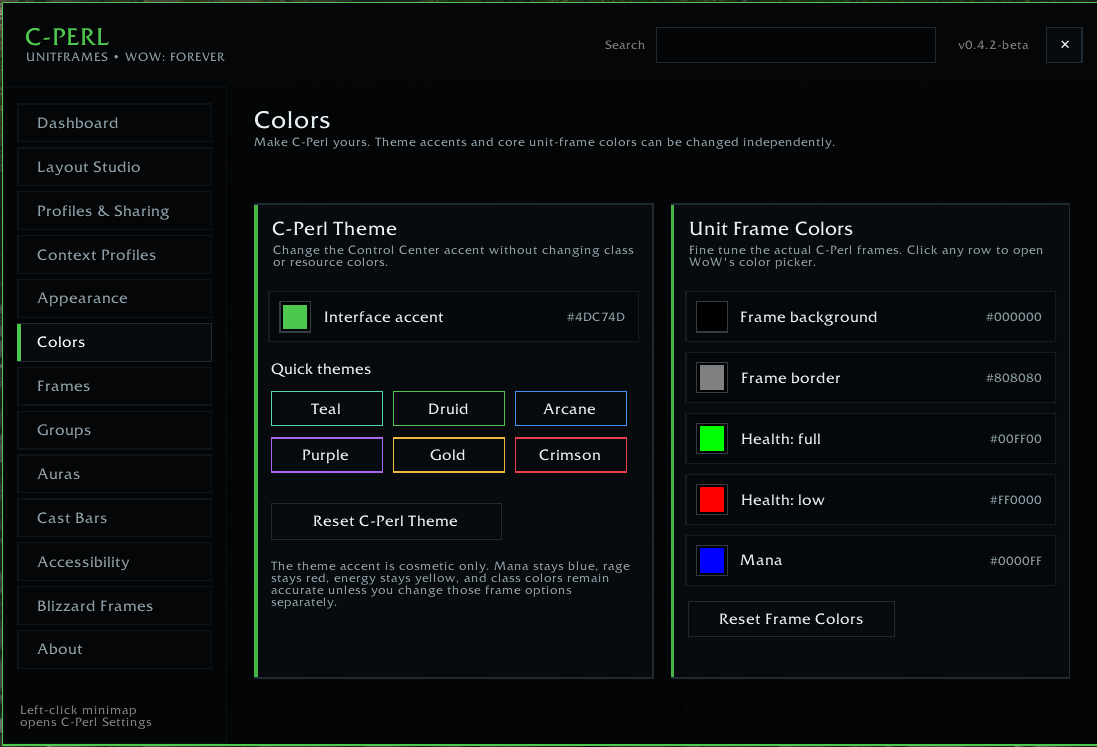
- Custom frame colors
- Configurable bars, borders, text, portraits, and layout
- Target and debuff highlighting
- Combat and status indicators
- Extensive per-frame customization
- Saved settings between sessions
- Designed to remain lightweight while still offering deep customization
## Built for WoW: Forever
C-Perl is being maintained specifically around WoW: Forever.
Forever does not always expose the same templates, functions, or UI behavior as modern Retail WoW, so C-Perl includes compatibility work specifically for the Forever client.
That means Forever support is treated as its own target, not simply as a renamed Retail build.
## Customization
C-Perl is designed for players who want control over how their UI looks.
You can customize things such as:
- Frame colors
- Health and power bars
- Portraits
- Buff and debuff displays
- Frame sizes and positioning
- Text and status information
- Party and raid presentation
- Class-resource displays
More customization options will continue to be added as development continues.
## Beta Status
C-Perl is currently in beta.
The addon is usable, but WoW: Forever is different enough from other WoW clients that additional compatibility issues may appear as more classes, abilities, group content, and UI systems are tested.
If you encounter a Lua error, please include the full error message when reporting it.
## Installation
1. Download the latest C-Perl release.
2. Extract the addon folders into your WoW: Forever Interface/AddOns folder.
3. Start or restart the game.
4. Enable C-Perl from the AddOns menu.
5. Log in and configure the frames to your preference.
## Feedback and Bug Reports
Comments and bug reports are welcome.
When reporting an issue, please include:
- Your class
- Your current level
- What frame or feature was being used
- What you were doing when the issue occurred
- The full Lua error, if one appeared
Screenshots are also helpful for visual or layout problems.
## Credits
C-Perl is inspired by the classic X-Perl / Z-Perl style of unit frames, while being adapted and maintained specifically for WoW: Forever.
C-Perl Unit Frames Team

Owner