Button Wheel by 0xgle
- By
Hold a key, point at an action, release. The 0xgleUI action wheel as a standalone addon: 6 menus, 12 actions each.
Description
# 0xgle Wheel
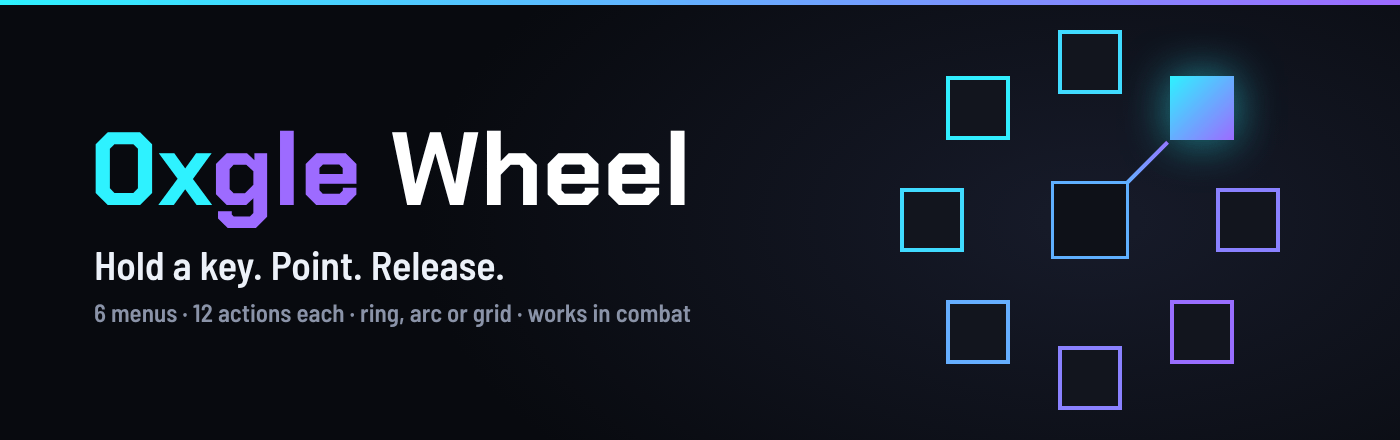
**Hold a key. Point at an action. Release.**
The action wheel from 0xgleUI as a standalone addon. No UI replacement and no extras: just the wheel, for any interface.
## What it does
- **Up to 6 menus**, each with its own key and up to 12 actions
- **Three layouts:** full ring, arc or grid
- **Opens where you need it:** at the cursor or at the screen centre
- **Works in combat:** hold the key, point, release. Release on empty space to cancel
- **Mouse too:** slots can also be clicked while the wheel is open
- **Cooldowns on the wheel**, and unusable actions are dimmed
- **Any key:** keyboard, mouse buttons or the mouse wheel, with Shift, Ctrl and Alt
## What you can put on it
- Spells, chosen from a searchable list
- Bag items, Hearthstone and potions
- Macros, or macro text typed straight into a slot
- Forms and stances
- Raid target markers
## Settings
Type `/0xw` or click the minimap button. The live preview shows the wheel as you change it: radius, arc, rotation, icon size and labels.
Menus are saved per character.
| Command | What it does |
| --- | --- |
| `/0xw` | Open the settings |
| `/0xw on`, `/0xw off` | Switch all menu keys on or off |
| `/0xw minimap` | Show or hide the minimap button |
| `/0xw status` | Show the active menus and the 0xgleUI link |
## Works with 0xgleUI
0xgleUI is **optional**. If you use it, 0xgle Wheel connects to it on its own:
- takes the accent, glass colours, fonts and language of your active style
- imports your 0x Wheel menus with one click
- warns you when both wheels use the same key
- puts its minimap button in the 0xgleUI drawer
The link is read only, so nothing is ever changed in 0xgleUI.
## Languages
English, Polski, Español.
---
Bug reports and ideas: use the Comments tab.
Want to support the project? [ko-fi.com/0xgle](https://ko-fi.com/0xgle)
Button Wheel by 0xgle Team