Discord_zdL8NR9F6e.png
Discord_a3nsTXln00.jpg
Discord_7k5yBrEiyy.png
Discord_yUO66OxiHq.png
Description
BroodAuras
I missed my WeakAuras. Midnight broke most of what they did and honestly I only ever used them for one thing, a big glow on my screen when something important was up (even though I had over 3k auras saved!). So I made that.
I can't stress enough that this is a work in progress. I've spent a ridiculous amount of time on it already but I'm going to keep going because I miss my screen textures!
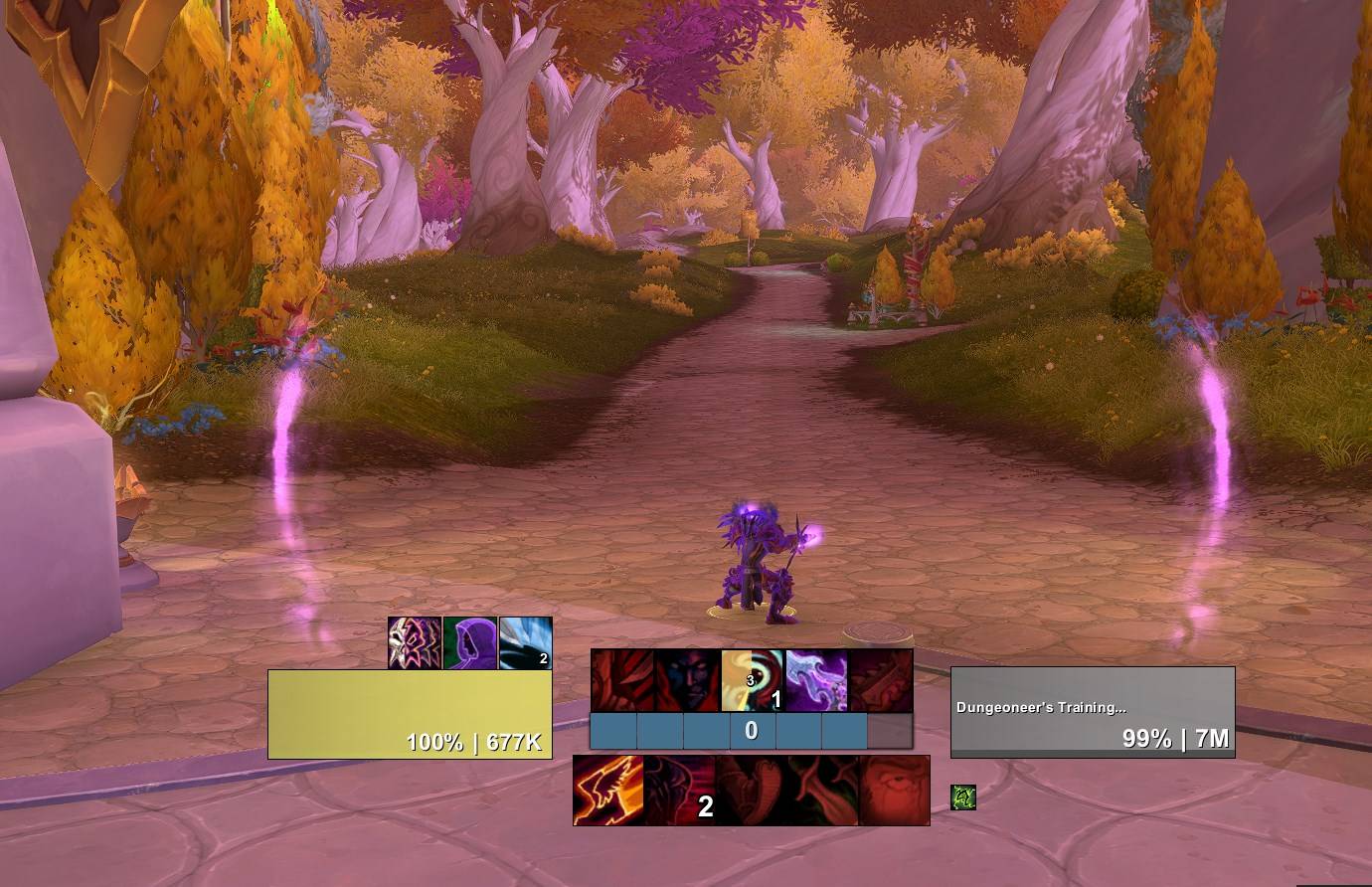
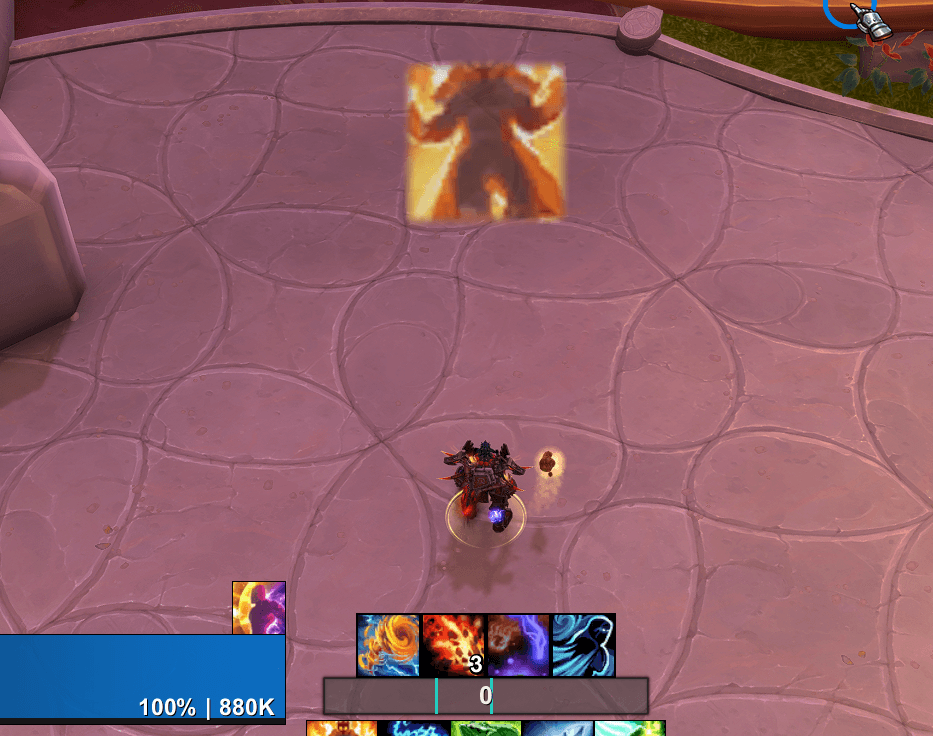
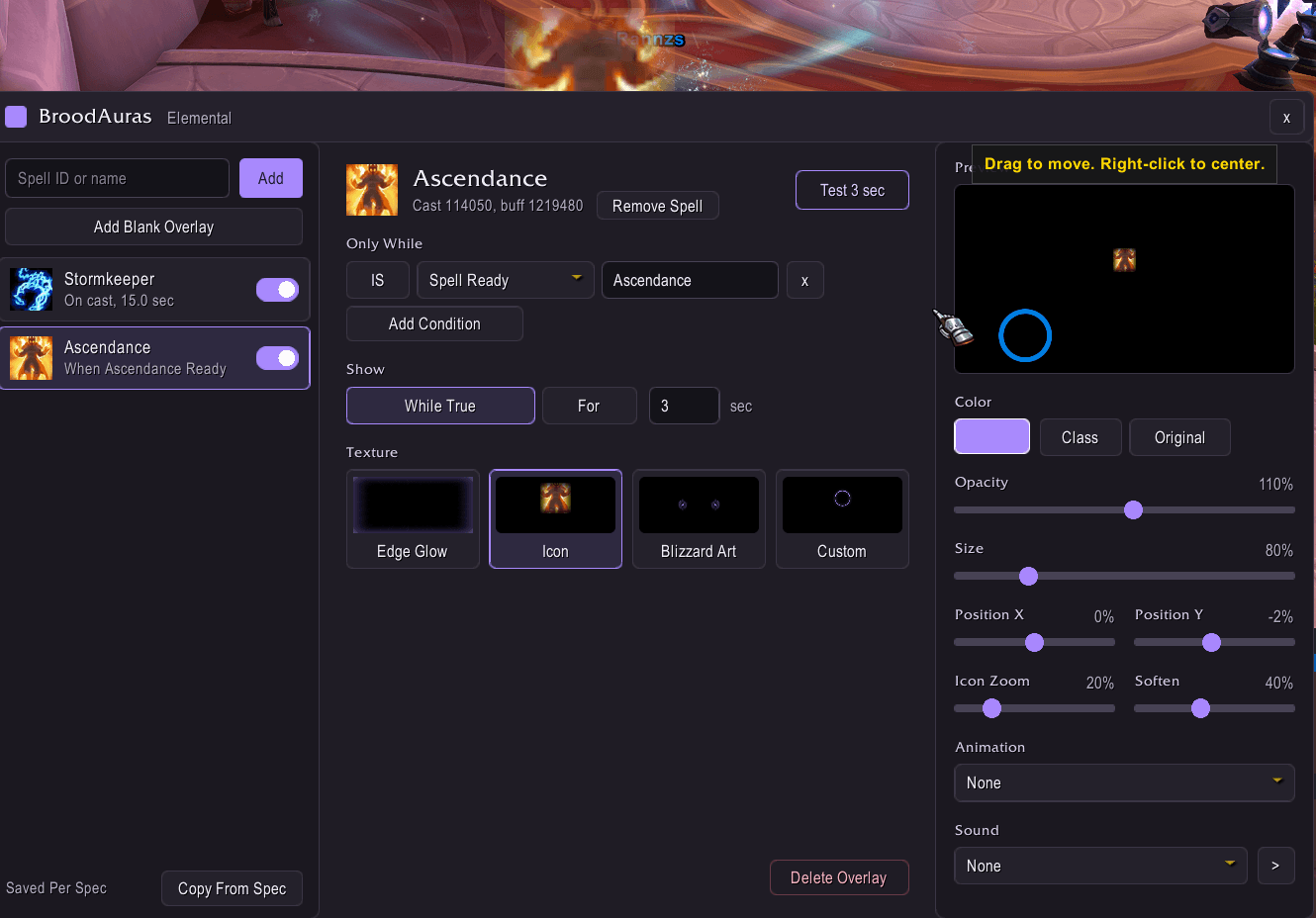
BroodAuras puts overlays on your screen when your stuff is active. Shadow Dance is up, Ascendance is off cooldown, trinket is ready, you're at 5 combo points, you're not in Shadowform, that kind of thing.
I made it as SIMPLE as I could!
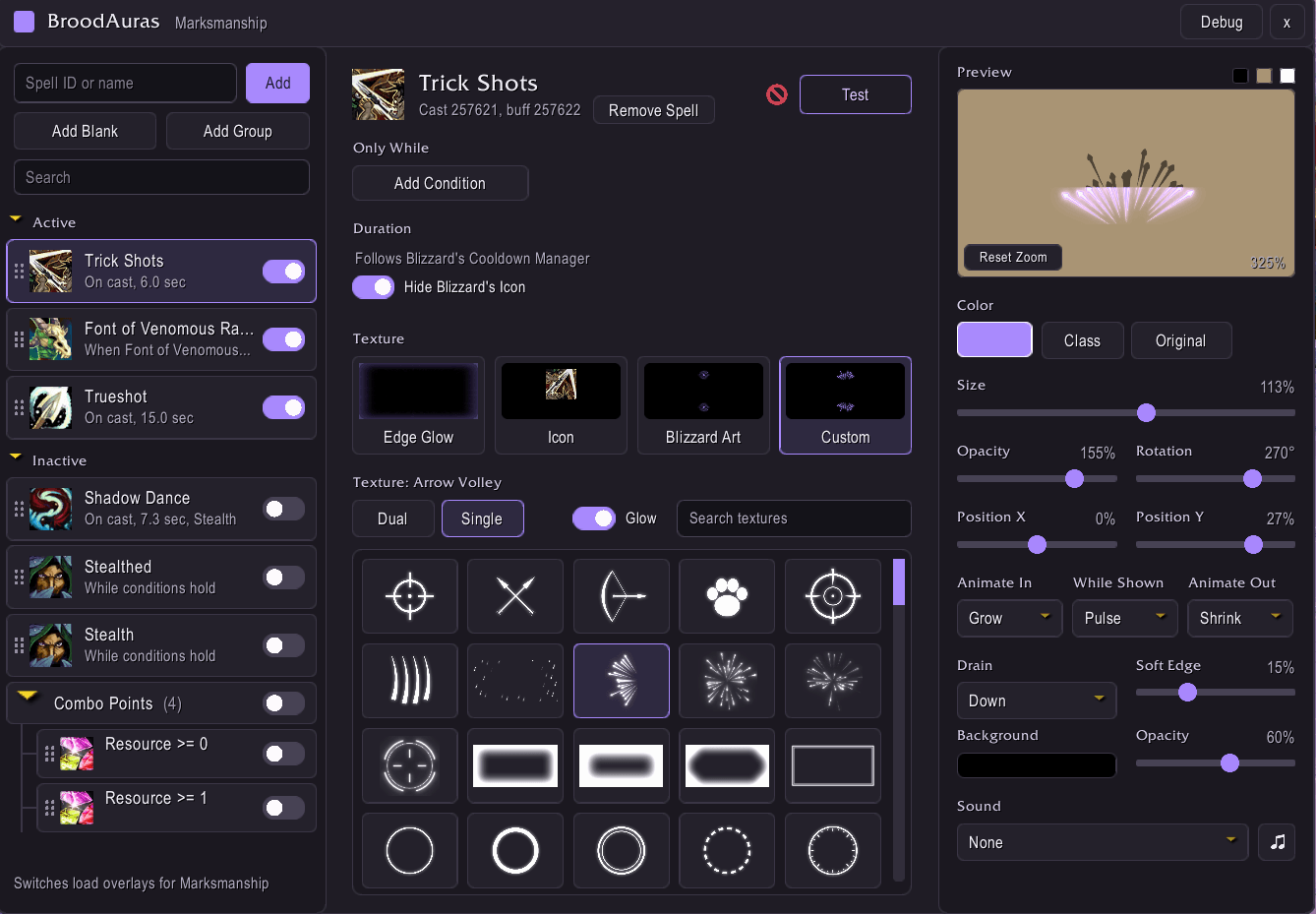
WeakAuras could do anything but it took an hour to make one aura. Here you type a spell name, pick a look and you're done. There's a live preview so you see what you're getting, no custom code or import strings.
How it works in Midnight
Blizzard hides your buffs from addons in combat now so the old "show while I have this buff" thing is gone. BroodAuras works around it:
- Overlays start when you cast the spell and run for the buff's real length (it learns that the first time you use it out of combat)
- Talents that extend buffs are tracked too, like The First Dance or Further Beyond. If the game hides one from addons it'll tell you instead of guessing
- Charge buffs like Stormkeeper end when the charges are used up
- Spell ready/on cooldown, combo points, holy power, soul shards, essence, DK runes and Maelstrom Weapon stacks all work in combat
So what can you make?
- Up to 4 conditions per overlay (In Combat, Stealthed, stance/form, Mounted etc) each with an IS / NOT switch
- Edge glows with fire, sparks, mist or electric effects, your spell's icon, Blizzards own proc art or the textures that come with the addon. Some are animated
- Color, size, opacity, rotation, position (just drag it in the preview), animations and sounds
- Groups so you can move a bunch together, and per spec on/off switches
Works on WoW Forever too. talent tracking only kicks in where the spells match retail, everything else is the same.
Getting started
/ba opens the window (or /bauras or the addon compartment button). Type a spell at the top, hit Add, then "Test 3 sec" to see it.
If something looks off hit the Debug button in the title bar and paste the log in a comment here, it helps me fix stuff way faster.
Part of the Broodstorm suite, along with BroodBGs and BroodFinder and RaidClip
BroodAuras Team