
BronzeCasting - Player CastBar Forever style
- By
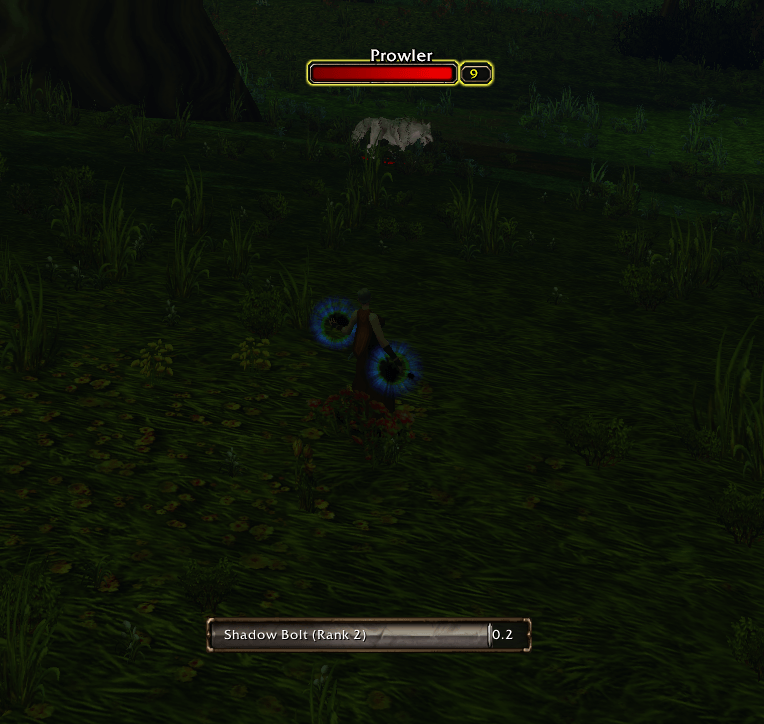
cast_bronze.png
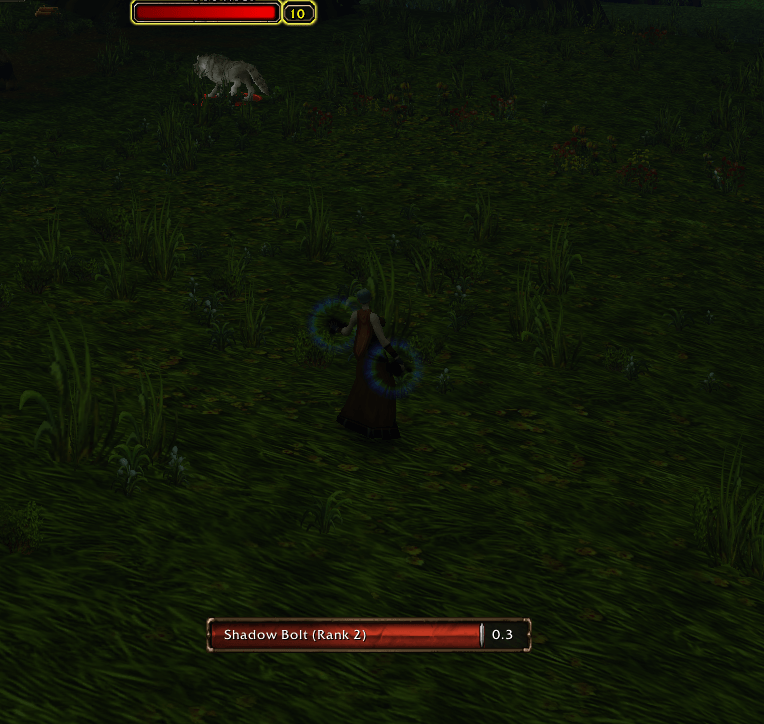
cast_horde.png
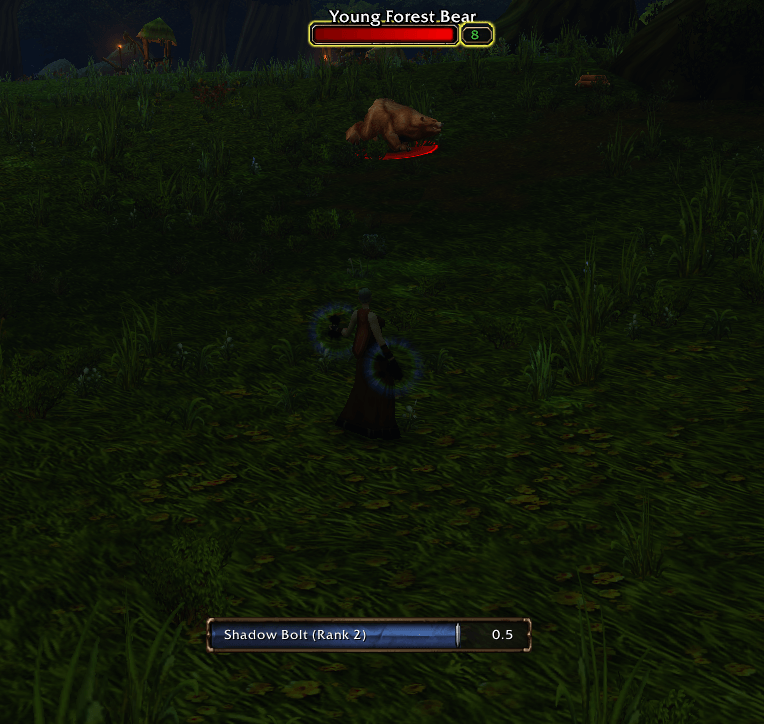
cast_alliance.png
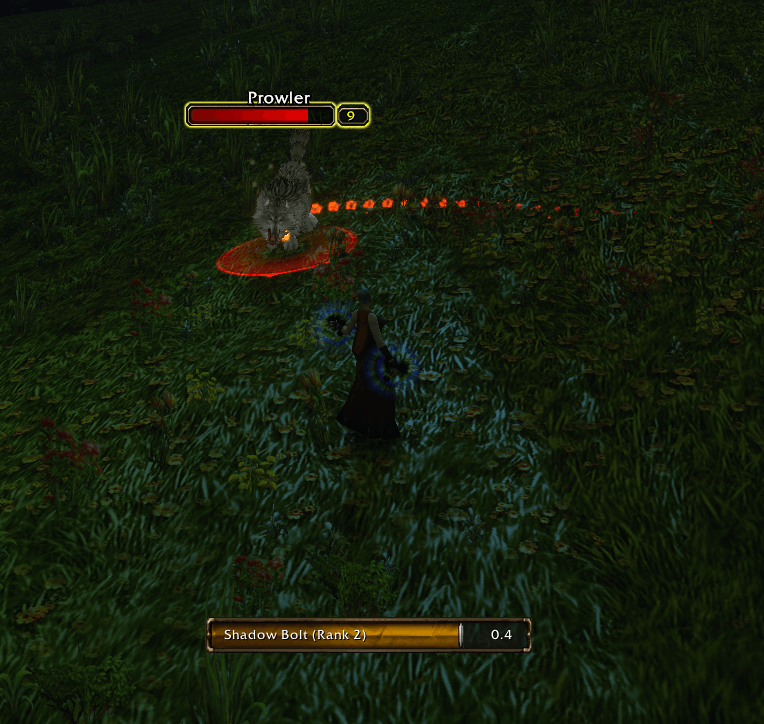
cast_classic.png
edit_mode_001.png
all_options_explanation_01.png
cast_text_below_01.png
edit_panel_001.png
Description
[Disclaimer!!] AI assisted, if you feel uncomfortable do NOT download
BronzeCasting
I felt in love of the newly added Swing Timer bars in WoW Forever and that's why I wanted the same style and flavour as my castbar. There's a toggable to apply the same Bronzecasting theme to Target and/or Focus castbars.
[Commands]
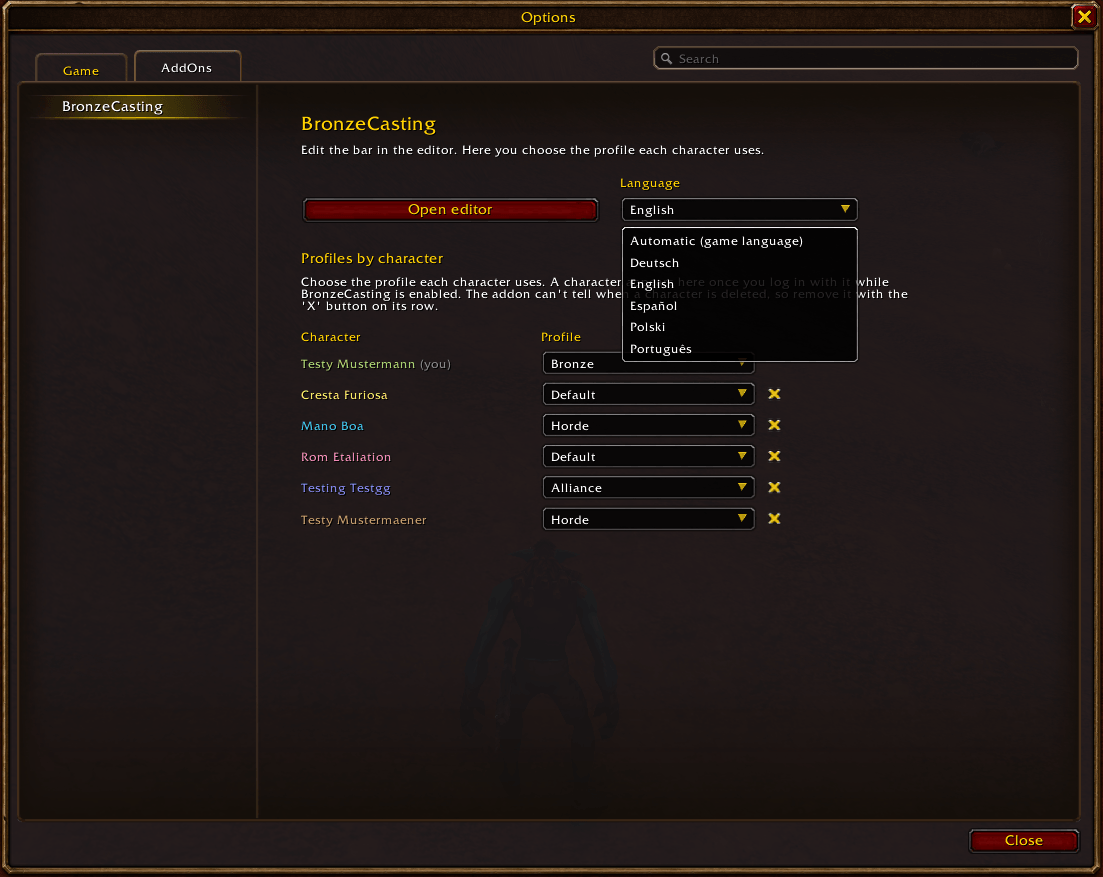
`/bronze` -> Opens the Addons options window where you can change the language, remove characters from the addon (this DOES NOT deletes your character) and assign the profile to all your characters after a Profile change without the need to log in in every one of them.
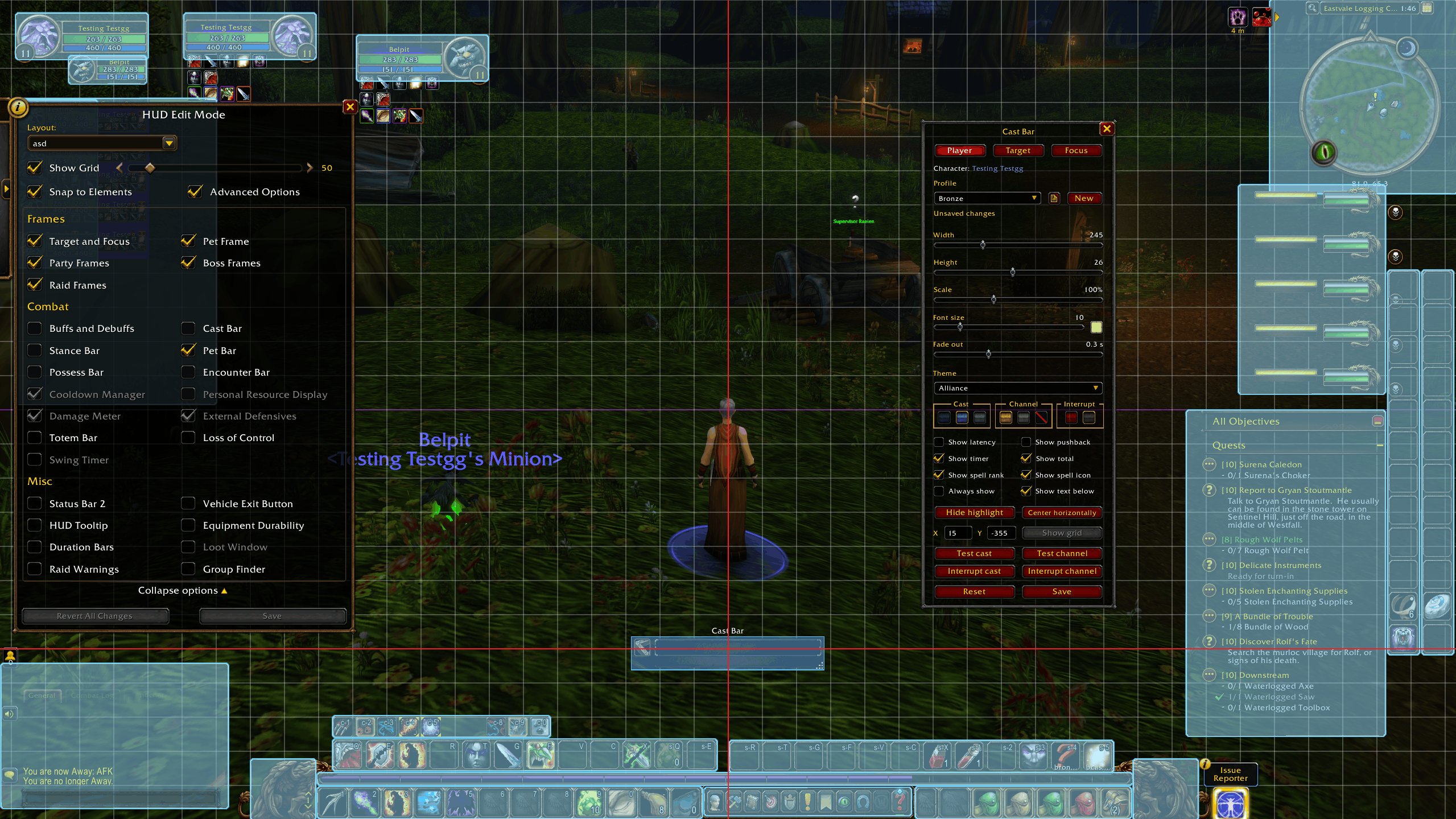
`/bcast` -> Opens the addon configuration in Edit mode, where you can place, test, change settings and create new profiles.
[Features]
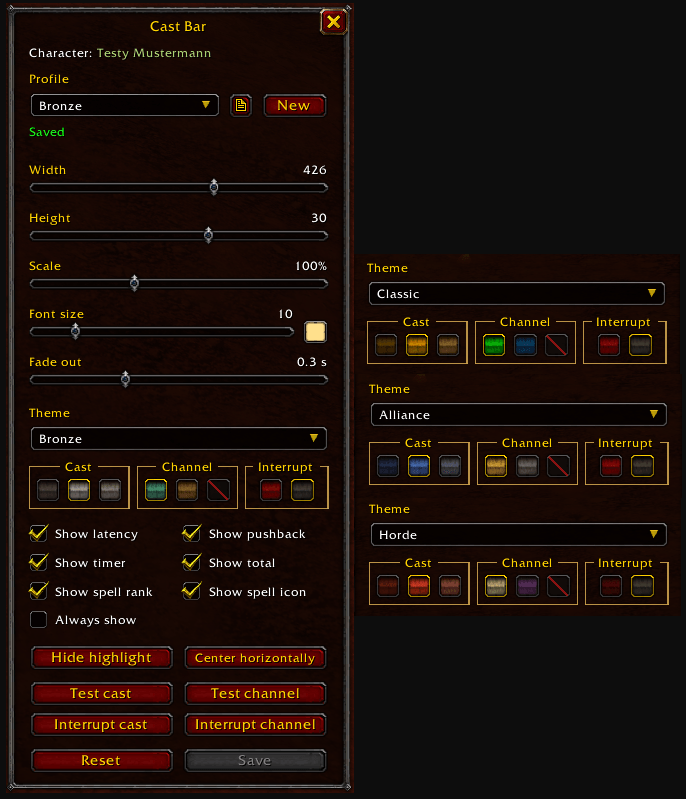
- Themes: Bronze, Alliance, Horde, Classic, or Faction (Alliance or Horde depending on the character). Only the bar's fill is tinted. The bronze frame stays the same.
- Colors:
- Cast: the theme's color, or a darker or lighter shade of it.
- Channel: either of the theme's two channel colors, or the same color as casts.
- Interrupt: red or gray.
- Text: white or gold.
- Reset: restores the default size, position and colors of the selected theme.
- Text and indicators, each one optional:
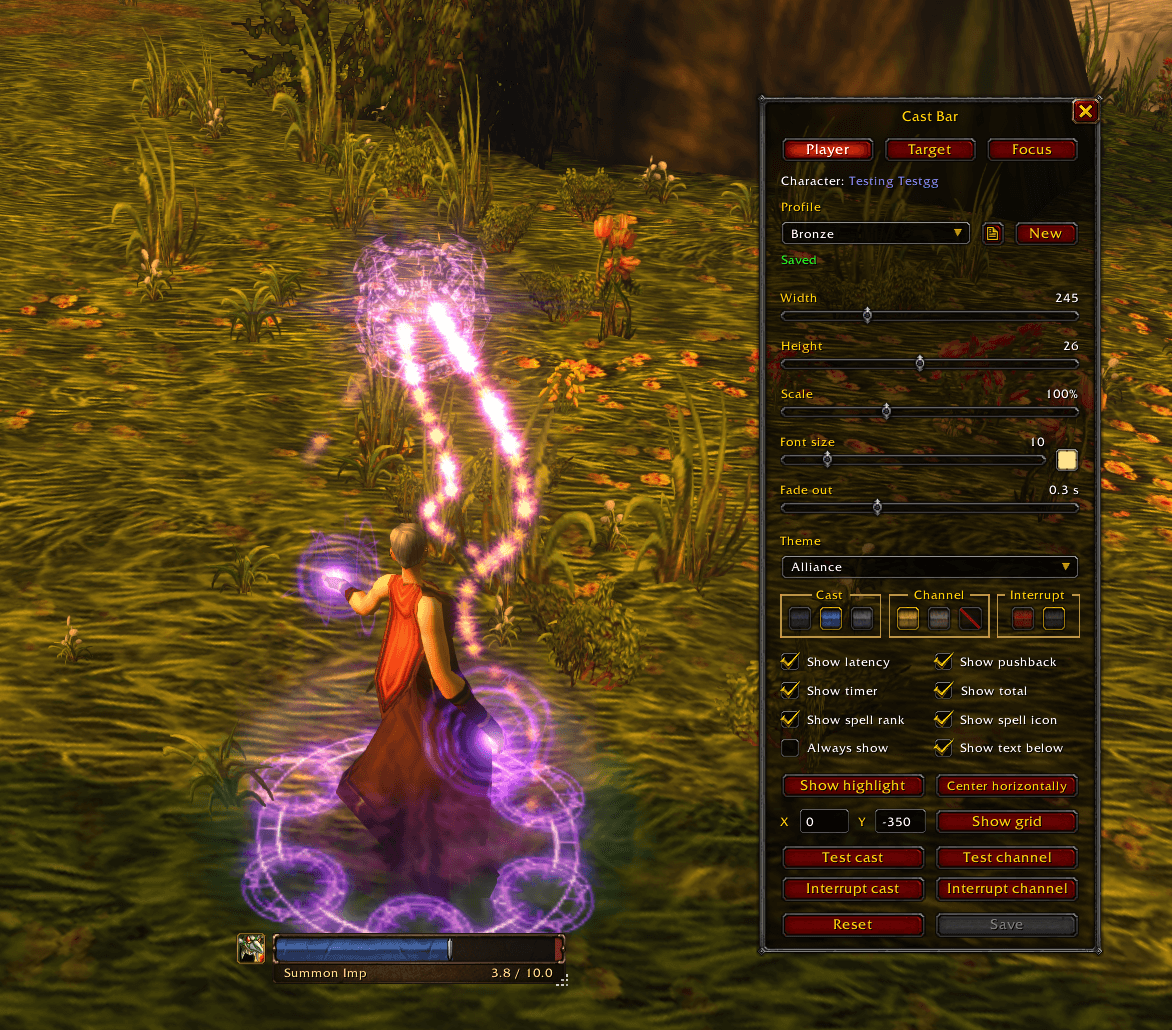
- Remaining time, or remaining and total time (1.2 / 2.5).
- Pushback (+0.5) when damage delays your cast.
- Latency zone: a red area at the end of the bar.
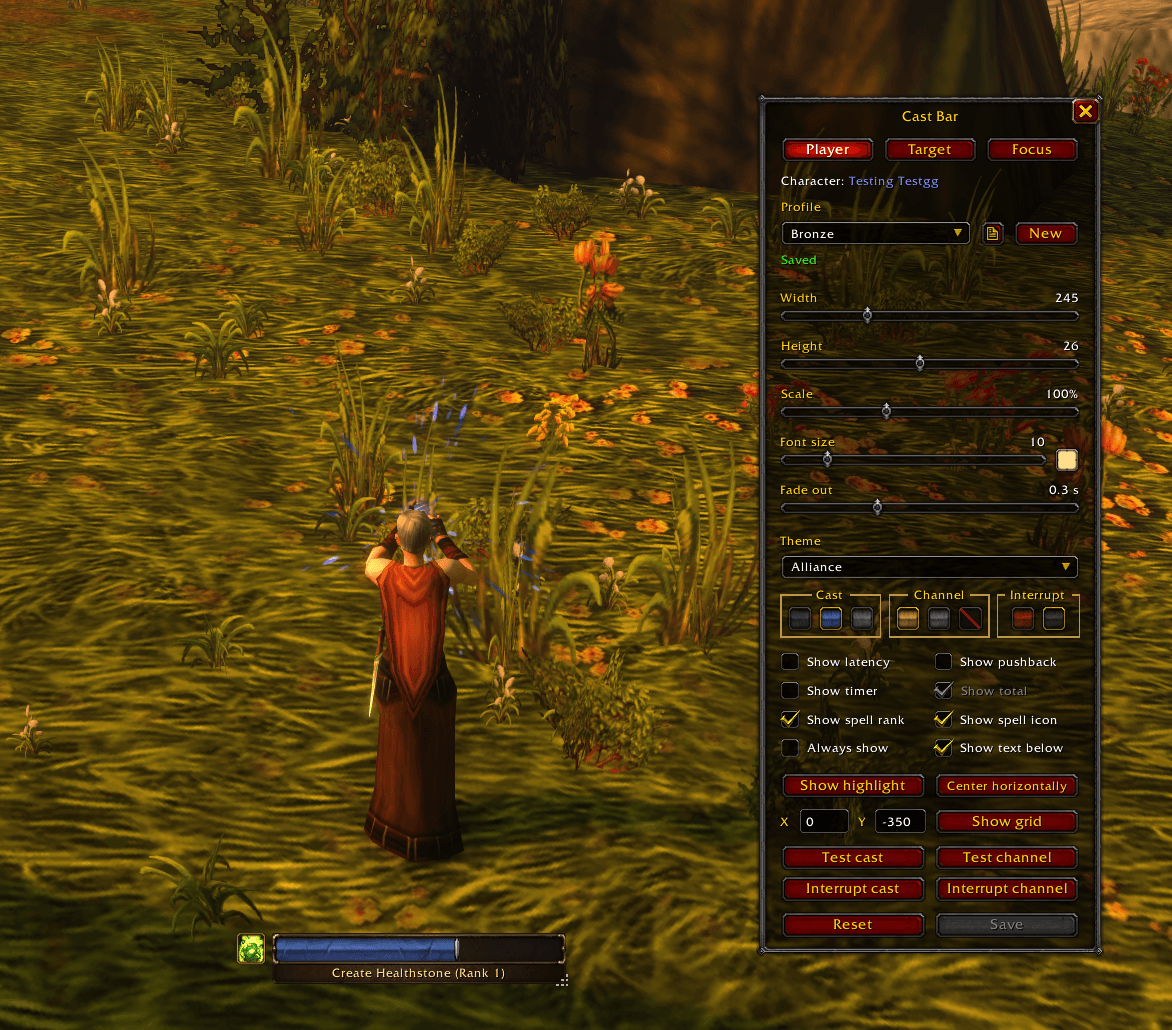
- Spell rank (Frostbolt (Rank 4)).
- Spell icon. Crafts show the crafted item's icon.
- Text below the bar: the spell name and the timer on a text box.
- Crafting: a series of crafts shows its progress (Linen Bandage (2/5)).
- Target and focus cast bars: Their castbars get the same bronze look as the addon. Each one has its own theme and colors (Classic by default) in the editor's tabs. With Faction, the caster's faction picks the theme. Their size, position, text and icon stay Blizzard's. Each one can also keep Blizzard's own look.
- Size and position: drag the bar, and set its width, height, scale, font size and how long it takes to fade out. You can also type the X/Y coords.
- Snap to grid: In Edit Mode (/edit) with "Snap" checked, the bar snaps to Blizzard's grid.
- Profiles: save several setups and choose which profile each character uses.
- Languages: English, Spanish, German, Polish and Brazilian Portuguese. The language can be changed in the options.
Any polite feedback or idea for the addon is more than welcome. If you detect any bug or weird behavior please let me know here in the comments.
Thanks for taking the time to read the description.
Kyuse!
BronzeCasting - Player CastBar Forever style Team
