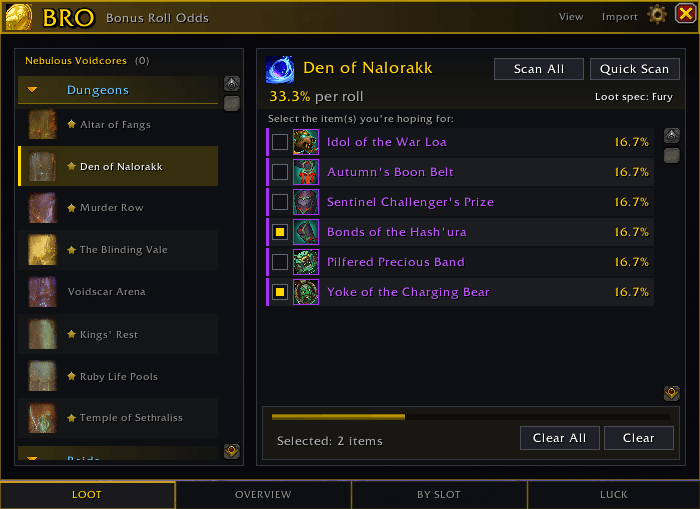
Wow_f7LTpmIzdp.png
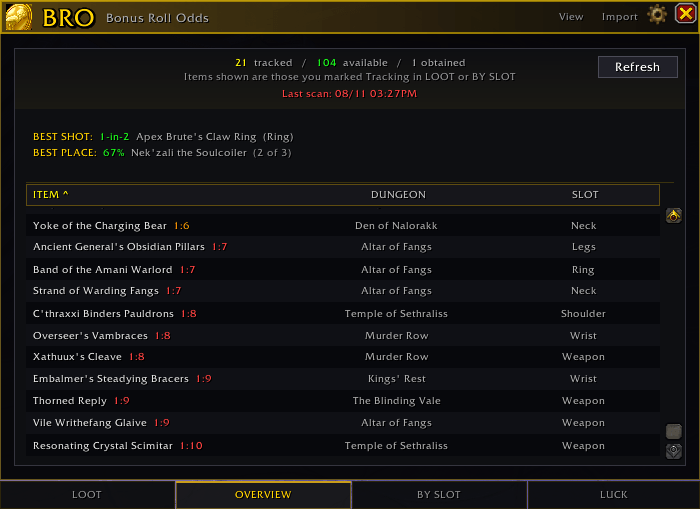
aaaaaaaaa.png
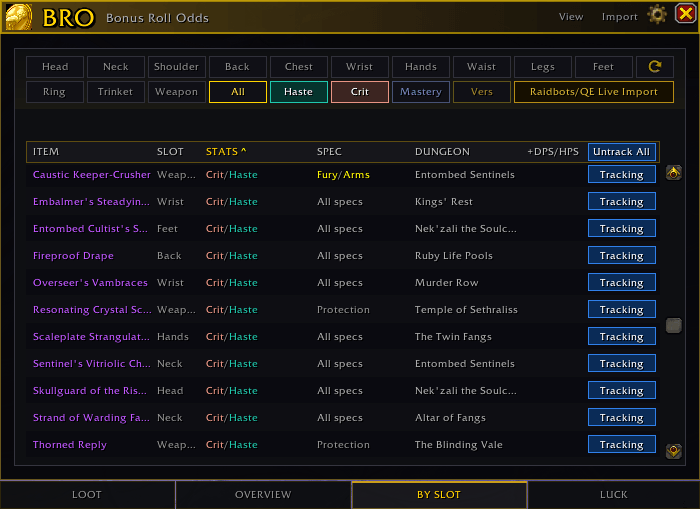
bbbb.png
cccc.png

744b67ac-86cf-469f-9268-43f787608601.png
brave_7DGSJkcXjP.png
brave_Uo8rCJlxEo.png
brave_dp8Vn92QLj.png
Description
Bro...
You see a list of items, and you have no real idea what your chances are. Bro tells you.
The odds are the whole point.
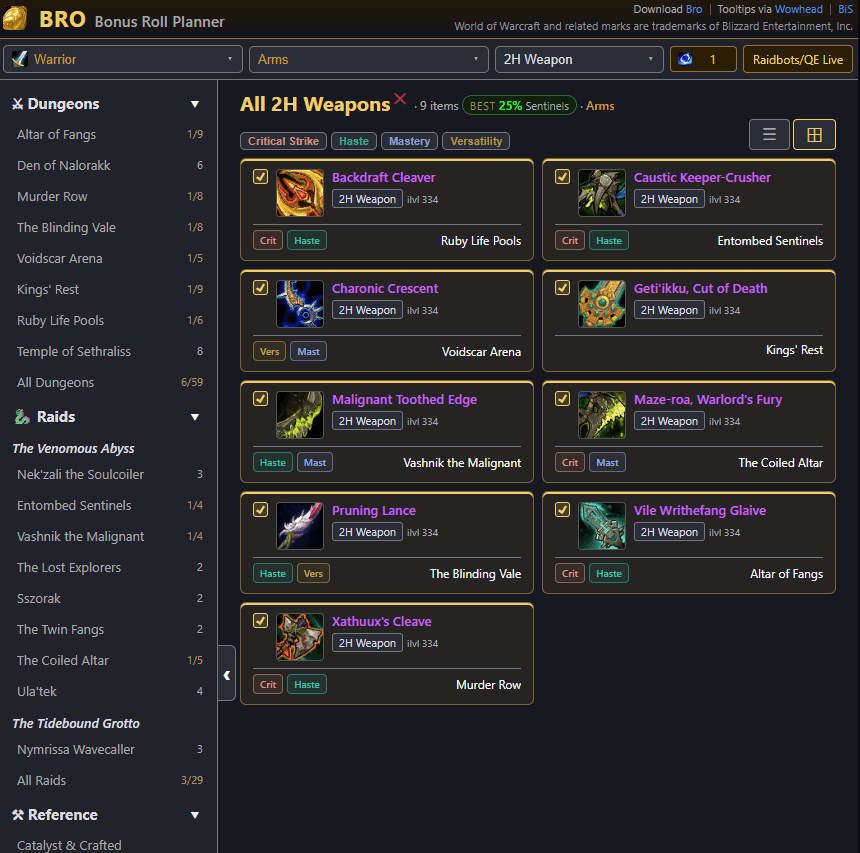
Pick the items you actually want. Bro reads the pool and gives you a real number.
Say 3 of your tracked items are sitting in a 20-item pool. That is 15% per roll. But if you have 5 coins saved up, your chance of walking away with at least one of them is 60%.
That second number is the one you care about, and it is not something you can work out in your head. Every roll takes an item out of the pool, so it is not simply "15%, five times over". Bro does that math for you and shows it next to every pool.
Stuff Bro does:
- Scans all of your specs, so you can see which loot spec gives you the best shot
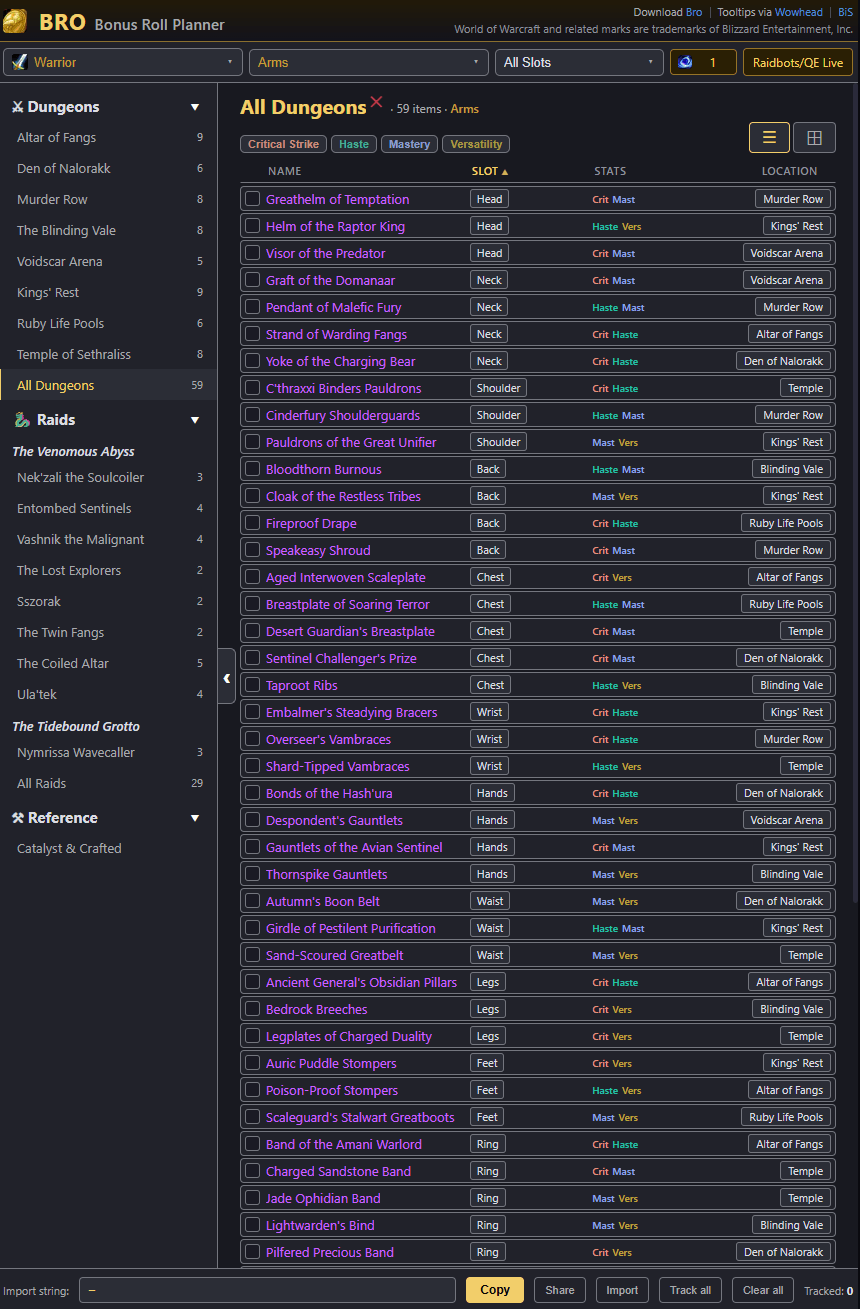
- Sort your pool by slot, stat, or source
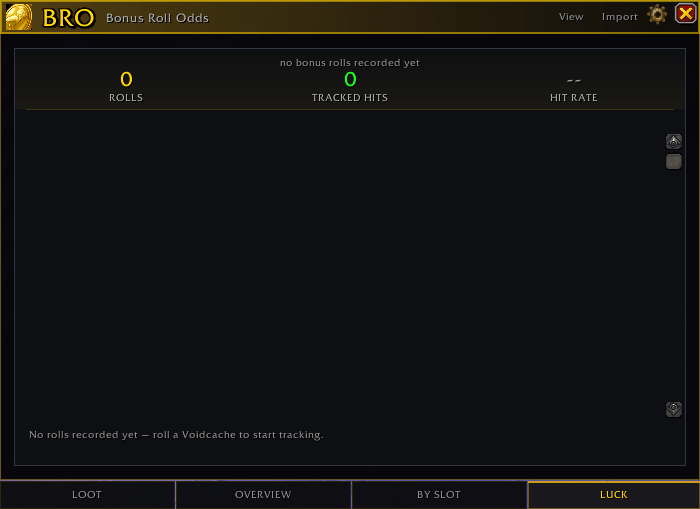
- Luck tracking over time: rolls, hits, and how long you have been dry
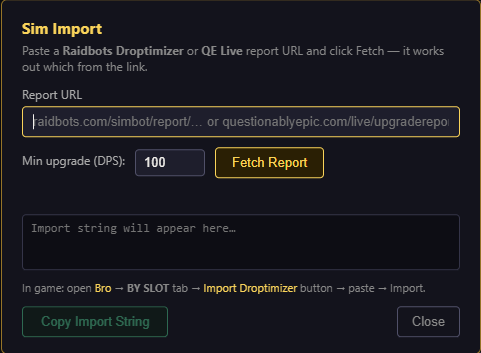
- Import Raidbots Droptimizer or QE Live reports so your tracking follows your sim
- Smart Automation: Once an item drops, BRO automatically marks it obtained and removes it from your math.
- Browse your alts and other specs without logging over
There is a companion planner if you want to sort your list out before you log in.
broplan.lol
Quick Start
-
Open the addon with
/broor via the Adventure Journal button or minimap button. -
Scan All (or just quick scan for a single entry and spec) and let it read your Voidcaches.
-
Check the Overview or By Slot tabs to see where your cores are best spent.
/bro reset – Wipe all scan data, wishlist items, and obtained flags.
The Bro Team