


Bob UI
- By
Bob UI is a new project that aims to simplify the existing frames and reduce the amount of frames that a user has to interact with.
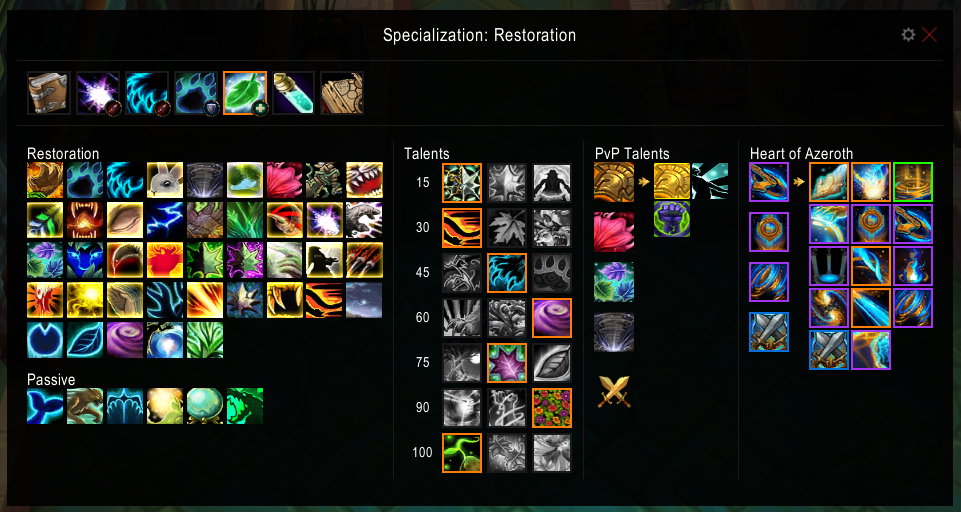
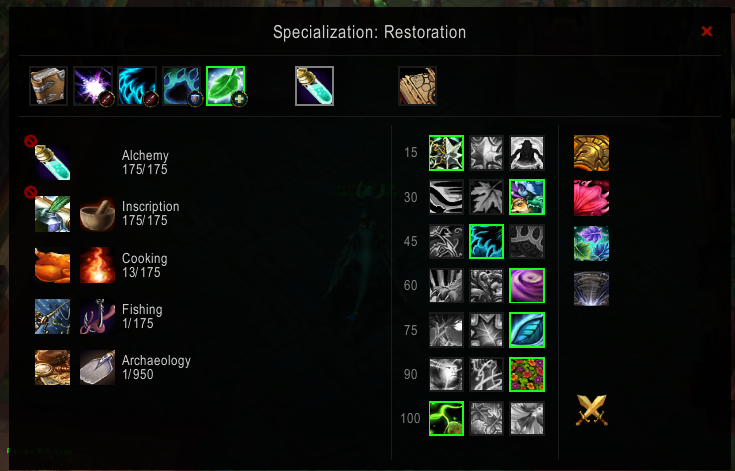
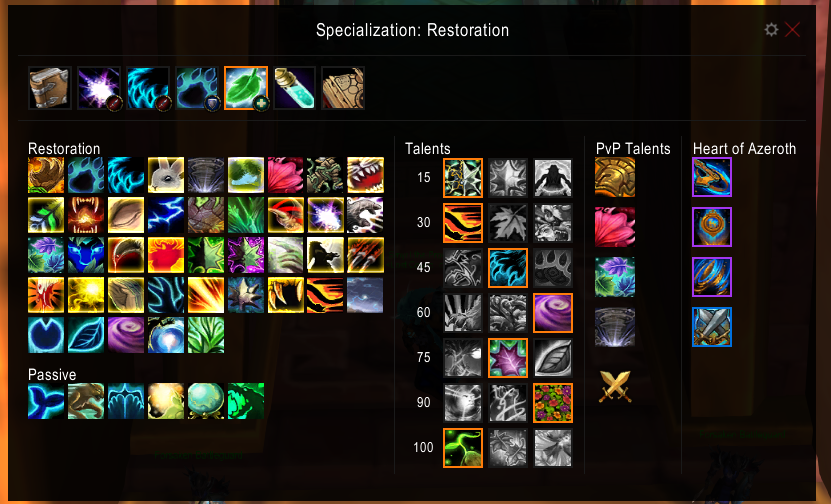
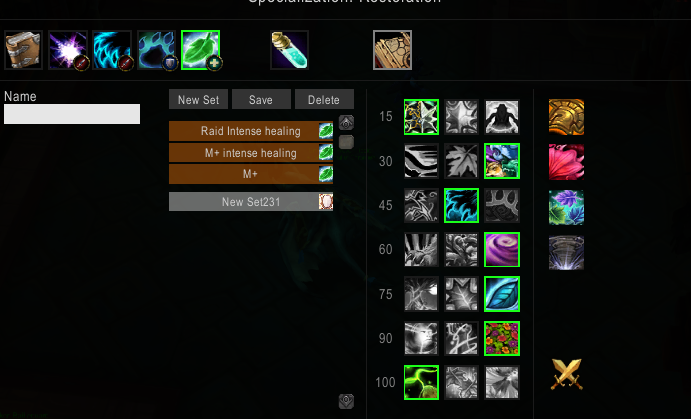
Double click a preset to switch talents according to the preset. Single click to modify. Right clicking the talents to the right, will swap out the talent for that tier in the preset (Don't forget to save the preset when done editing it.)
Description
Project no longere active. Author has retired from the game.
Bob UI is a new project that aims to simplify the existing frames and reduce the amount of frames that a user has to interact with.
Bob UI starts with a build that replaces spellbook and talents frames with a single frame, that contains the ability to change specs and talents and interact with abilities. More features will come, soon.
Instructions:
- To open/close the new spell book, you use the keys assigned to open the native spell book or talents frame
- The buttons at the top allow you to view different spell books when clicked and change specialization when double clicked.
- Dragging and dropping abilities should work as before
- The frame cannot be opened during combat and will automatically close during combat (and show after combat, if was shown before)
Talent & heart essence preset instructions:
- Right click the talents to the right, to change the talents in your currently selected preset.
- click to view/modify a preset
- double click to "equip" the preset, if possible.
- For heart essences, click the slot you want to add to preset, then right click the essence you want to add to that slot.
Settings
- to reset a setting to default, clear the textbox for that setting and hit enter.
Supports Clique - open the clique config window /clique, and then use your hotkeys for the spell book frame or profession frame (default: P, K). This is temporary, until a better solution can be implemented.
Please comment with feature requests and bug reports, no matter the size.
----------
known bugs:
- Occasionally closes other windows like guild window or group finder when opened
- Borders are off or separators missing. Fixed by changing the scaling setting.
Work in progress (By priority):
- Reworking spell buttons for compatibility with class spell books in shadowlands.
- Glyphs
- auto "equip" talent presets based on zone (This is already possible using weak auras.)
- Open/Close/remain open during combat.
The Bob UI Team

