


Bloomchat
- By
Screenshot_5.png
Screenshot_4.png
Screenshot_3.png
Screenshot_2.png
Screenshot_6.png
Description
🌸 BloomChat: chat in full bloom
An ICQ-style messenger, a tabbed main chat and a loot roll tracker for World of Warcraft: Forever.
BloomChat brings back the feel of classic instant messengers inside WoW: a buddy list with live online status, one window for all your conversations, and the familiar "uh-oh" when someone messages you. It also gives you a cleaner main chat window and a roll tracker that lets you pick Need, Greed or Pass and see everyone's rolls.
All code and art are original. BloomChat doesn't include or require any other chat addon.
💬 Messenger
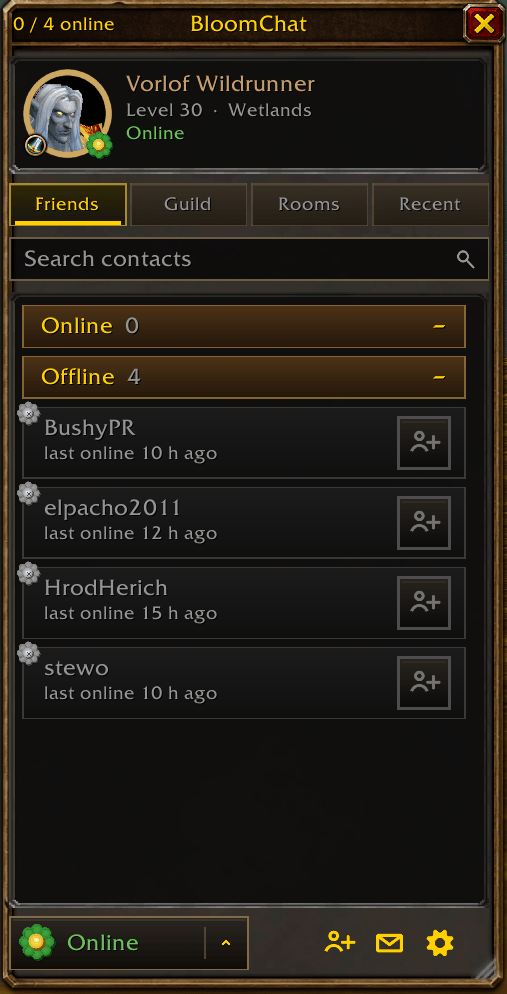
- Live status for every contact: character friends, Battle.net friends and online guildmates, each with a status flower: 🟢 online, 🟡 away, 🔴 busy, 🔵 Battle.net app only, ⚪ offline.
- Contact cards in the game's style: class crest, class-colored name, level and zone. Battle.net friends show their BattleTag and current character.
- ICQ-style status button that sets your real in-game Online / Away / Busy flag, with your own away and busy messages.
- One-click Invite to group on every contact who is online in the game.
- Friends, Guild, Rooms and Recent tabs, search, collapsible groups, unread badges and Favorites (Alt-click a contact).
- "Friend is online" pop-up with its own chime.
🗨️ Conversations
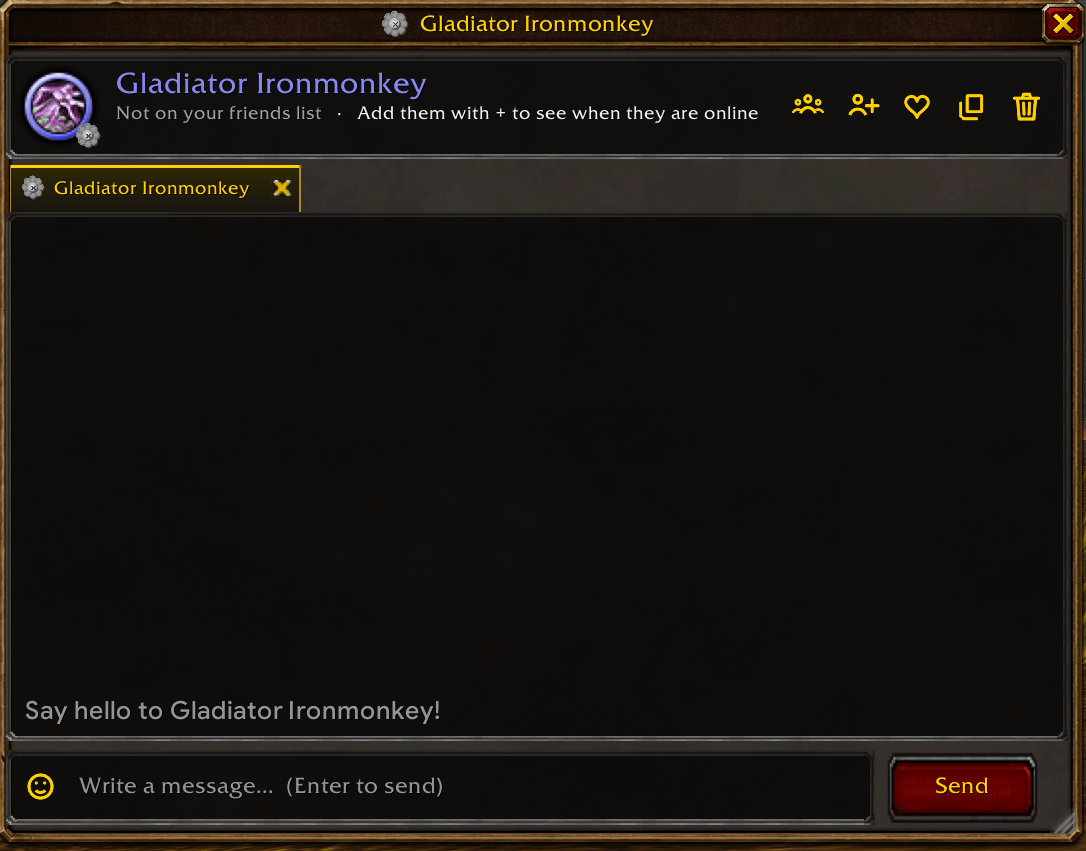
- One window with a tab per conversation. Unread tabs flash, and Tab switches between them.
- Classic ICQ transcript: colored names with timestamps, messages grouped by sender, day separators and emoji drawn as pictures.
- "is typing…" shows when your friend also uses BloomChat. It is never sent in instances or in combat.
- Smart whisper routing: messages go to the character first and fall back to Battle.net if the character is offline.
- Group rooms for Guild, Officer, Party, Raid and Instance.
- History is kept after you log out. It is stored only on your PC, and
/bloom forgetdeletes it.
📜 Main chat
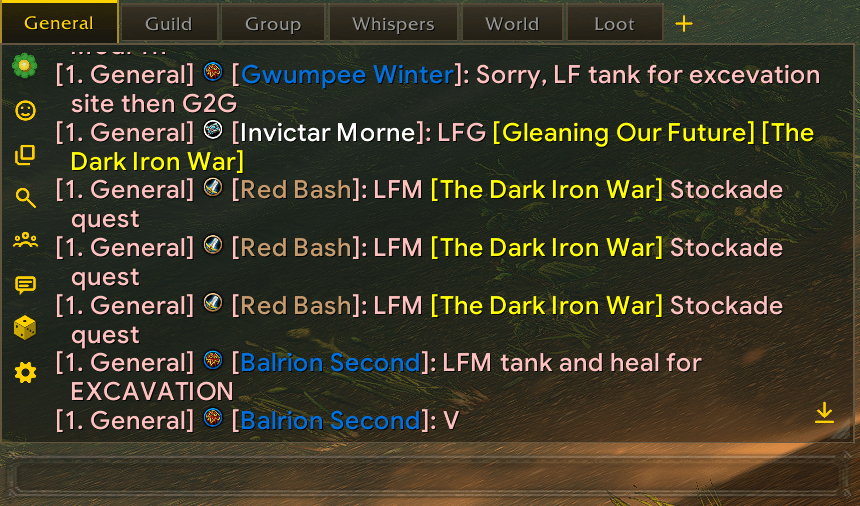
- Replaces the default chat window with tabs you can drag to reorder and color.
- A Filters & colors window laid out like the game's own chat settings (Chat, Channels and Other pages), with channel colors.
- Stays in sync with your in-game channels: joining, leaving and reordering update automatically.
- Right-click any player name for: message, invite to group, invite to guild, who, add friend, copy name, ignore.
- Class icons before names, clickable web links, short channel names, search, copy and a jump-to-newest button.
- The game's own chat input is kept, so every slash command, /r and link works as usual.
- If another chat addon (Prat, ElvUI chat, Glass…) is running, BloomChat leaves the main chat alone.
🎲 Loot & roll tracker
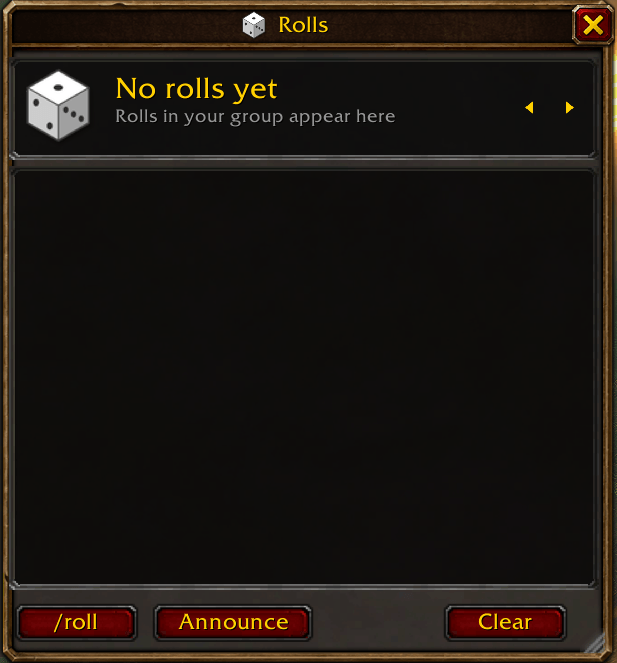
- Need, Greed, Disenchant or Pass from one window, with a large item icon and its full tooltip on hover.
- See everyone's rolls, sorted by result, with the winner highlighted. Passes are listed on one line.
- Multiple drops? A strip of item icons shows every item. Items still waiting for your choice glow gold, and after each choice the tracker jumps to the next item.
- The window sizes itself to your group: party or raid.
- Optional: use BloomChat for loot rolls. This hides the game's own roll pop-ups.
- /roll results in chat get a six-sided die colored by the result.
🎨 Look & feel
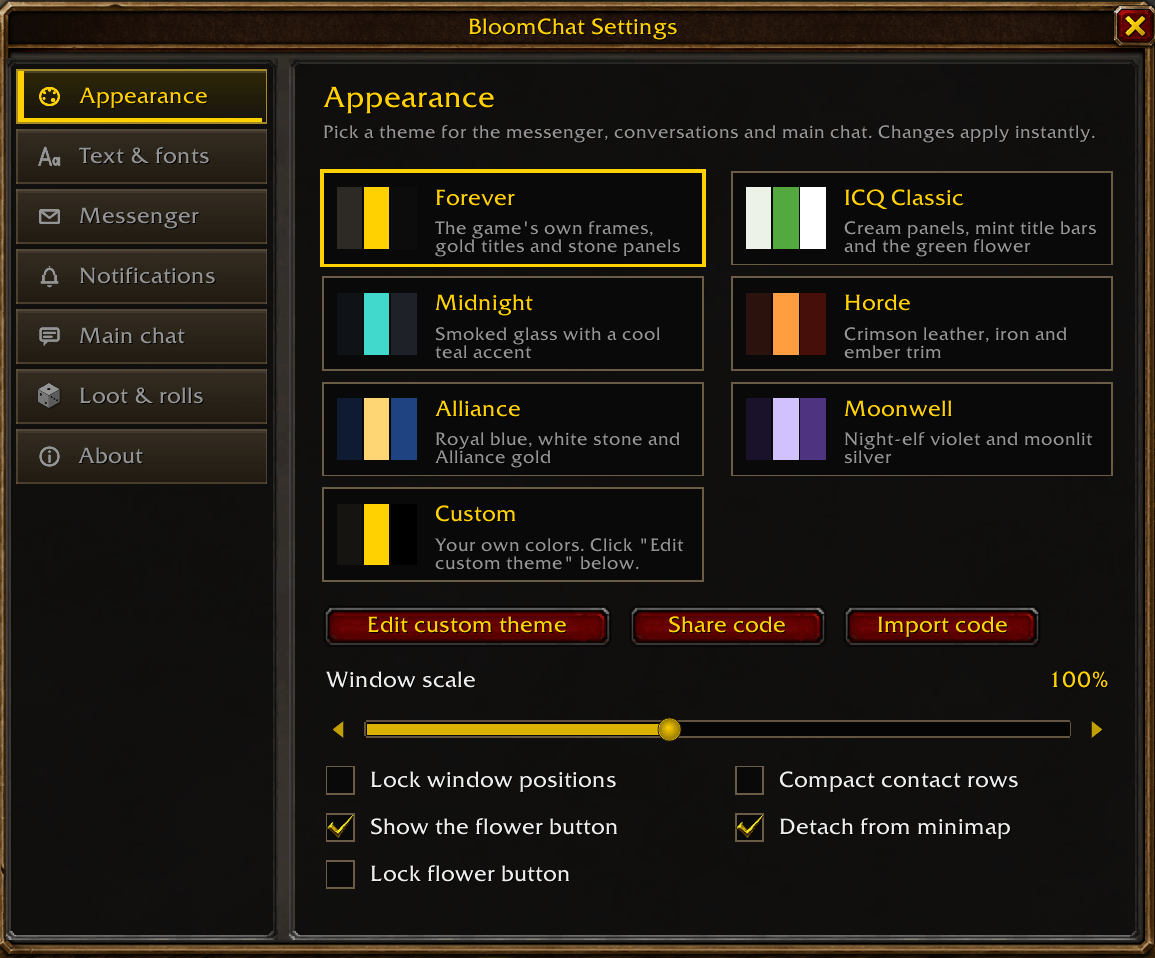
- Themes: Forever (the game's own frames, the default), ICQ Classic, Midnight, Horde, Alliance, Moonwell, and Custom: choose your own colors and share them with a
BLOOM1:code. - Fonts: Google Sans (default), Nunito, Roboto, Outfit, Figtree, the game's chat font or Friz Quadrata.
- Minimap flower that shows your status color. It can be detached and placed anywhere on the screen.
- Press O to open BloomChat instead of the default Social window. You can change the key in settings or in the game's Key Bindings.
⌨️ Commands
| Command | What it does |
|---|---|
/bloom |
Open or close your contacts |
/bloom msg Name |
Start a conversation |
/bloom online · away · busy |
Set your status |
/bloom rolls |
Open the roll tracker |
/bloom settings |
Settings |
/bloom reset |
Put every window back in place |
/bloom forget |
Delete conversation history |
/bloom coffee |
Support the addon ☕ |
☕ Support BloomChat
BloomChat is free and always will be. If it makes your chat a little nicer and you'd like to say thanks, you can buy me a coffee. It keeps the updates coming. Thank you! 💛
📝 Notes
- Made for World of Warcraft: Forever.
- During restricted encounters the game hides some chat content from addons. Those lines still appear in the General tab, which mirrors the game's chat.
- Found a bug or have an idea? Leave a comment. Feedback is very welcome.
BloomChat © 2026 Vorlof · MIT License · Bundled fonts under the SIL Open Font License.
Bloomchat Team
