
BlitzStrat
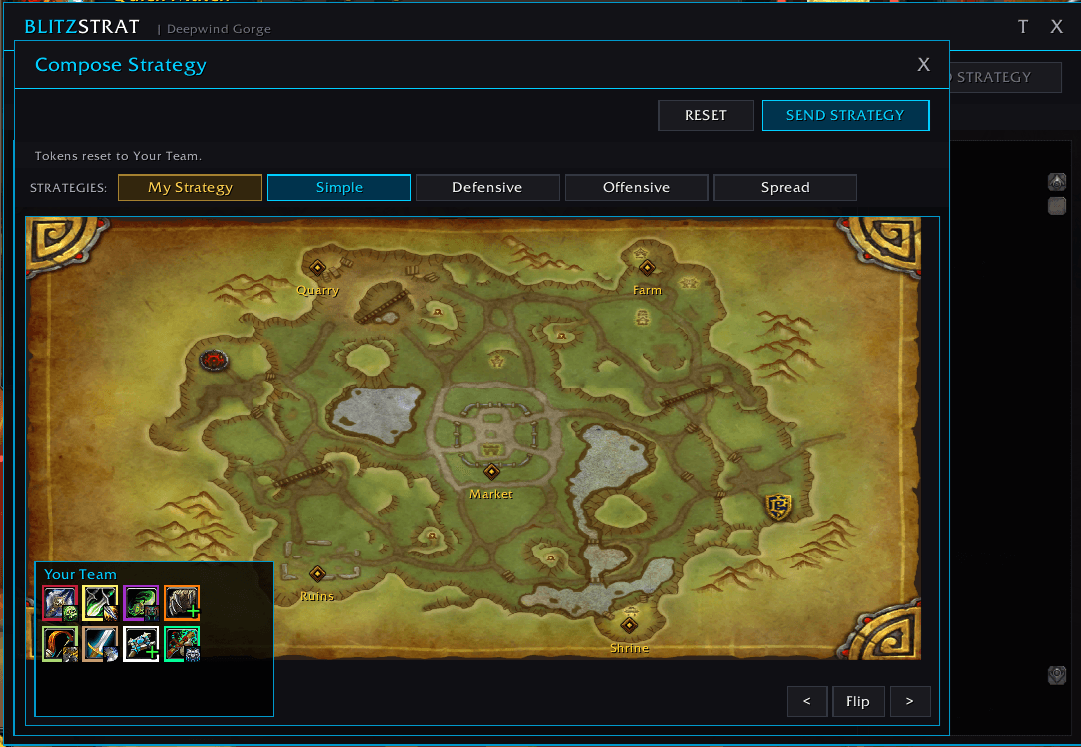
The compose window scans your team automatically and fills the "Your Team" tray with tokens for every player, colored by class and tagged with their spec icon. From here you drag each token onto a node to assign it.
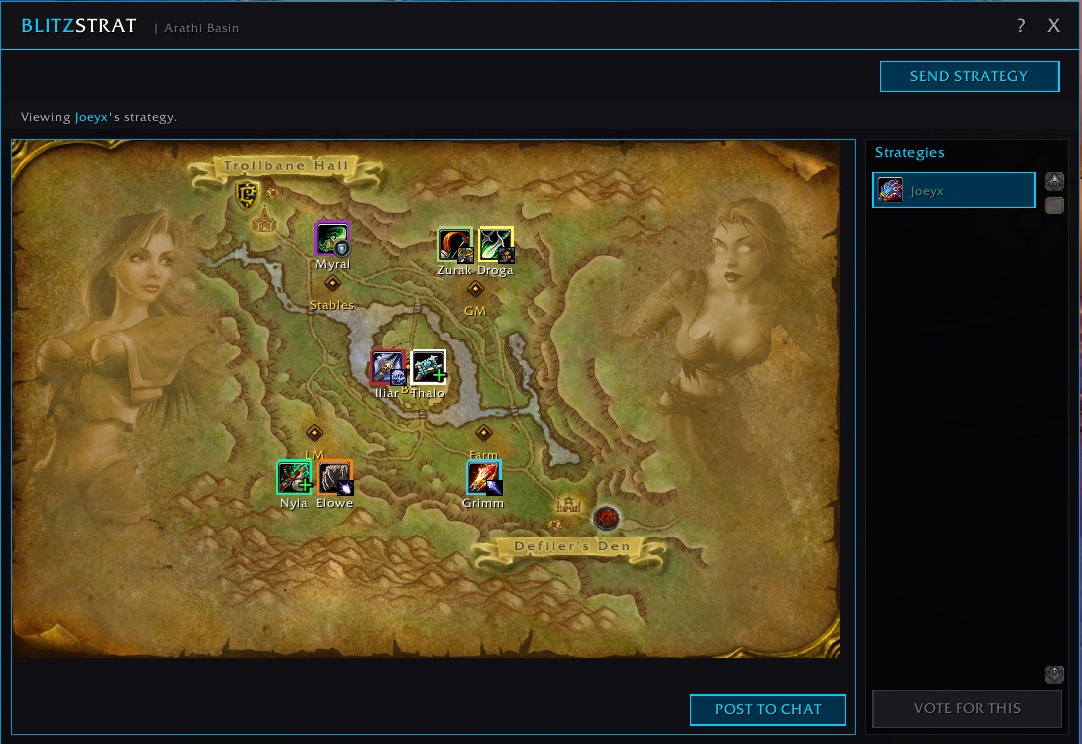
The main window after a teammate broadcasts a plan. Their class tokens appear on the real Arathi Basin map with spec badges and class colors, so you see at a glance who is assigned where. The sidebar on the right lists every teammate who has shared a plan.
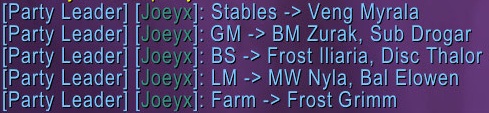
One click on POST TO CHAT translates the visual plan into clean instance chat, one line per node, so even teammates who do not have BlitzStrat can see the assignments.
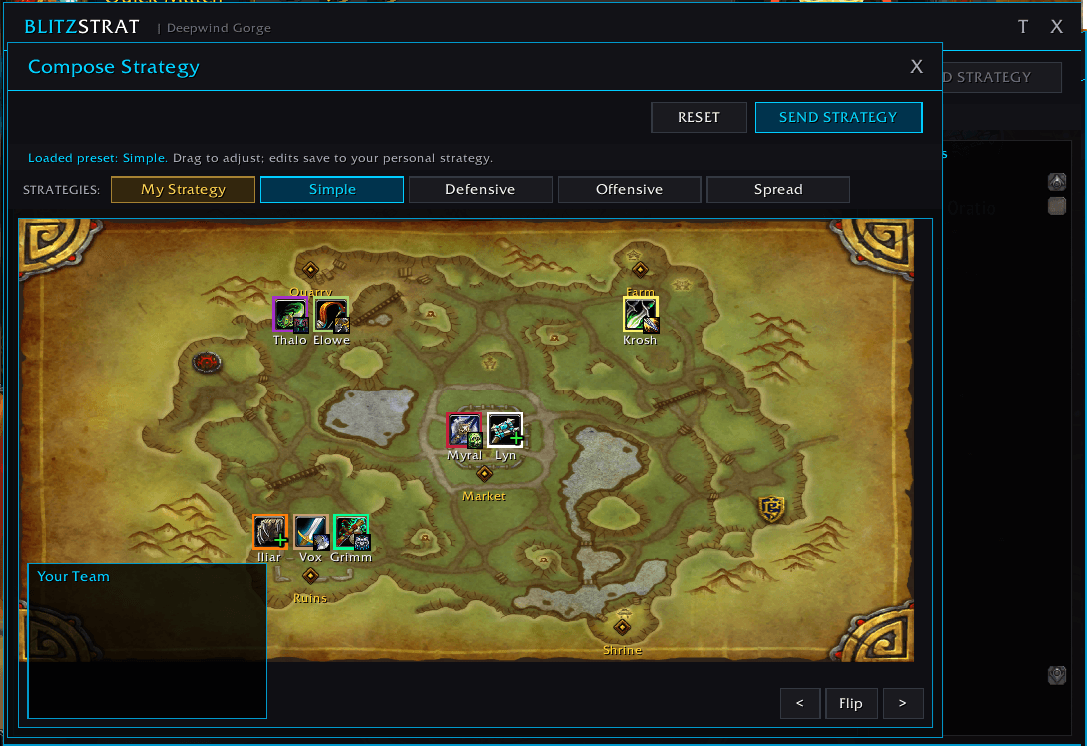
Every token has been dragged onto a map node. Tanks, healers, and DPS are called out with distinct badges so roles are easy to read at a glance. When the plan is ready, click SEND STRATEGY and the whole team sees it instantly.