BattleGroundOmniHeal
- By
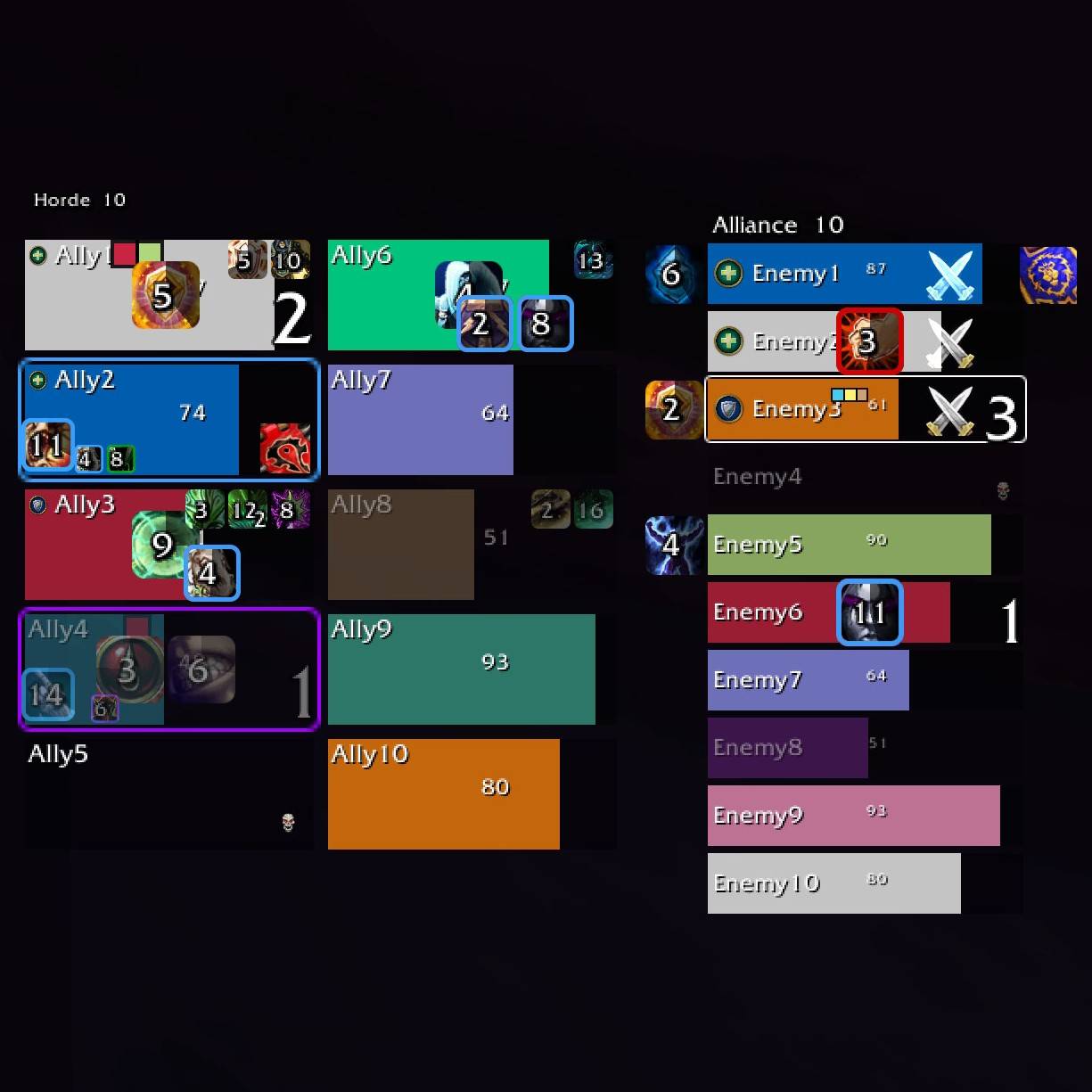
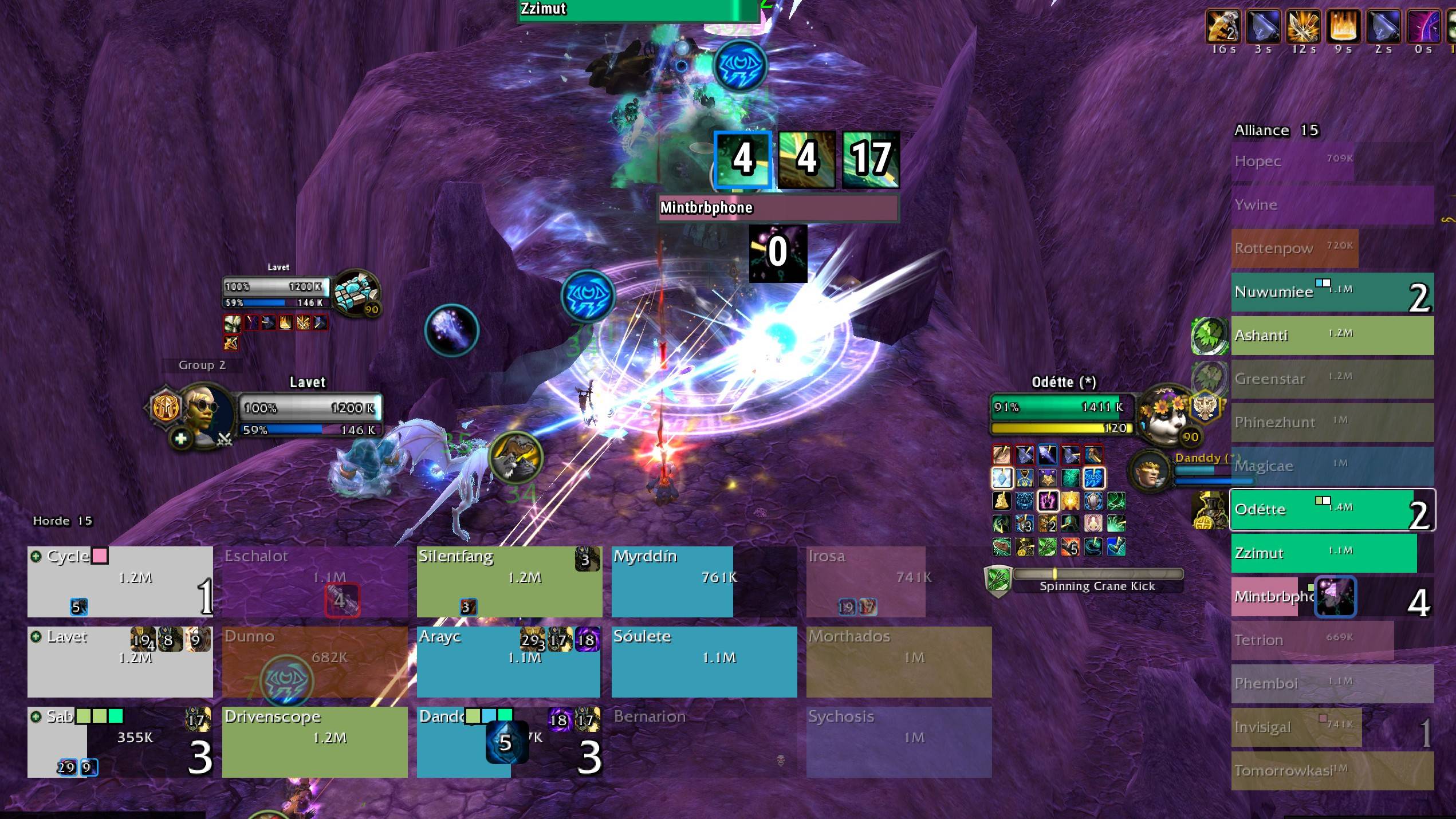
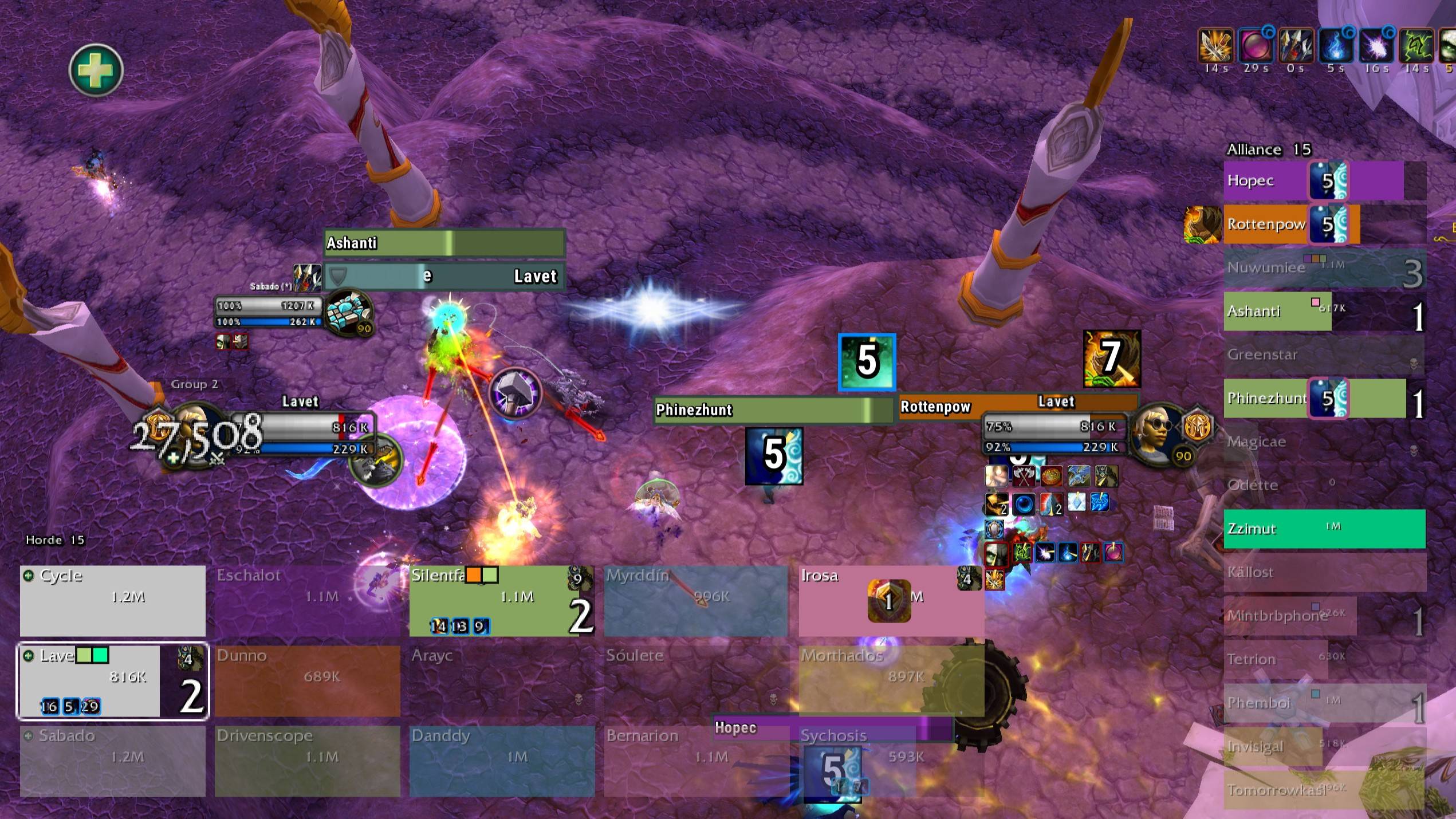
Shows who is attacking your ally (classes/quantity), buffs, debuffs, defensive cooldowns, and crowd control. Localization: RU/EN/CN. Raid frames that are easy to customize..
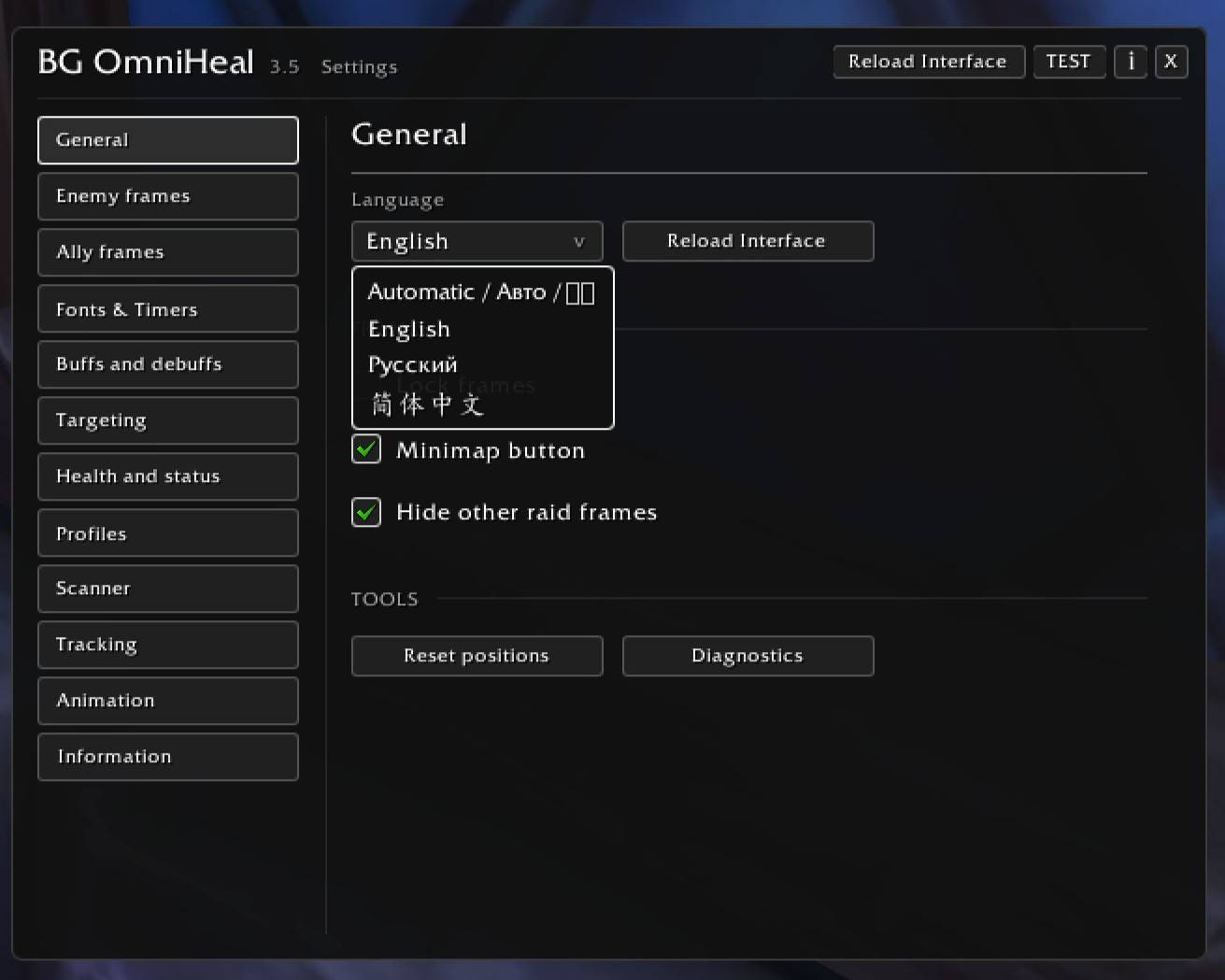
WoWScrnShot_111326_032042.jpg
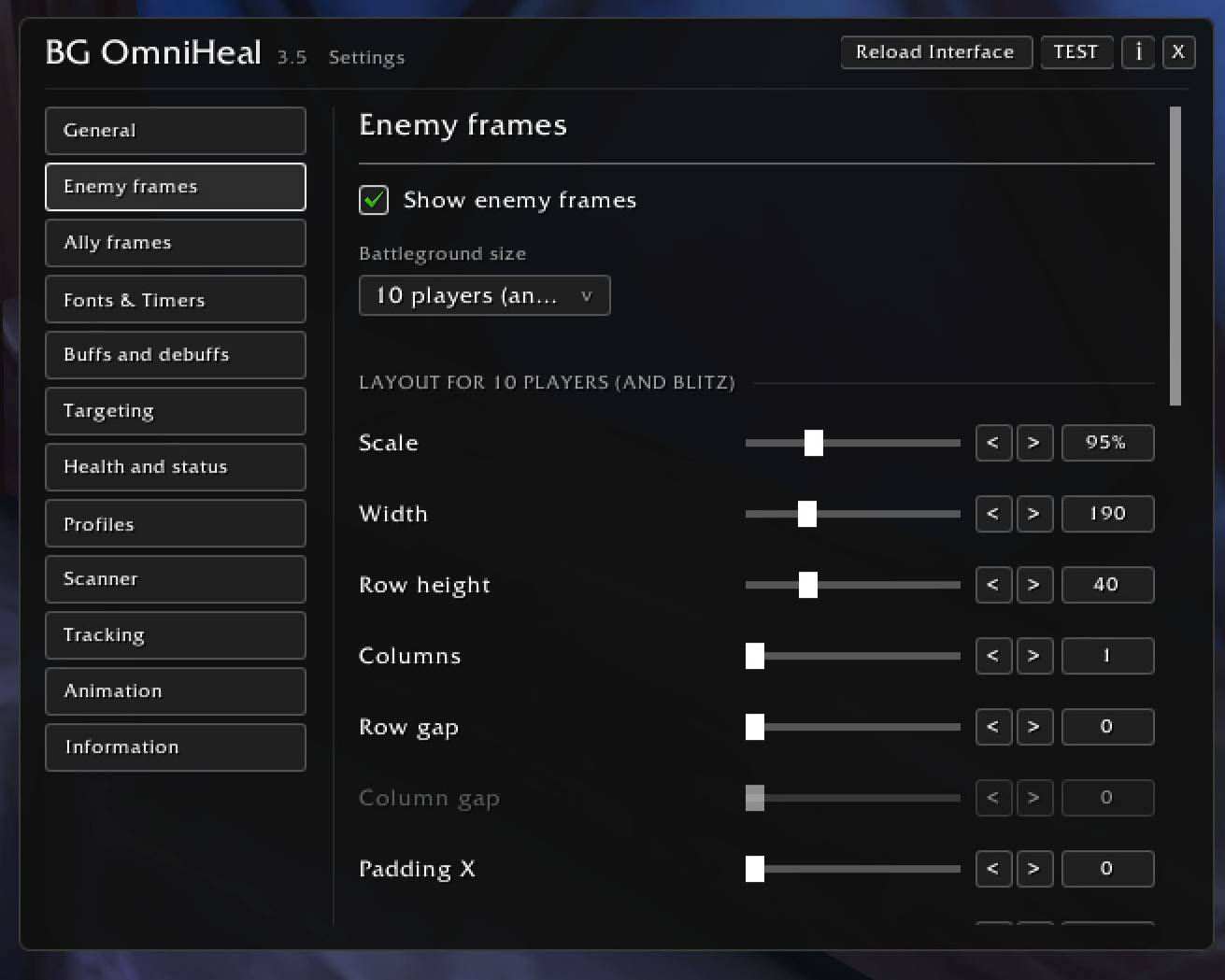
WoWScrnShot_111326_032056.jpg
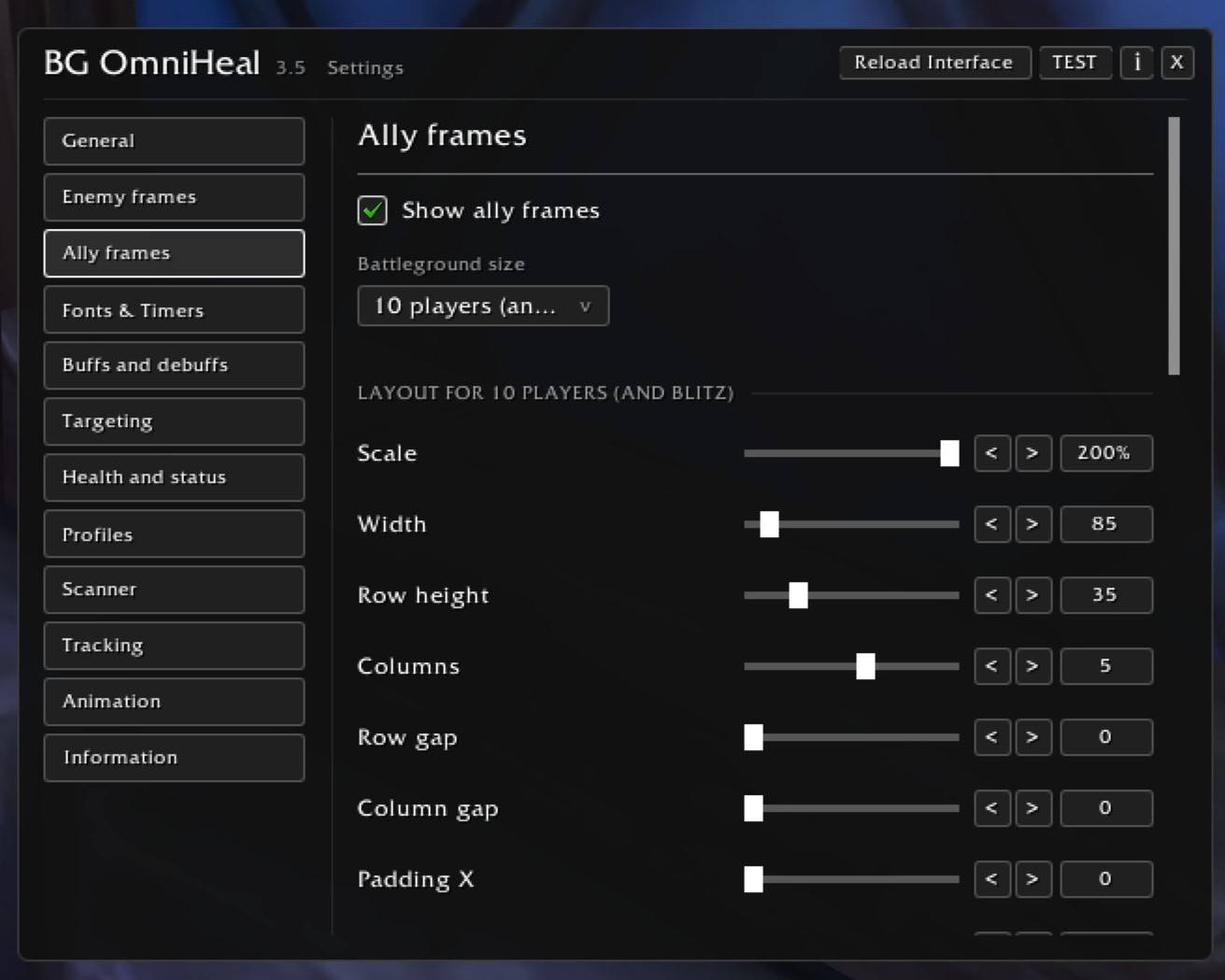
WoWScrnShot_111326_032107.jpg
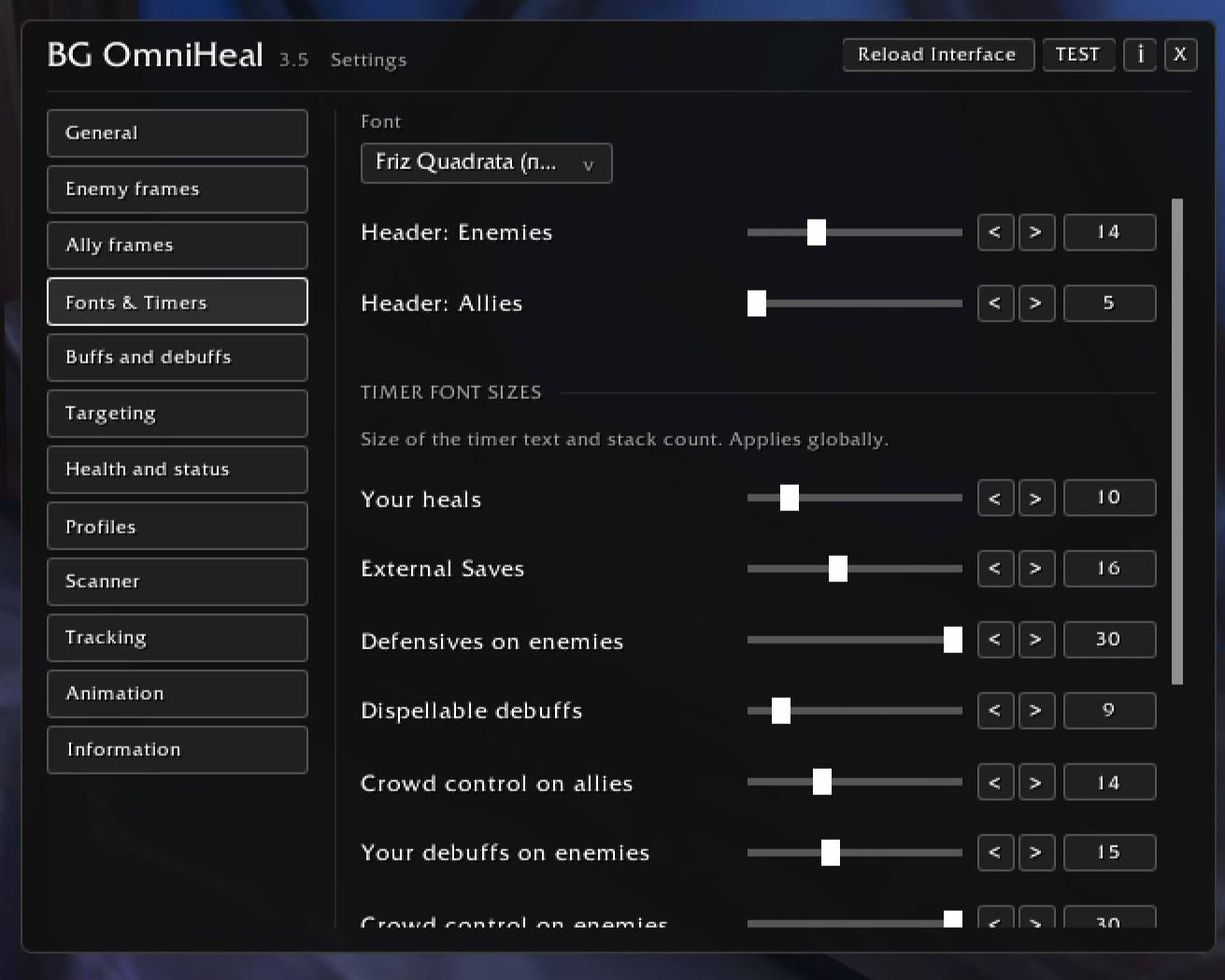
WoWScrnShot_111326_032121.jpg
WoWScrnShot_111326_032136.jpg
WoWScrnShot_111326_032156.jpg
WoWScrnShot_111326_032204.jpg
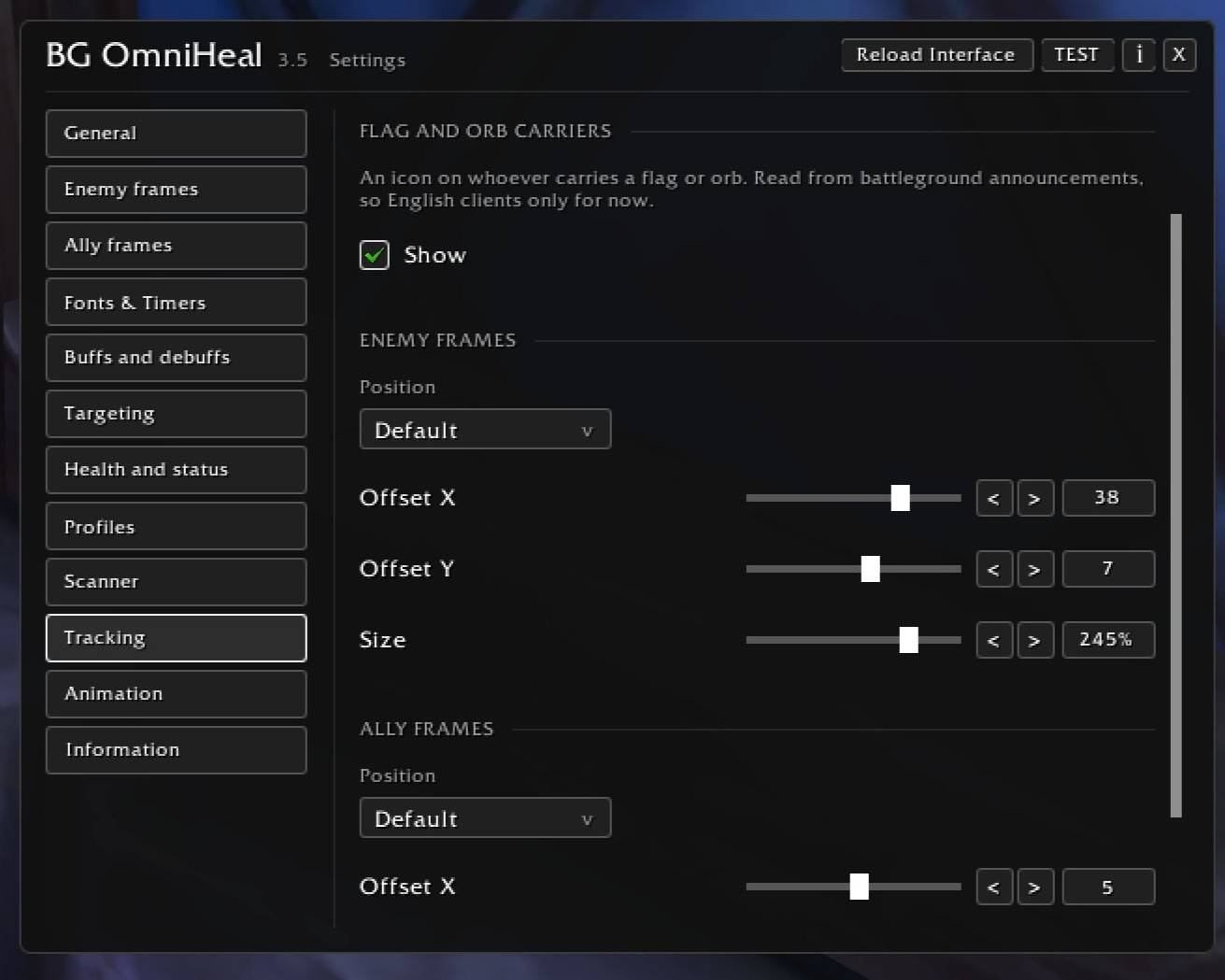
WoWScrnShot_111326_032224.jpg
Description
SOME FEATURES ARE STILL UNDER DEVELOPMENT!!! BUT I’VE ADDED THEM ANYWAY SO YOU CAN TEST THEM OUT!!! My Discord: Lavet. Suggest an idea, and I’ll try to add it to the add-on!
Key Features:
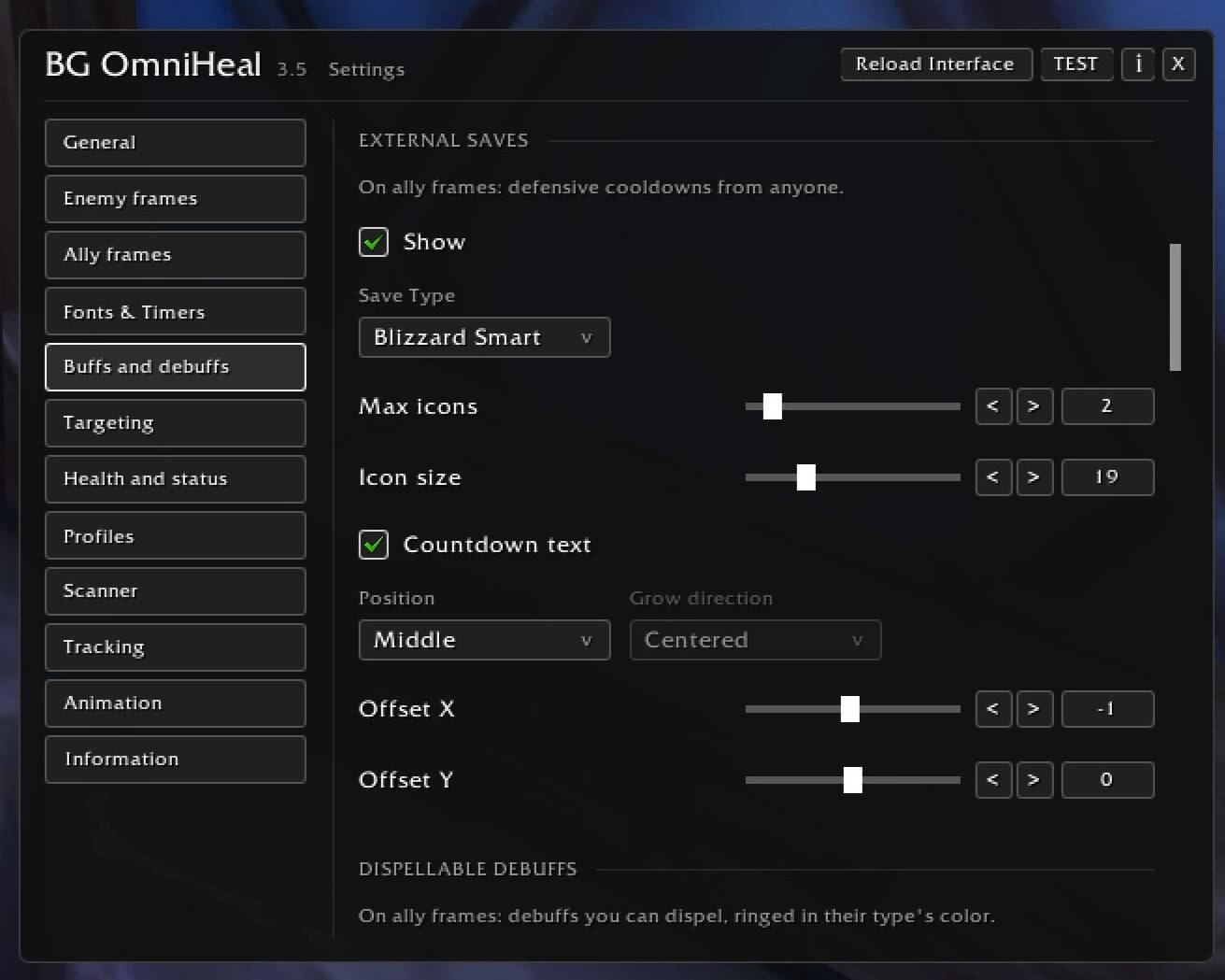
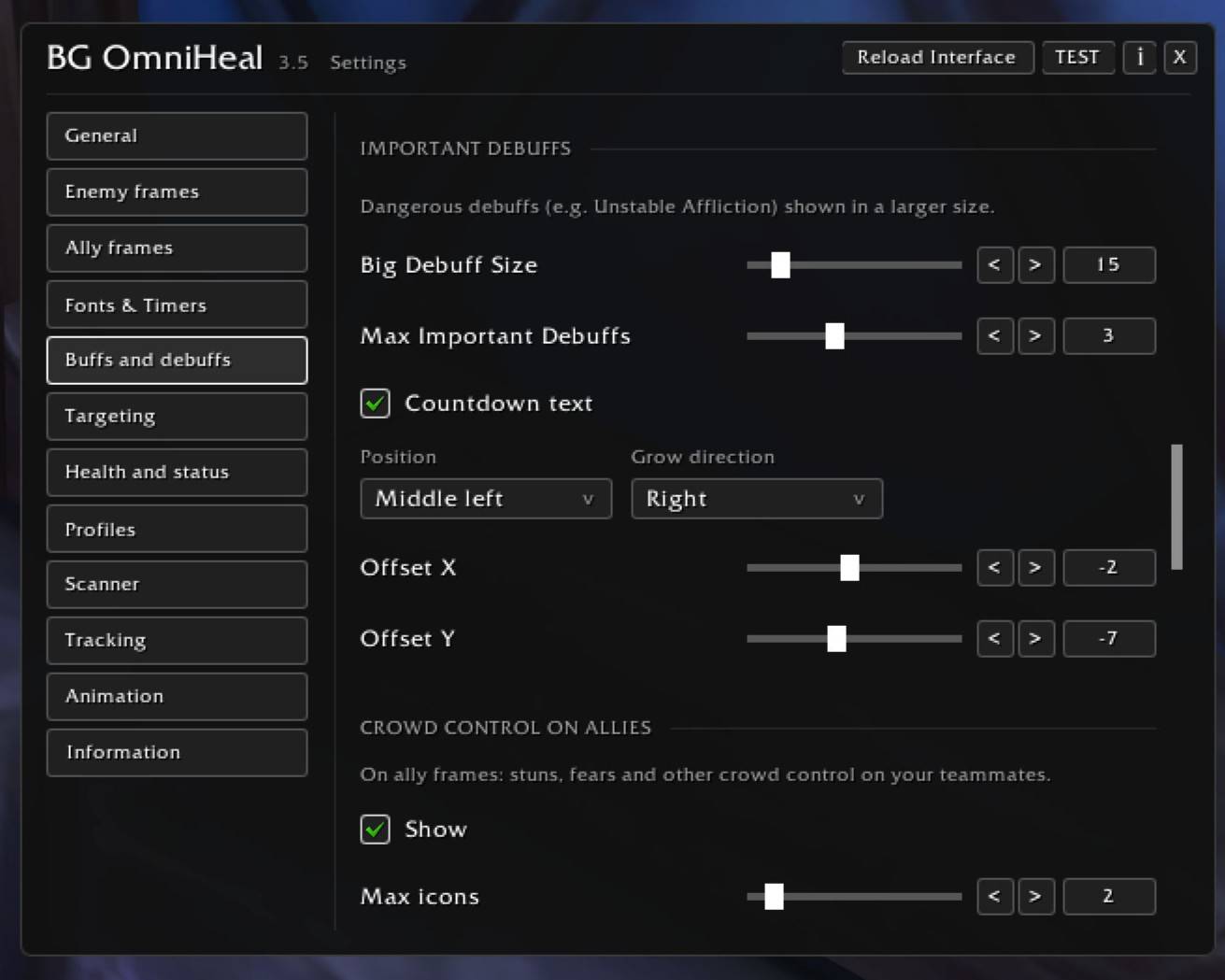
Debuffs: Automatically displays only those negative effects (debuffs) that your class is capable of removing. Dangerous debuffs, such as "Unstable Affliction" or "Vampiric Touch," are automatically scaled up in size to ensure you don’t overlook them.
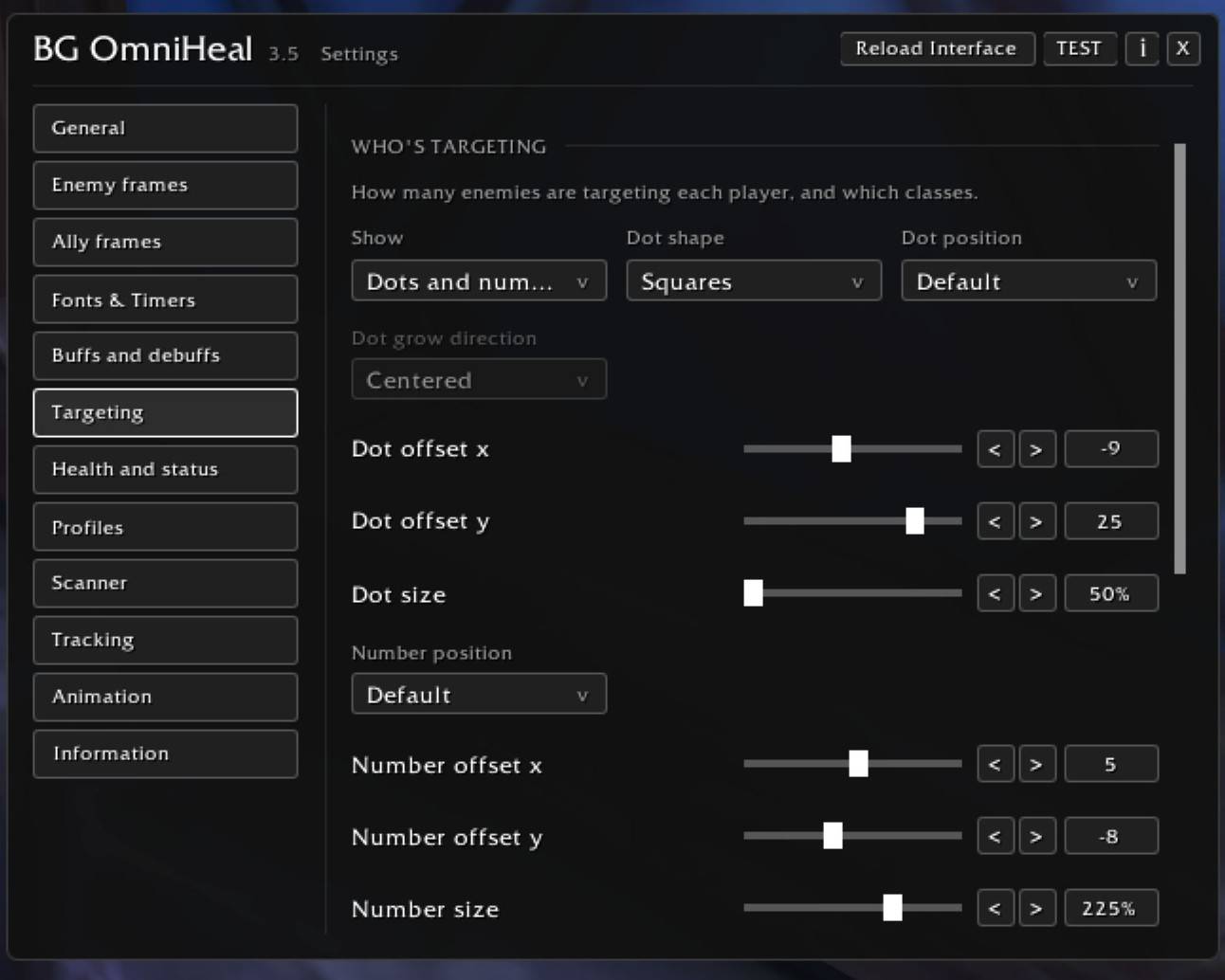
Advanced Targeting: Instantly see how many enemies (and which classes) are attacking your allies. Includes automatic flag, orb, and vehicle tracking.
Complete Aura Tracking: Monitor your HoTs, external defensives, and crowd control (CC) on both allies and enemies, utilizing Blizzard's smart filters.
Deep Customization: Separate layouts for 10v10, 15v15, 40v40, and Blitz. Choose Blizzard fonts, adjust independent timer sizes for every aura group, and tweak every icon.
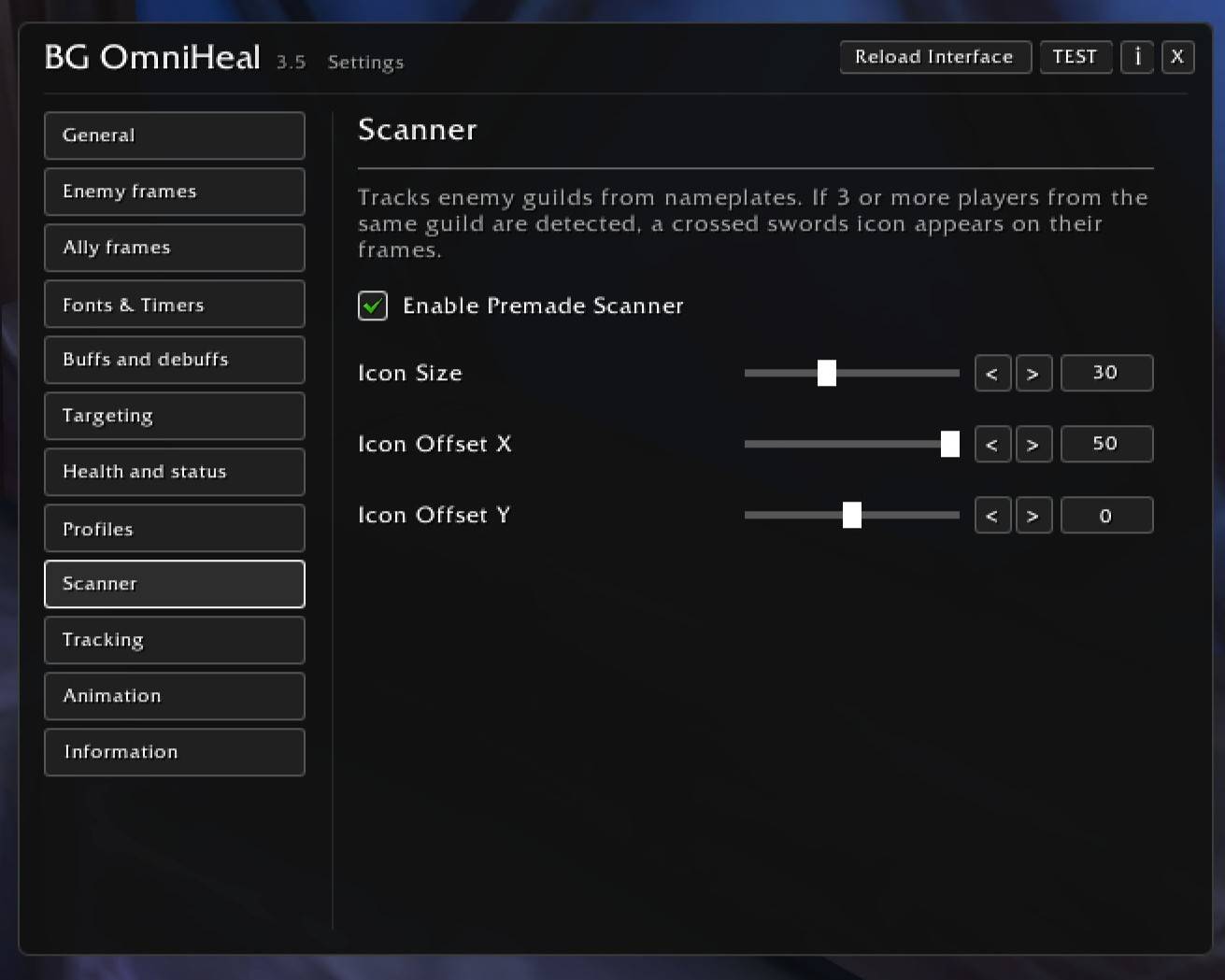
Premade Scanner: Automatically marks players belonging to the same guild with a "crossed swords" icon if there are 3 or more of them in a group.
Midnight Ready: A clean monochrome UI that perfectly handles Midnight's "Secret Values" without breaking or showing false data.
Localization: Fully translated into English, Russian, and Simplified Chinese.
Full Customization: Highly customizable ally and enemy frames. Adjust positioning, icon sizes, and font scales.
Global Timers: Independent timer font sizes for each aura group (heals, defensives, CC, etc.).
11.11.26 100% implementation of displaying protective spells on enemies.
12.11.26 100% implementation of crowd control indicators on enemies.
12.11.26 Fixed the display of save abilities; they were appearing twice in the lates version.
13.11.26 A separate menu has been added for configuring the size of timers on buffs, debuffs, and crowd-control effects.
Commands:
/oh or /omniheal — Open settings
/oh test — Toggle test mode
/oh lock / /oh unlock — Lock/unlock frames
/oh reset — Reset frame positions
/oh probe — Diagnostics (see what the game hides)
/oh perf — Show memory/CPU usage
You can also support the project. DonationAlerts https://www.donationalerts.com/r/lavet
BattleGroundOmniHeal Team