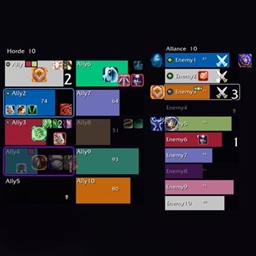
BattleGroundTargetScanner
- By
Being able to see—on Blizzard’s default raid frames—who is attacking your ally!
Description
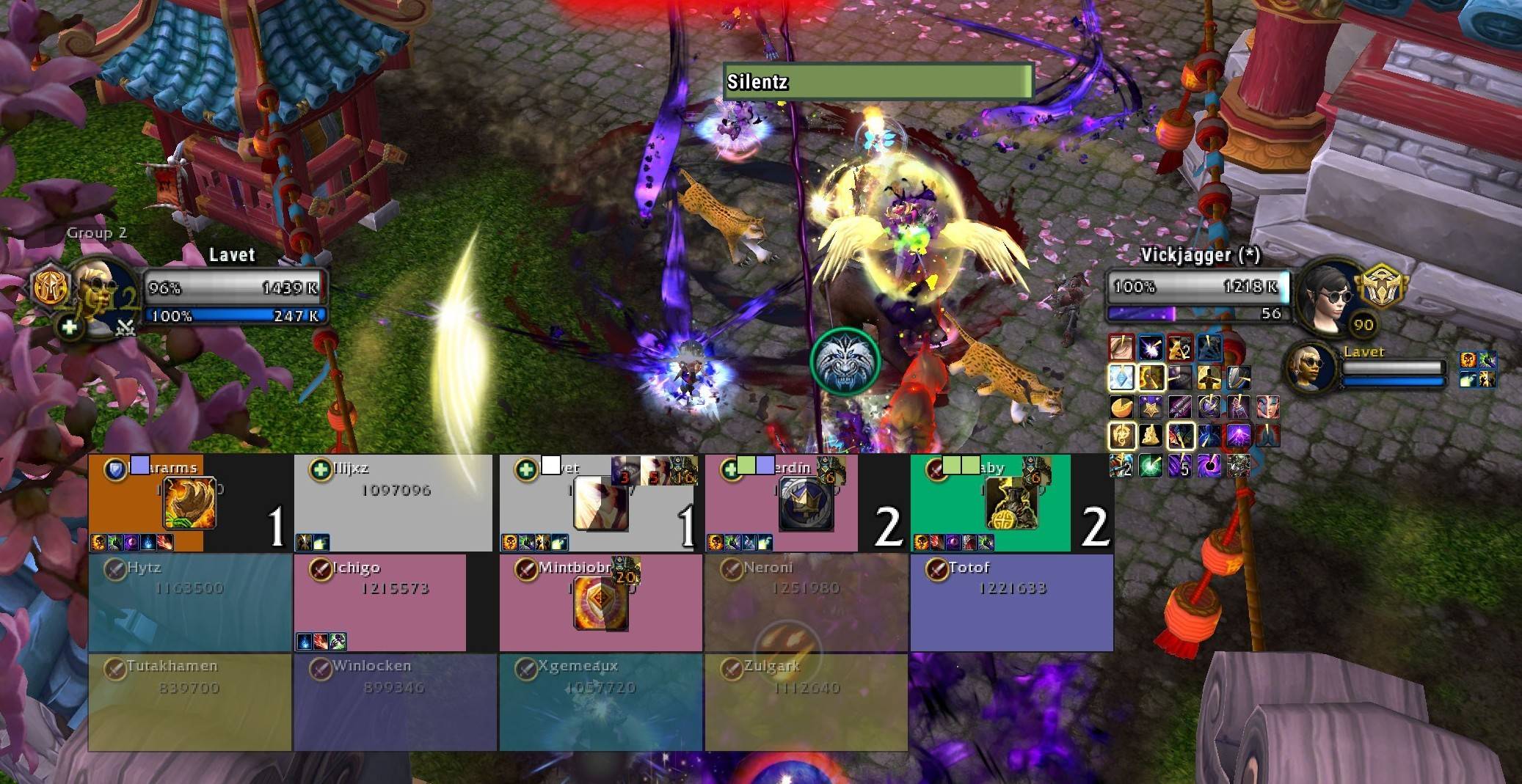
BattleGroundTargetScanner is a PvP addon that displays—in real time, directly on Blizzard’s standard raid frames—how many enemies (and of which classes) are currently targeting each of your allies. This helps you quickly identify who is being focused, allowing you to provide defensive cooldowns or healing in time.
BATTLEGROUNDTARGETSCANNER (BGTS)PURPOSE BattleGroundTargetScanner is a lightweight PvP addon designed for World of Warcraft. It enhances the default Blizzard raid frames by displaying exactly how many enemies are targeting each of your allies, along with the specific classes of those enemies. This allows healers and team members to instantly identify who is being focused and react accordingly.
HOW IT WORKS (STEP-BY-STEP)
SCOREBOARD SCANNING When you enter a battleground, the addon reads the PvP scoreboard to gather a list of all players, their factions, and their classes. It automatically determines your faction and separates allies from enemies.
NAMEPLATE TRACKING The addon listens for events when enemy nameplates (the health bars above their heads) appear or disappear in your vicinity.
TARGET DETECTION Every 0.25 seconds, the addon checks who each enemy nameplate is currently targeting.
DATA MAPPING If an enemy (e.g., a Rogue) targets one of your allies (e.g., a Paladin), the addon adds the Rogue to the Paladin's list of "targeters".
OVERLAY RENDERING A transparent overlay is created on top of the standard Blizzard raid frame. It draws:
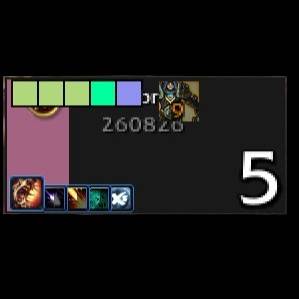
- Class Dots: One colored dot per enemy targeting that ally.
- Counter: A number showing the total amount of enemies targeting them.
- Target Highlight: A white border if you are currently targeting that ally.
INTERFACE CLEANUP (OPTIONAL) If enabled, the addon can temporarily hide third-party raid frames (like ElvUI or EllesmereUI) during battlegrounds so you only see the Blizzard frames with the addon's custom overlays.
SETTINGS MENU
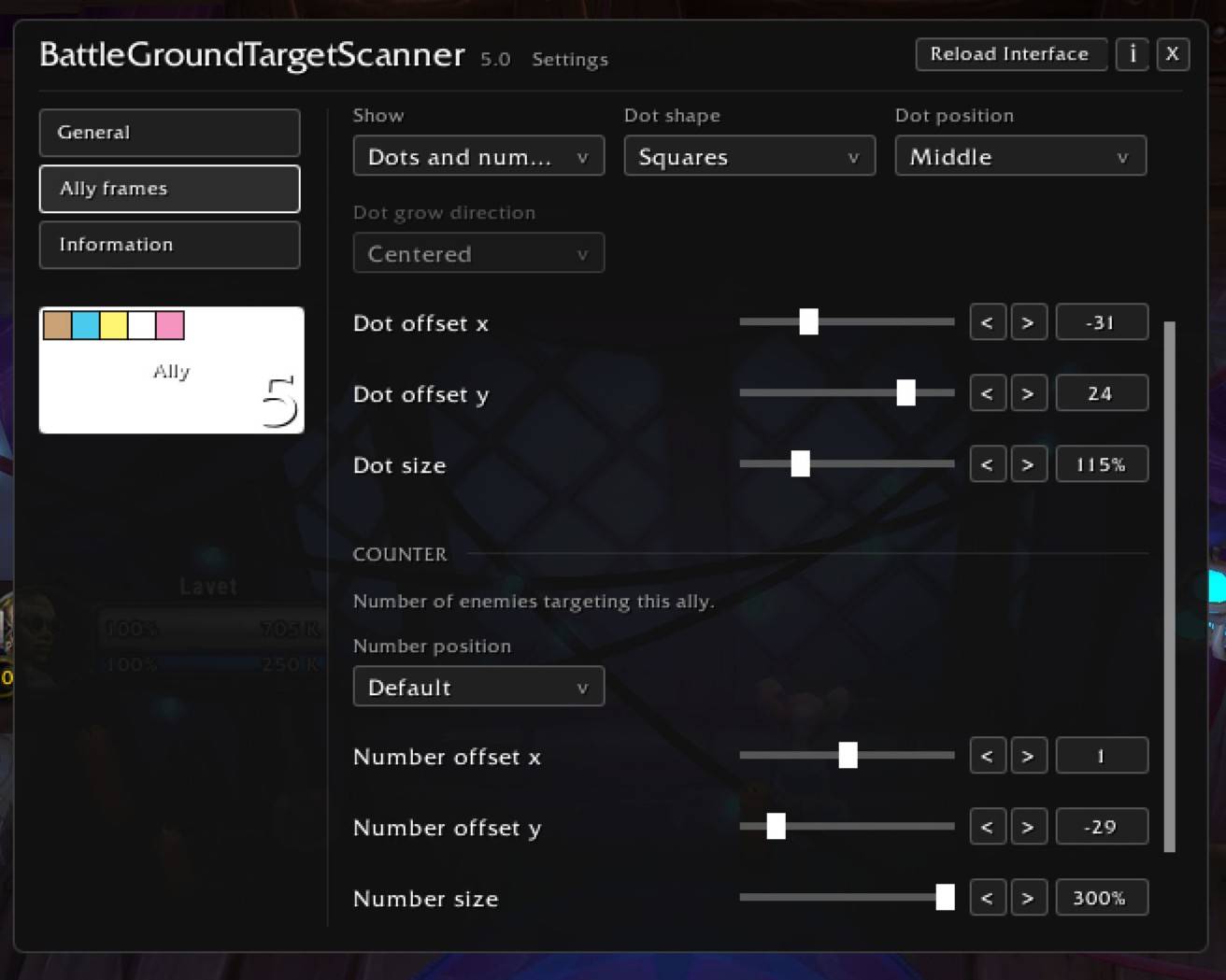
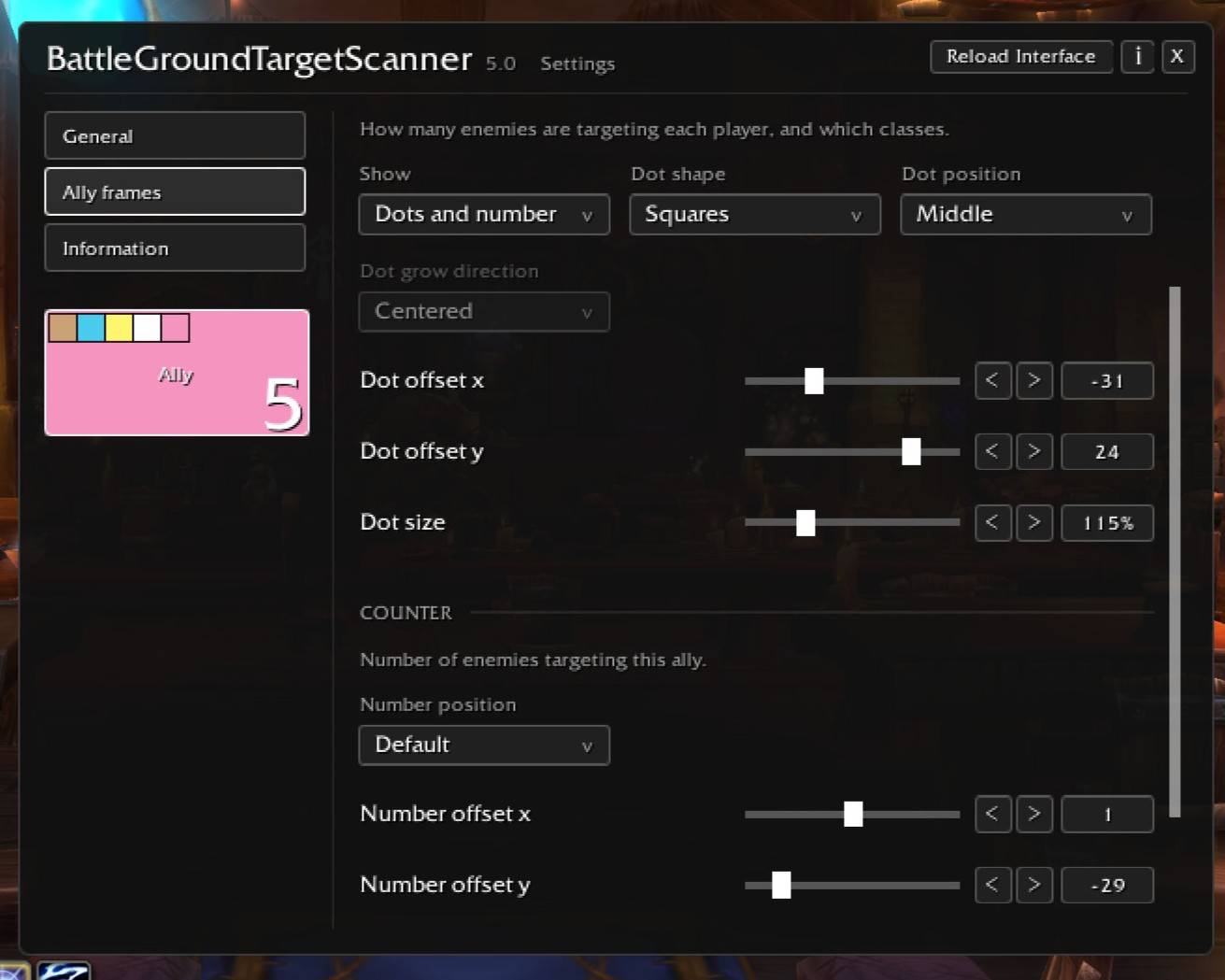
The addon features a custom, dark-themed settings window with a navigation menu on the left and the configuration options on the right.
GENERAL TAB:
- Language selection (English, Russian, Chinese).
- "Reload Interface" button.
- "Lock frames" toggle (prevents accidental dragging).
- "Minimap button" toggle.
- "Hide other raid frames" toggle (hides ElvUI/EllesmereUI frames in PvP).
ALLY FRAMES TAB (Main visual settings):
- Toggle to show/hide ally frames.
- Toggle to highlight your current target.
- TARGETING (Class Dots):
- Display Mode: Dots only, Number only, Both, or Off.
- Shape: Circles, Squares, or Crosses.
- Position: Anchor point and growth direction.
- Offsets: X and Y coordinates.
- Size: Scale modifier.
- COUNTER (Number):
- Anchor point and X/Y offsets.
- Size modifier.
- Font Selection: Choose from 10 different built-in WoW fonts.
- Text Style: White text with a black shadow for maximum readability.
INFORMATION TAB:
- Author contact links (Discord, DonationAlerts).
- Quick start guide.
- LIVE PREVIEW: Directly under the "Information" button in the left menu, there is a mock raid frame. It automatically colors itself to match YOUR character's class color and displays 5 dots and a counter so you can test your settings in real-time.
CHAT COMMANDS
You can use the following slash commands to interact with the addon:
/bgts or /battlegroundtargetscanner Opens the main settings menu.
/bgts lock Locks all overlays, preventing them from being dragged.
/bgts unlock Unlocks overlays, allowing you to drag and reposition them.
/bgts reset Resets the saved positions of all overlays to their default state.
/bgts help Prints the list of available commands to the chat window.
Note: You can also open the settings via the Minimap button (if enabled) or through the standard Blizzard AddOn Compartment menu.
You can also support my projects and my work in general: https://www.donationalerts.com/r/lavet
BattleGroundTargetScanner Team