


BFF – Best Friends in Forever
See your friends' characters, levels and whereabouts, and catch up on what they did while you were offline.
00-banner.png
01-hero.png
02-roster.png
03-feed.png
04-goals.png
Description
BFF – Best Friends in Forever
Keep up with your friends in WoW: Forever, even when you play at different times.
BFF is for a small group of friends who don't always play at the same time. It shows everyone's characters, levels and whereabouts, and tells you what your friends did while you were away. No server, no account, and no shared guild needed.
What it does
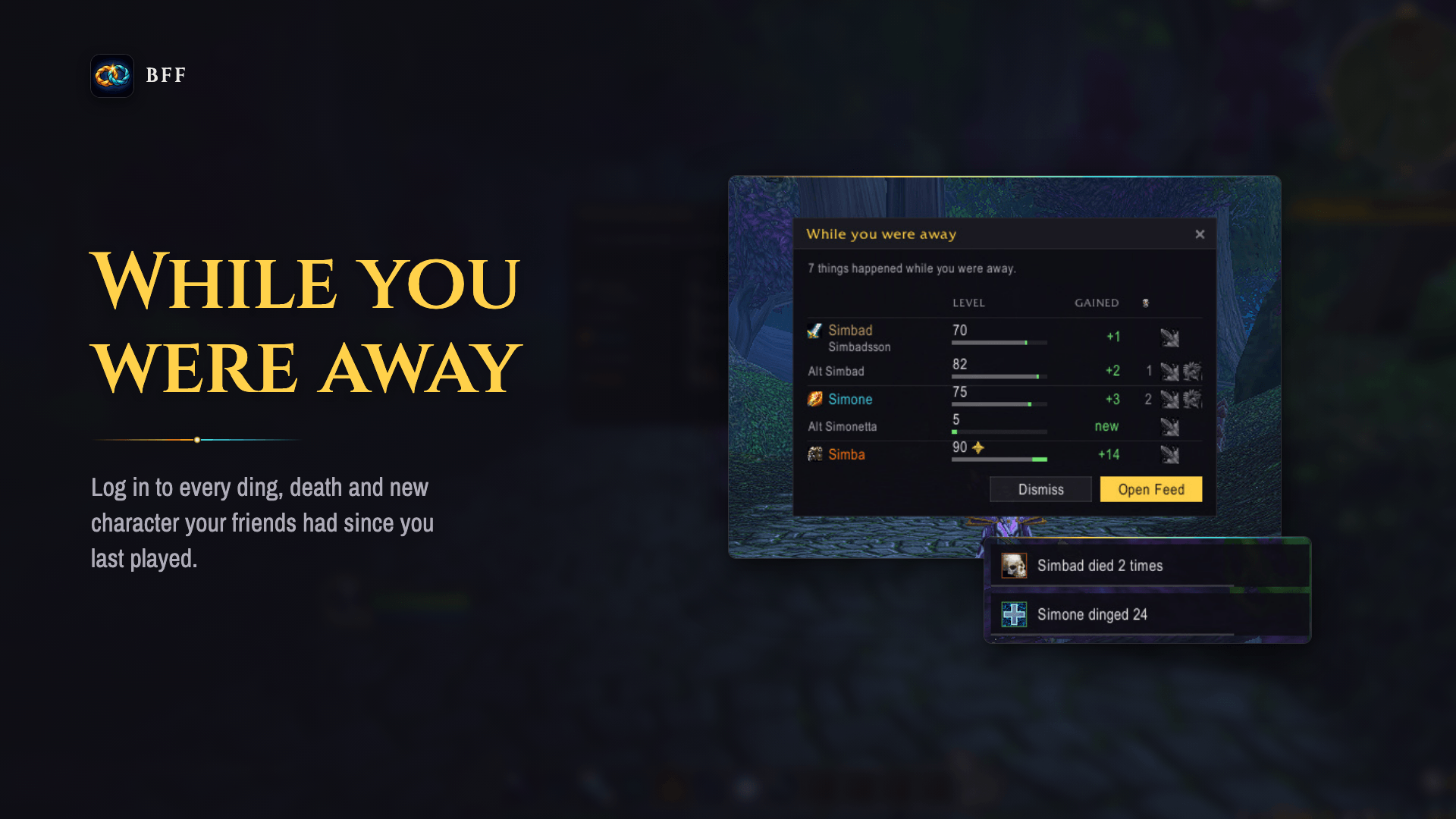
- While you were away: when you log in, see every ding, death and new character your friends had since you last played.
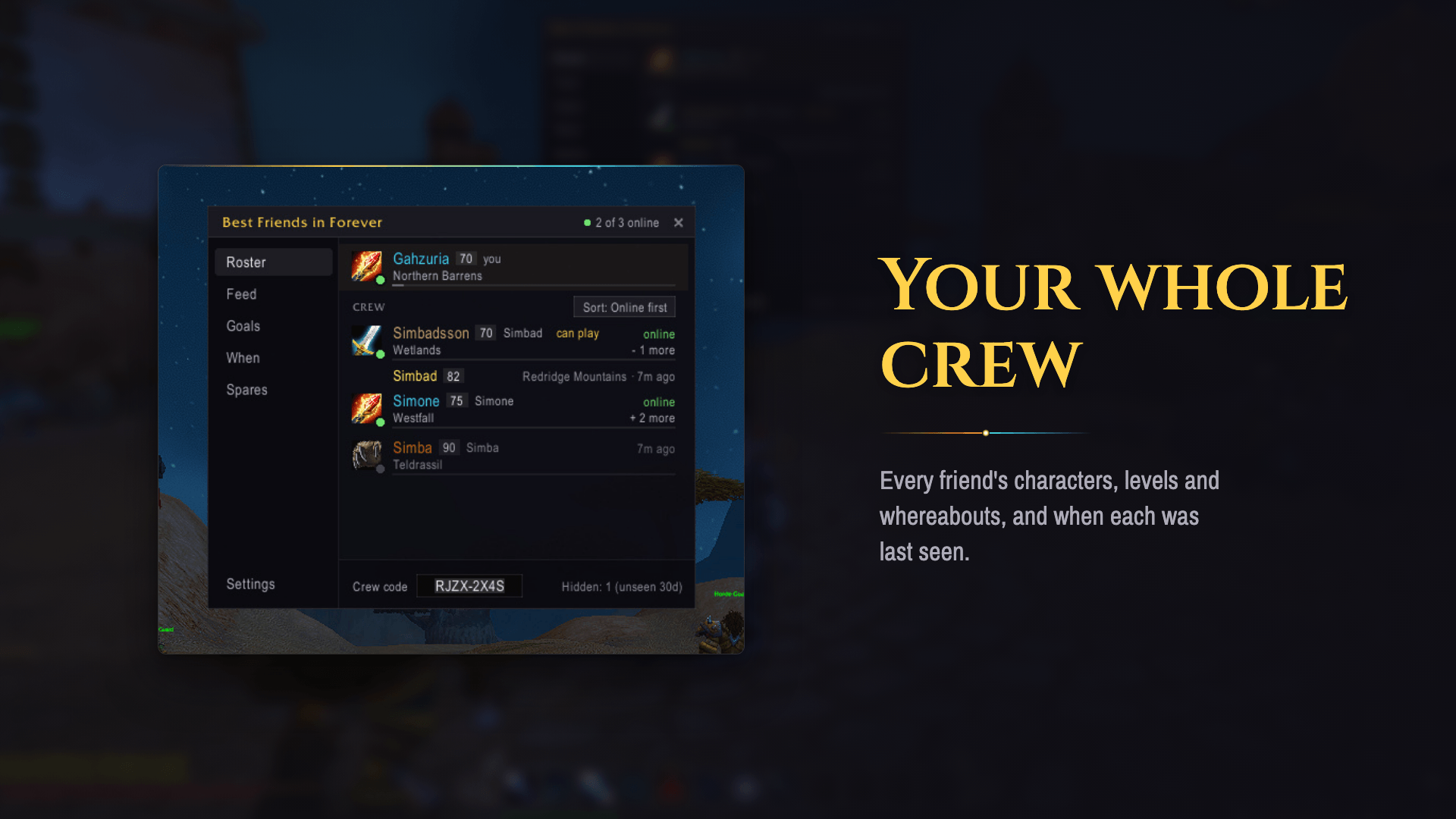
- Your whole crew: every friend's characters, levels and whereabouts, and when each was last seen. Alts are grouped under the person who plays them.
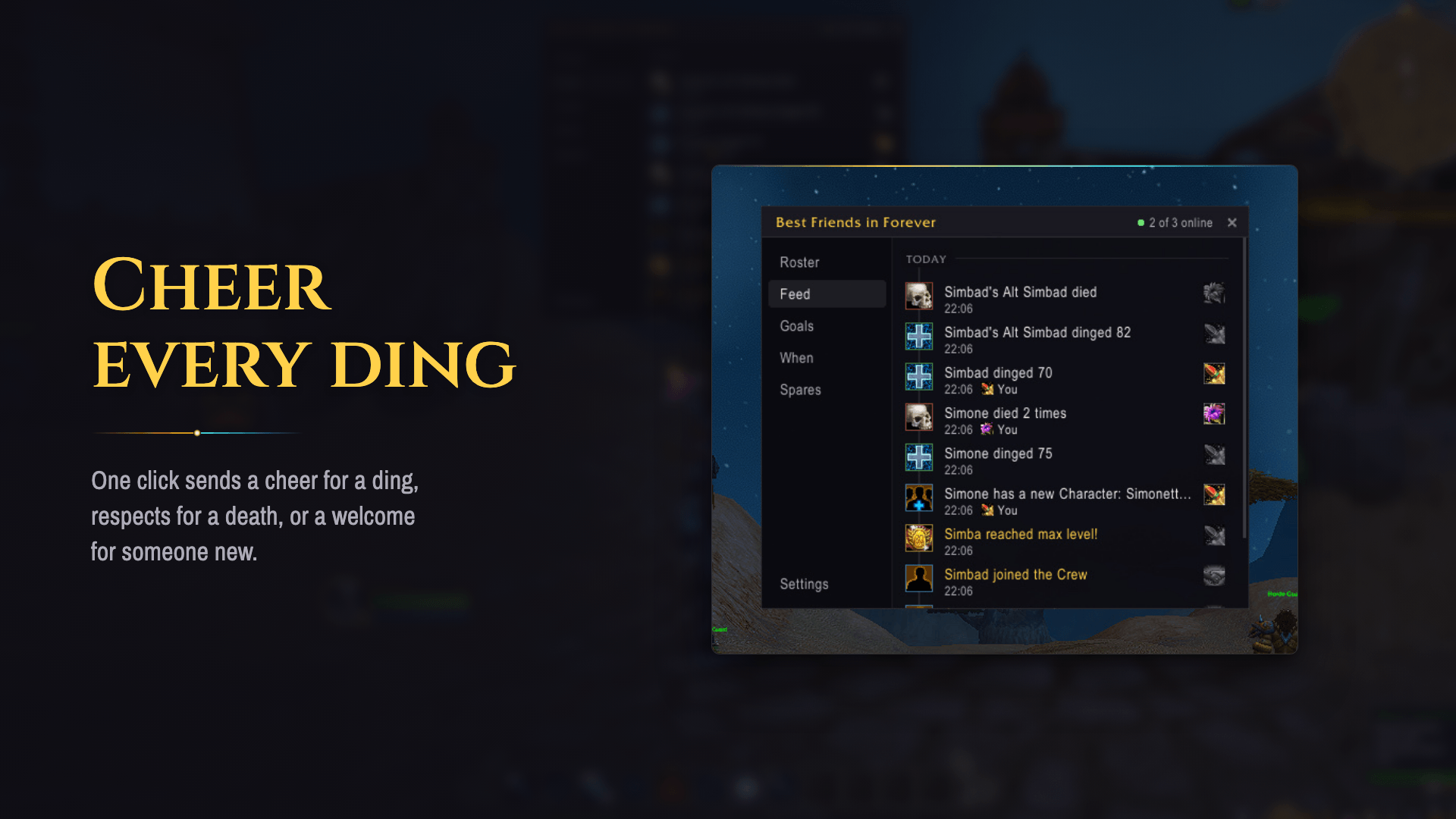
- Cheer every ding: one click sends a cheer for a ding, respects for a death, or a welcome for someone new. Toasts can play an optional sound.
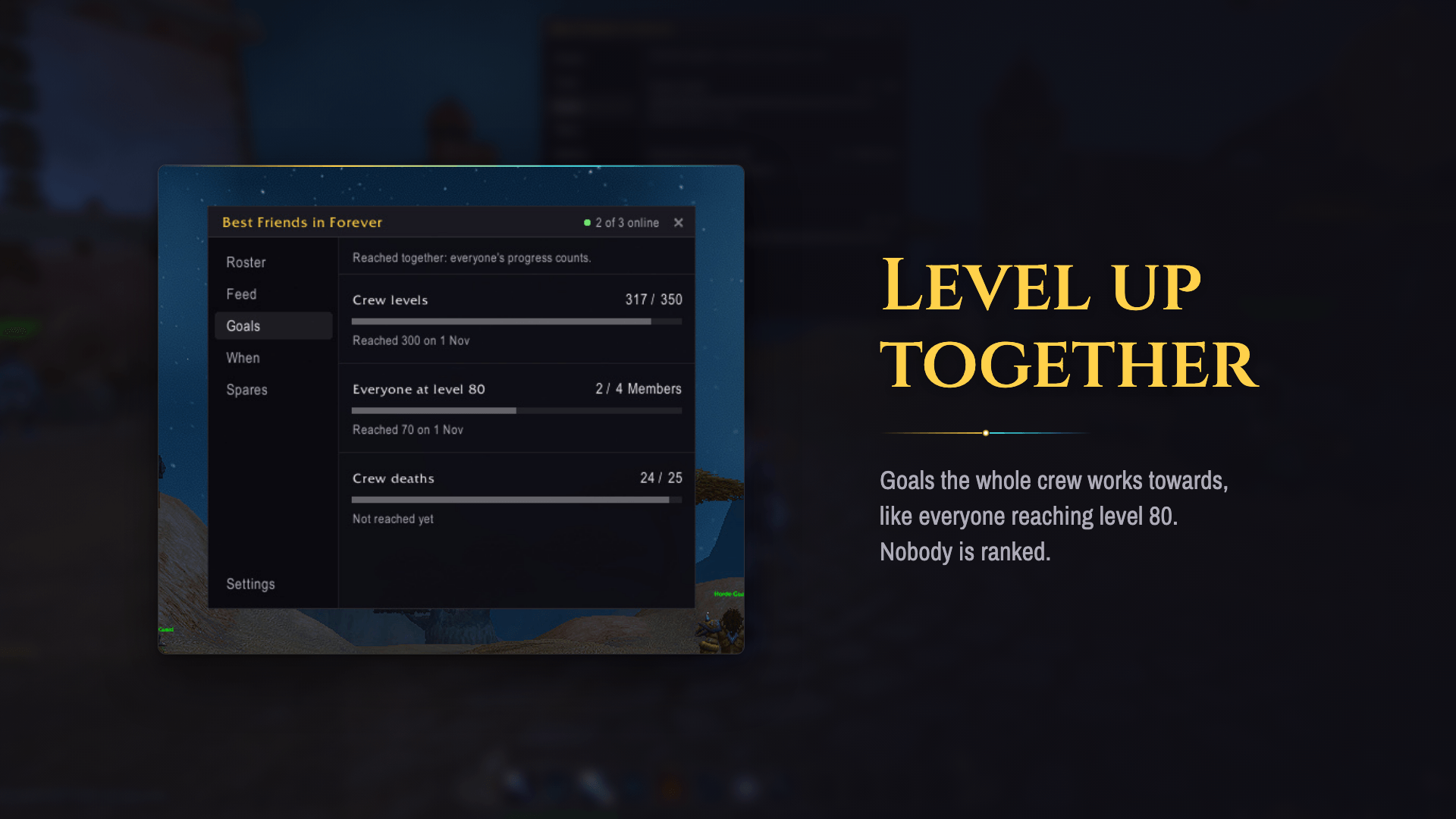
- Level up together: goals the whole crew works towards, like everyone reaching level 80. Nobody is ranked.
- Who crafts what: every friend's professions and skill in one grid, so you know who to ask for a craft. Hover a tile to see which characters have that profession. You also get feed entries when friends pick up a profession, reach a new rank or max it.
- Pass on spare gear: offer an item to your friends. Whoever claims it first gets it by in-game mail.
- When everyone plays: a heatmap of the hours each friend usually plays, in your own time zone.
- Map pins show where your friends' characters are.
Start a crew
- Everyone in the group installs BFF.
- One friend types
/bff startand shares the crew code (on Discord, by text, however you like). - The others type
/bff join <code>.
Commands
| Command | What it does |
|---|---|
/bff |
Open or close the panel (also a key binding and the minimap button) |
/bff feed, /bff goals, /bff when, /bff spares, /bff professions |
Open the panel on that tab |
/bff spares add <item> |
Offer an item from your bags: shift-click it in after add |
/bff start, /bff join <code>, /bff leave |
Start, join or leave a crew |
/bff code |
Show your crew code |
/bff name <name> |
Set the name your friends see |
/bff settings |
Open Settings |
/bff minimap |
Bring back a hidden minimap button |
How it works, and its limits
BFF has no server. Each player's addon keeps their own data and passes it to the other crew members' addons in game, over a hidden chat channel. That keeps it simple and private, but it comes with limits:
- Someone has to be online to pass news on. Updates travel only between players who are online at the same time. When anyone who has your news is online alongside a friend, that friend gets it, even if you are offline. A crew whose members are never online at the same time won't see each other's news.
- Same realm and same faction. WoW's chat channels don't cross factions or reach other realms. Whether connected realms work hasn't been tested.
- Paused in combat and instances. WoW blocks addon messages there. Your news goes out as soon as you leave, and nothing is lost.
- Delivery is best effort. A message can occasionally get lost. The next sync fills in the gap, so data catches up but isn't instant.
- One crew at a time. BFF uses one of your character's custom chat channels, and there's a cap of about 10. If you're at the cap, leave a channel and
/reload. - The crew code is the only key. Anyone with the code can join and see the crew's data. There's no owner, kick or ban. You can hide someone just for yourself with Remove. To shut someone out, start a new crew and share the new code with the others.
- History is short. The feed keeps 30 days or 200 entries, whichever runs out first. Friends unseen for 30 days are hidden from the panel.
- Settings has an "Appear offline" option if you want to stop sharing for a while.
Feedback
Bugs and ideas are welcome on GitHub.
BFF – Best Friends in Forever Team
