


Better Mount Viewer
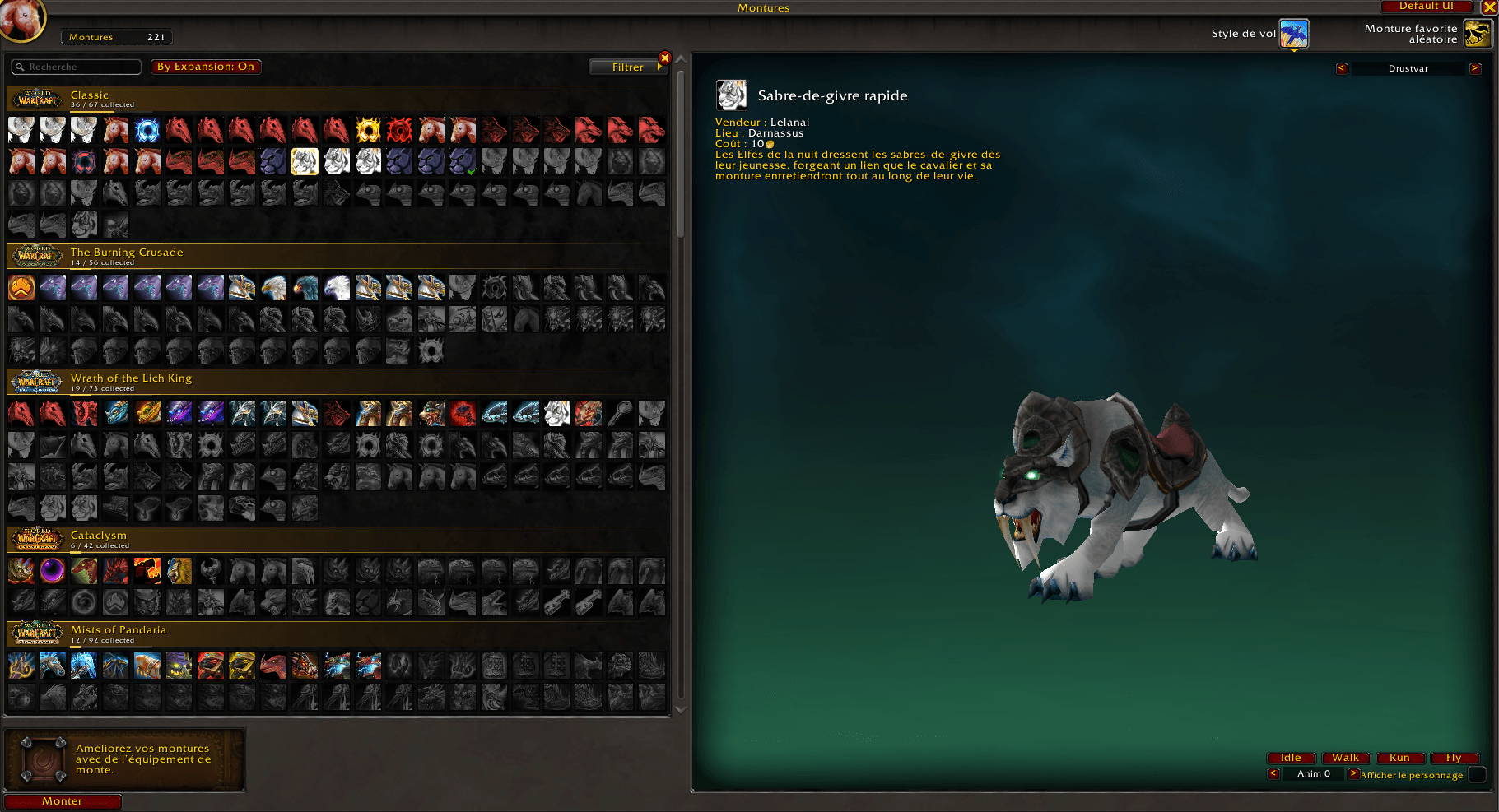
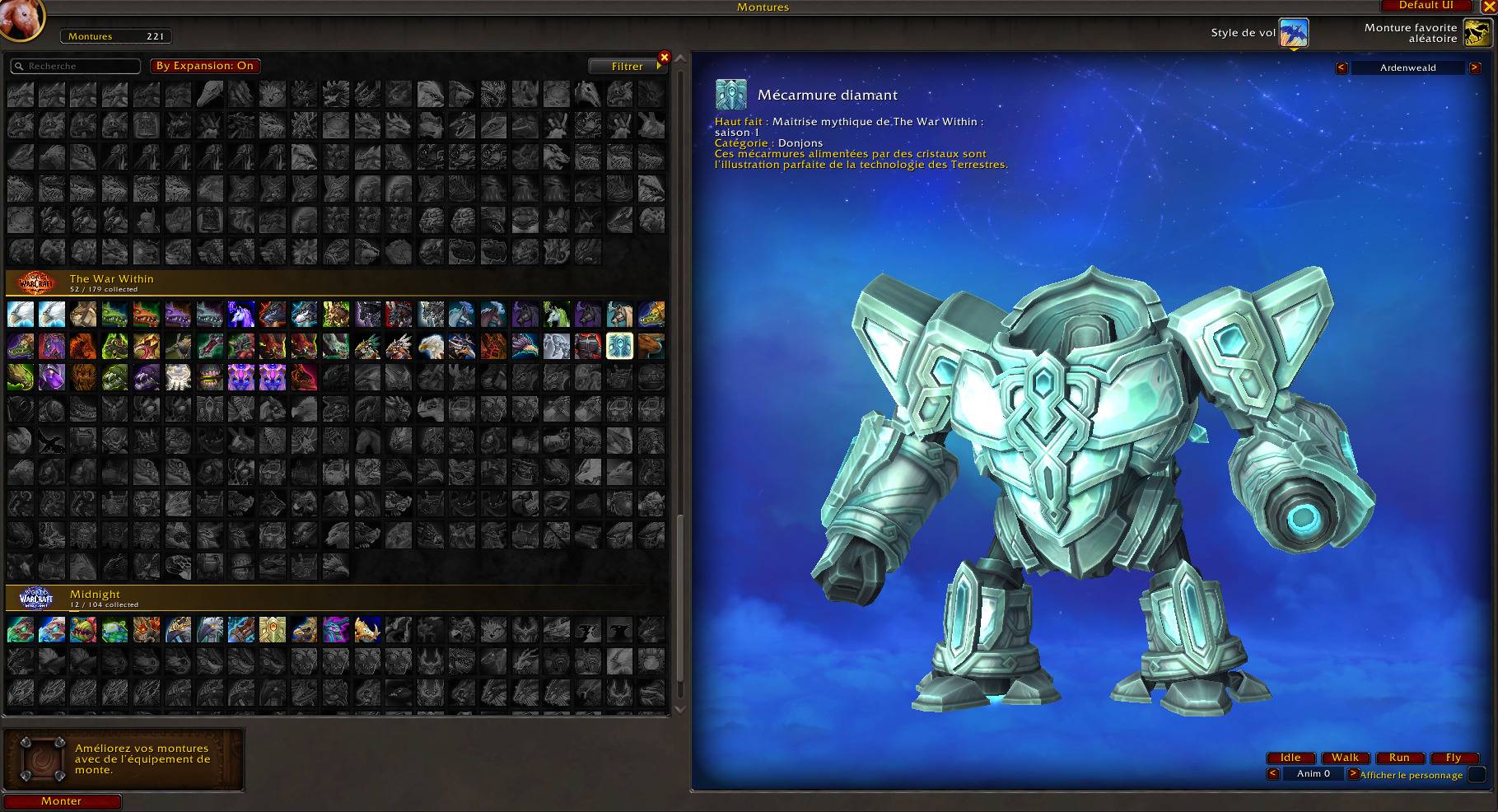
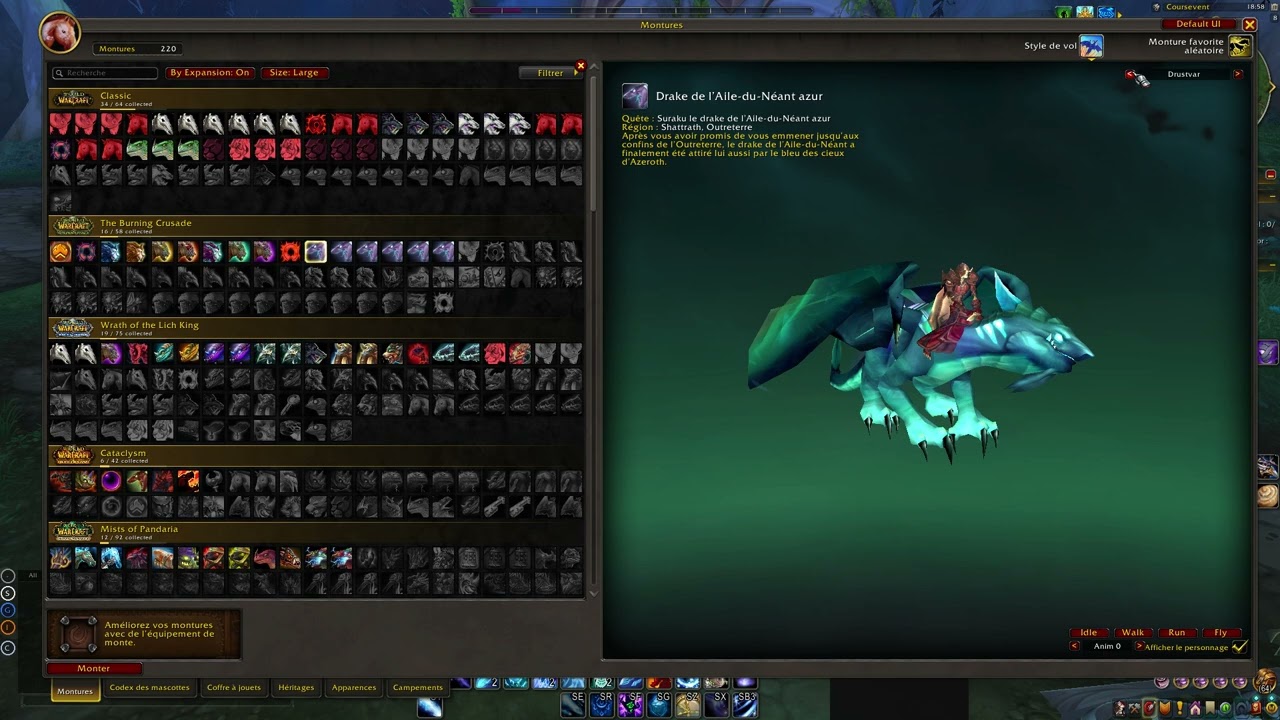
Turns the Mount Journal into a full-screen collection viewer, with an icon grid sorted by expansion and a large 3D preview featuring skyboxes, fog and animations.
1.png
3.png

4.png
5 (1).jpg
Description
Better Mount Viewer **Better Mount Viewer** turns the default Mount Journal into a full-screen collection viewer. It's built for players who want to browse, admire and show off their mounts.
## Features ### Icon grid sorted by expansion
- All your mounts shown as a clean icon grid, read left to right, row by row
- Mounts grouped by expansion, from Classic to Midnight, each with its own banner
- Each banner shows your collection progress (e.g. *34 / 52 collected*) - One-click **By Expansion** toggle to switch back to Blizzard's default order
- Works with the default search box and filters ### Large 3D mount preview
- The journal is enlarged to fill most of your screen while keeping the interface compact
- **Left-click drag:** rotate the camera left/right **and** up/down
- **Right-click drag:** move the mount around the scene
- Extended zoom range, with a closer default framing
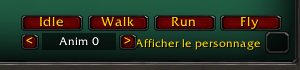
- Animation buttons (**Idle, Walk, Run, Fly**) plus an animation explorer to browse every animation ID ### Scenery
- Real in-game skyboxes behind your mount:
**Drustvar**, **Ardenweald**, **Icecrown Sunset** - Layered ground fog for a cinematic look
- **Neutral** (plain dark background) and **Classic** (original Blizzard backdrop) options
### Quality of life - Hover a mount to see its expansion in the tooltip
- Double-click to summon, right-click to favorite, drag to your action bars
- **Default UI** button to switch back to the original Mount Journal instantly, no reload needed
- Your settings are saved between sessions ## Usage Open the Mount Journal (**Shift+P**). Better Mount Viewer is enabled automatically.
Slash commands:
- `/bmv` or `/mountviewer`
– switch between Better Mount Viewer and the default UI ## Credits Expansion data is based on the mount ID ranges from **Mount Journal Enhanced** by exochron.
## Feedback Found a mount in the wrong expansion, or have an idea? Leave a comment or open an issue!
Better Mount Viewer Team
