
Beeline - Leveling Guide 1-60
- By
01-overview.png
02-card-dungeon.png
03-where-to.png
Description
Beeline
Formerly ForeverRoute. Same addon, new name: the command is /bee (/fr still works for now).
Updating from ForeverRoute? Your addon app updates it like any other version. Restart the game once afterwards (a /reload isn't enough). Your settings, key bindings and learned flight paths come over by themselves. Installed by hand? You can delete the old ForeverRoute_Plans_Alliance and ForeverRoute_Plans_Horde folders.
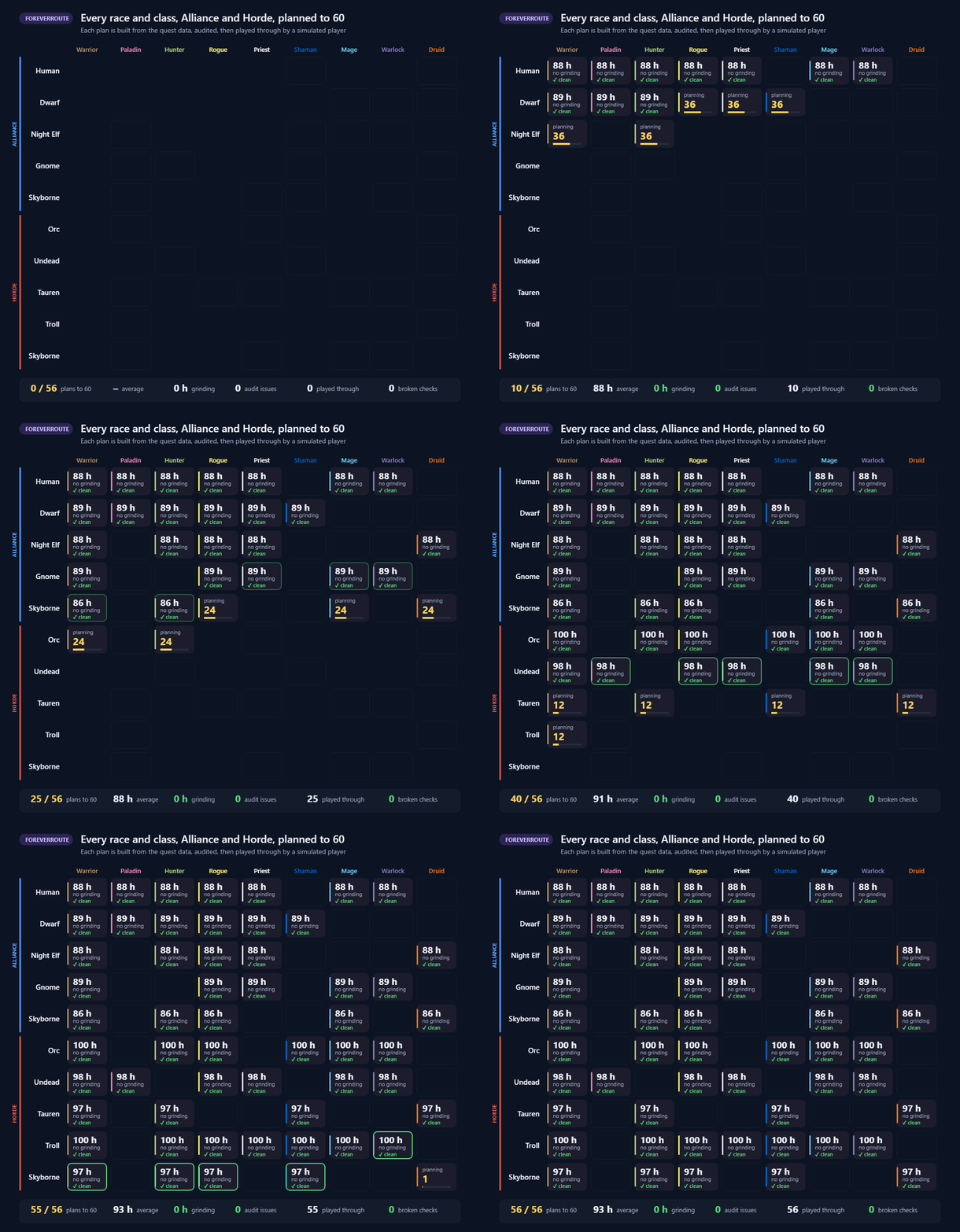
Leveling routes for WoW Forever, 1 to 60, for all 56 race and class combinations, Alliance and Horde.
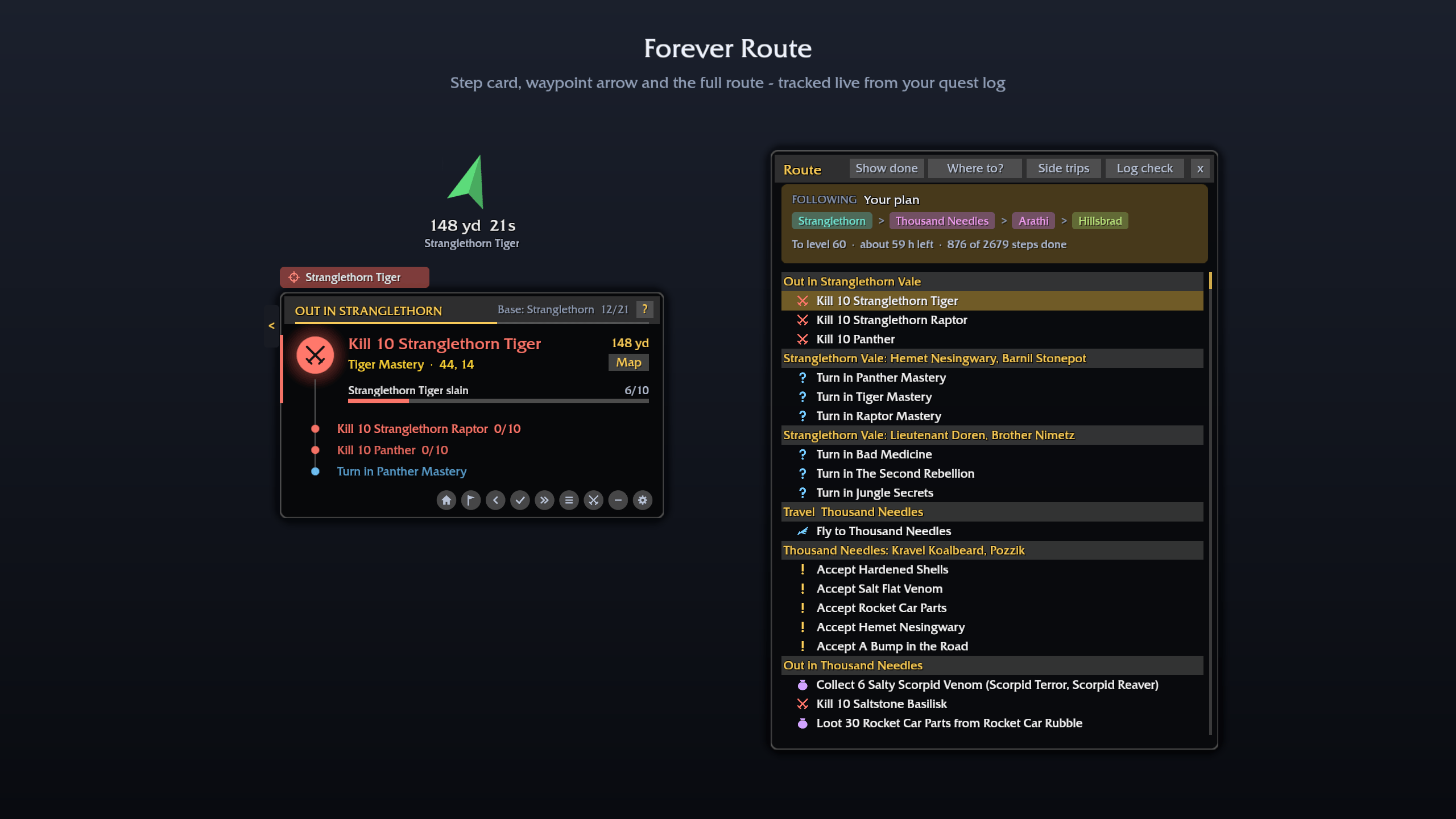
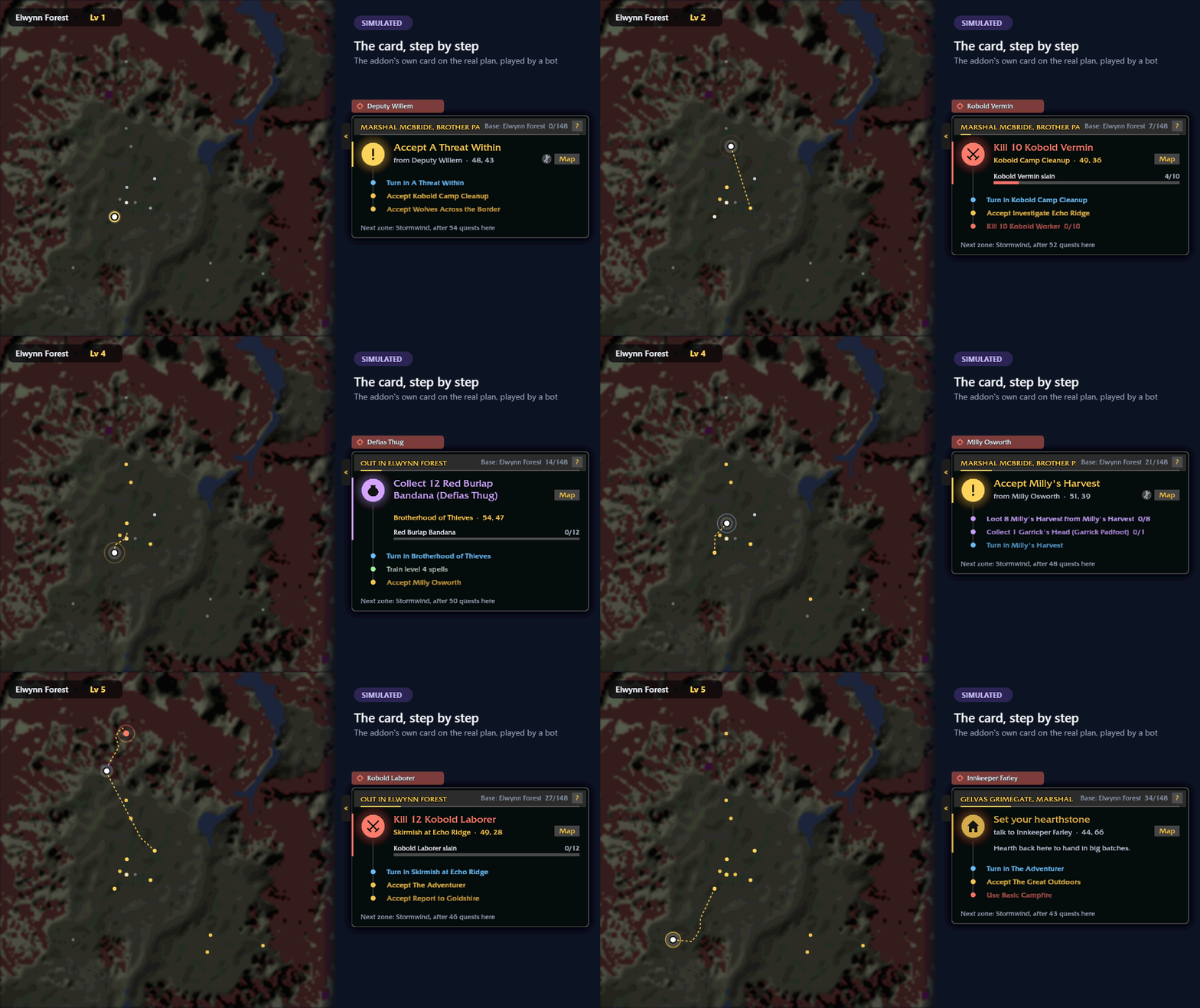
A step card, a waypoint arrow and map pins tell you exactly what to do next: what to accept, what to kill or collect, where to hand in, when to train, and how to get to the next zone. Install it and play: your plan loads by itself, quests you've already done are skipped, and it works at any level - install it at 30 and it starts you on the best part of the plan for where you are.
The card
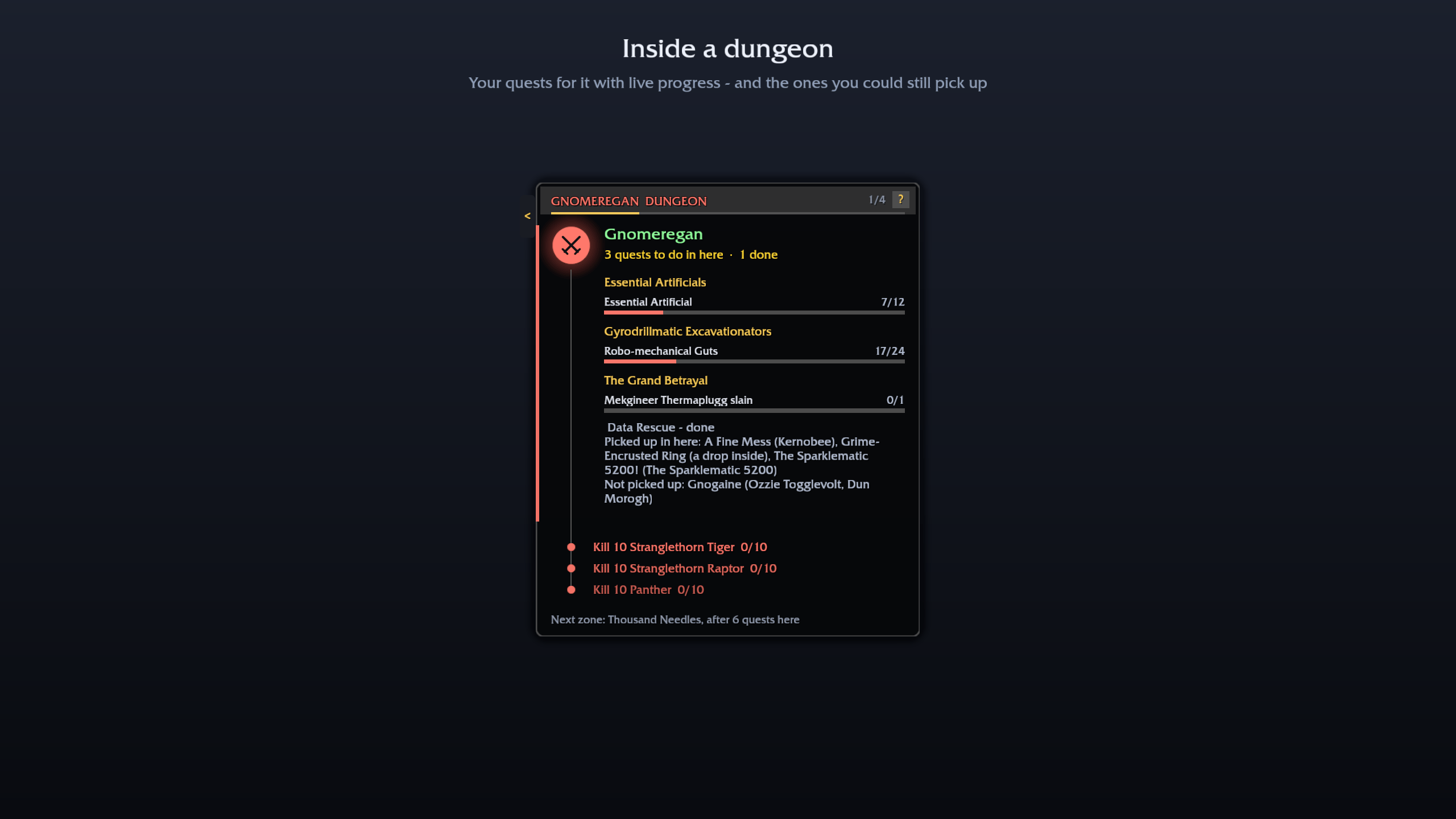
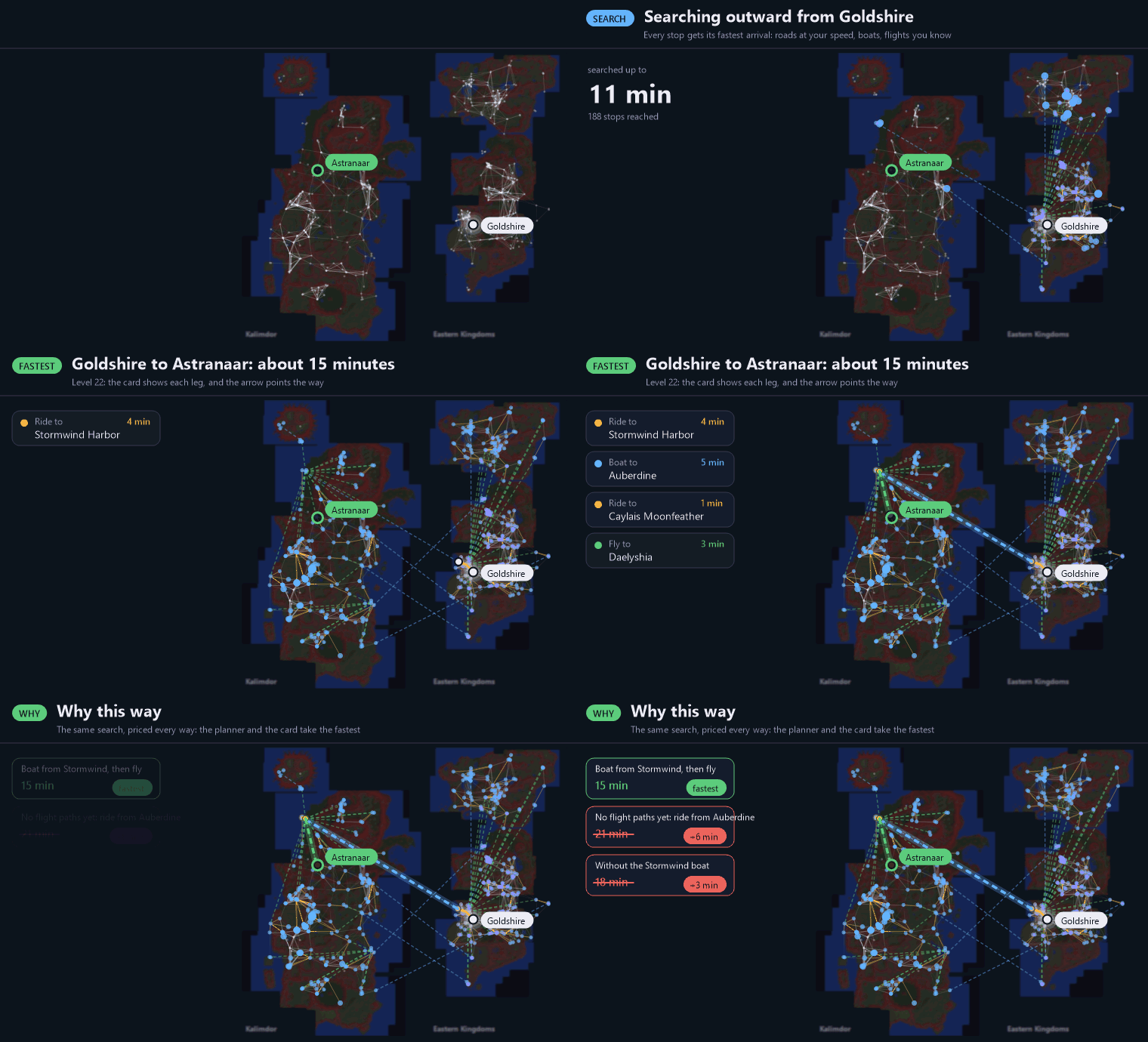
The next thing to do, always on screen. It reads your quest log live, counts kills and loot, ticks steps off as you play, and fits in hand-ins you finished early when you pass by. Skip a quest or a dungeon and the route keeps up. Inside a dungeon it shows that dungeon's quests with live progress. Wondering why it sent you somewhere? The ? on the card says why, in a line.
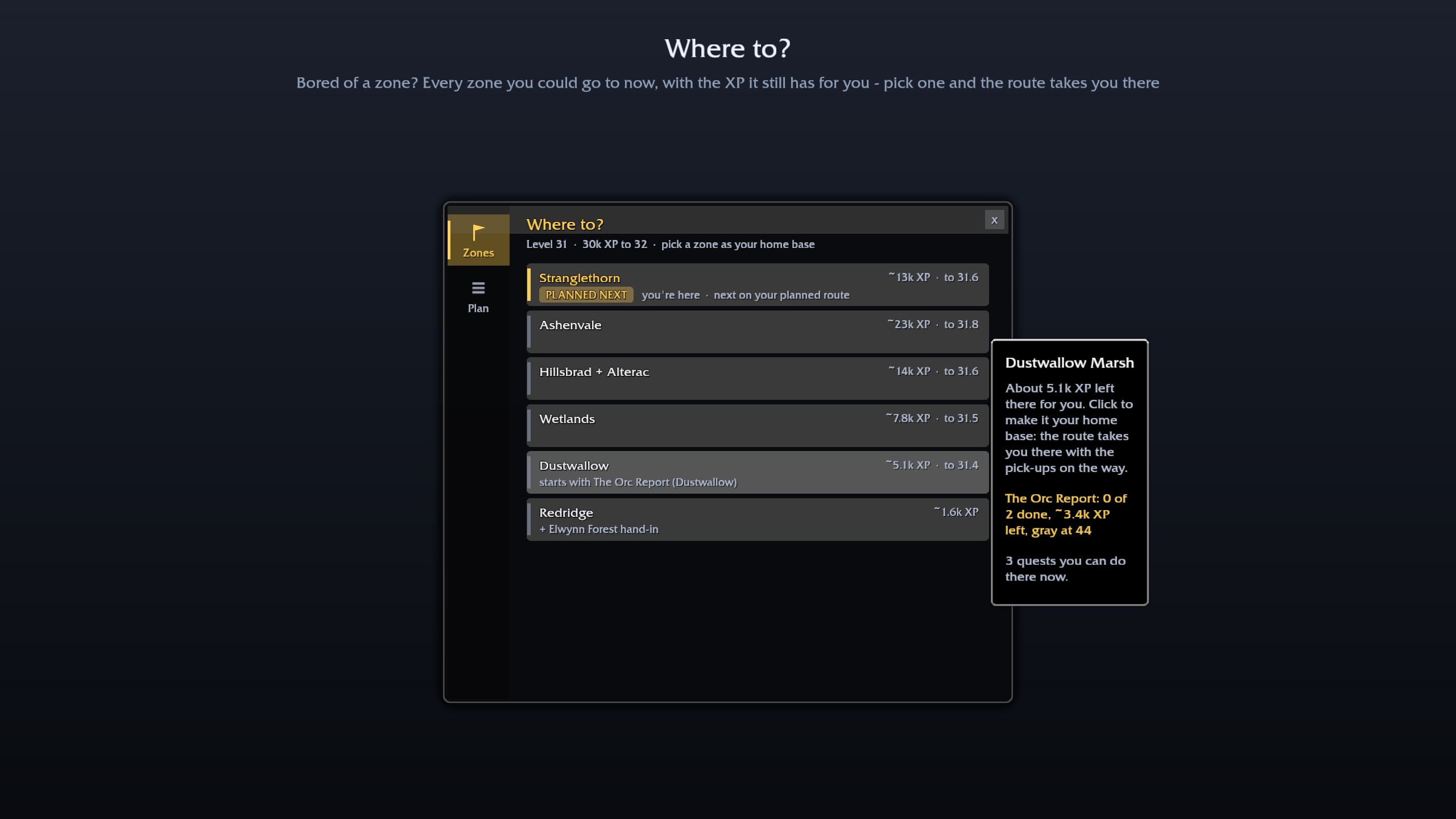
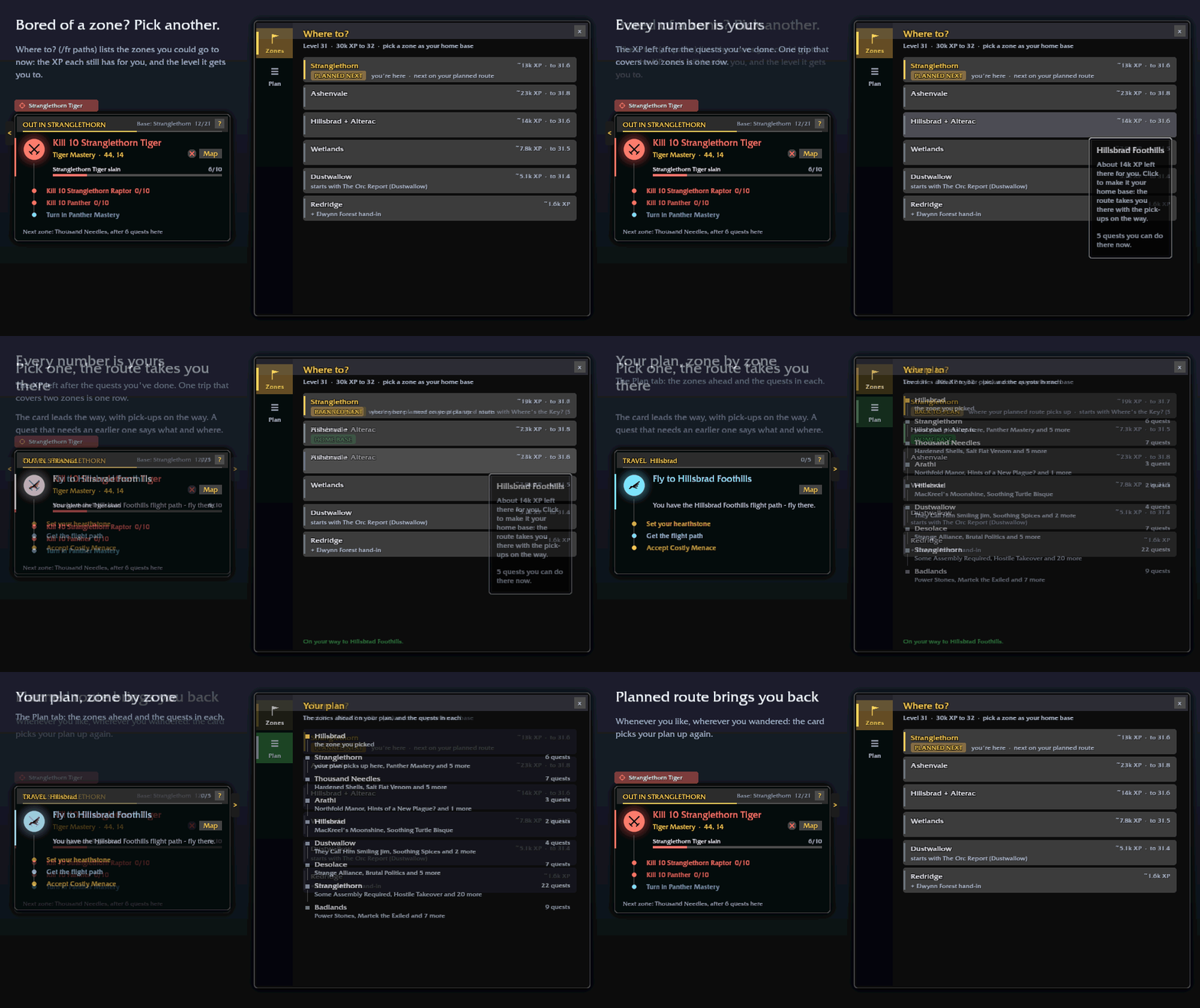
Pick your own zone
Bored of a zone? Pick another. Where to? (the route window, or /bee paths) lists the zones you could go to now, with the XP each still has for you and the level that gets you to. Pick one and the route takes you there. If a zone's quests need an earlier part you haven't done, those steps come first when they're close by, and a chain you carry that's about to turn gray is pointed out before you leave. PLANNED NEXT takes you back to your plan, wherever you wandered.
What you get
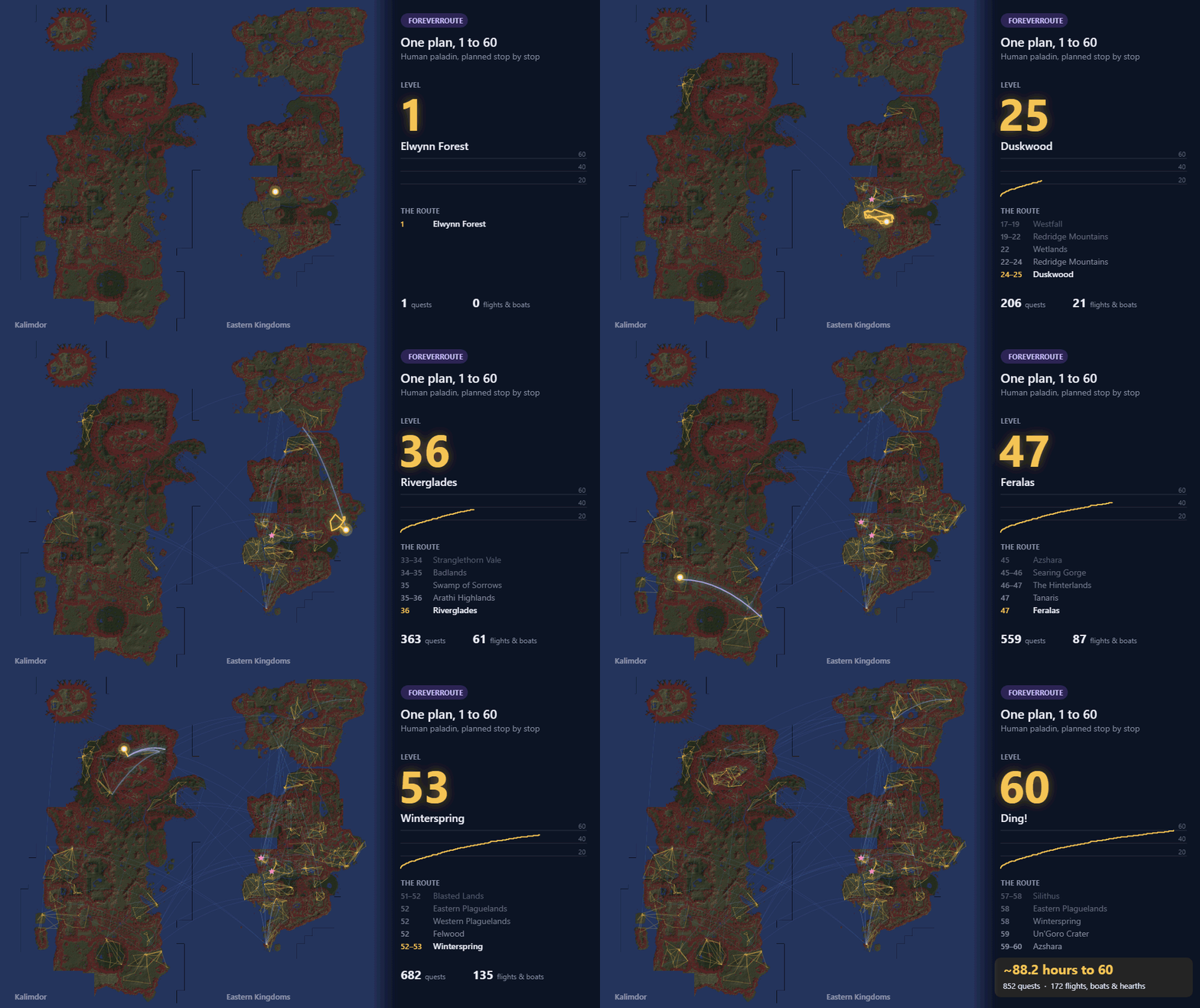
- A plan for every race and class (56 in all), 1 to 60, through Forever's new zones (Riverglades, Shen'dralas), with no grinding
- Class quests built in: Redemption and the Warhorse for paladins, warlock pets, druid forms, shaman totems, warrior stances, rogue poisons - as side trips you choose
- The waypoint arrow and map pins, which walk you to every stop, along the roads and around hostile camps
- The game's own 3D navigation marker on every stop, with the yards to it (hidden on Forever; the addon turns it on)
- Travel that knows the world: flight paths, boats, zeppelins, the tram, hearthstone, mage and druid teleports, and the Skyborne skyship; a long walk becomes a flight when that's clearly faster
- A target key: one key targets the step's NPC and marks it with a star (Keybindings > AddOns > Beeline Targeting)
- Optional quest automation: accept your route's quests and hand in finished ones (never when there's a reward to choose), with best-reward hints
- Readable on any screen: one size setting for everything, with a suggestion on 4K and ElvUI setups
How the routes are made
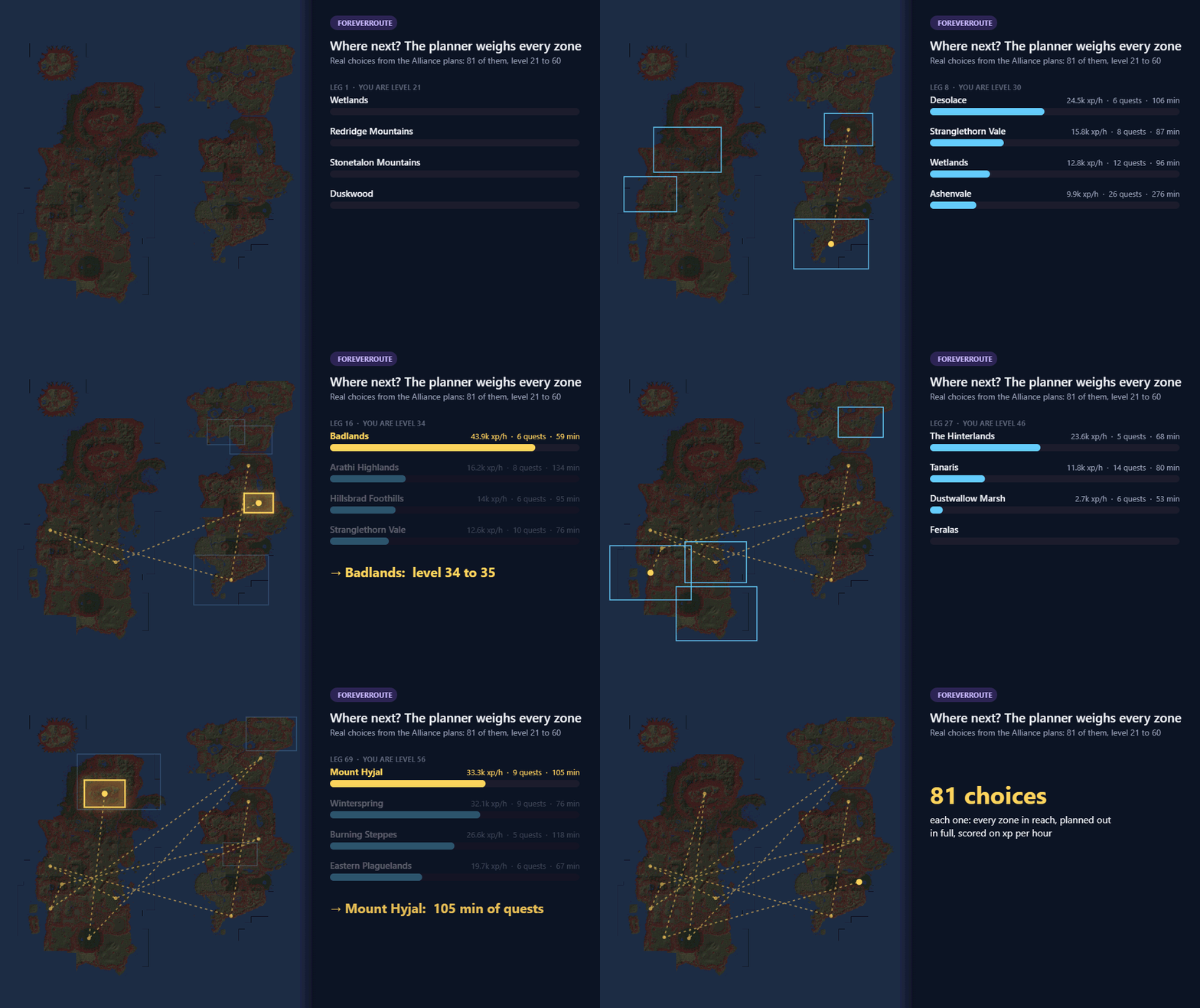
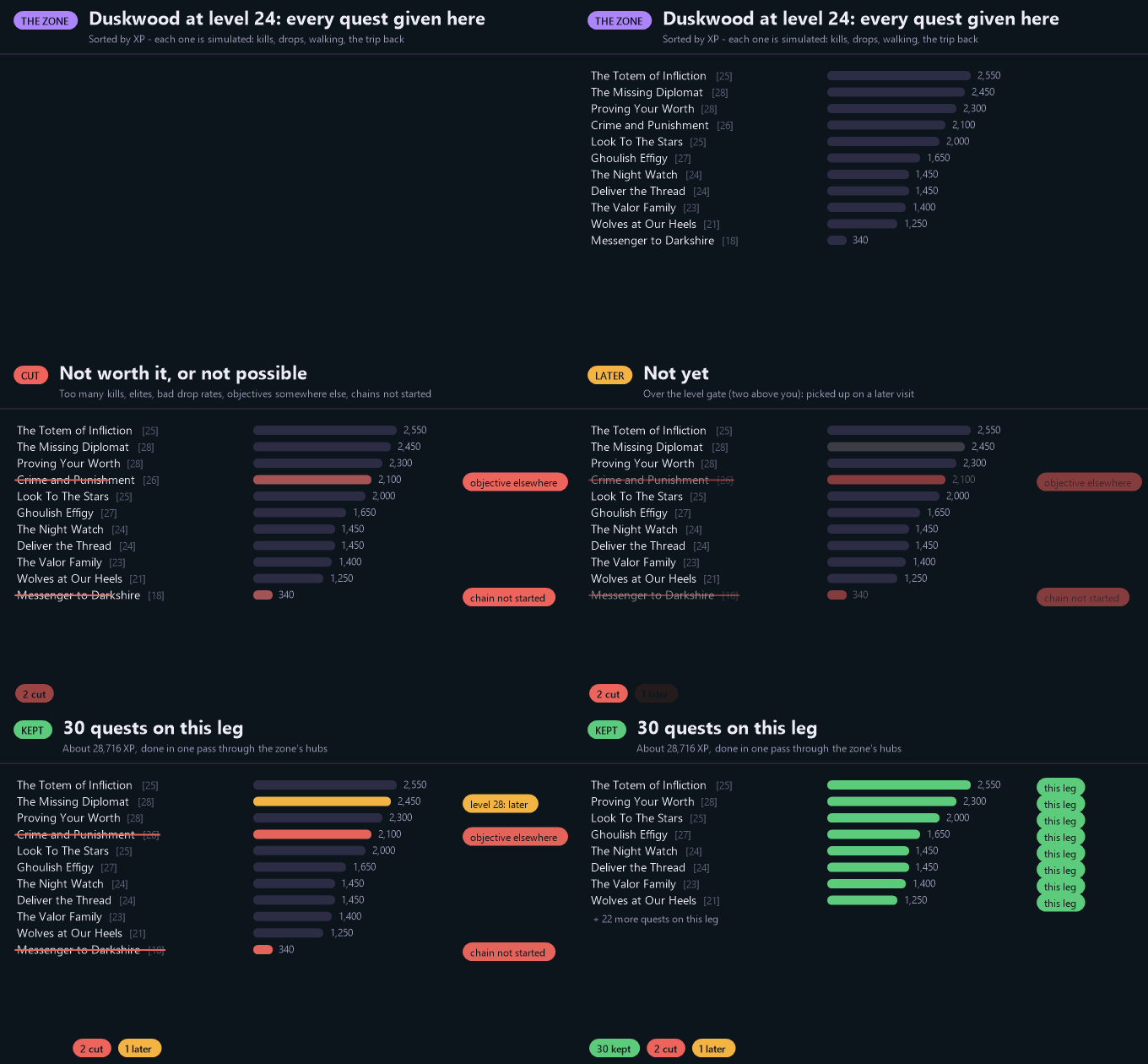
Routes aren't hand-written. A planner builds them from the quest data and the game's own terrain: it plans out every zone that fits your level, picks the next zone, keeps only the quests worth doing and finds the fastest way there. Every plan is then played from 1 to 60 by simulated players before it ships - including ones that wander off to other zones.
Getting started
Install, log in, and the plan for your race and class loads by itself. Open any flight master's map once so the addon knows your flight paths. /bee toggles the card, /bee list shows the whole route, /bee paths opens Where to?, /bee dungeons the side trips, and /bee options has the settings.
Something look wrong? Type /bee report and paste what it gives you, with a screenshot, into an issue on GitHub. It's anonymous: no character name, realm or account.
Works alongside Questie.
Beeline - Leveling Guide 1-60 Team
