BeastXP
- By
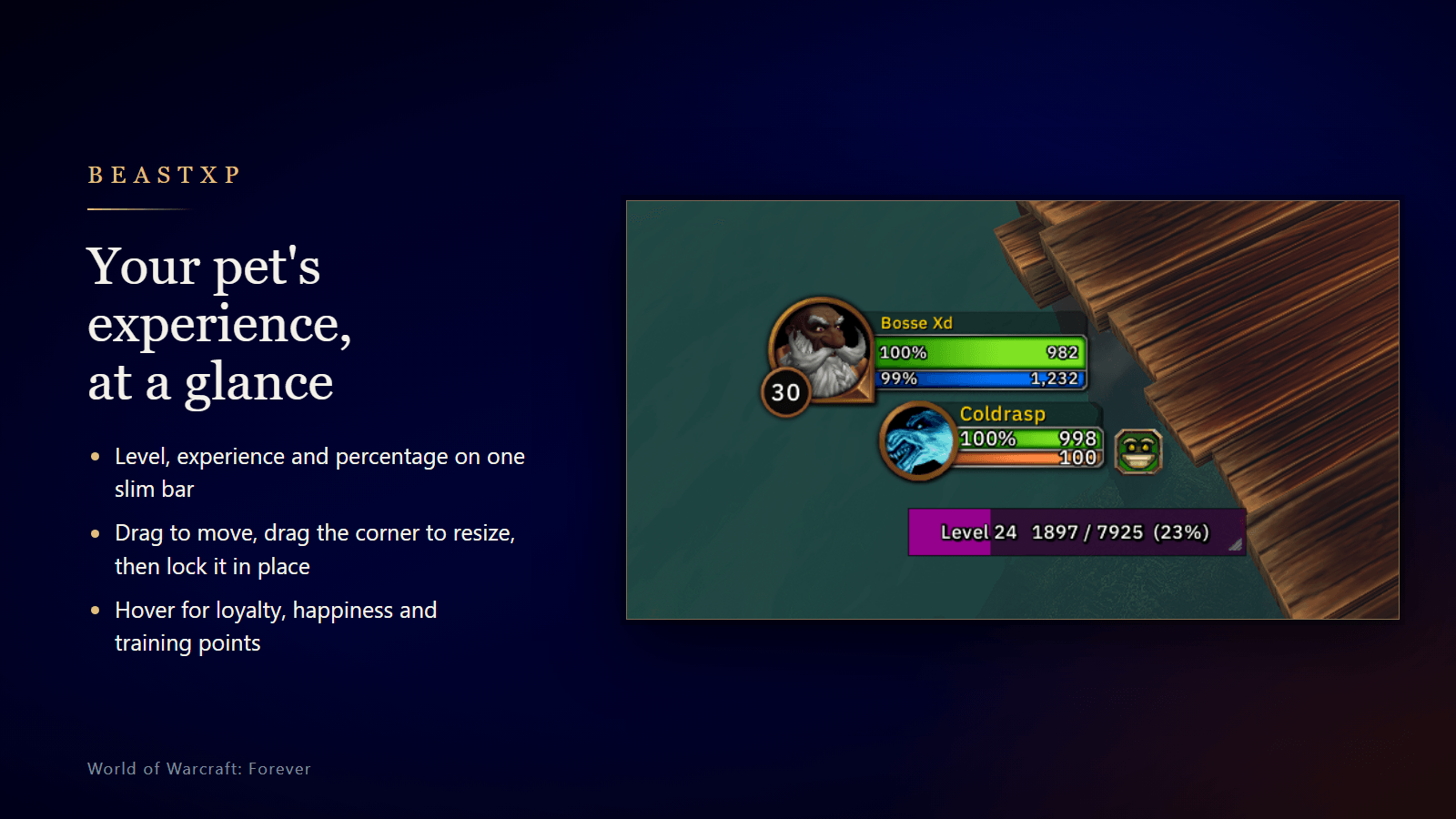
A small experience bar for your hunter pet in WoW: Forever. Drag to move, drag the corner to resize, right-click or /petxp for the settings.
beastxp-banner-painted-848.png
beastxp-bar-1.3.png
beastxp-settings-1.3.png
Description
A single bar for your hunter pet's experience, for World of Warcraft: Forever. Nothing else.
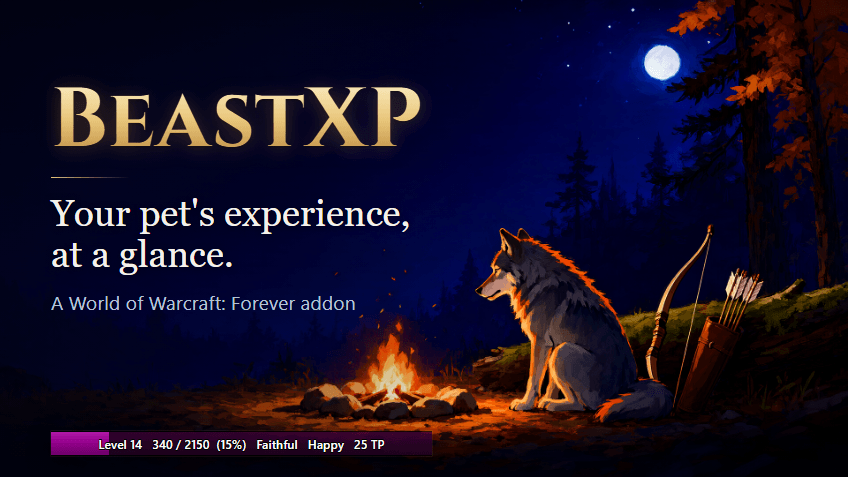
It shows your pet's level, its experience into the level and the percentage, for example Level 14 340 / 2150 (15%). Hover over it to see your pet's name, how much experience it still needs, its loyalty, its happiness and its training points.
Features
- Move and resize: drag the bar to move it, and drag the grip in its corner to resize it. Or set an exact width, height and X and Y position on the settings page.
- Edit Mode: open the game's Edit Mode and the bar joins in, highlighted with its position, even while locked or with no pet out. Drag it, or hover over it and nudge it with the arrow keys (Shift moves it 10).
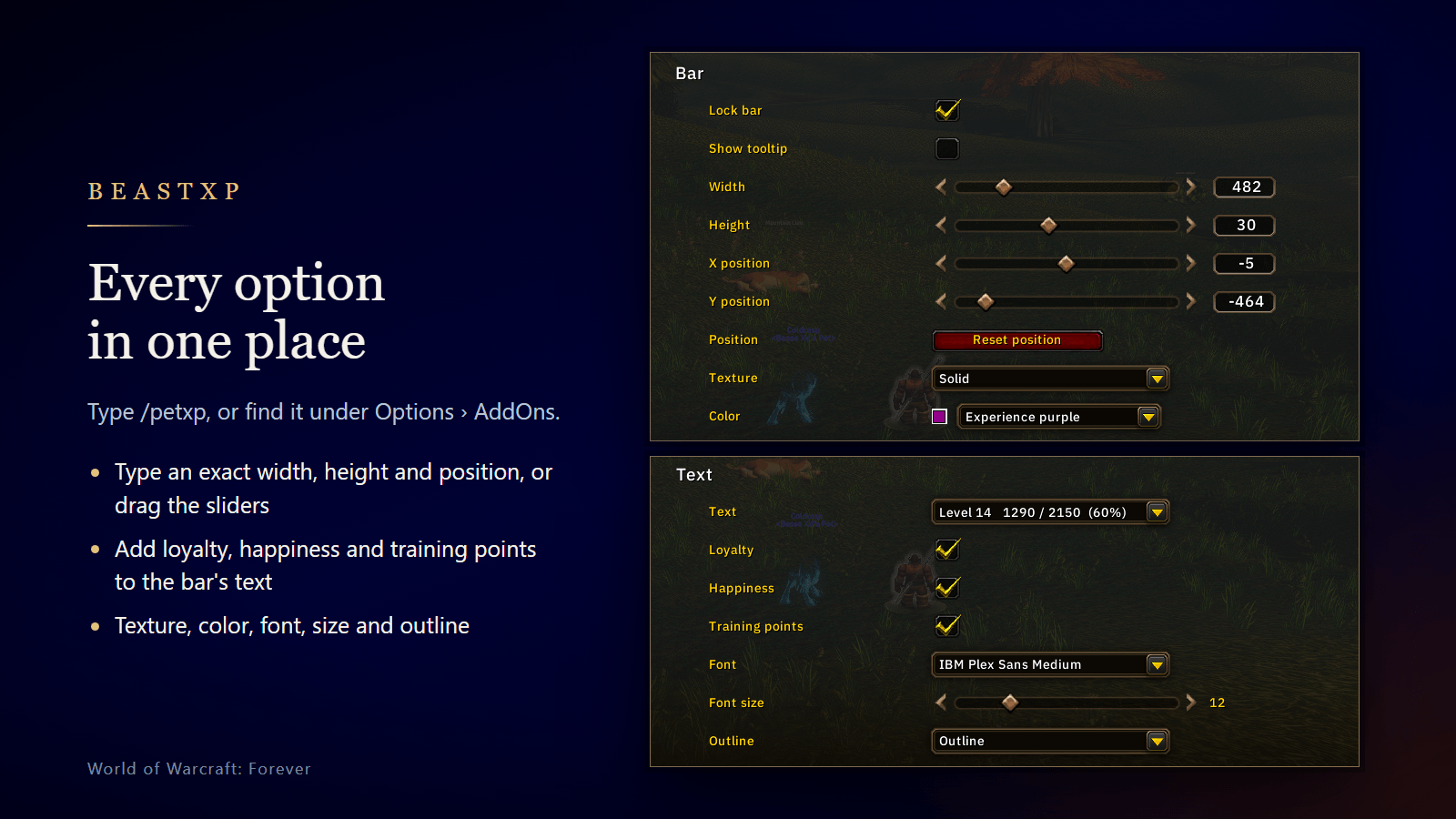
- Make it yours: pick the texture, color, font, font size and outline. Install any SharedMedia addon to get more textures and fonts.
- Text styles: from the full line down to just the percentage, or no text at all. Add your pet's loyalty rank, its happiness (Happy, Content or Unhappy, as the game's pet panel puts it) and its unspent training points to any of them, for example 15% Faithful Happy 25 TP.
- Lock it: a locked bar can't be moved or resized, and hides itself while no pet is out.
- Tooltip: shows your pet's name, the experience it still needs, its loyalty rank (and whether it is gaining or losing loyalty), its happiness and its unspent training points. Turn it off if you'd rather hover over the bar without it.
- Settings page under Options › AddOns, with a live preview of the bar. The settings page and the right-click menu both show which version of BeastXP you have.
- Settings are shared by all your characters, and every change shows at once, with no reload.
- Lightweight: the bar only updates when the game reports a change, and it isn't built at all on characters that aren't hunters.
Getting started
The bar starts unlocked, so drag it where you want it, then right-click it and tick Lock bar. Type /petxp at any time to open the settings.
Slash commands
Use /petxp or /beastxp:
/petxp                    opens the settings page
/petxp help               lists these commands
/petxp lock | unlock
/petxp width <number>     from 80 to nearly the screen's width
/petxp height 6-64
/petxp position <x> <y>   from the center of the screen, for example: 0 -180
/petxp tooltip on | off
/petxp texture <name>     for example: blizzard, solid, skills
/petxp color              opens the color picker
/petxp color <color>      purple | blue | green | reset | a hex code like 33aaff
/petxp text <style>       full | short | level | percent | none
/petxp loyalty on | off   the loyalty rank after the text
/petxp happiness on | off happy, content or unhappy after the text
/petxp training on | off  unspent training points after the text
/petxp font <name>        for example: friz, arial, morpheus
/petxp size 6-32
/petxp outline none | outline | thick
/petxp reset              puts the bar back where it started, at its first size
Notes
- For World of Warcraft: Forever only. On any other client it prints one line and stays off.
BeastXP Team