BeanArena
- By
ba_arenagear.png
ba_ccdrtable.png
ba_weapons.png
ba_help.png
ba_main.png
Description
BeanArena
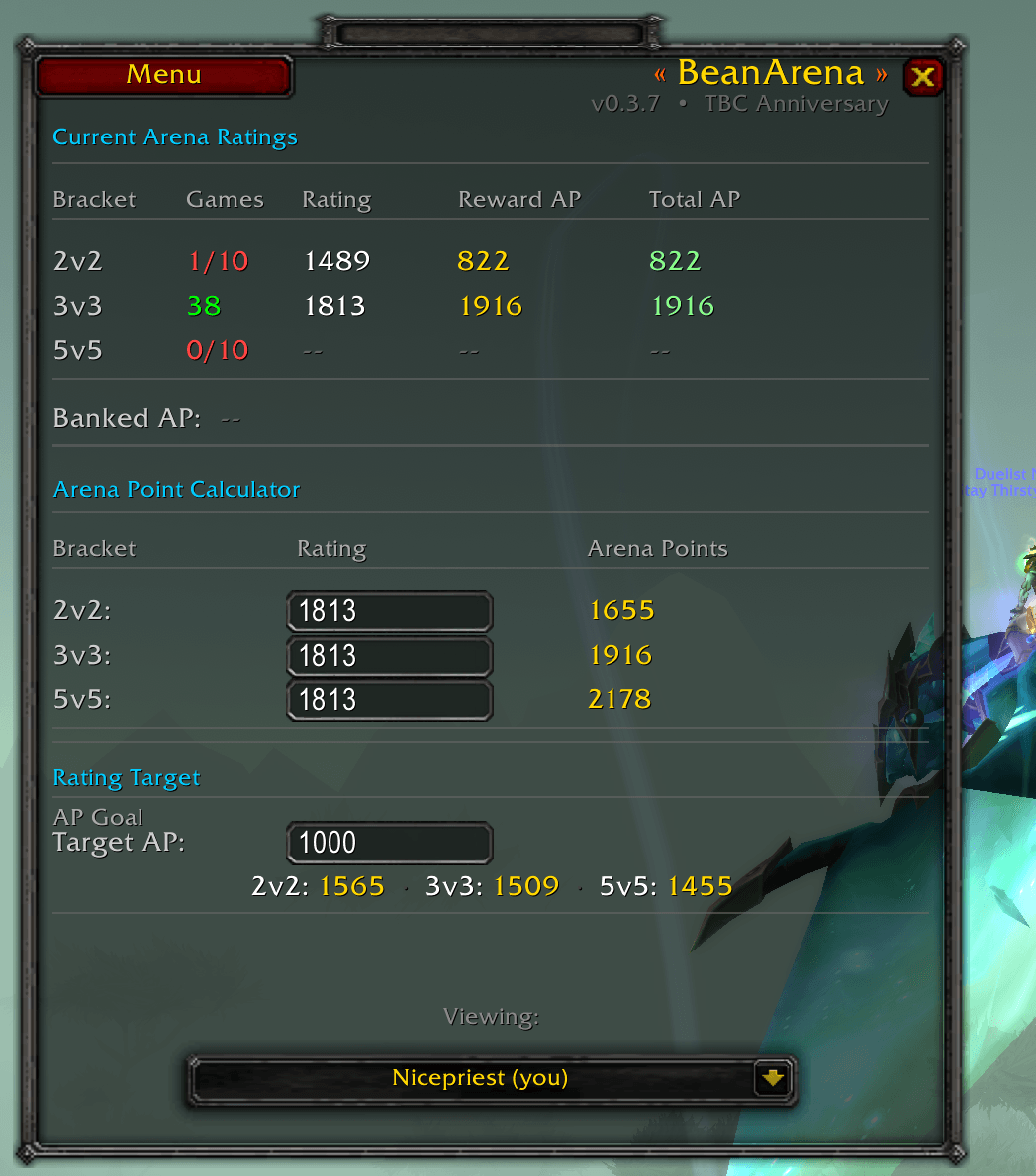
BeanArena started as a simple arena point calculator and grew into the PvP companion I wanted but couldn't find for TBC. If you're grinding Arena or honor gear and constantly alt-tabbing to check arena point calculators online or checkking gear costs, or CC rules mid-session you will enjoy this.
What It Does
Opens with your PvP panel (opens automatically) or with /ba.
Arena Point Calculator
- Live 2v2 / 3v3 / 5v5 ratings
- Games-played tracker with a visual 10-game minimum indicator
- Weekly reward projection, highlighting your best eligible bracket
- Manual "what if" calculator: enter any rating to calculate arena points
- Rating Target tool: enter an arena point goal and see the exact rating needed to earn that goal per bracket
- Banked arena points shown inline so you always know your running total
Honor & Battleground Tracking
- Current honor with a cap bar, milestone markers, and a near-cap warning
- Countdown to the Tuesday weekly reset
- AV / WSG / AB / EotS mark counts scanned from your bags
- Weekly pacing estimate: how many AV or WSG wins to reach cap
Reference Window: five sections, one place
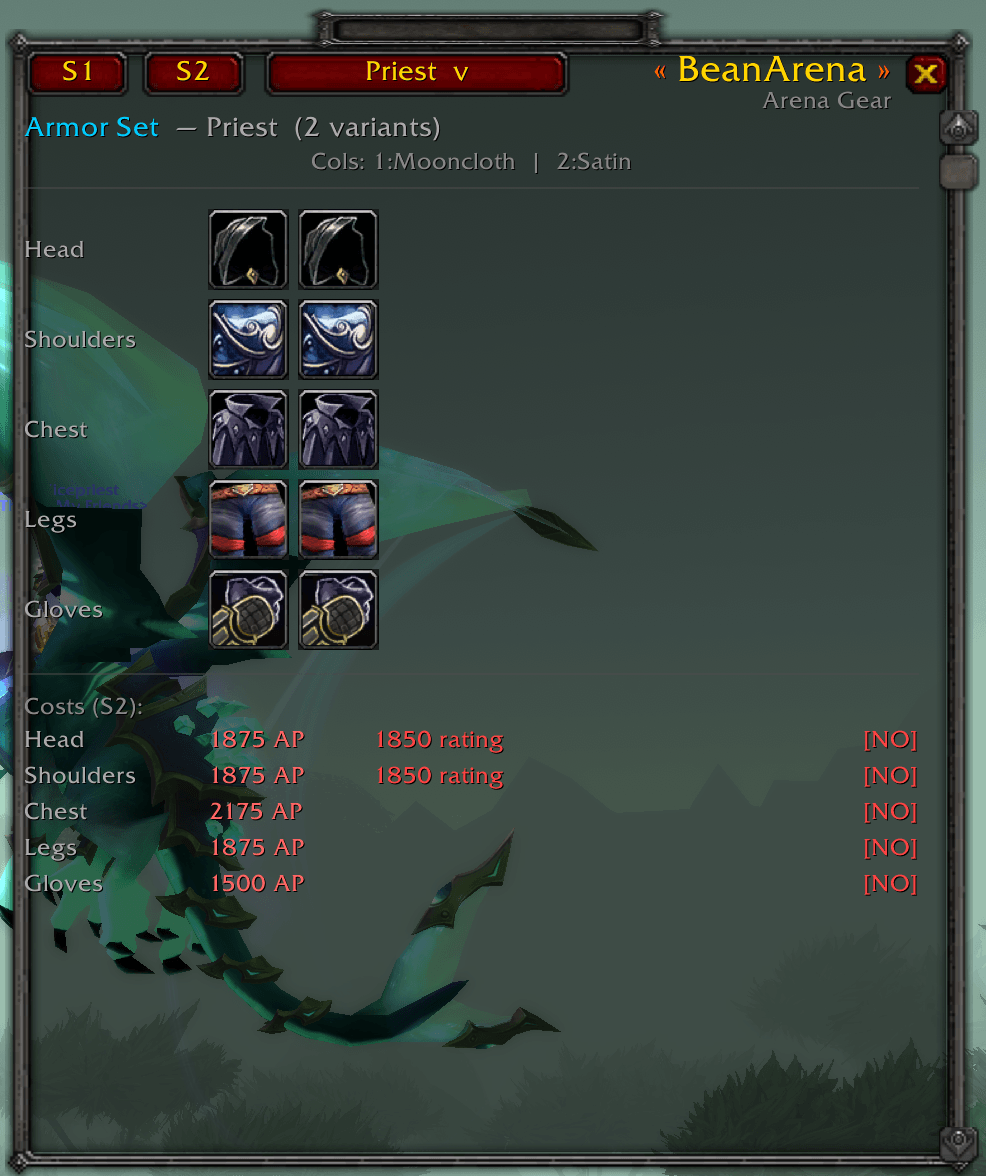
- Arena Gear - S1 and S2 armor icon grids per class, with full item tooltips, AP cost and personal rating requirements per slot. Season and class switcher built in.
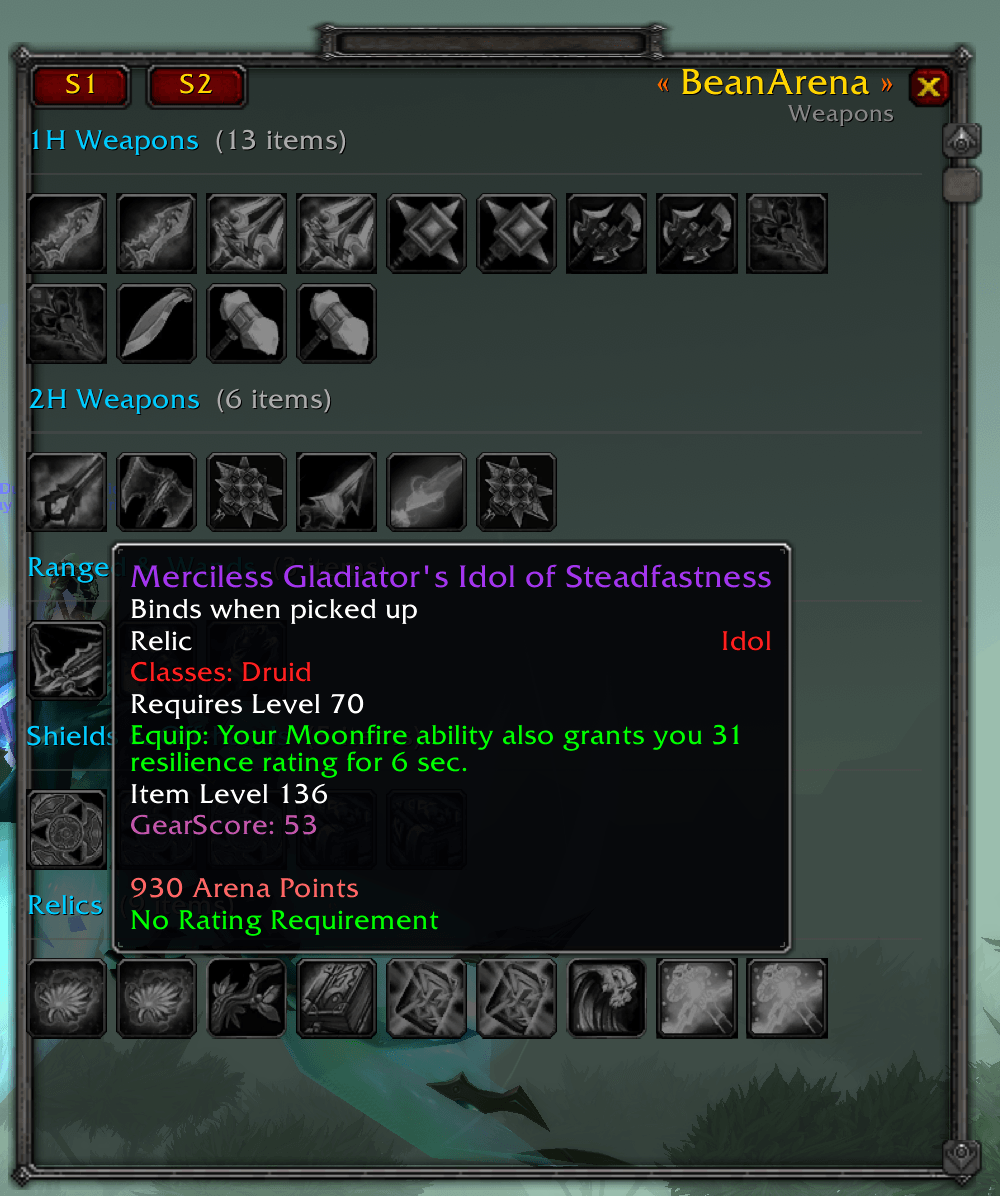
- Weapons - every S1 and S2 PvP weapon, off-hand, and relic with item icons, AP cost, and rating gate
- Honor Gear - S2 Veteran's / General's off-pieces (Neck, Ring, Bracers, Belt, Boots), auto-detected for your class, with mark requirements
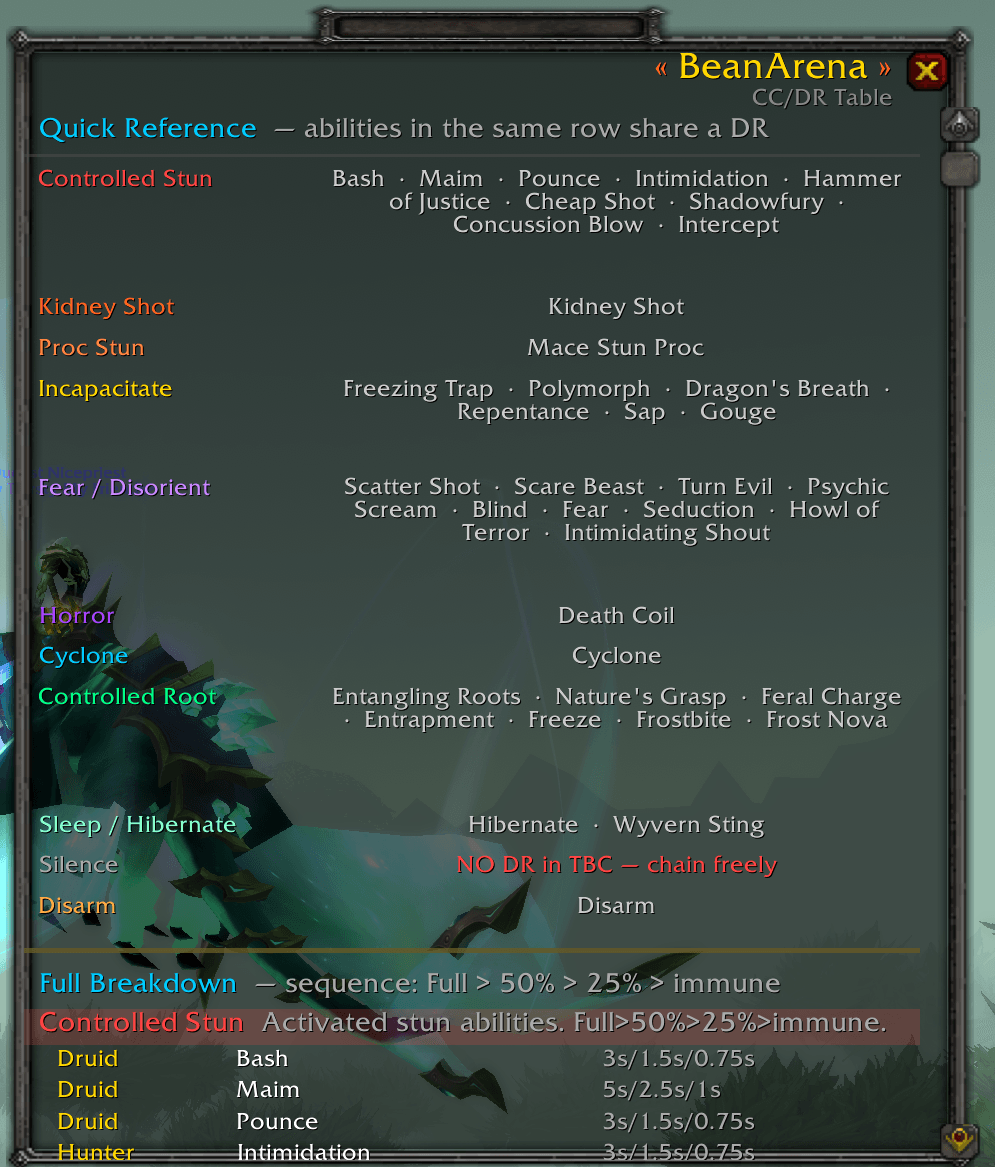
- CC/DR Table - quick reference and full per-class breakdown of every CC spell, DR category, and duration for all nine classes
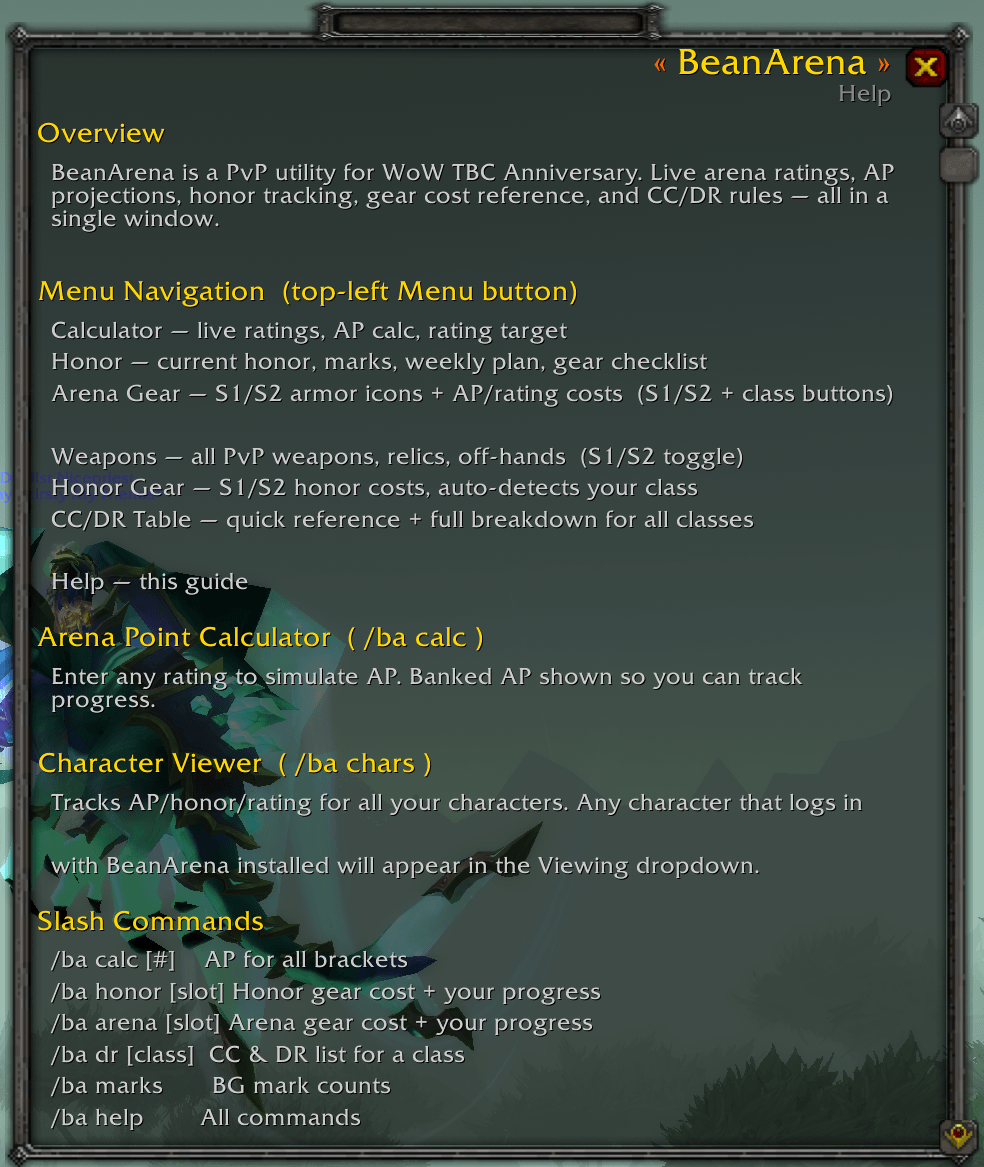
- Help - formula reference, bracket multipliers, slash command list
Character Viewer
- Tracks arena points, honor, and ratings for every character you log into with BeanArena installed
- Viewable from the main window dropdown, no need to log out to check your alts
Installation
- Download the latest zip from the Files tab
- Extract and copy the
BeanArenafolder into your AddOns directory:
World of Warcraft\_anniversary_\Interface\AddOns\BeanArena\
- Log in and type
/ba, or press H to open your PvP panel and BeanArena will open beside it automatically
Slash Commands
| Command | What it does |
|---|---|
/ba |
Toggle main window |
/ba calc [rating] |
AP breakdown for live ratings or a specific number |
/ba target <ap> |
Rating needed to earn a target AP amount |
/ba honor |
Open Honor section |
/ba arena |
Open Arena Gear section |
/ba dr [class] |
CC & DR list for a class (e.g. /ba dr mage) |
/ba points |
Print live AP breakdown to chat |
/ba marks |
Print BG mark counts to chat |
/ba alts |
Print all alt PvP snapshots to chat |
/ba reset |
Time until weekly reset |
/ba help |
Full command list |
Credits
Item set data sourced from AtlasLootClassic. Arena point formula based on the TBC Anniversary 1.5x multiplier implementation documented by the community.
Tested on WoW TBC Anniversary (Interface 20505). No dependencies required.
Project avatar generated with AI.
BeanArena Team