BDmap
- By
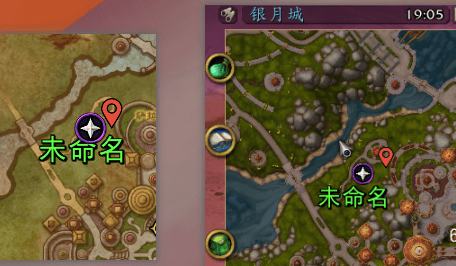
A native-style management system for custom map pins. It allows you to create, customize (size/color), and manage locations with seamless map switching and navigation support.
Key Features
-
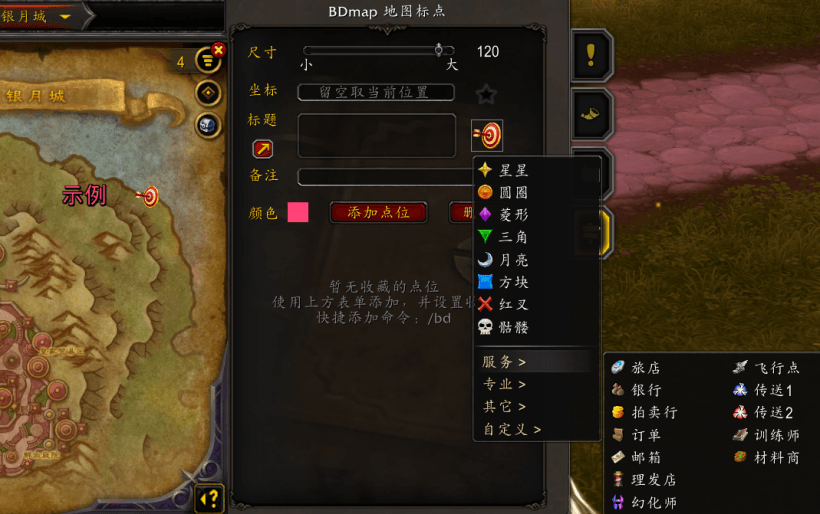
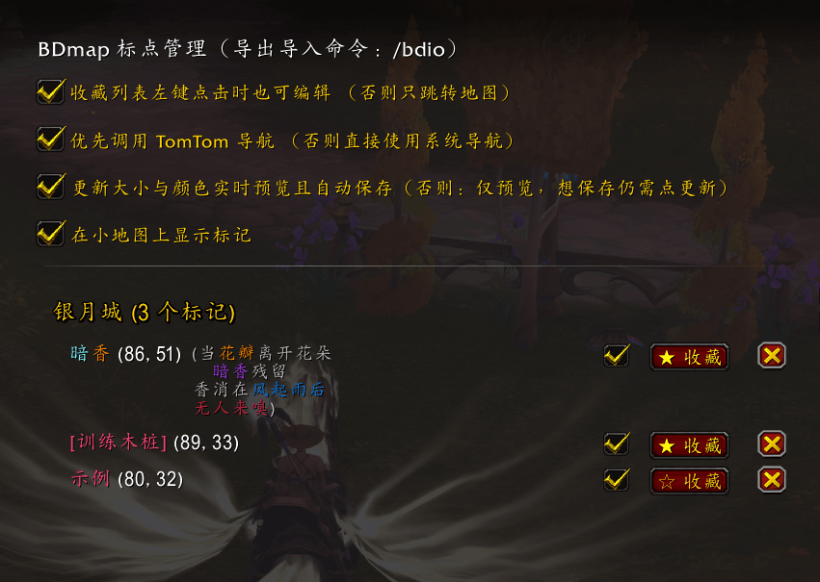
Dual-Layer Management: Uses a Map Tab for quick access to favorites and an ESC Global Panel for full database control.
-
Smart Input: Capture coordinates via Map Left-Click, manual entry, or your current character location.
-
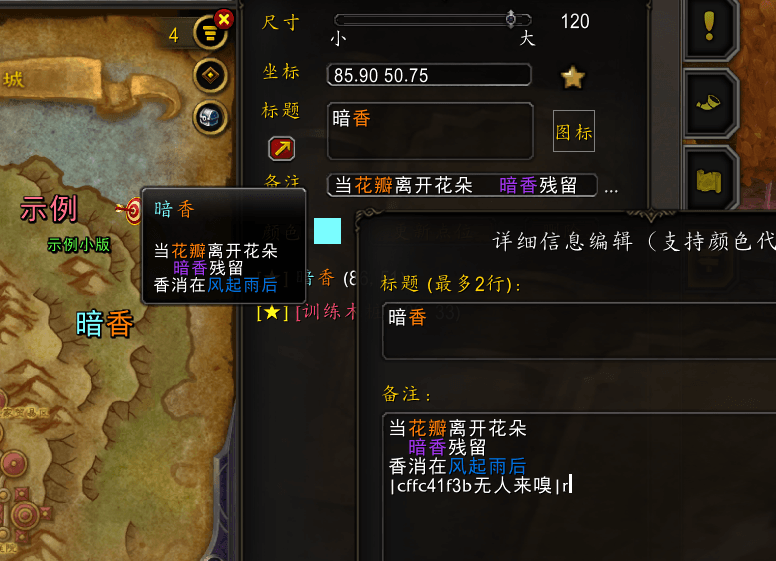
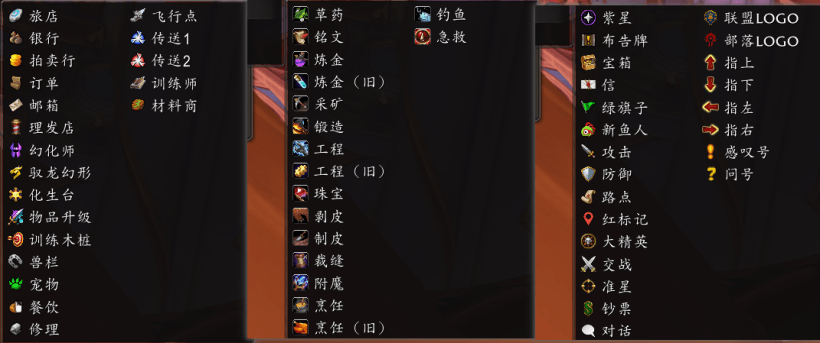
Highly Customizable: Supports custom titles (with line breaks), notes, and real-time adjustments for pin size and color.
-
Advanced Input Panel: Includes a large input window for easier editing. Supports custom color codes and multi-line notes for detailed entries.
-
Seamless Navigation: Fully compatible with both TomTom and the native Blizzard waypoint system.
-
Extreme Performance: Ultra-lightweight design with a code footprint of under 50KB.
How to Use
Open the Interface:
Press ‘M’ to open the World Map and click the new Tab icon on the right edge.
Create a Pin:
Left-click anywhere on the map to auto-fill coordinates, leave them blank to use your current position, or enter them manually.
Set your title, notes (optional), size, and color, then click Add.
Pin Interaction:
On the Map: Left-click a pin to edit; Right-click to start navigation; Hover to view notes via tooltip.
In the Favorites List (Map Tab): Left-click to switch the map view to that location; Right-click to navigate. (Only pins starred in the Global Panel will appear here.)
Manage Data:
Go to ESC > Options > Addons to access the Global Manager. Here you can bulk delete, favorite, or toggle the visibility (Enable/Disable) of all saved pins.
Large Input Panel:
Click the magnifier icon above the “Notes” label to open the large input panel.
This resizable, semi-transparent panel supports drag-and-drop movement for convenient editing.
BDmap Team