


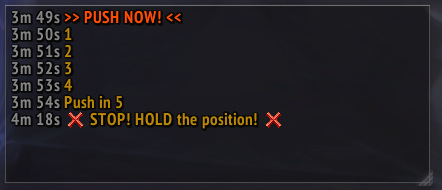
Tracks Raid Warnings and filters out duplicates, while also showing how long ago the message was sent
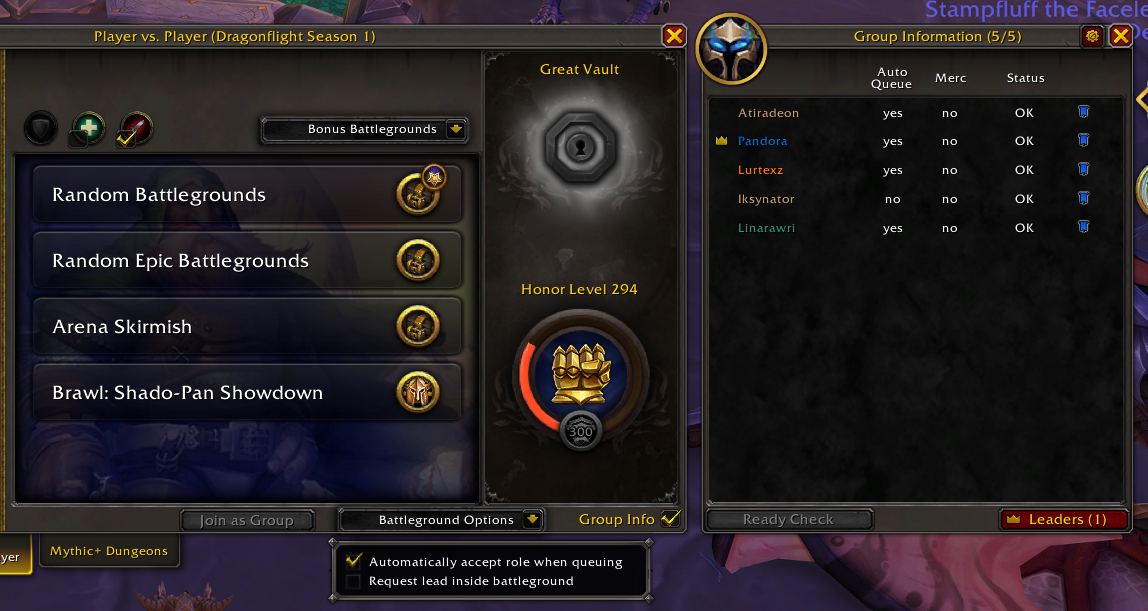
You can enable auto-queue and enable automatically requesting lead inside if you wish to do so
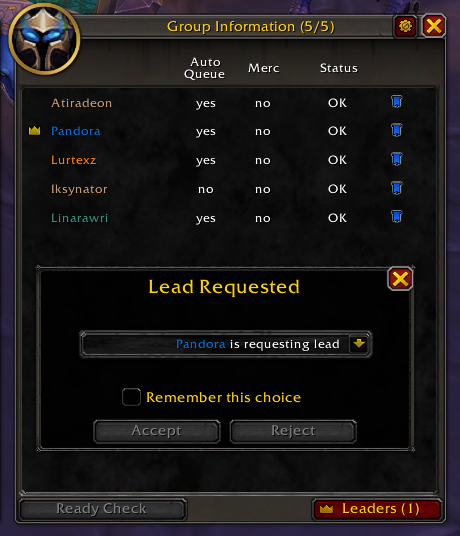
You can see who in your current group requests lead by either opening the window yourself, or get the popup automatically when a leader requests it
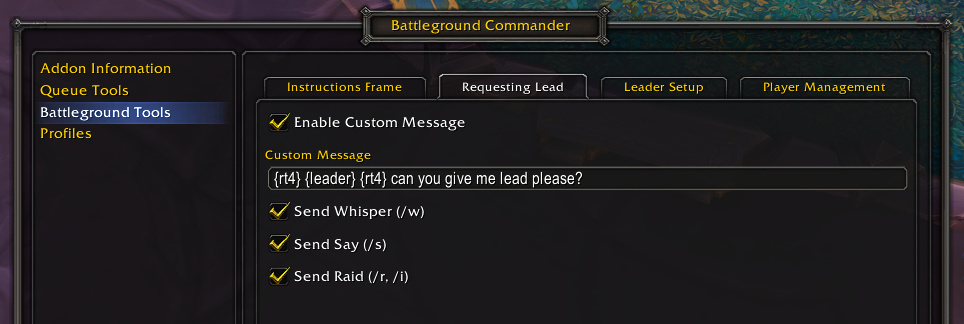
There are several options when requesting lead when someone with lead doesn't have the addon
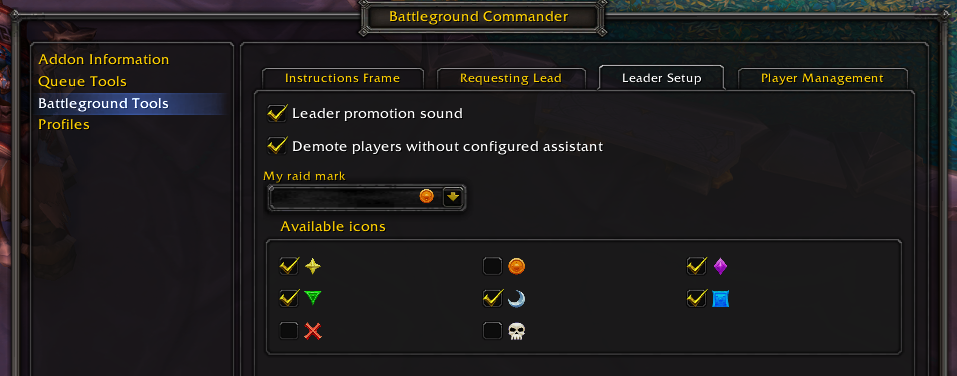
Leader Setup
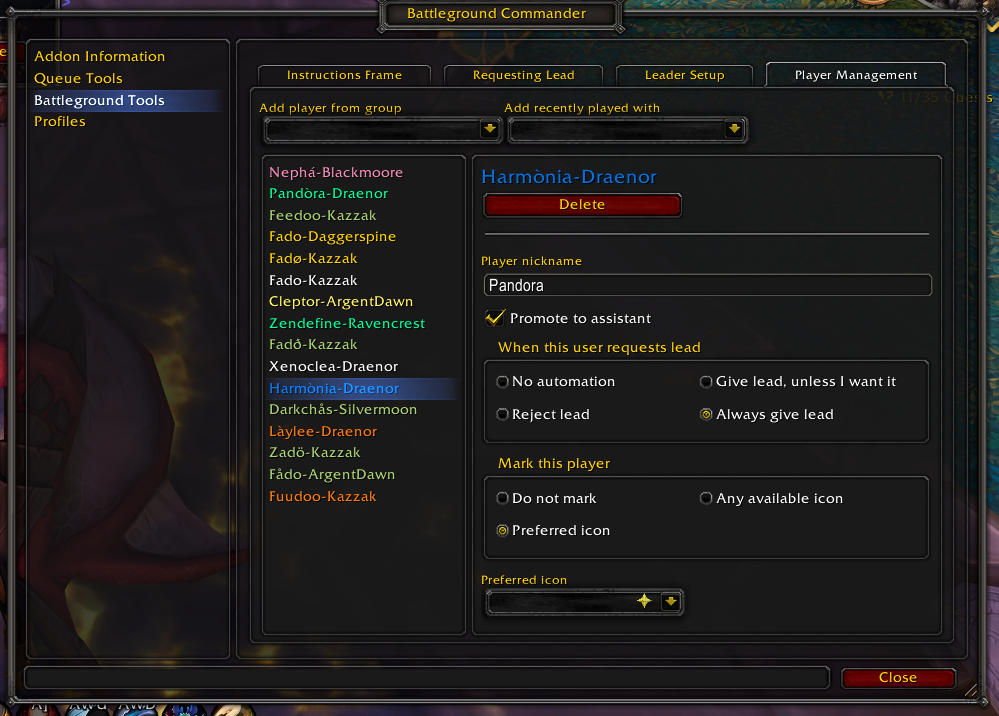
Automate certain actions for this specific players, such as marking them, giving them assistant, or automate what to do when they request lead
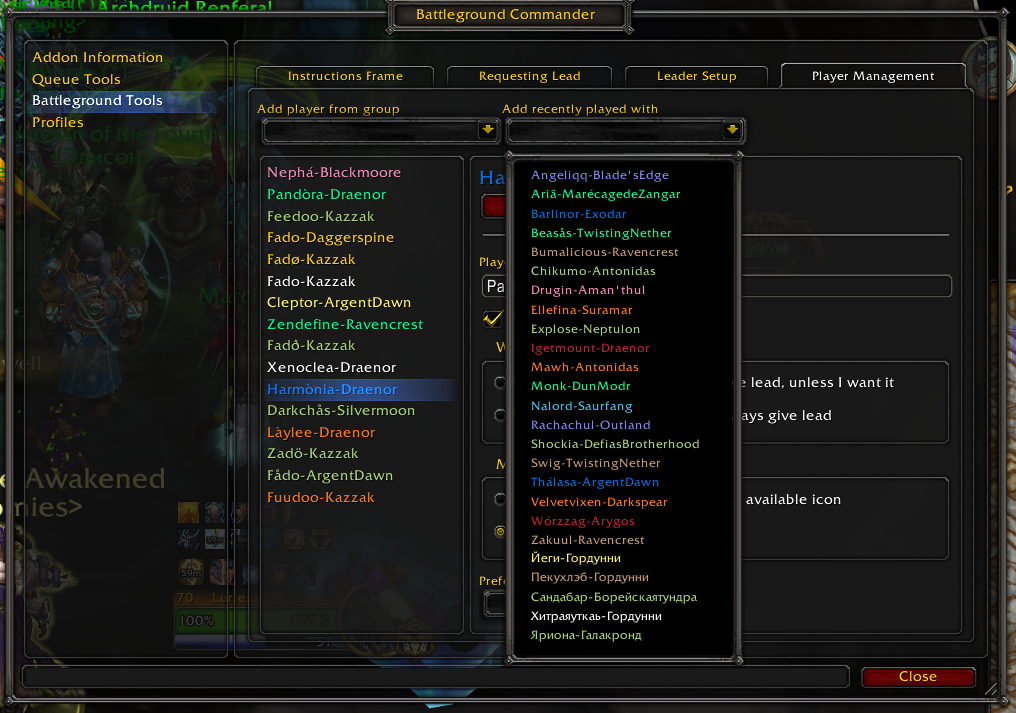
You can either go into the settings and add players, or right click them and select "BGC: Configure"
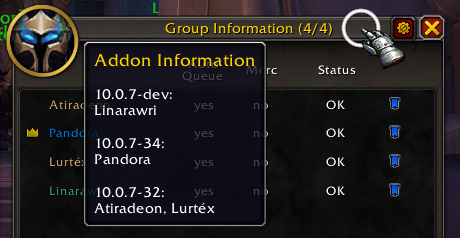
You can easily see who uses the addon and if they're up-to-date

By holding shift you can re-enable the button
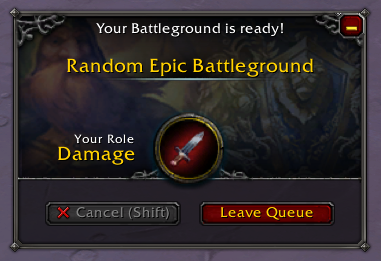
When the group leader declines, group members with Battleground Commander have their enter button say "X Cancel", which can be re-enabled by holding shift for a second