


Bankert’s Bags: One Bag Inventory & Bank Alt
- By

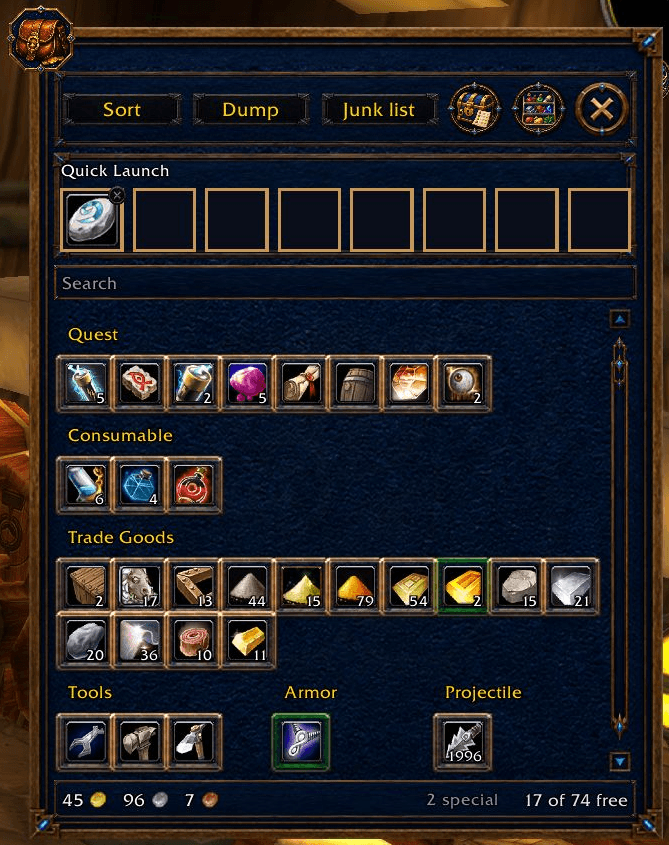
Live capture: the character's actual inventory grouped into categories, with Quick Launch and search. No sorting, selling, depositing or item use was performed.
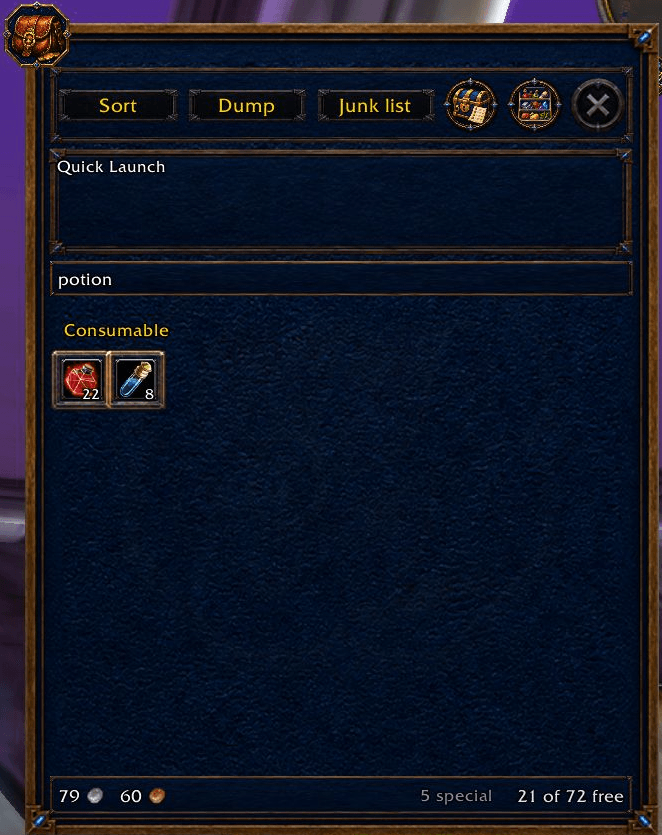
Native, 5 Oct 2026: Current carried bags filtered for potion show two consumable stacks and the existing free-slot count. This is a display search; no item was used, moved, sold or sorted.
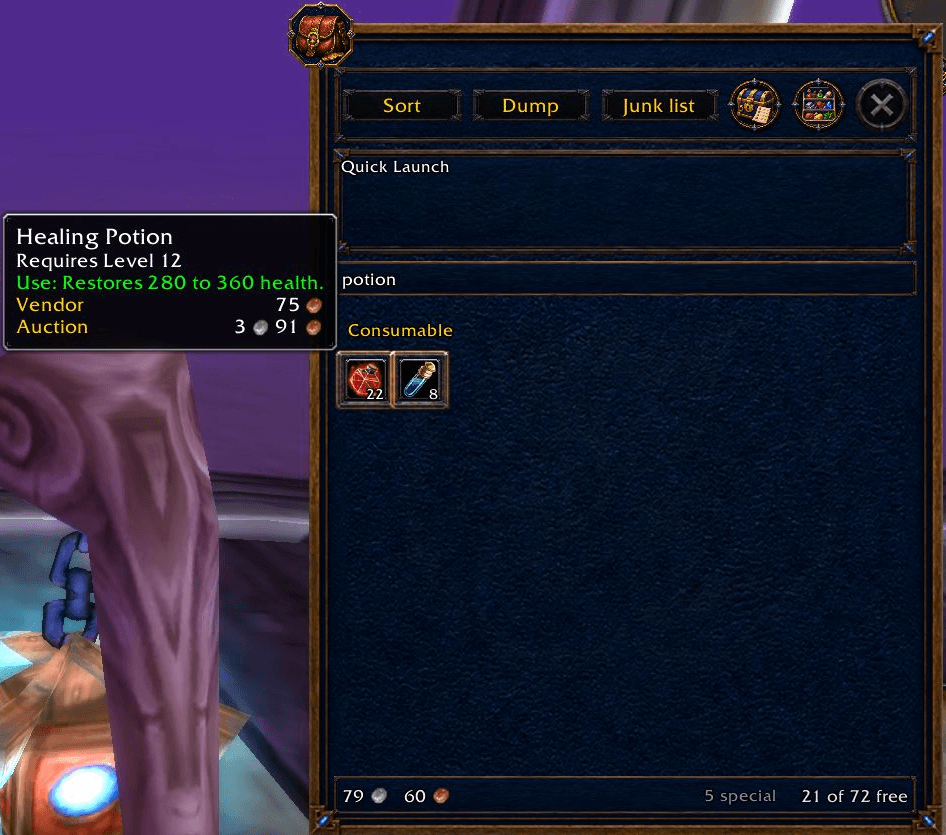
Native, 5 Oct 2026: The actual Healing Potion tooltip appears beside the current potion search. Its requirement/effect and displayed Vendor/Auction rows are tooltip information; no item was used, bought, sold or moved.
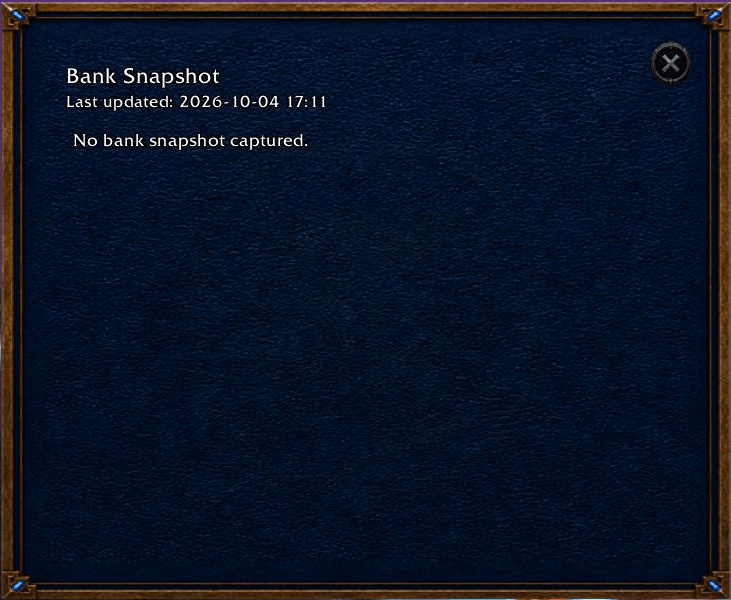
Native, 5 Oct 2026: Bank Snapshot displays No bank snapshot captured beneath its stored last-updated timestamp. This demonstrates the unavailable state, not a populated snapshot. No bank interaction or deposit occurred.
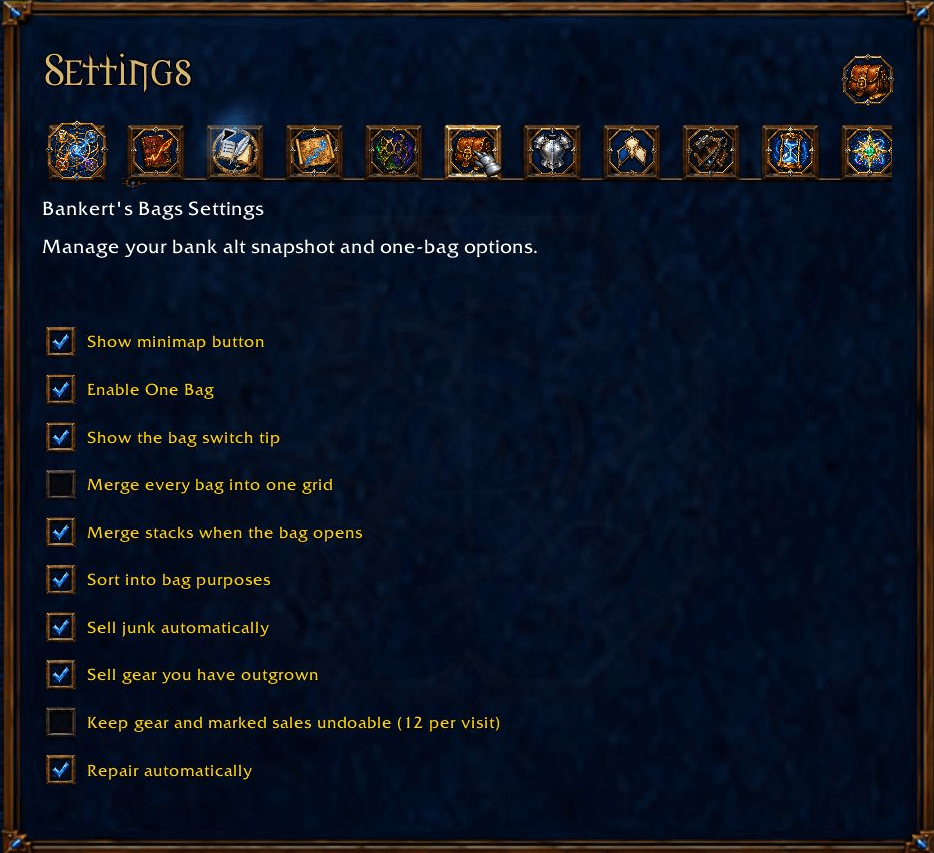
Native, 5 Oct 2026: Existing One Bag, grouping, stack merge, bag-purpose sorting and merchant automation preferences. Complete inner settings panel; no switch changed or inventory/merchant action occurred.