
Backpack Micro Button
Access your bags directly through the Micro Menu instead of the default Bags Bar.
Functions as the default backpack button: click to open the backpack; shift-click to open all bags.
The addon settings can be accessed via Game Menu > Options > AddOns.
Tooltip
The tooltip can optionally list all equipped bags along with information about slot usage.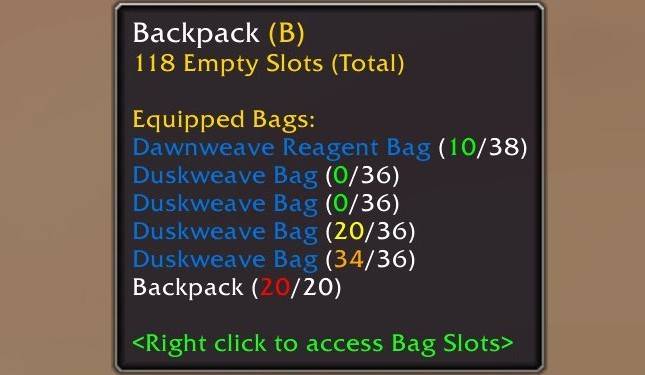
Context Menu
Bag Slots are moved to a Context Menu by default, which can be accessed either by right-clicking the button or by hovering over it while your cursor is holding a bag.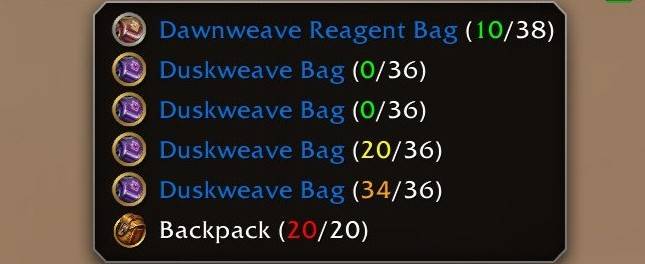
Known Issues
- Exiting a vehicle while in combat causes the OverrideActionBar animation to loop.
Backpack Micro Button Team
