


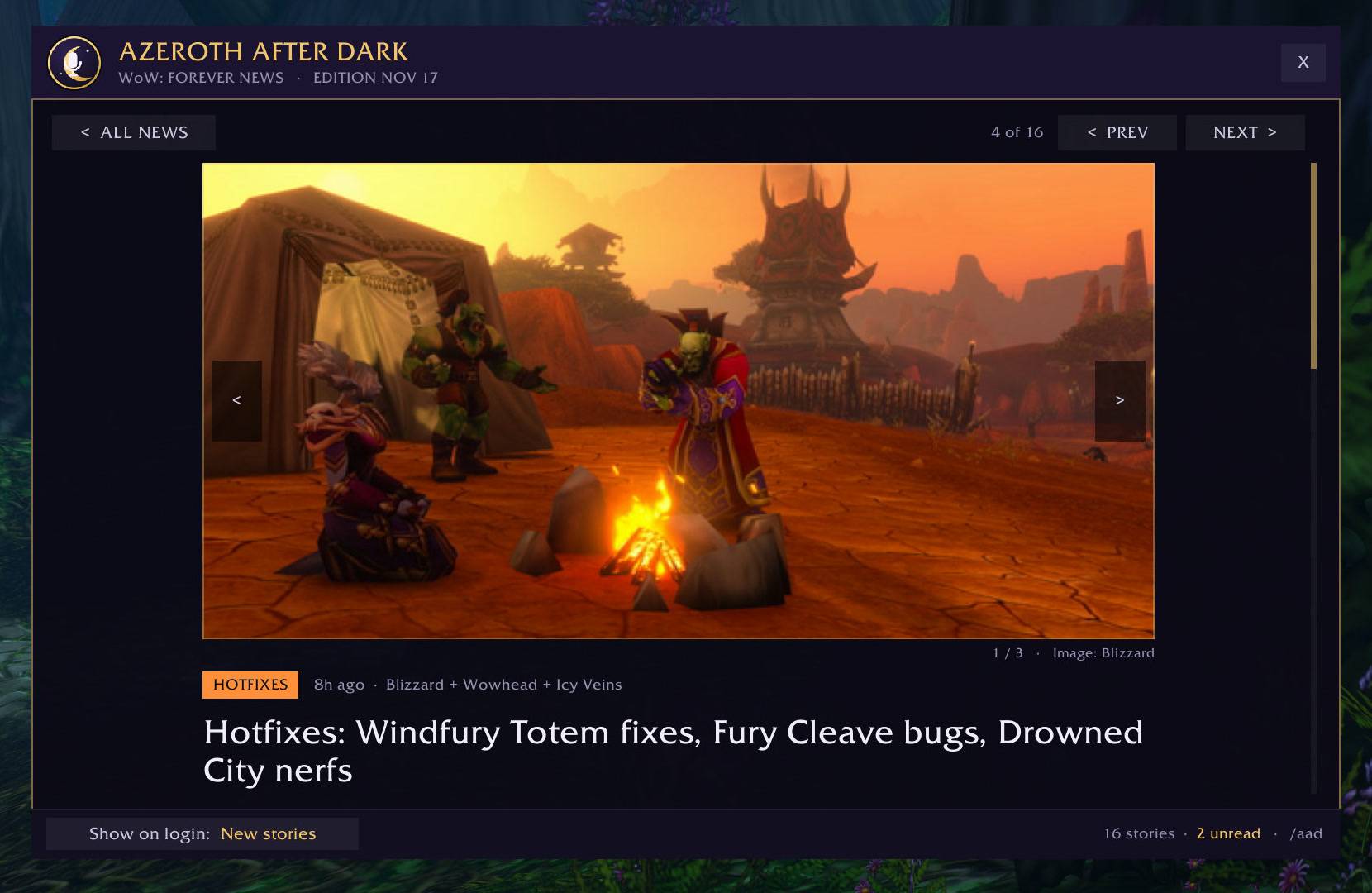
1-hotfix-story.jpg
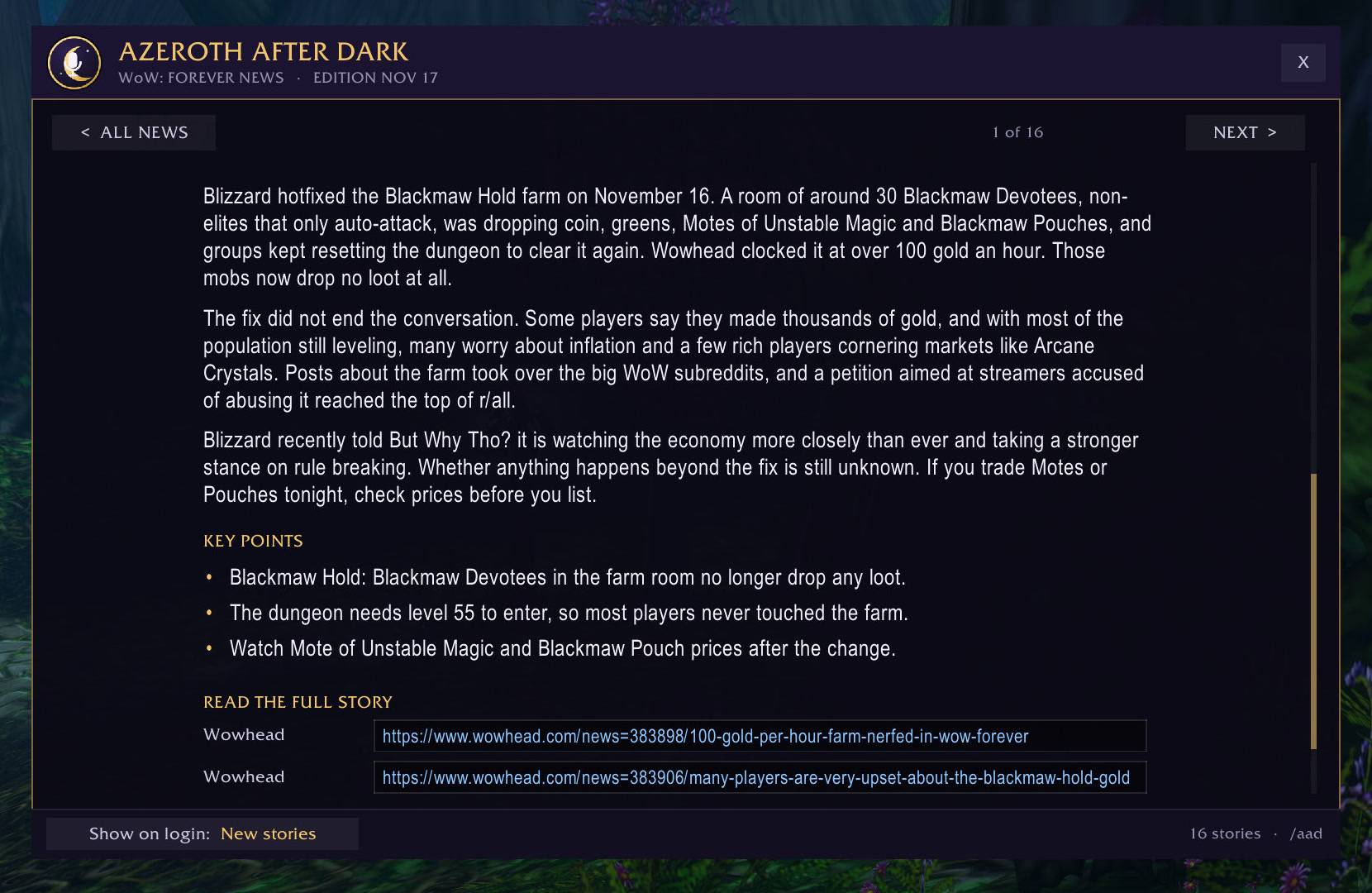
2-reading-a-story.jpg
Description
The WoW: Forever news desk, inside your game.
Azeroth After Dark brings the day's WoW: Forever news to you the moment you log in. No alt-tabbing, no digging through sites. Hotfixes, maintenance, events, new discoveries and community buzz, written up short and clear by the team behind the Azeroth After Dark show.
What you get
- A front page on login. When there's a story you haven't seen, the news window opens with the top story up front and every other headline beside it.
- Read it in game. Click any headline for the full write-up, with pictures you can flip through.
- Hotfixes made readable. Hotfix stories come with a clear "What changed" list, class by class.
- Sources always linked. Every story credits where it came from (Blizzard, Wowhead, Icy Veins), with a link you can copy into your browser.
- Minimap button with an unread count, so you know when there's something new.
- Fresh every day. A new edition is published whenever there's news. Keep the addon updated through the CurseForge app to get it.
Commands
/aadopens or closes the news (also/afterdarkand/wownews)/aad popup new/always/offsets when it opens on login (default: only when there's a new story)/aad minimapshows or hides the minimap button/aad resetmoves the window back to the middle of the screen
Good to know
- Addons can't go online, so each day's news ships inside the addon. Update it to get the latest edition. If your copy is more than a few days old, the window will tell you.
- After an update, restart the game rather than just using /reload, so the new pictures load.
- Made for WoW: Forever.
Watch the show at wow.afterdark.fm. Open source on GitHub (MIT).
Azeroth After Dark Team
