Azegram
Like Telegram, but for WoW
Screenshot 2026-10-06 at 03.19.42.png
Screenshot 2026-10-06 at 03.19.59.png
Screenshot 2026-10-06 at 03.20.21.png
Screenshot 2026-10-06 at 03.20.32.png
Screenshot 2026-10-06 at 03.20.49.png
Description
Azegram
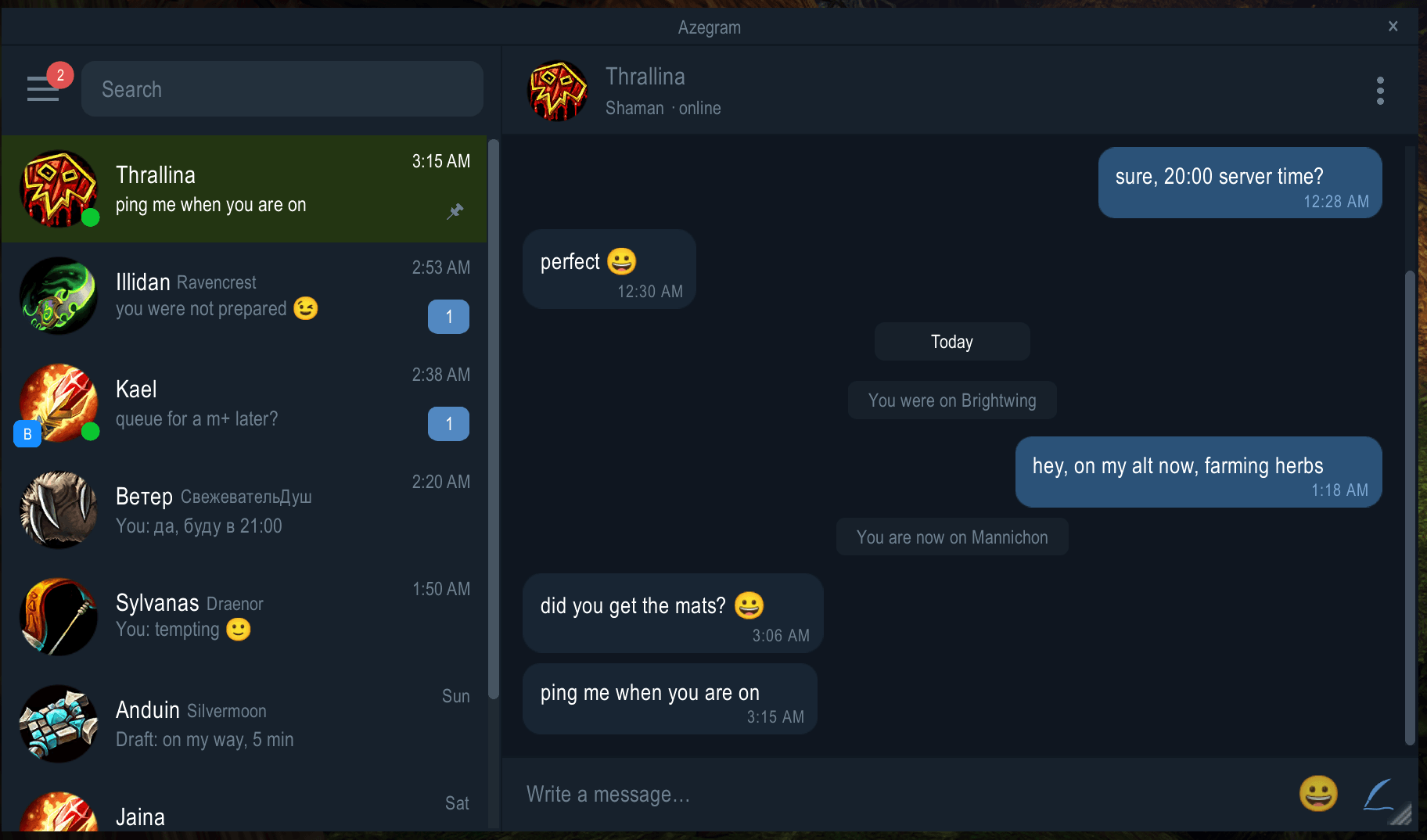
Azegram puts all your whispers in one messenger-style window. Your chats are listed on the left with unread counts and a preview of the last message. The conversation is on the right, in bubbles grouped by day, with a compose box at the bottom. History survives logouts and is shared across your characters, and each message remembers which alt you sent it from.
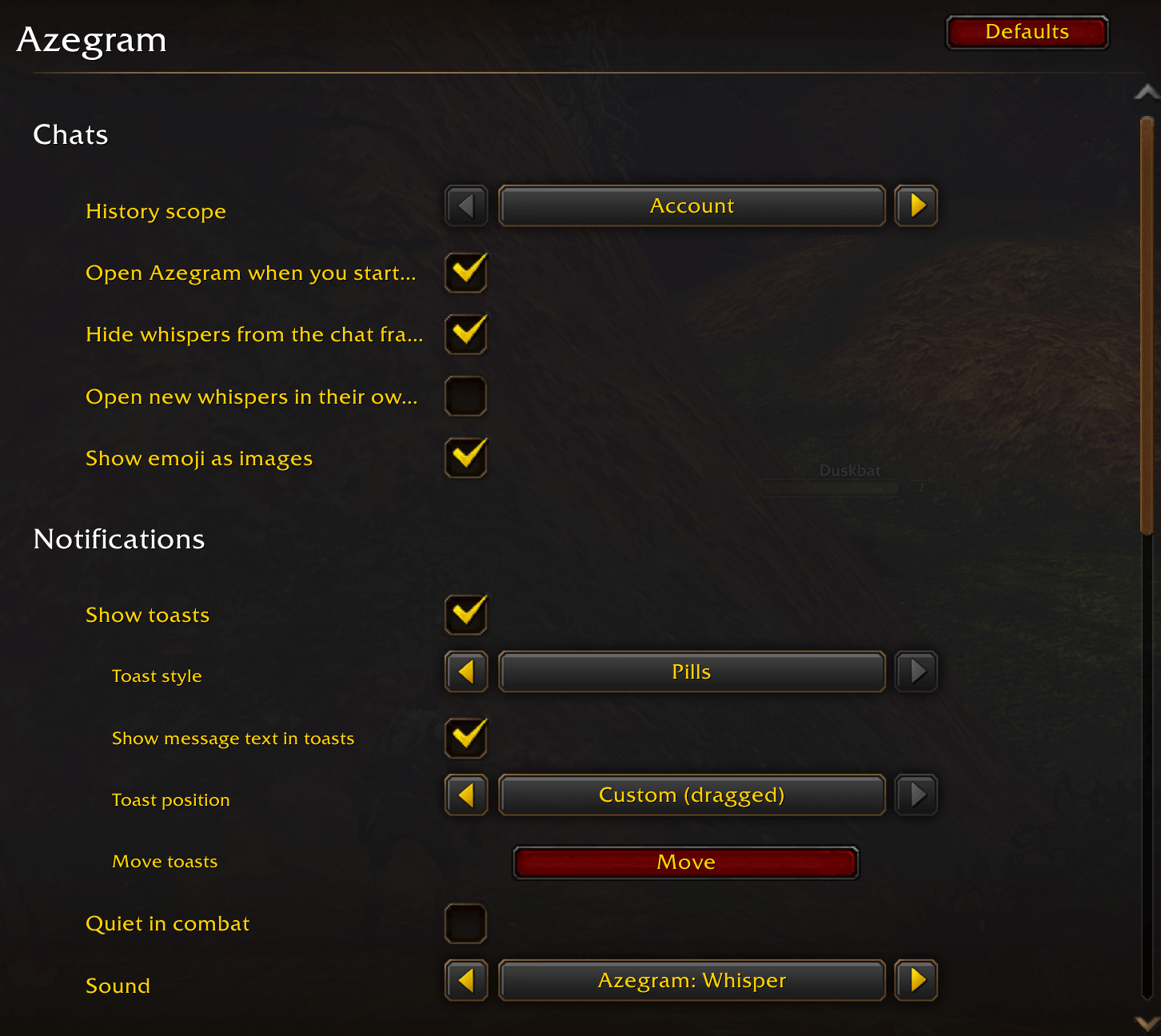
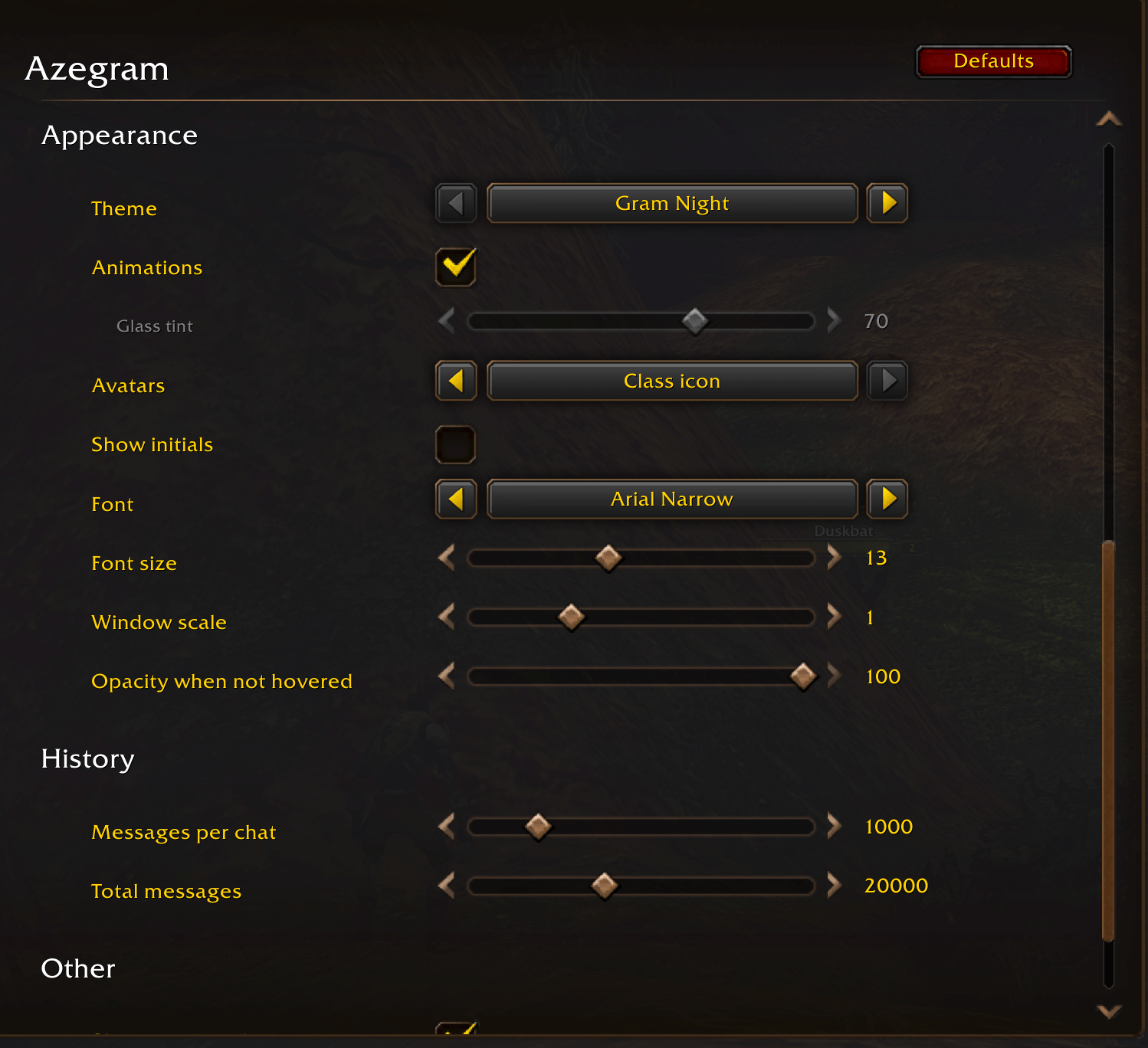
Type /azg to open it. Settings are under Settings → AddOns → Azegram.
What it does
- Character and Battle.net whispers in one list, with class-coloured avatars (or class icons) and online dots.
- Account-wide history, or a per-character view if you prefer.
- Search across names and message text, and jump straight to a message.
- Pinned chats, drafts, a retry button for failed sends, AFK and DND notes, clickable item links.
- Whispers that arrive while the game locks chat (boss fights, Mythic+, PvP) are recovered afterwards.
- Any chat can open in its own floating window, the way WIM does it, and those windows come back after a reload.
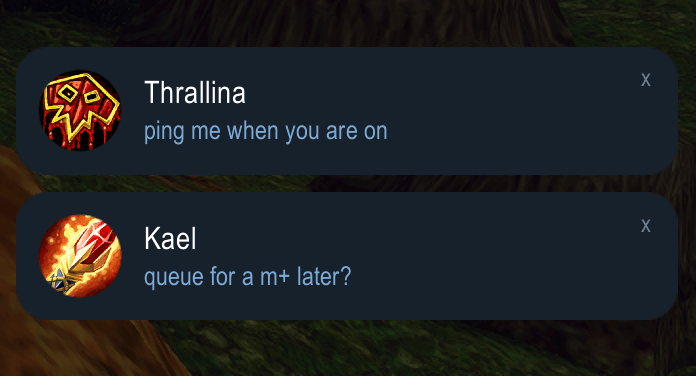
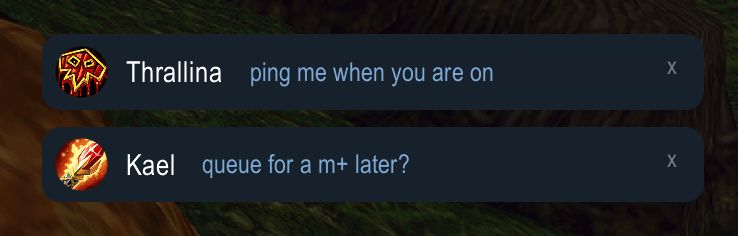
- Toasts, a sound, a count on the minimap button and a taskbar flash when the game is in the background. You can move the toasts anywhere.
- An emoji picker. It inserts plain text like
:)or:joy:, so people without the addon still read it, and Azegram users see the picture.
Three themes
- Gram Night, a dark messenger look.
- WoW Classic, built from Blizzard's own dialog frame, chat bubbles and scrollbar.
- Arcane Glass, a tinted window you can see the world through, with glowing edges and small animations when messages arrive.
Languages and clients
English, German, French, Spanish, Italian, Portuguese and Russian. Works on Retail and on WoW: Forever.
Emoji artwork: Noto Color Emoji by Google, Apache License 2.0.
Azegram Team