AXY Cooldown Pulse
- By
A lightweight, customizable cooldown tracker with moving ability icons, buff and debuff displays, profiles, and intuitive HUD controls for WoW.

AXY Cooldown Pulse â Fantasie-UI-2 (Orta).png
Affiche promotionnelle AXY Cooldown Pulse-3 (Orta).png
Póster de interfaz AXY en español-4 (Orta).png
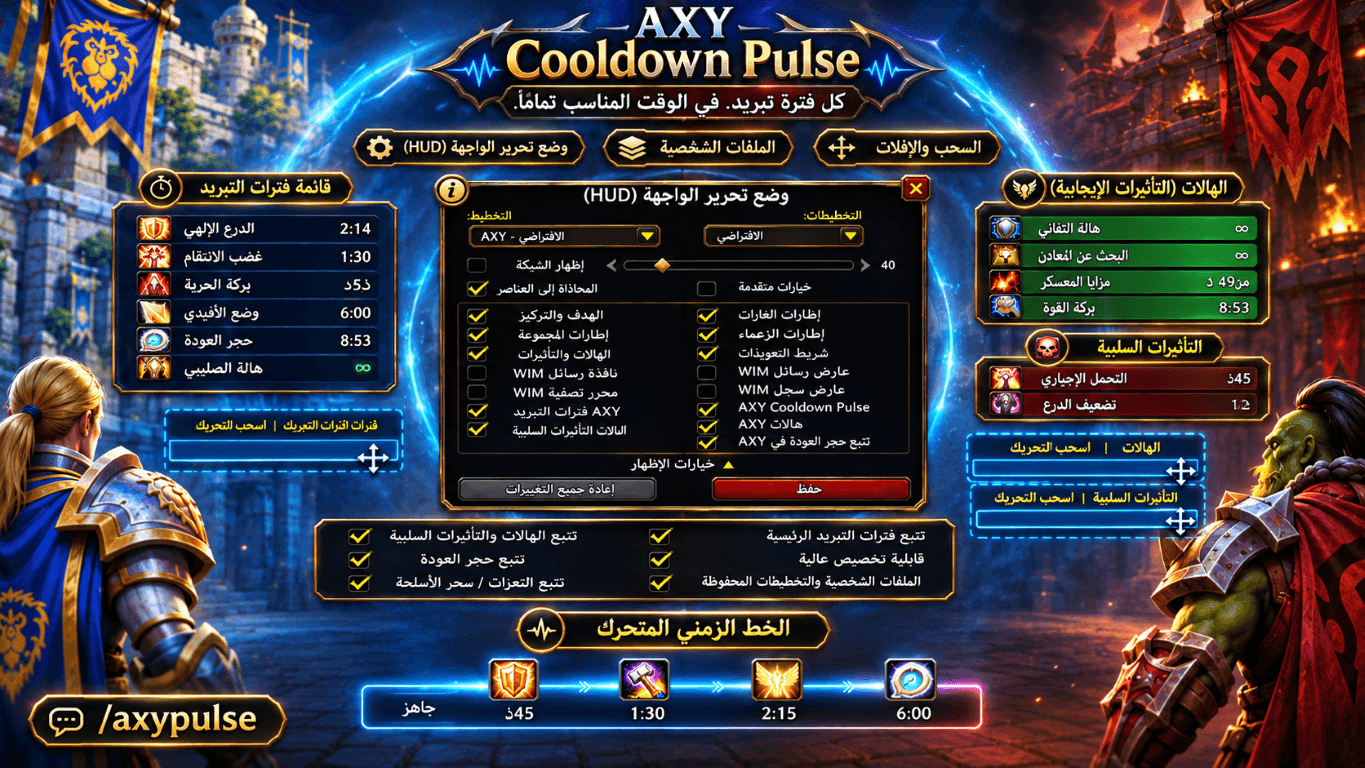
ÙاجÙØ© AXY بÙبض اÙتبرÙد اÙعربÙØ©-5 (Orta).png
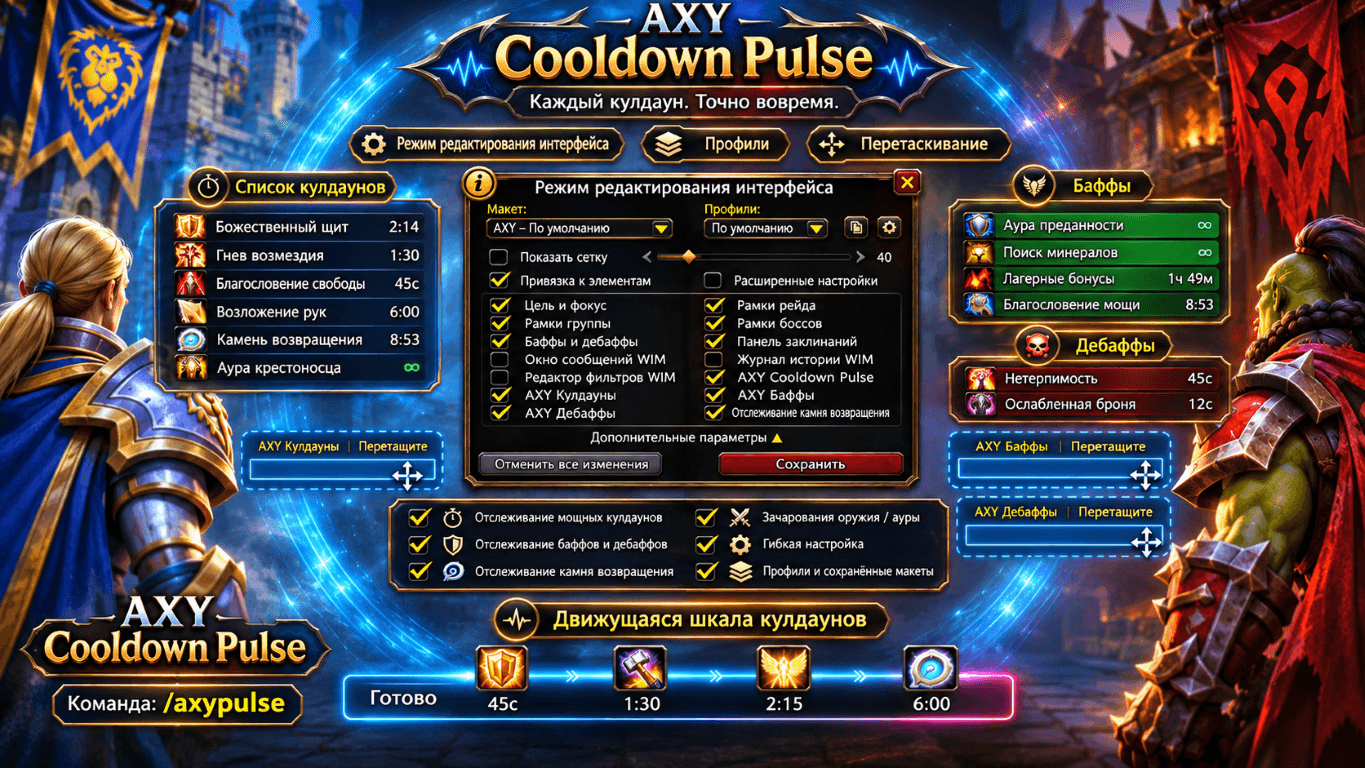
ФÑнÑезийнÑй инÑеÑÑÐµÐ¹Ñ AXY Cooldown Pulse-6 (Orta).png
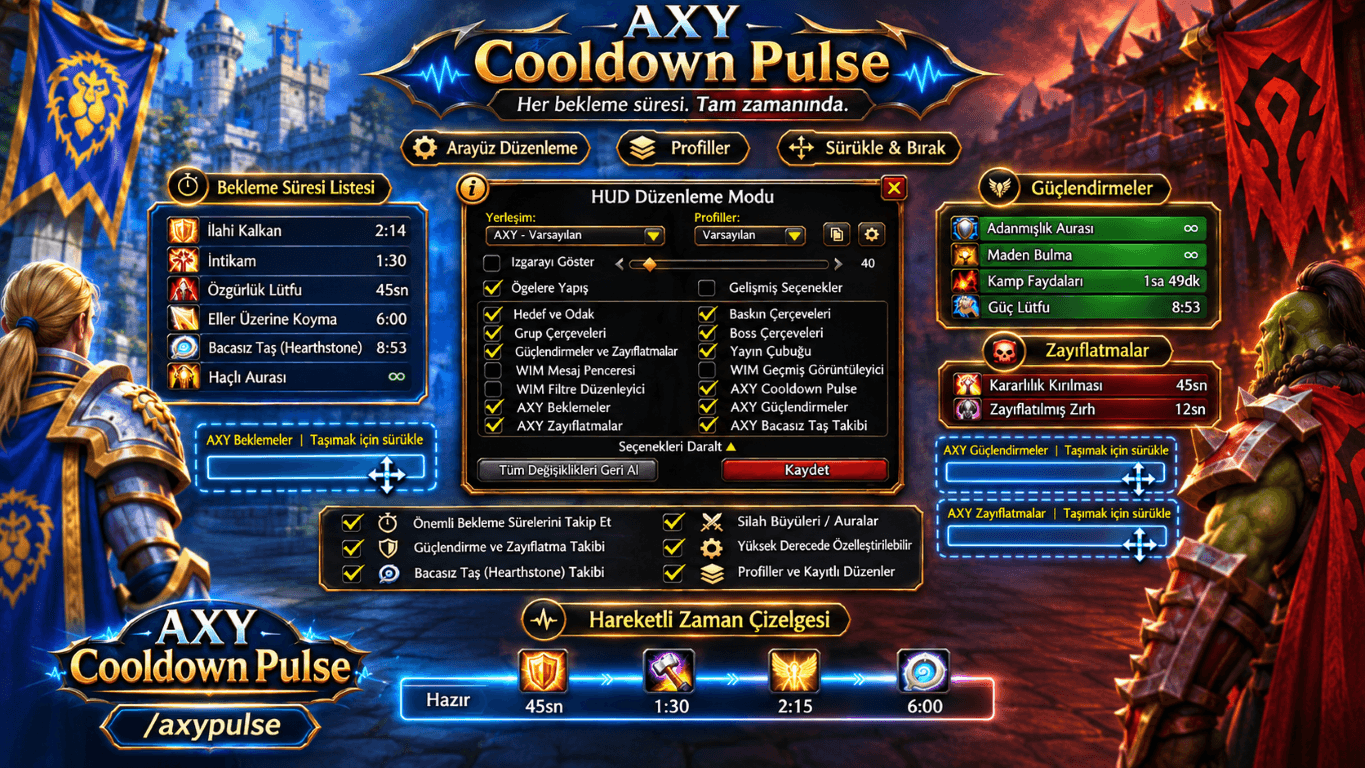
Türkçe AXY Cooldown Pulse Arayüzü-1 (Orta).png
Description
AXY Cooldown Pulse
Every cooldown. Right on time.
AXY Cooldown Pulse is a lightweight, customizable cooldown and aura tracker for World of Warcraft Classic Era, Retail, and Forever.
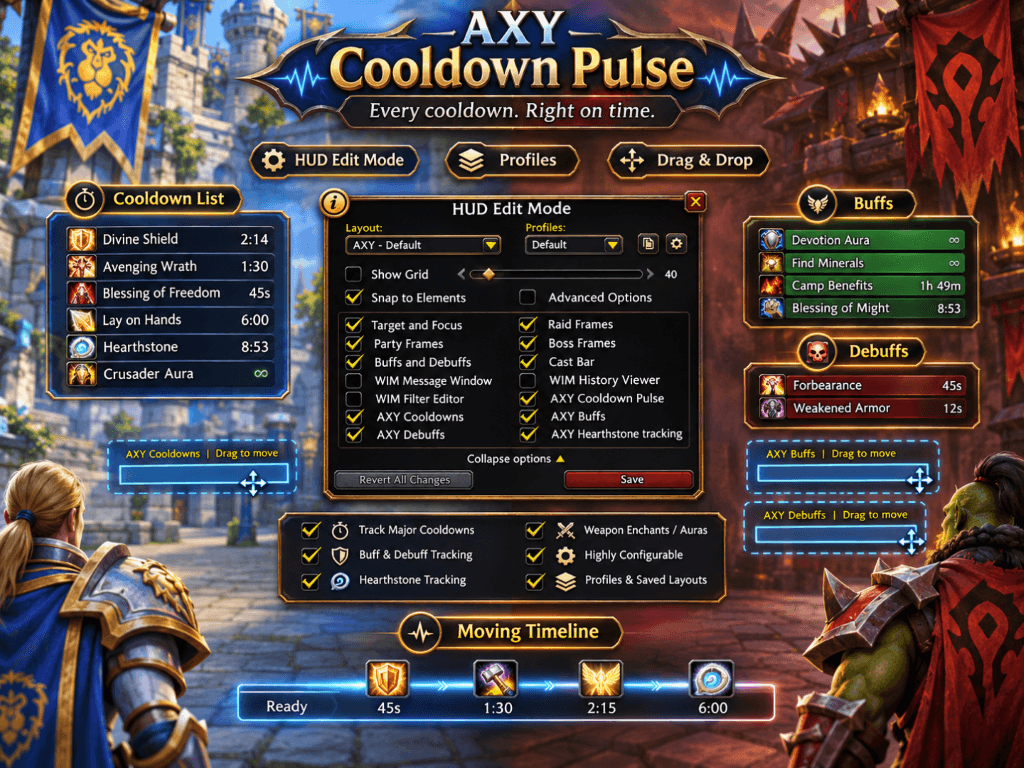
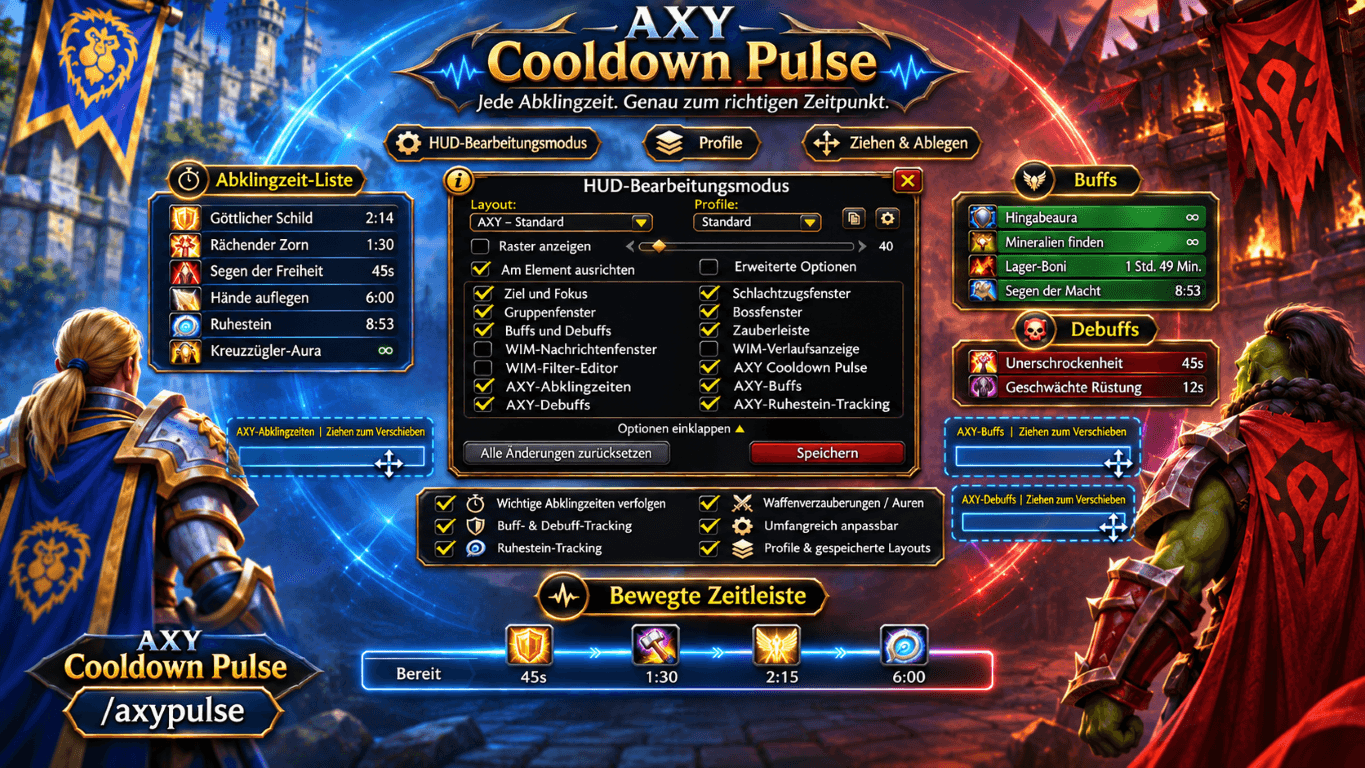
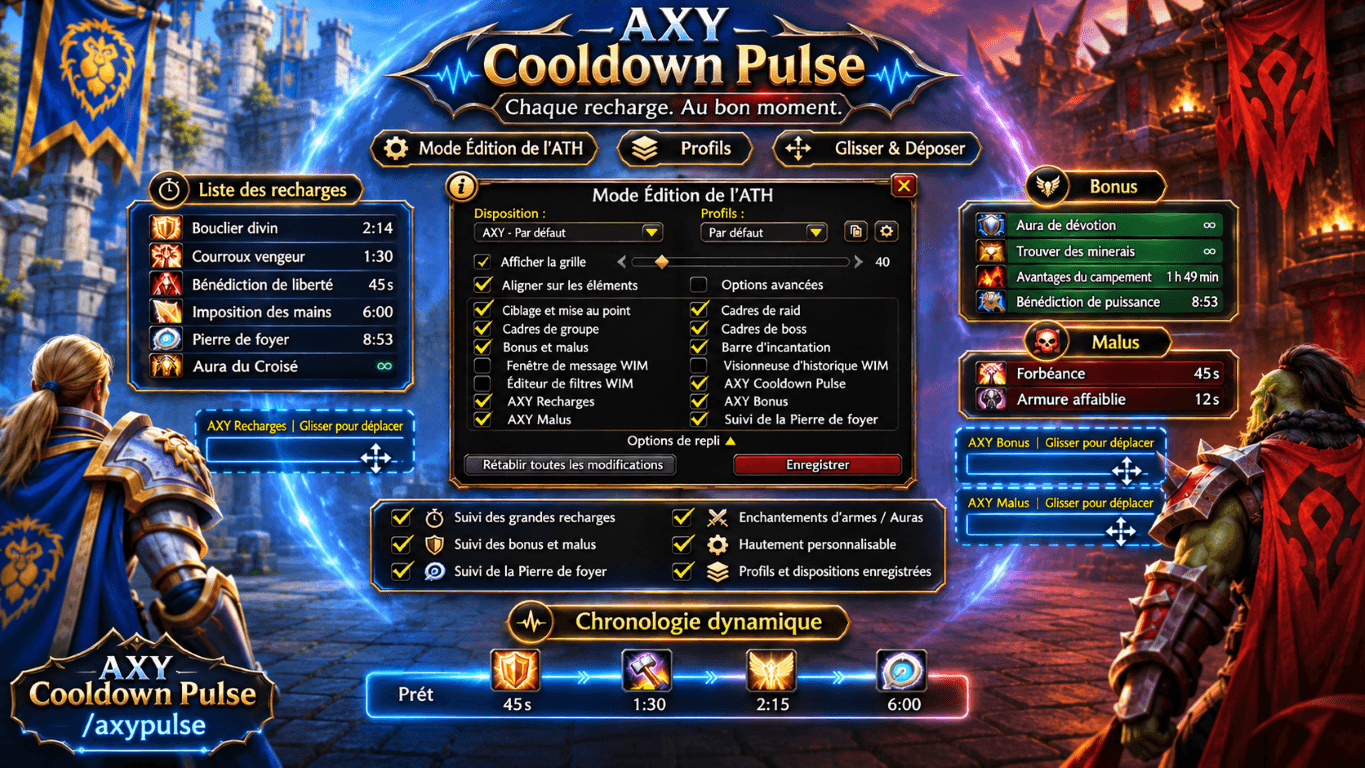
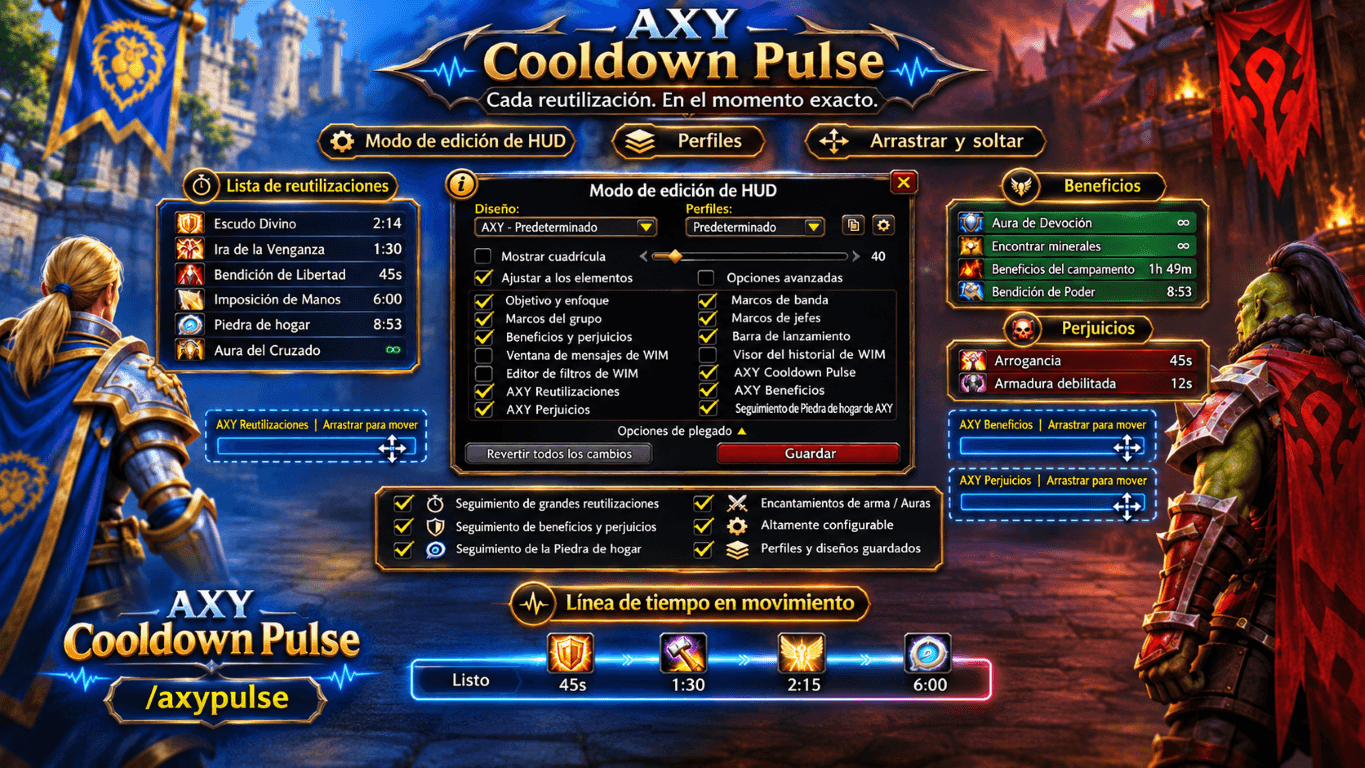
Keep track of your abilities with a moving cooldown timeline, separate cooldown lists, buff and debuff displays, and an interface you can arrange to suit your playstyle.
Clear information. Flexible controls. No unnecessary clutter.
Features
Moving Cooldown Timeline
• Watch ability icons move toward the Ready position as their cooldowns decrease.
• Choose a visible cooldown window from 1 to 30 minutes.
• Only cooldowns within the selected time window appear on the moving timeline.
• Track longer cooldowns in a separate Cooldowns list.
• Enable or disable the optional icon growth and fade-out animation when a cooldown finishes.
Four Independent Displays
• Timeline: Moving ability icons with countdown positions.
• Cooldowns: A separate list of active cooldowns, including longer durations.
• Buffs: Supported beneficial effects, temporary weapon enchants, and other available aura information.
• Debuffs: Supported harmful effects with remaining durations.
• List entries are arranged from longest to shortest remaining duration.
• Enable, disable, resize, and reposition supported displays independently.
Customization
• Adjustable bar width, height, icon size, spacing, and scale.
• Customizable colors and opacity.
• Drag-and-drop positioning and precise adjustment controls.
• Optional empty-bar hiding.
• Selectable tracking options for supported features.
• Automatically saved settings and layouts.
Profiles
• Save named configuration profiles.
• Select saved profiles from a clickable list.
• Restore preferred layouts and tracking settings.
• Share settings between characters using the same game client's account-wide configuration.
Note: Classic Era, Retail, and Forever maintain separate configuration databases. Profiles do not automatically synchronize between different game clients.
Buffs, Auras, and Weapon Enchants
• Track supported temporary buffs and debuffs.
• Display remaining durations for timed effects.
• Show supported permanent or durationless effects where available.
• Track temporary weapon enchants on supported clients.
• Follow supported class effects such as Paladin Seals and Shaman weapon imbues.
• Actual effect availability depends on each game's addon API.
HUD Integration
• Access addon configuration with /axytime.
• Use in-game settings integration where supported.
• On Forever, position AXY tracking displays within the HUD Edit Mode experience.
• Forever includes additional HUD Edit Mode options for AXY panels.
Built-in Test Mode
• Preview 8 or 16 sample timers.
• Test cooldown positioning and display layouts without using actual abilities.
• Adjust your interface before entering combat.
Supported Game Editions
World of Warcraft Classic Era
• Moving cooldown timeline and separate Cooldowns list.
• Spell cooldown and supported item cooldown tracking, including Hearthstone.
• Buff and debuff tracking.
• Temporary weapon enchant tracking.
• Customizable layouts and account-wide profiles.
World of Warcraft Retail
• Moving cooldown timeline and separate Cooldowns list.
• Supported spell cooldown and aura tracking.
• Configurable layouts, completion animations, and profiles.
• Compatibility handling for protected combat information.
Limitations: Inventory item cooldown and temporary weapon enchant tracking are not currently enabled in the Retail edition. Some combat tracking information may be restricted by the game client.
World of Warcraft Forever
• Moving cooldown timeline and separate cooldown tracking displays.
• Supported buffs, debuffs, and temporary weapon enchants.
• Tracking for supported durationless effects.
• Optional Paladin Seal expiry display on the main timeline.
• Optional Hearthstone cooldown tracking.
• HUD Edit Mode positioning and visibility controls.
• Customizable profiles and layouts.
Note: Game-specific API restrictions can affect tracking accuracy or availability.
Commands
All three editions use the same command:
/axytime
• /axytime — Open addon settings.
• /axytime unlock — Unlock tracker positions.
• /axytime lock — Lock tracker positions.
• /axytime scan — Refresh tracked data.
• /axytime test 8 — Preview 8 sample timers.
• /axytime test 16 — Preview 16 sample timers.
• /axytime test off — Stop test mode.
• /axytime scale 3 — Set a 3-minute timeline window.
Installation
-
Download the edition matching your World of Warcraft client.
-
Install through CurseForge or extract the addon into the appropriate
Interface/AddOnsdirectory. -
Start the game.
-
Type
/axytimeto open the settings. -
Configure your preferred tracking displays and save your layout.
Upgrading from AXY Timeline
AXY Cooldown Pulse is the successor to AXY Timeline.
The new addon uses updated installation folder names. Existing settings may require SavedVariables migration when upgrading from older AXY Timeline versions.
Before upgrading:
• Back up your existing WTF configuration directory.
• Do not run the old AXY Timeline addon and the new AXY Cooldown Pulse addon simultaneously.
• Preserve your old SavedVariables files until the new addon has successfully loaded your profiles and settings.
Feedback and Bug Reports
Found a missing cooldown, incorrect timer, or Lua error?
Please provide:
• Game edition: Classic Era, Retail, or Forever.
• Game client version.
• Addon version.
• Character class and affected ability.
• Steps to reproduce the issue.
• Lua error message or screenshot, if available.
Development
Developed by AXYON.
AXY Cooldown Pulse is an independent World of Warcraft addon focused on reliable cooldown visibility, practical customization, and a clean gameplay experience.
Features are adapted separately for each supported client to account for game API differences.
Every cooldown. Right on time.
© AXYON — AXY Cooldown Pulse.
AXY Cooldown Pulse Team