
Description
Avyr Raid Tools
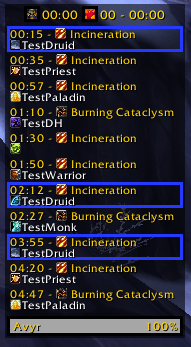
Create and display notes for raid cooldown assignments with entries that are highlighted based on encounter time or raid health.
Shortcut: /art
Languages: English and German
Key features:
Note display
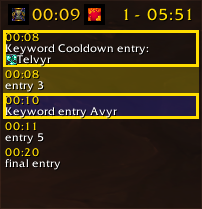
- The ability to have the current and the next entries up highlighted.
- Automatic scrolling to always see the current/next entry.
- Set personal keywords and cooldowns to have entries containing these highlighted.
- Set up sounds to be played when entries containing keywords/your cooldowns are triggered.
- A global sound can be set for all keywords/cooldowns and sound overrides can be set for specific keywords/cooldowns.
Note editor
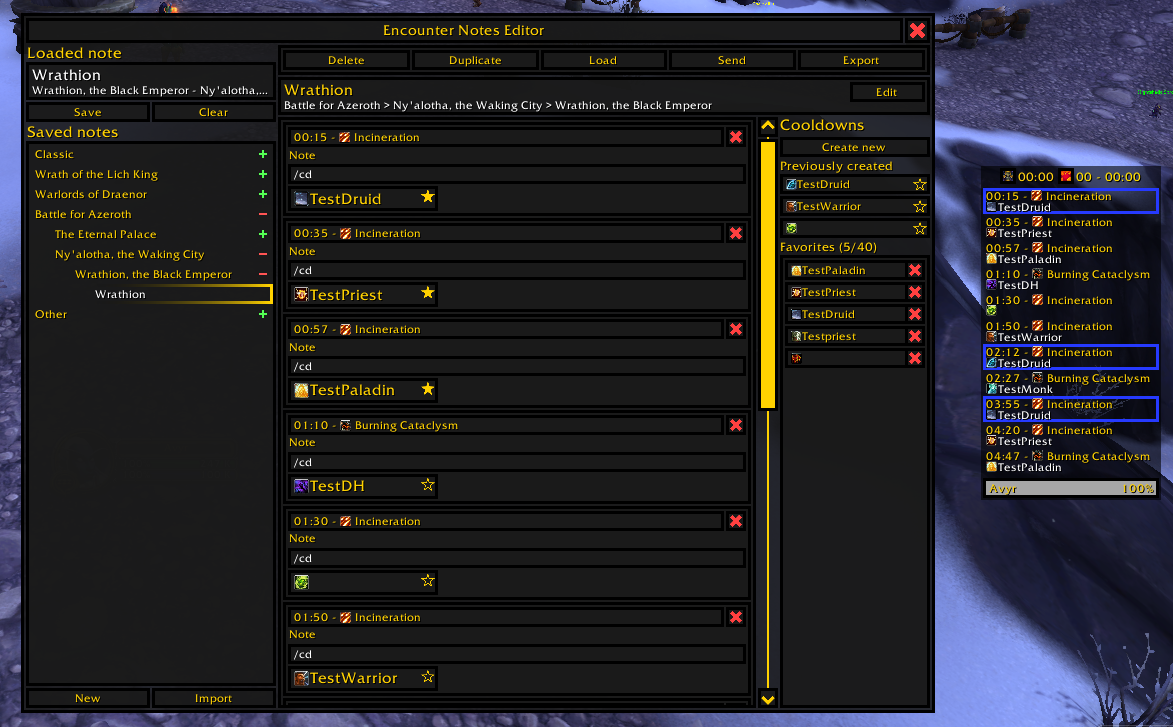
- Create note entries to be trigger based on time, damage taken by ability, raid HP of a combination.
- Drag and drop cooldowns with healer names into these entries
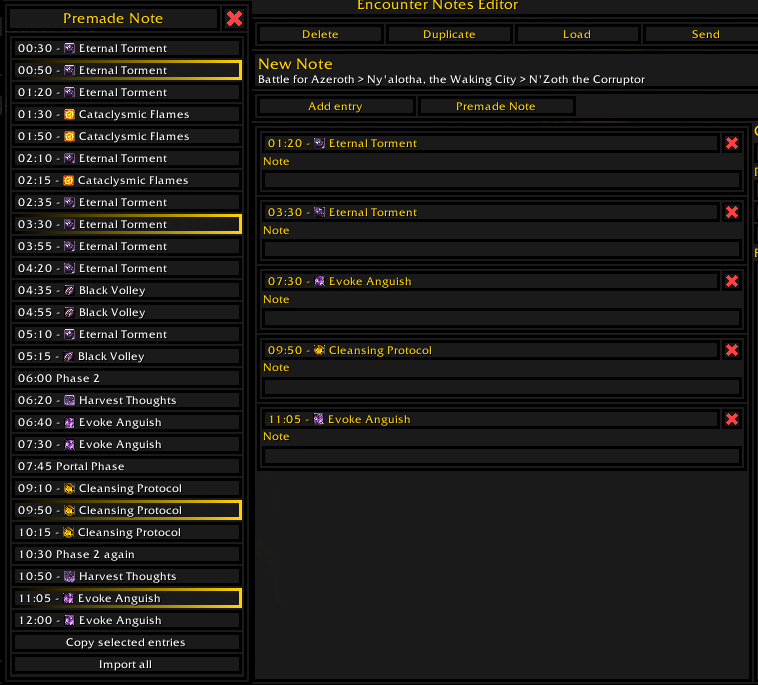
- Use (and adjust based on personal preferences) premade notes for encounters in Ny'alotha
Information display
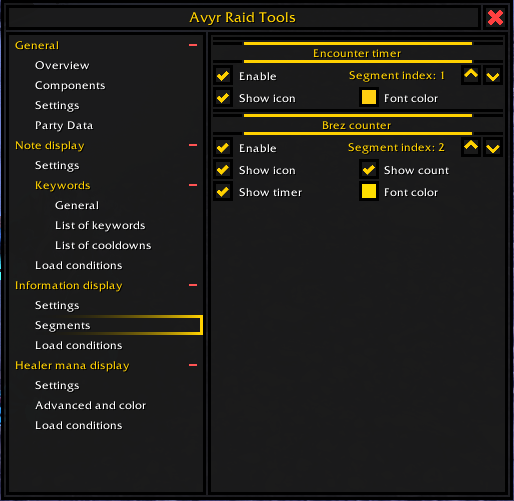
- Enable an information display to show encounter time and BRez count and time (any component including the icons can be disabled).
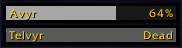
Healer mana bars
- Display the mana bars of all healers in one convenient place (zone check included, to filter out benched healers).
Any feedback, bug reports or suggestions for new features (large or small) are always welcome.
Avyr Raid Tools Team