GreyGreed Master Looter
- By
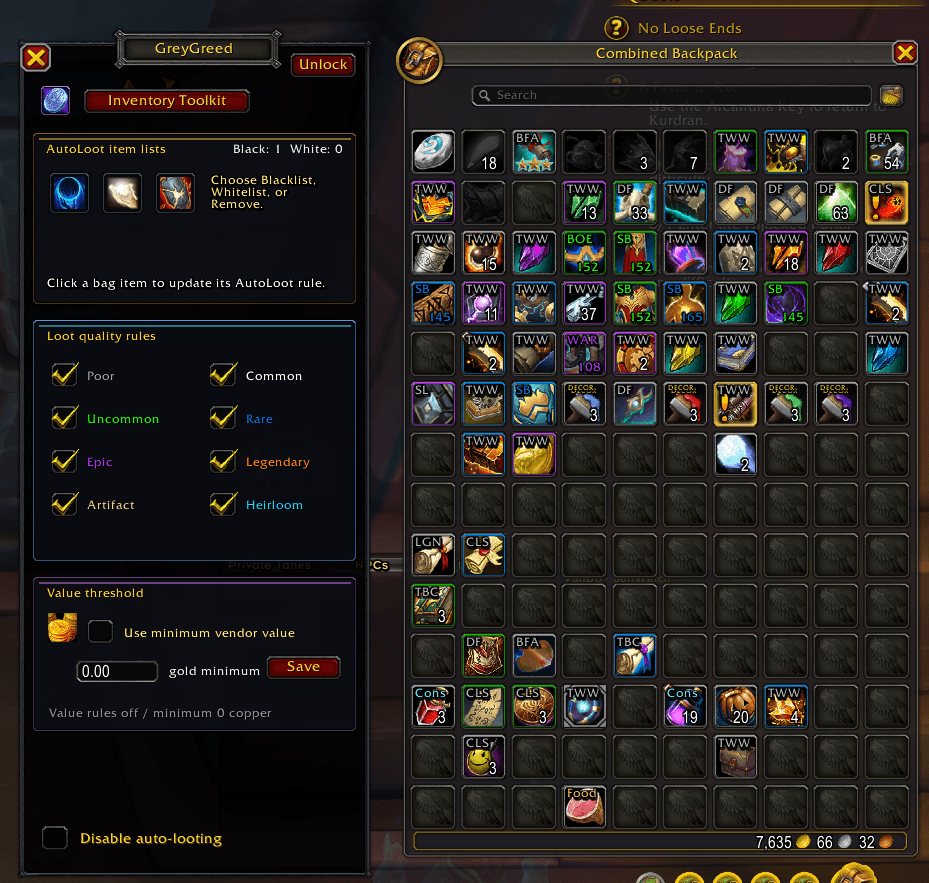
Autoloot Greygeed is the second part of the Greygreed Suite allowing players to easily control auto-looting and see their loot history with ease.
Screenshot 2026-05-19 204642.png
Screenshot 2026-05-19 205817.png
Screenshot 2026-05-19 204651.png
Screenshot 2026-05-17 155759.png
Screenshot 2026-05-19 204611.png
Description
GreyGreed Master Looter
Smart, customizable looting and loot management for WoW.
Formerly AutoLoot-GreyGreed, GreyGreed Master Looter helps you control what gets collected, track loot and gold, spot potential upgrades, and request useful items from your group.
Loot faster. Skip unwanted items. Keep what matters.
Highlights
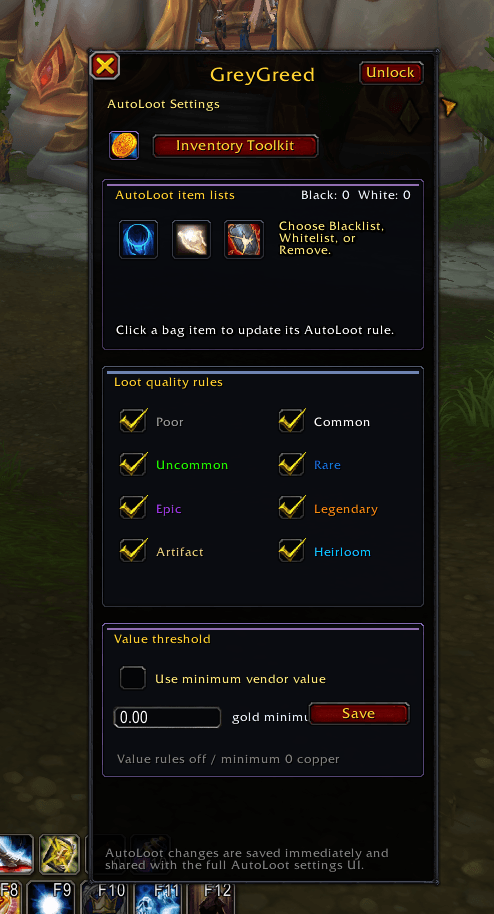
Smart Loot Rules
Choose what GreyGreed Master Looter collects based on rarity, item type, money, quest items, profession materials, and custom rules.
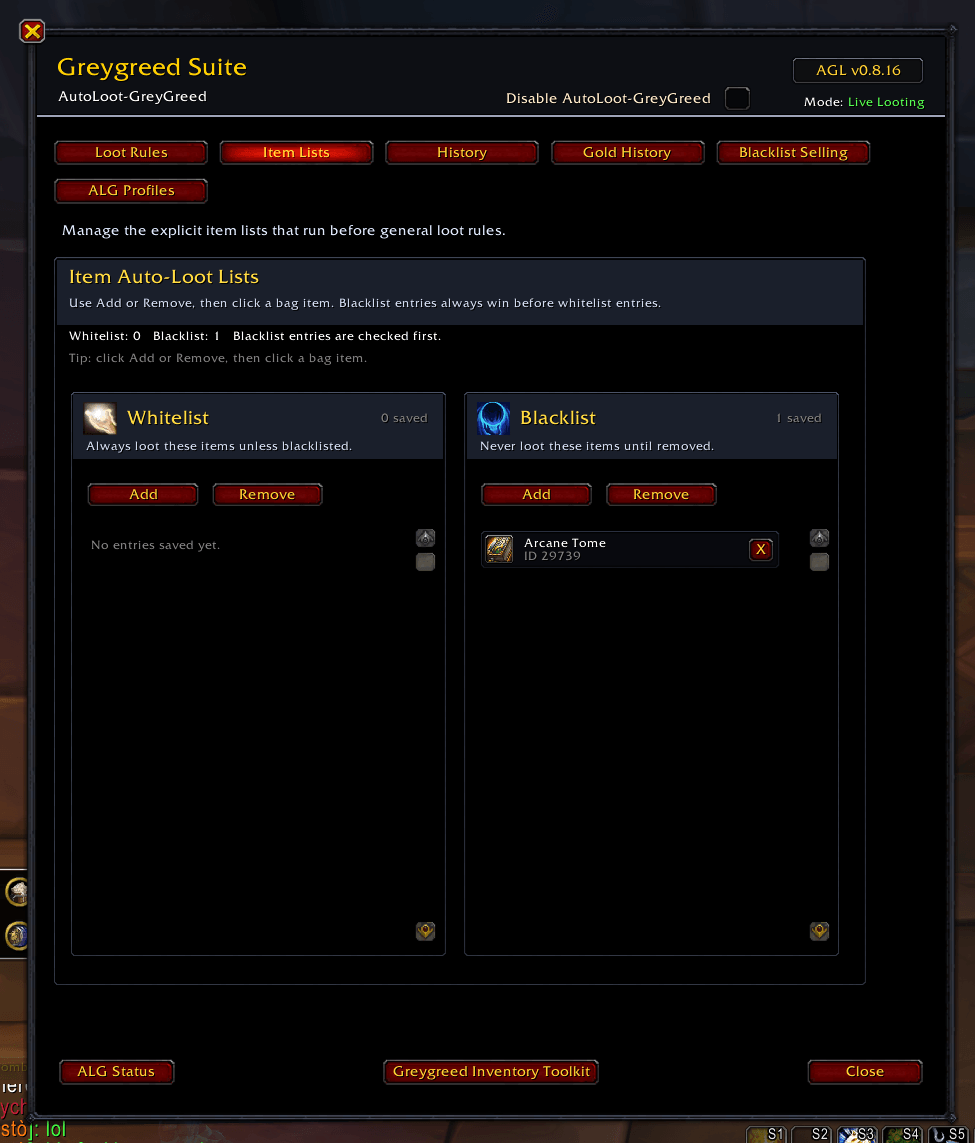
Blacklist, Whitelist & Grey List
Control item exceptions with easy list tools. Skip unwanted items, always collect important ones, and manage your Grey List preferences.
Inventory List Tools
Manage item lists directly from your bags when using GreyGreed Inventory Toolkit.
Loot Request
Track loot received by dungeon and raid group members. View item links, recipients, quantities, item levels, and comparisons to help identify potential upgrades.
Use Ask to request an item with a customizable whisper. Optional automatic requests include cooldowns and duplicate prevention.
Loot tracking and automatic requests are separate opt-in features, disabled by default. Potential upgrade recommendations do not guarantee that an item can be traded.
On-Screen Loot Request Popup
See potential upgrades in a compact, movable popup without opening the main settings window. Review the item and recipient, then choose Ask or Dismiss.
Optional Pawn Support
When Pawn is installed, Loot Request can show Pawn upgrade recommendations alongside item-level comparisons. Access Pawn through the suite’s integrated navigation.
Pawn remains a separate, optional add-on.
Optional Bag Cleanup
Enable a cleanup brush button to remove eligible grey-quality items from your bags. Each click removes one eligible stack, with protections for listed items, quest items, locked items, and items whose information has not loaded.
Bag Cleanup is disabled by default and requires a player click.
Profiles & Templates
Switch between playstyles such as Leveling, Farming, Value, Minimal, Profession Materials, or Custom. Save different settings for different activities.
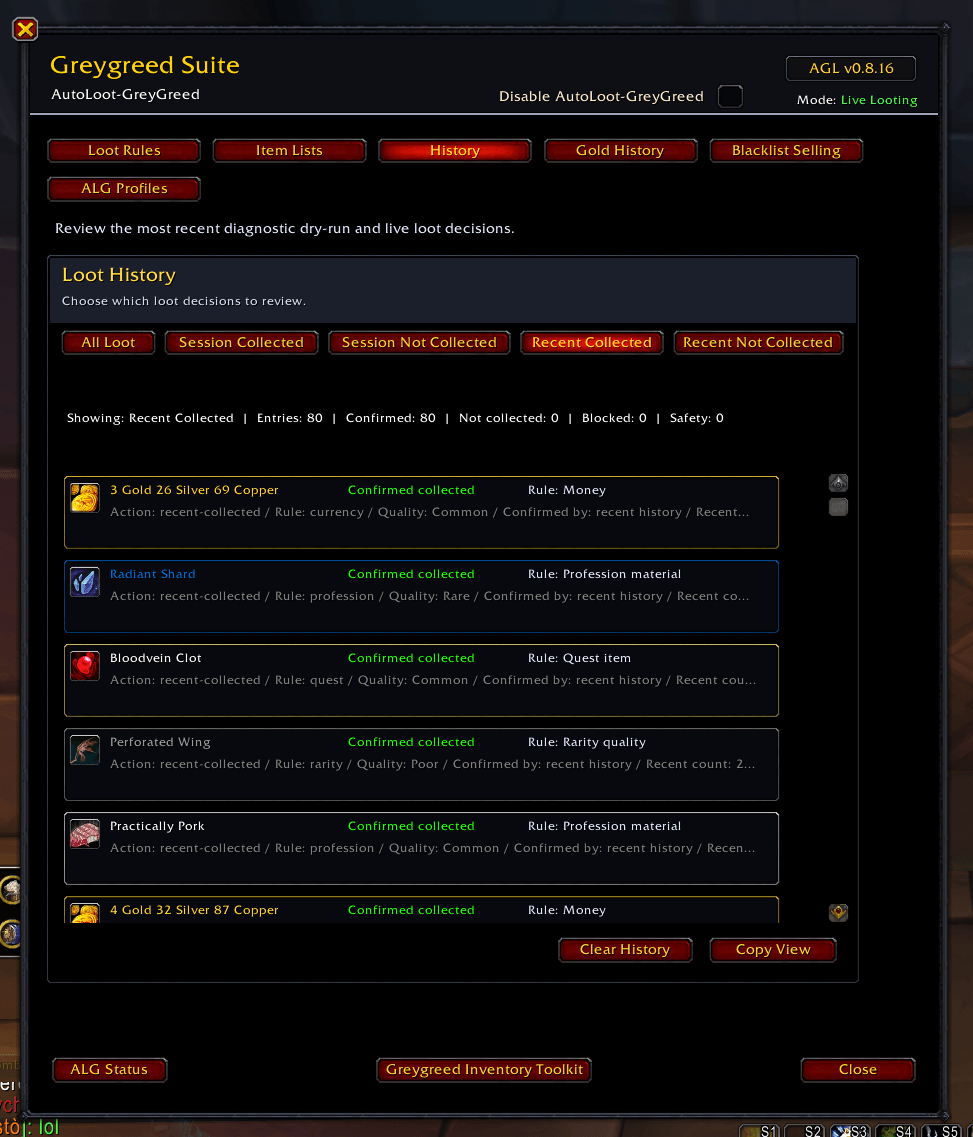
Loot History
See what was collected, what was skipped, and why.
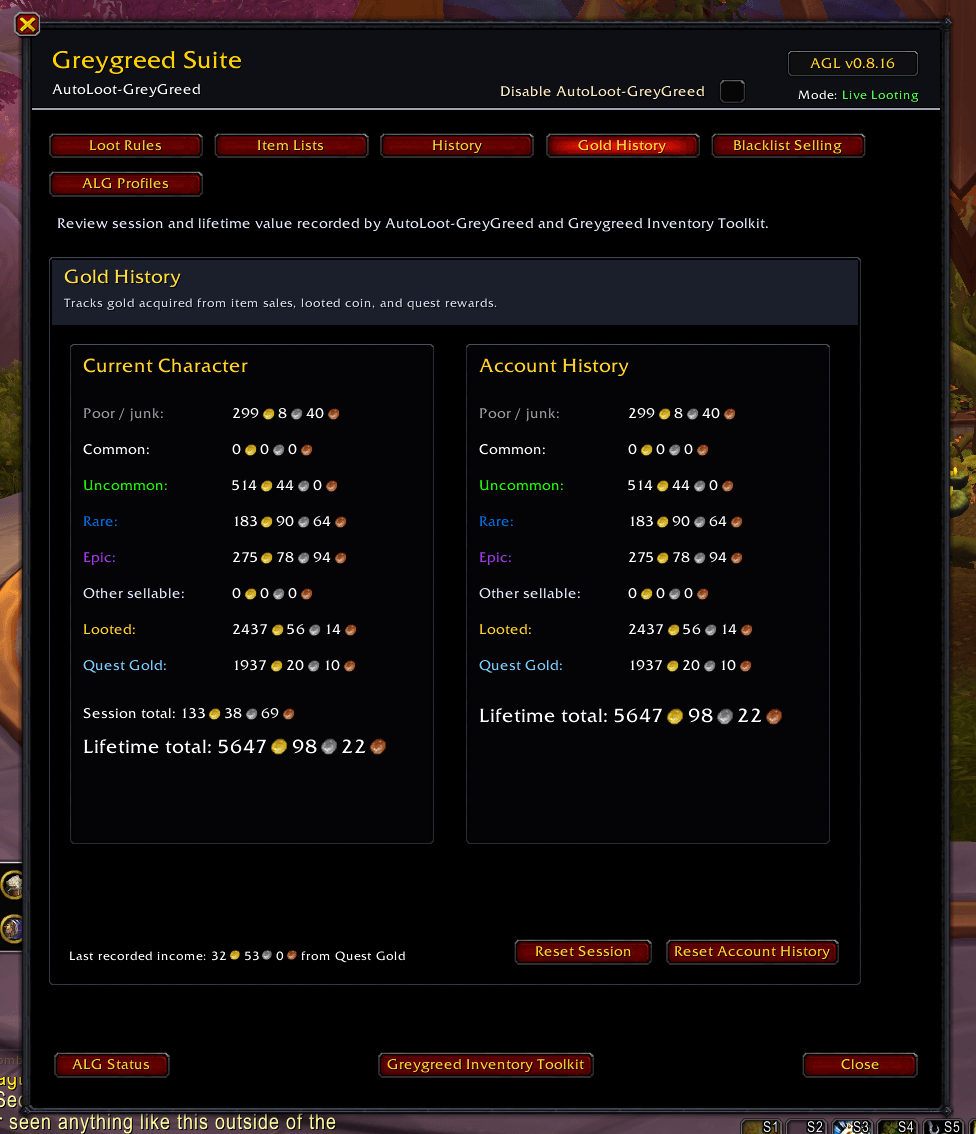
Gold History
Track looted coin, quest gold, and item value across your character and account.
Clear, Consistent Navigation
Move between Master Looter, Inventory Toolkit, and Pawn using buttons that stay in the same positions. Loot quality settings use rarity-colored names on easy-to-read charcoal backgrounds.
Diagnostics Mode
Built-in troubleshooting tools help you understand loot behavior when something does not look right.
GreyGreed Suite Support
Works on its own or alongside GreyGreed Inventory Toolkit for a connected inventory and looting experience.
Why GreyGreed Master Looter?
-
Loot faster with rules you control
-
Skip unwanted items and collect important ones
-
Spot potential upgrades in group loot
-
Request items without searching through loot messages
-
Clean up eligible junk with a player-clicked tool
-
Track gold and loot history
-
Manage item exceptions from your bags
-
Use profiles for different playstyles
-
Works standalone or as part of the GreyGreed Suite
Updating from AutoLoot-GreyGreed
Your existing profiles, item lists, and settings are preserved. The installation folder remains **Auto
GreyGreed Master Looter Team