


AutoGroupAccept
- By
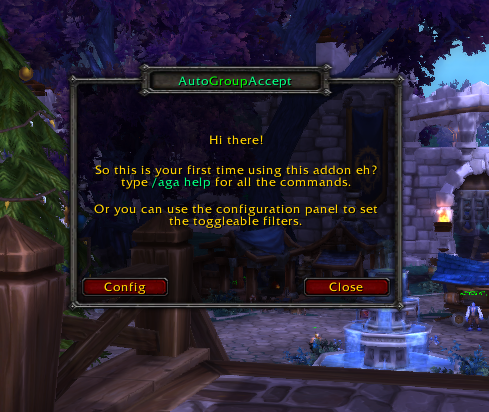
First time setup screen
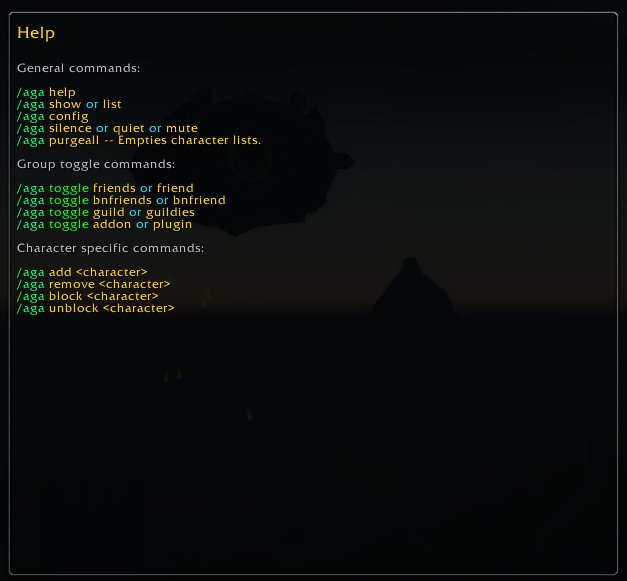
Some commands to get you going.
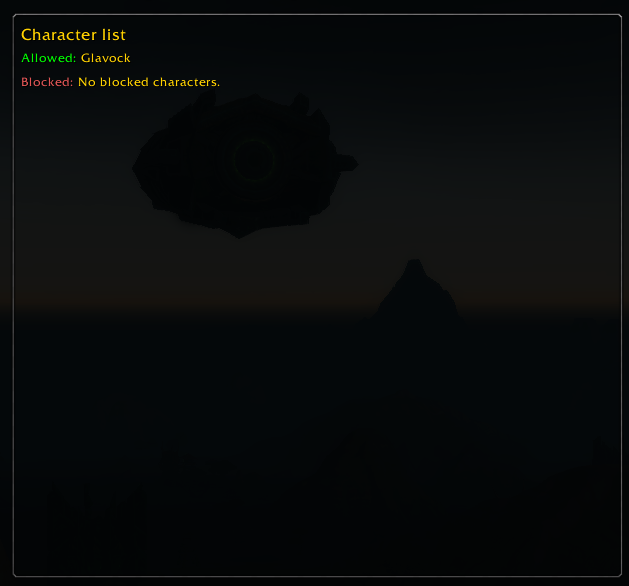
Allowed and blocked players.
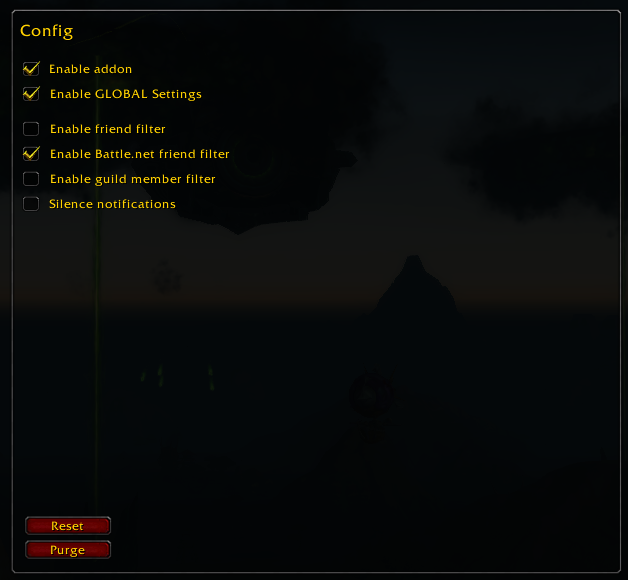
Here you can select certain filters.
Description
AutoGroupAccept
AutoGroupAccept is an addon that as the name implies automatically accepts the invites from the people you choose.
Getting started
You start by typing /aga help to access the list of commands used by the addon.
Commands
All the commands start with the slash command /aga <command>
show (or) list
This command will show the the allowed filters, character and blocked character names.
silence (or) quiet (or) mute
Will silence the notification of being invited by allowed and blocked characters.
purgeall
Will empty the allowed and blocked list.
config
Brings up the configuration screen.
Toggling Groups
You can toggle the current character's friends list, your account wide battle.net friendslist and your current guild's roster.
toggle friends (or) friend
Added characters will be able to automaticly invite you to a party.
toggle bnfriends (or) bnfriend
Battle.net friends will be able to automaticly invite you to a party.
toggle guild (or) guildies
Guild members will be able to automaticly invite you to a party.
toggle addon (or) plugin
Turns the addon off until you re-enable it.
Individual characters
You can also filter on specific characters by adding them to the allow list, note that the characters do not have to be capitalized.
Glavock is the same as GLAVOCK.
add <character>
Adds the specified character to the allowed list.
Example: /aga add Glavock
remove <character>
Removes the specified character from the allowed list.
Example: /aga remove Glavock
block <character>
Adds the specified character to the blocked list.
Example: /aga block Glavock
unblock <character>
Removes the specified character from the blocked list.
Example: /aga unblock Glavock
Programmed by Utriax, tested by Glavock and Tydrolus
The AutoGroupAccept Team
