Autocorrect
- By
preview.webp
preview.webp
preview.webp
preview.webp
Description
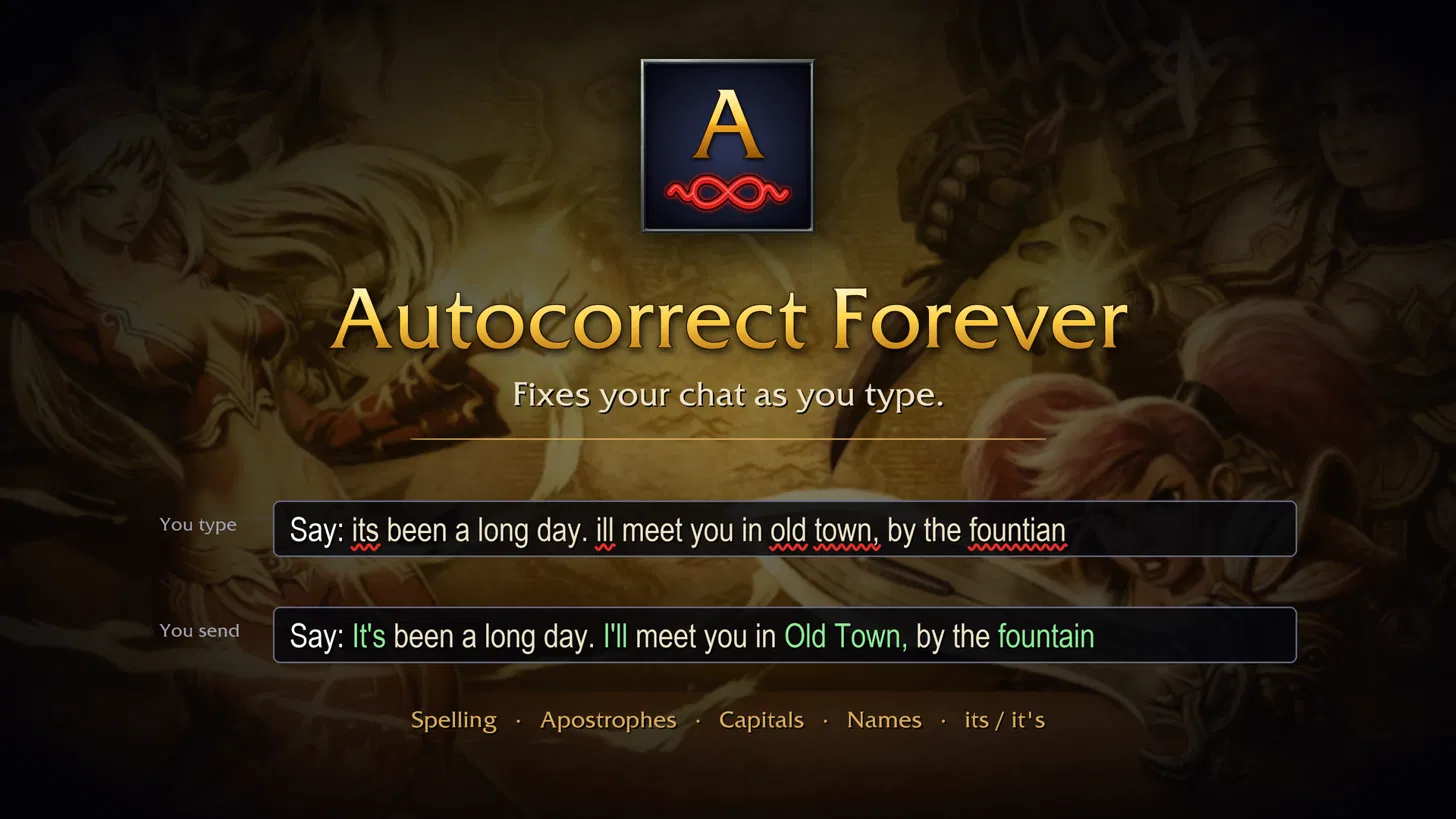
Autocorrect Forever fixes your chat as you type, the way a phone does. Finish a word, and if it was wrong it is put right before you reach the next one.

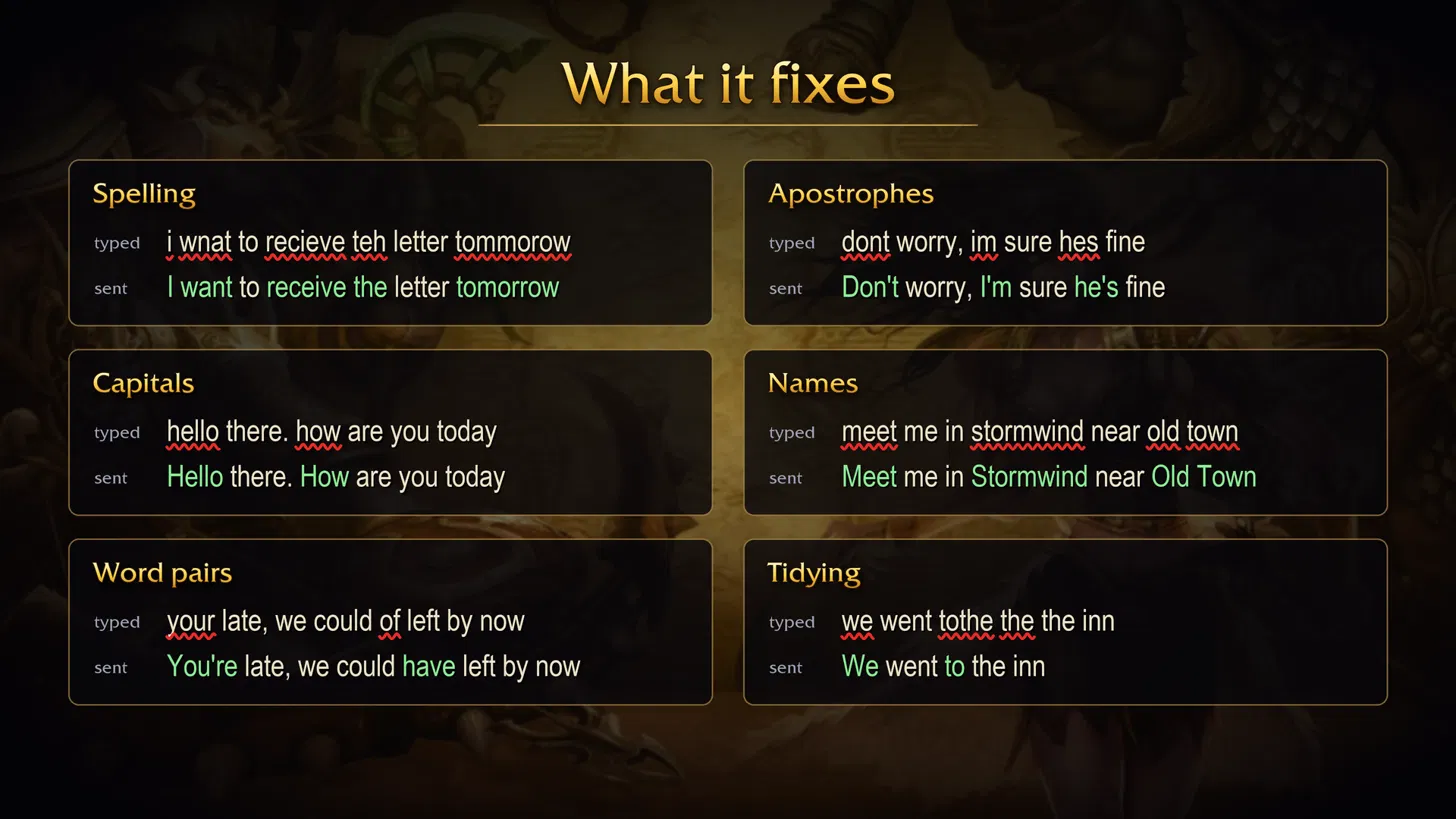
- Spelling: teh, wnat, recieve, accomodate, tommorow, proably
- Apostrophes: dont, cant, im, ive, ill, hes, wouldnt, and don;t
- Capitals: the start of each sentence, and "I"
- Names: Stormwind, Sentinel Hill, Old Town, Kirin Tor, Archmage Malin and thousands more, plus your guild, your friends and whoever you target
- Word pairs: its/it's, your/you're, their/there, could of, were going, a orc
- Tidying: double spaces, "the the", and run-together words such as "tothe"

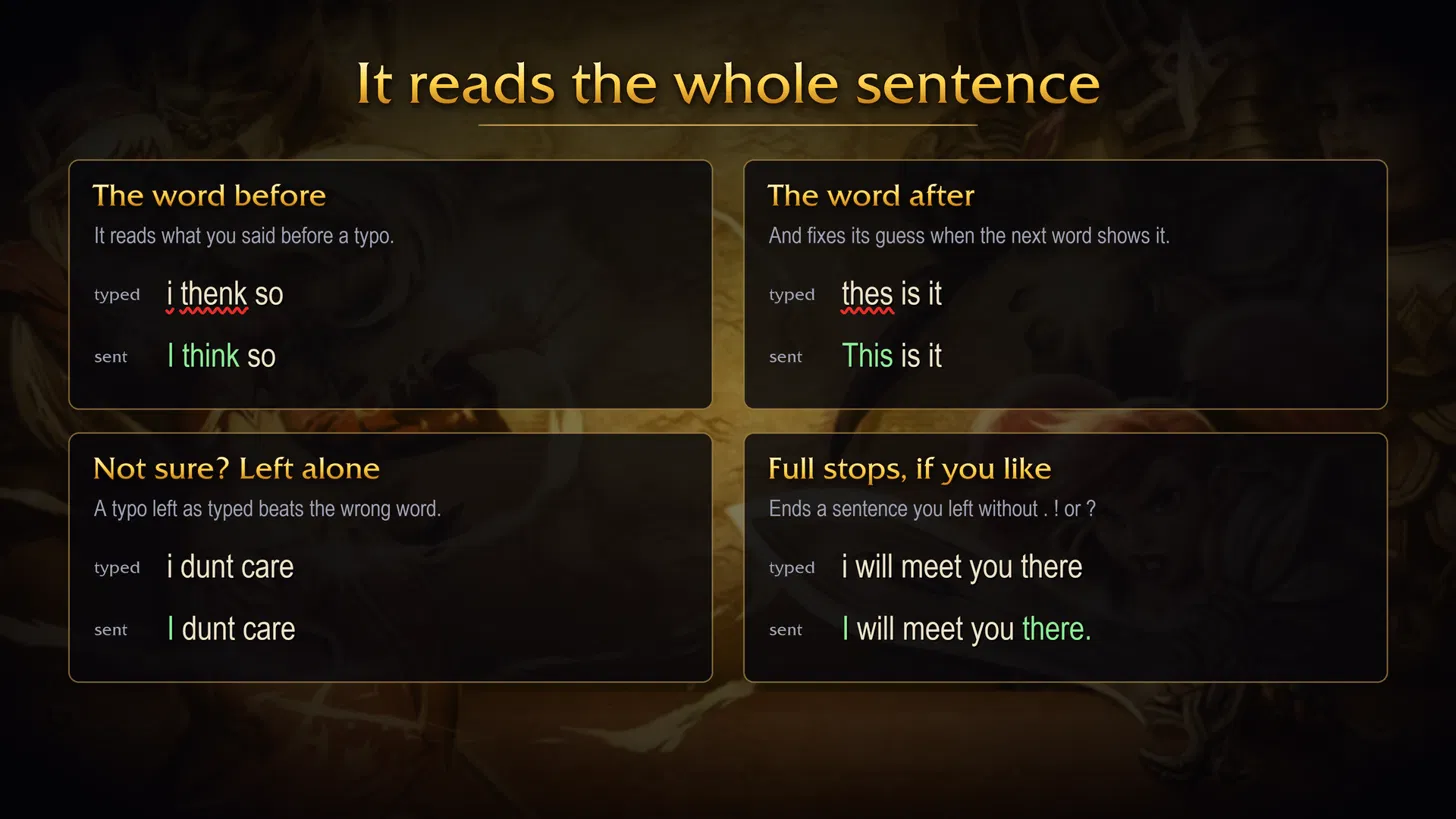
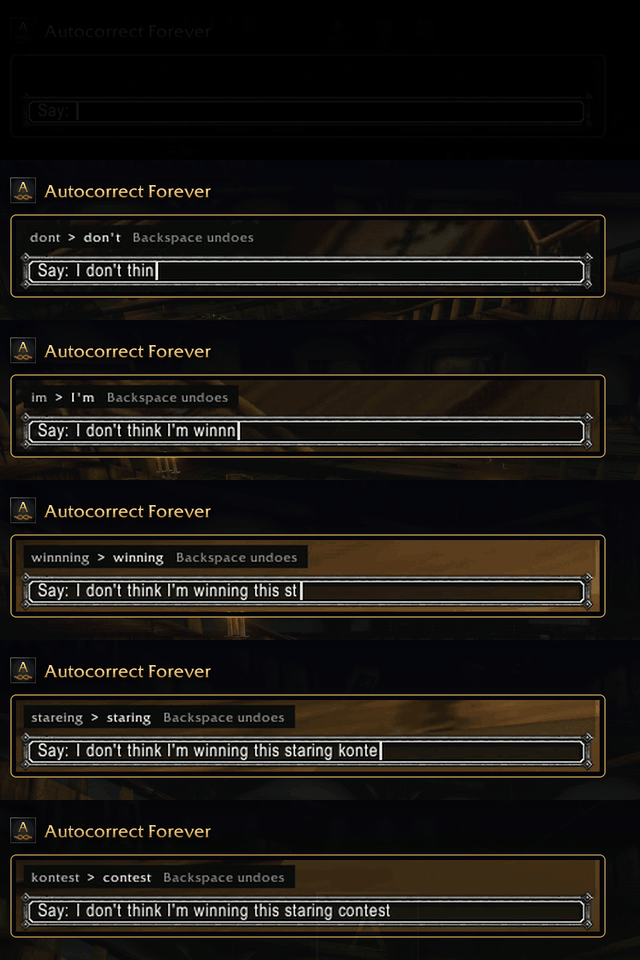
It looks at the words around a typo before it guesses. "i thenk so" becomes "I think so", not "I then so". "thes is it" becomes "This is it" once you type "is". When the words around it don't settle it, it leaves your typo as typed rather than send the wrong word.
Full stops (optional): ends a sentence with a full stop when you leave it without one. Never after ? ! or …, a single word, shorthand, a smiley or a link.

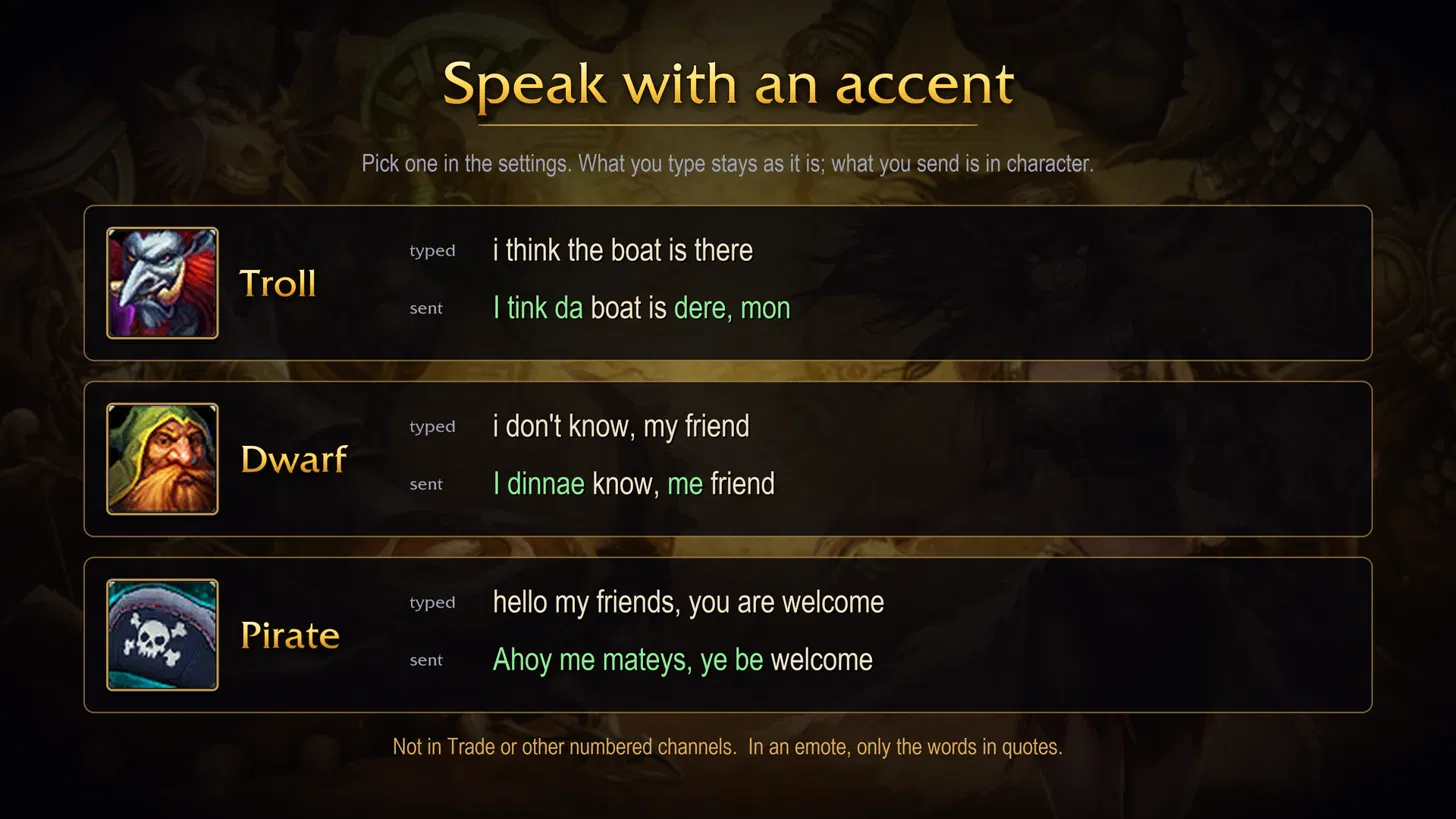
Pick a troll, dwarf or pirate accent in the settings. What you type stays as it is; only what you send changes. Trade and other numbered channels are left alone, and in an emote only the words in quotes change. Off until you pick one.

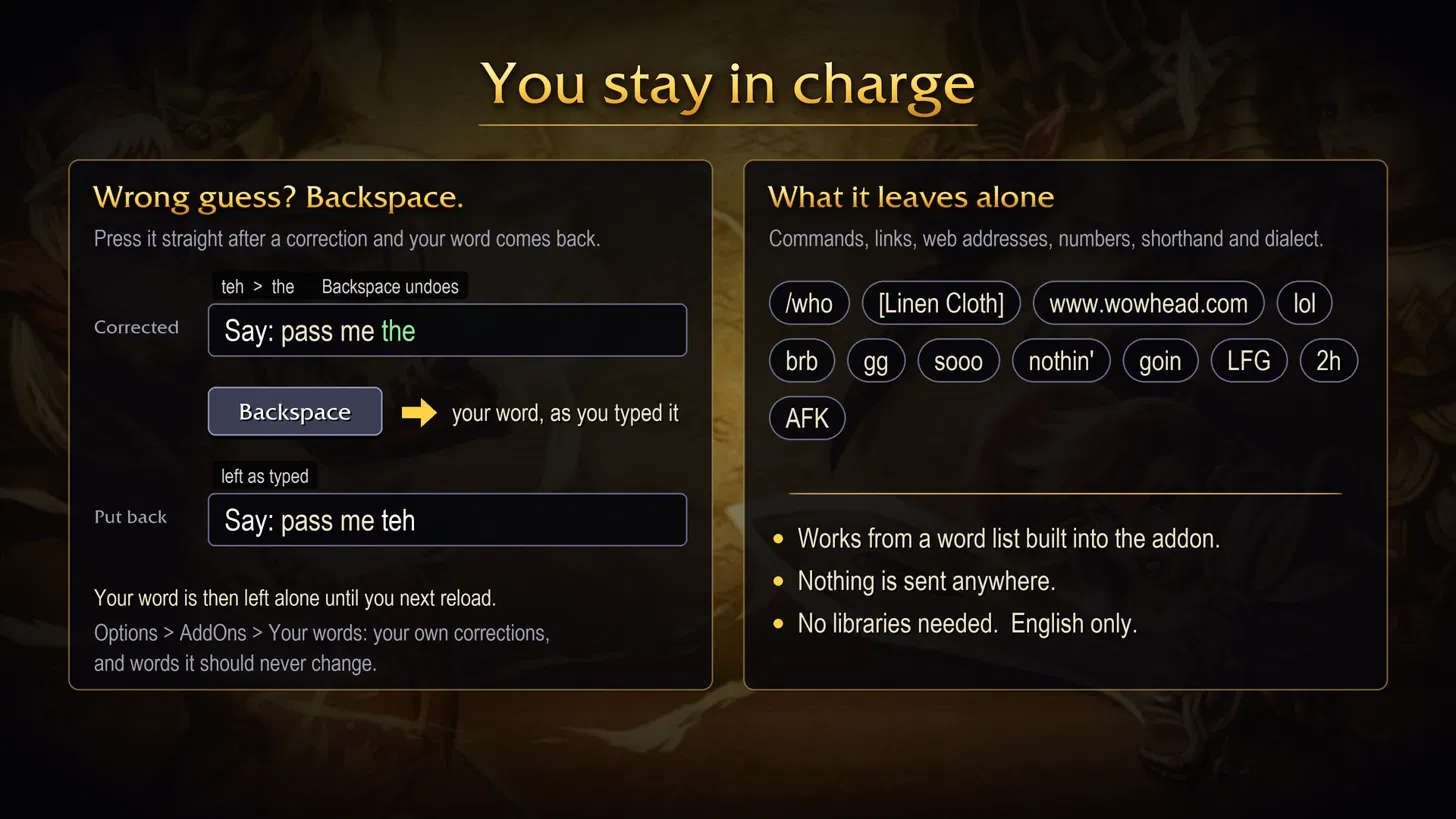
Press Backspace straight after a correction to put your word back. That word is then left alone until you next reload or log in. A line above the chat box shows each change for a moment, so you always know what it did.
It leaves alone slash commands, item and quest links, web addresses, anything with numbers in it, words in capitals, drawn-out words ("sooo"), dialect ("nothin'", "goin"), shorthand such as lol, brb and gg, and swearing.

Everything is in Options > AddOns > Autocorrect Forever. You can also right-click the minimap button or type /autocorrect.
- The main page: a switch for each part, the full stop, the accent picker and your recent changes.
- Your words: your own corrections ("When I type… Change it to…") and the words to leave as typed. Add or remove each one, or clear them all at once.
Prefer chat commands? /autocorrect help (or /acf help) lists them.
Notes: English only for now; on a game client in another language it starts switched off (/autocorrect on switches it on). It works from a word list built into the addon: nothing is sent anywhere, and your chat is never saved. No libraries needed.
Autocorrect Team