
AussyLoot
- By
Everything for gearing in Season 2. Loot by slot, a wishlist, bonus roll picks, progress tracking, and a crest plan.
01-loot.png
03-dream-gear.png
04-rolls.png
06-crests.png
00-Welcome Screen.png
001-Loot 2.png
Description
Everything for gearing up in Midnight Season 2, in one window. Five tabs,
/al to open.
| Tab | What it's for |
|---|---|
| Loot | Every drop for a slot this season, filtered how you want |
| Dream Gear | Your wishlist, on your character, with a SimC export |
| Rolls | Where to spend your bonus rolls, dungeon or raid |
| Progress | Your item level and crests over time |
| Crests | What to upgrade next, and what not to waste |
Loot
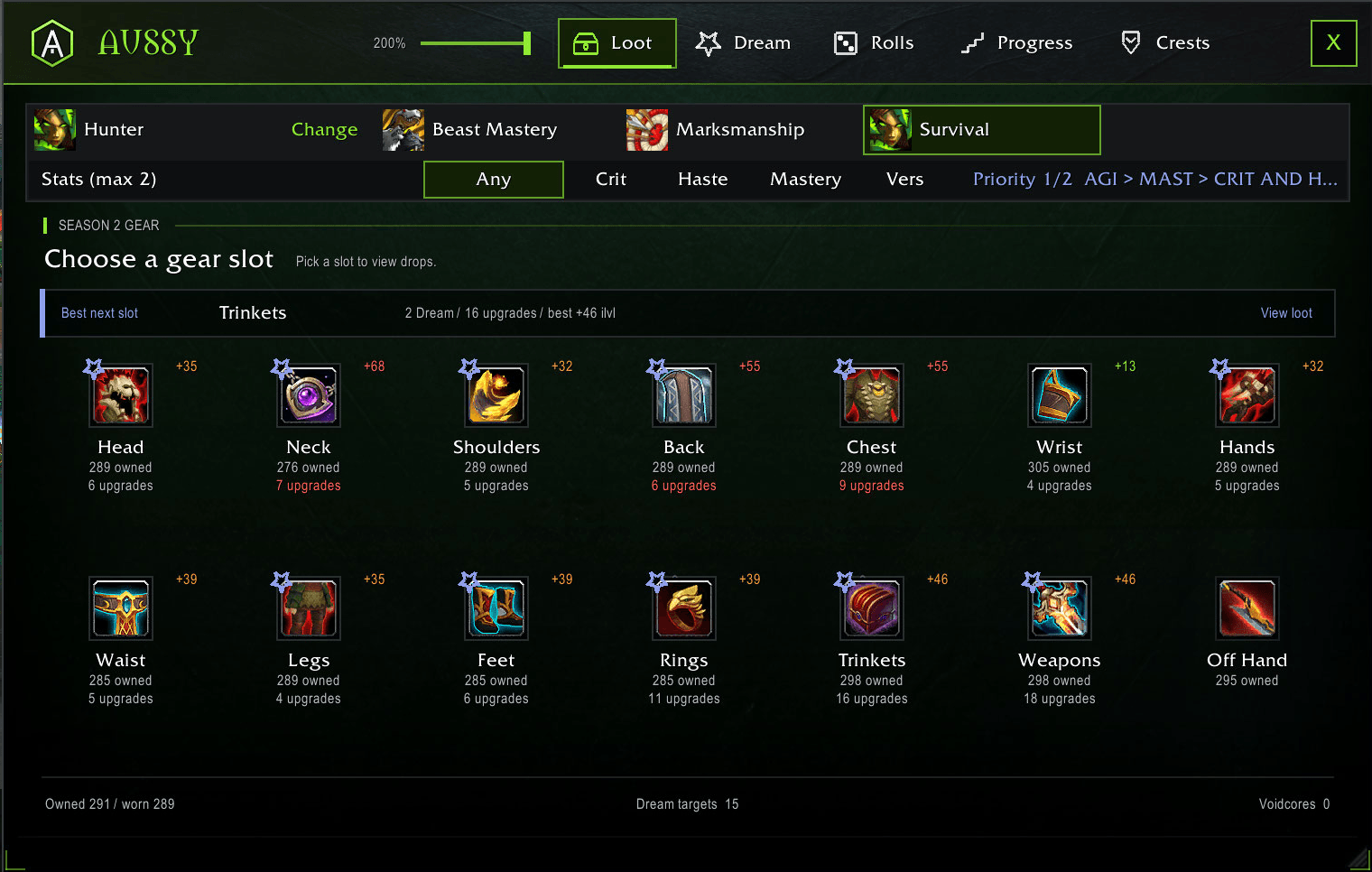
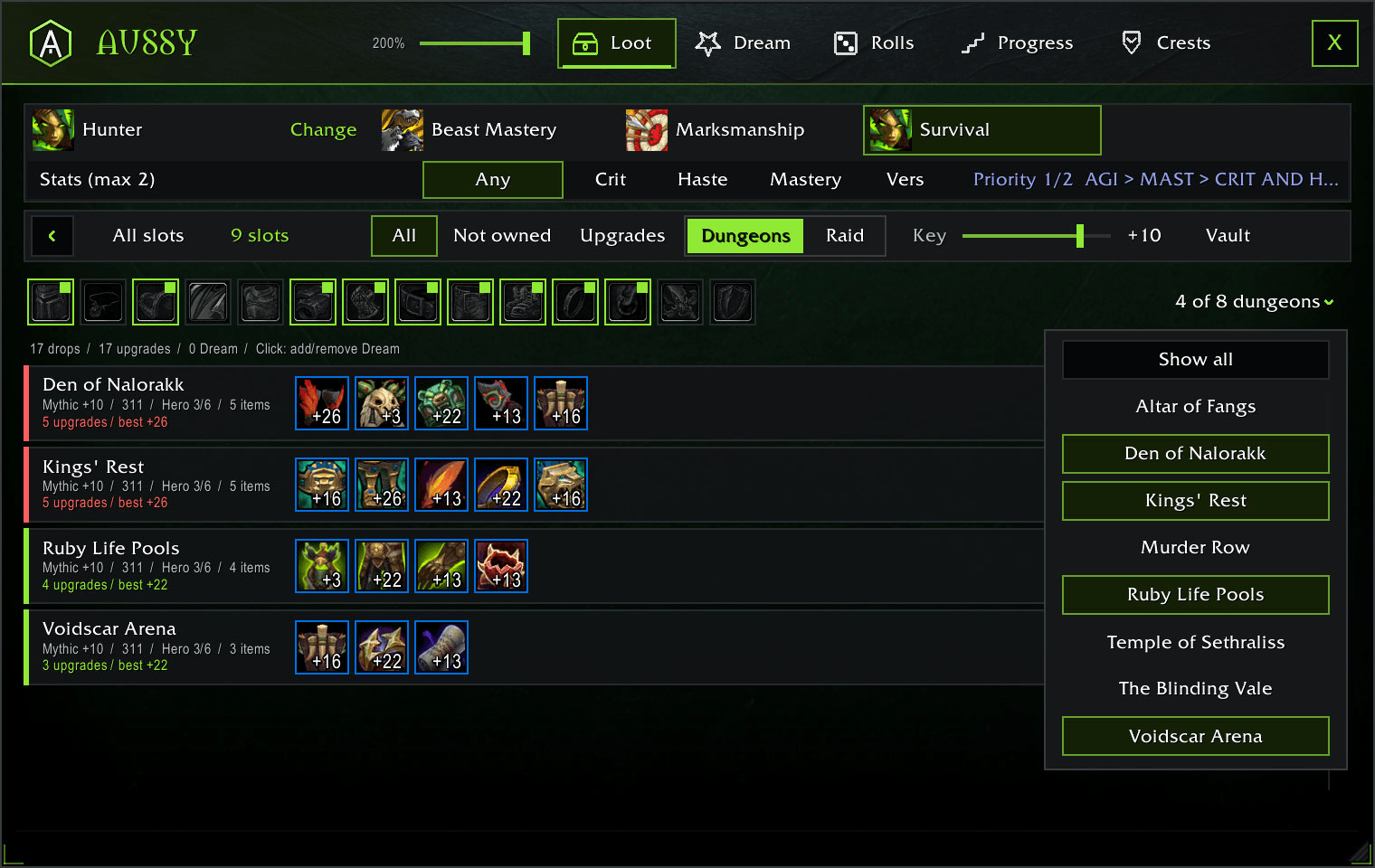
Pick a slot, see everything that drops for it. Filter by where it drops, key level, what you've already got, what's an upgrade, and up to two stats. Upgrades show how much item level you'd gain.
Dream Gear
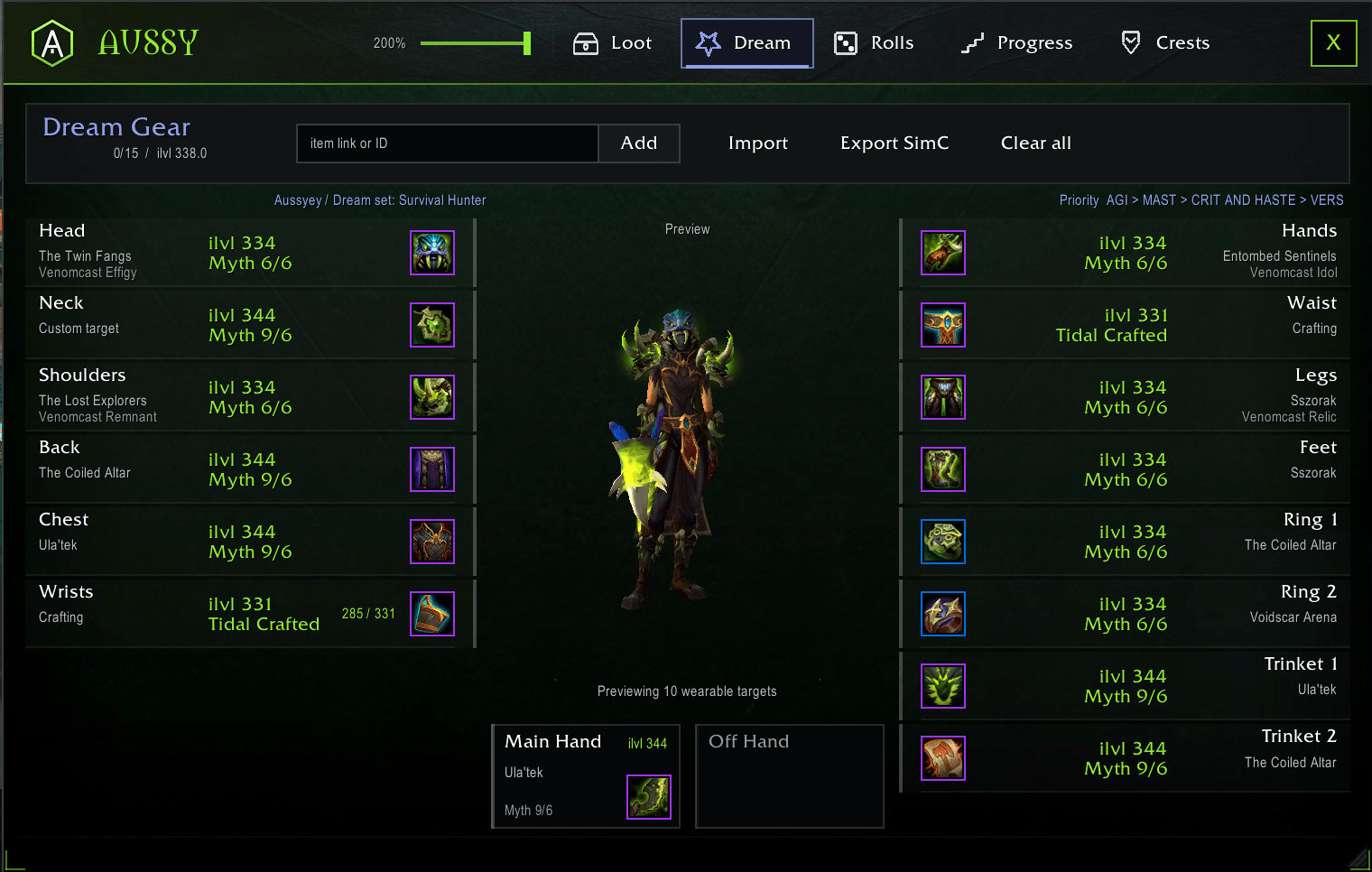
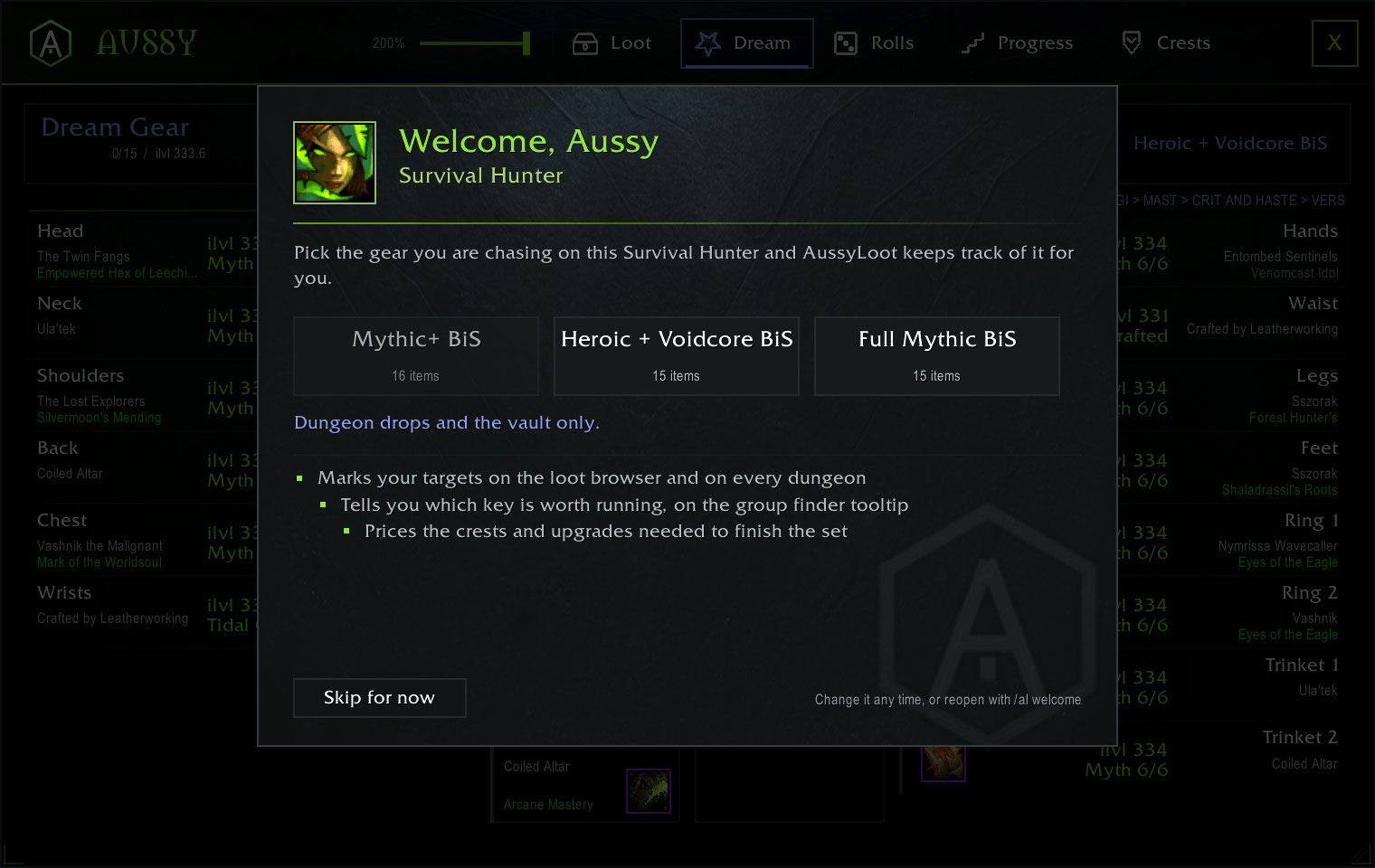
Your wishlist, on a paper doll. Add things from the loot list or paste a link. Export to SimulationCraft, import Wowhead talents. Anything you loot ticks itself off.
Rolls
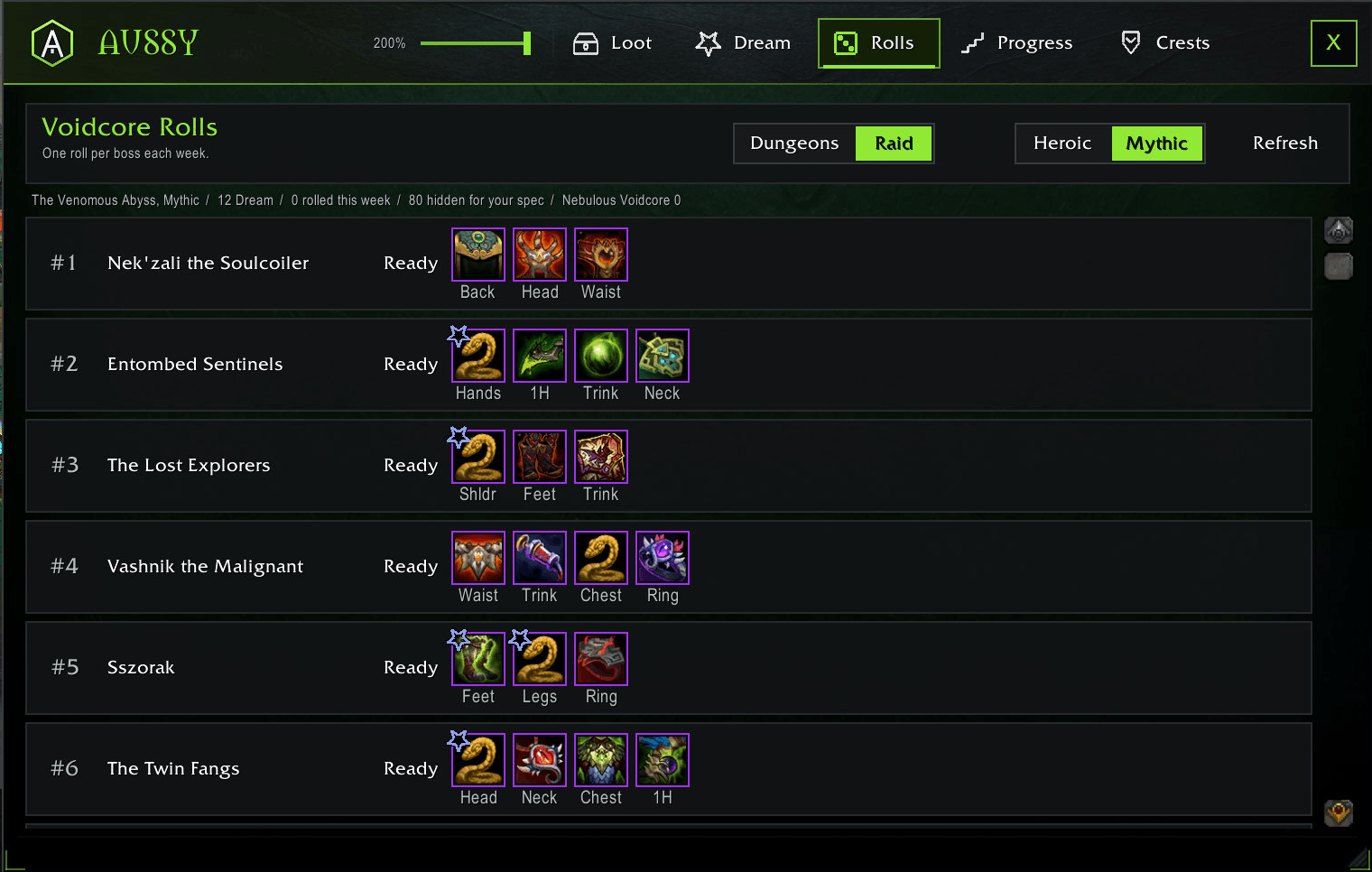
Dungeons get ranked by how much of your wishlist is still in their loot pool, so you roll where you've actually got a chance. It shows you the odds.
Raid lists every boss with what you still want off it, and marks off the ones you've already rolled on. Use a roll in there and it'll usually catch it on its own, or you can click a boss to mark it yourself.
Progress
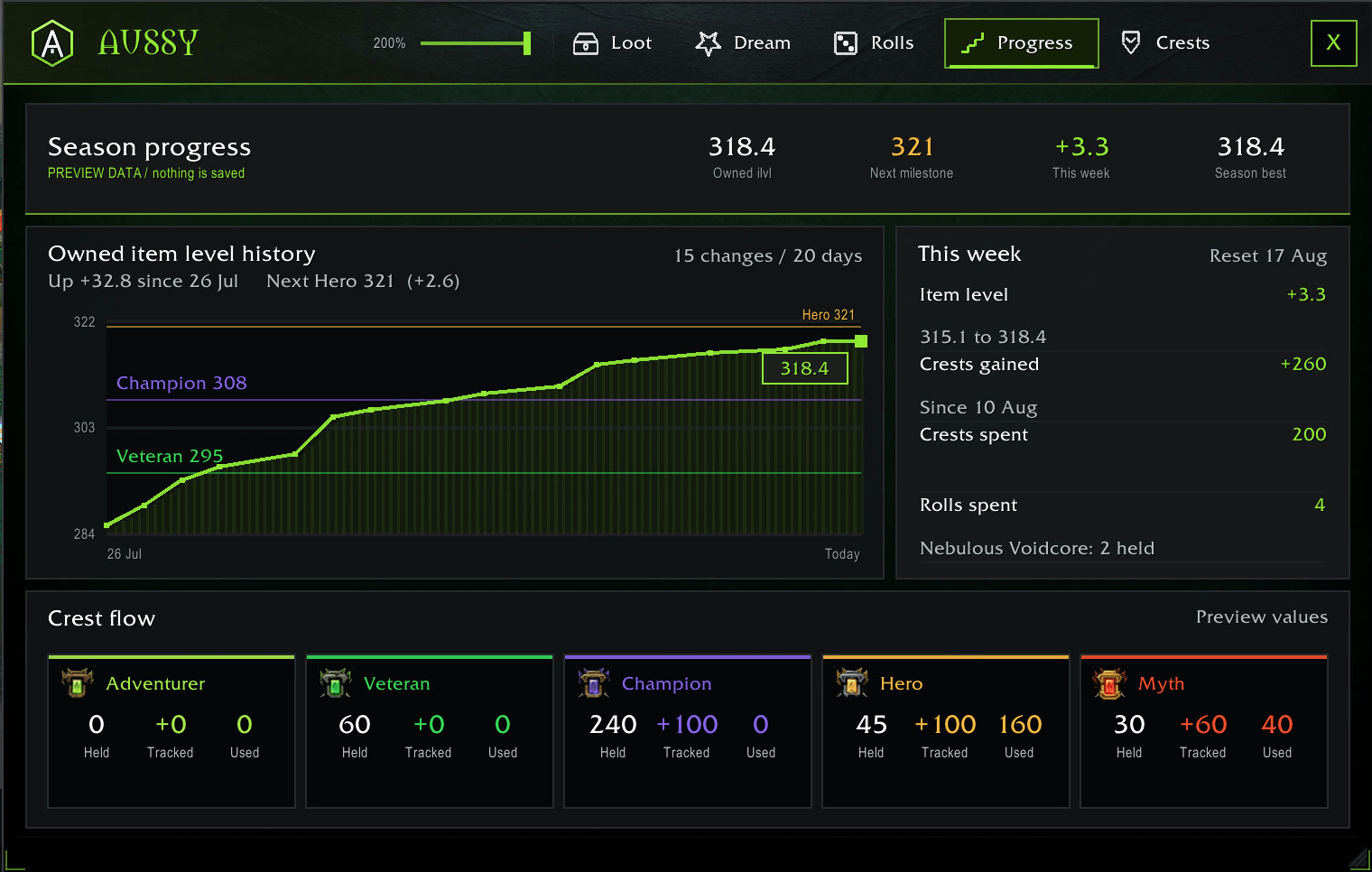
Your item level, bonus rolls and crests over time. Shows what you gained and spent each week, and how your item level has climbed across the season. It starts from the day you install it, so it won't know what you did before that.
Crests
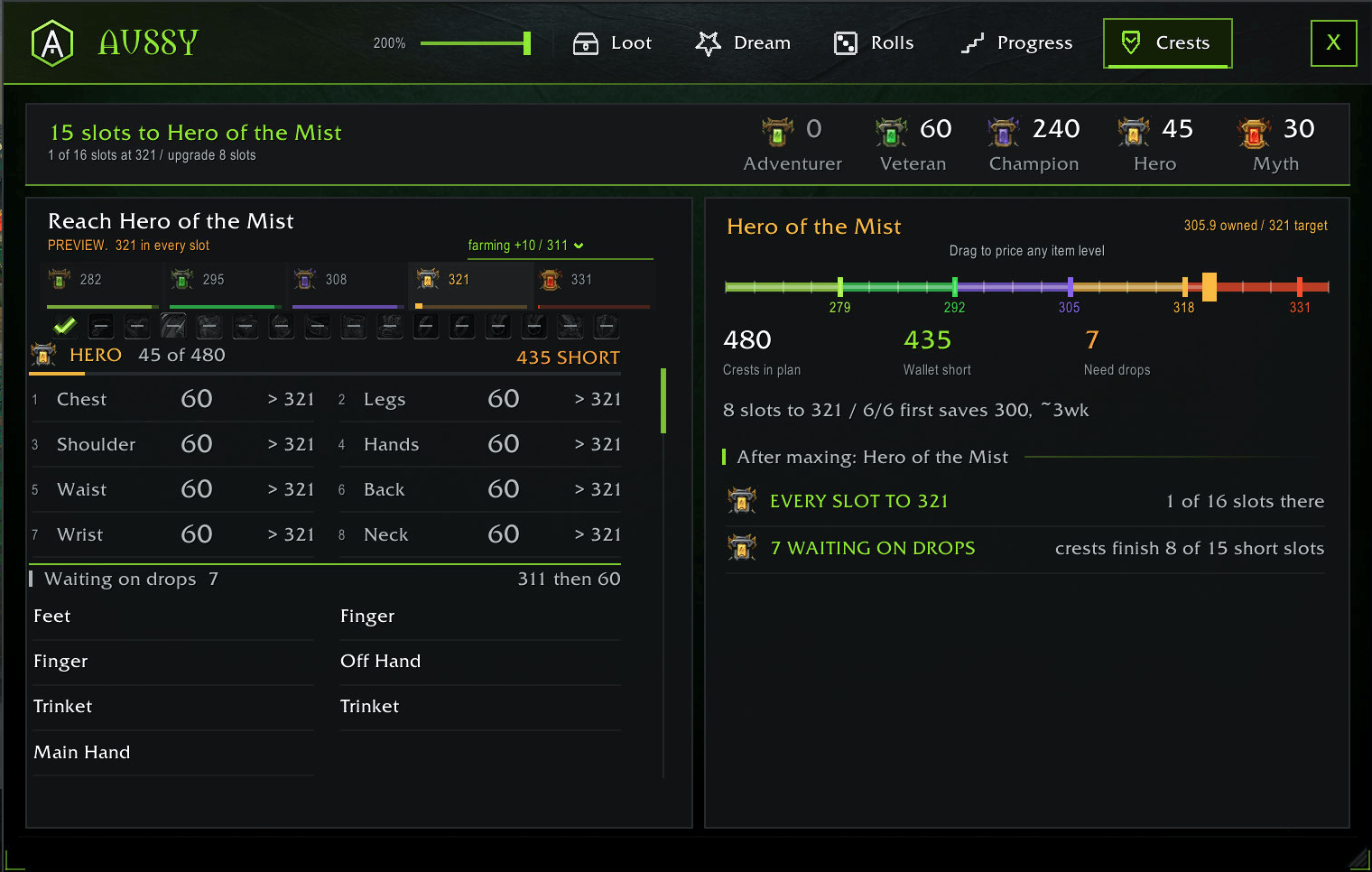
Most addons tell you how many crests it takes to reach an item level. What you actually want to know is which ones you're wasting.
If your +10s drop 311, don't burn Hero crests taking something from 305 to 311. The key gives you that anyway. Adventurer, Veteran and Champion are different, there's nothing else to spend them on, so put them wherever.
It works that line out from your key level and how far you are in the raid, then tells you what to upgrade next and what to leave alone.
Best in slot and talents
Best in slot lists and Wowhead talent strings for all 40 specs, bundled in. Nothing downloads while you play.
Some of it gets pulled before a season goes live, so it can point at items the game doesn't know about yet. It skips those and tells you how many, instead of making something up.
Commands
| Command | What it does |
|---|---|
/al |
Open or close the window |
/al help |
List the commands |
/al owned |
What gear in your bags counts, and why the rest doesn't |
/al rescan |
Refresh loot data |
/al tooltips |
Tooltip lines on or off |
/al alerts |
Dream Gear alerts on or off |
/al errors |
Last errors, for bug reports |
Notes
Uses the game's own fonts, so there's no third party art in here.
Best in slot and talent data comes from public community guides, credited per
list inside Data/. It's a copy of what they've published, not my own analysis.
MIT licensed.
AussyLoot Team

