Screenshot 2026-08-27 160453.png
Screenshot 2026-08-27 160712.png
Screenshot 2026-08-27 161418.png
Screenshot 2026-08-27 161427.png
Description
AuraFlow
Overview / Summary
Disclaimer: This is pretty much fully vibe-coded, however that makes you feel. It leverages the new 12.1 API but as that changes, so may the capabilities of this addon.
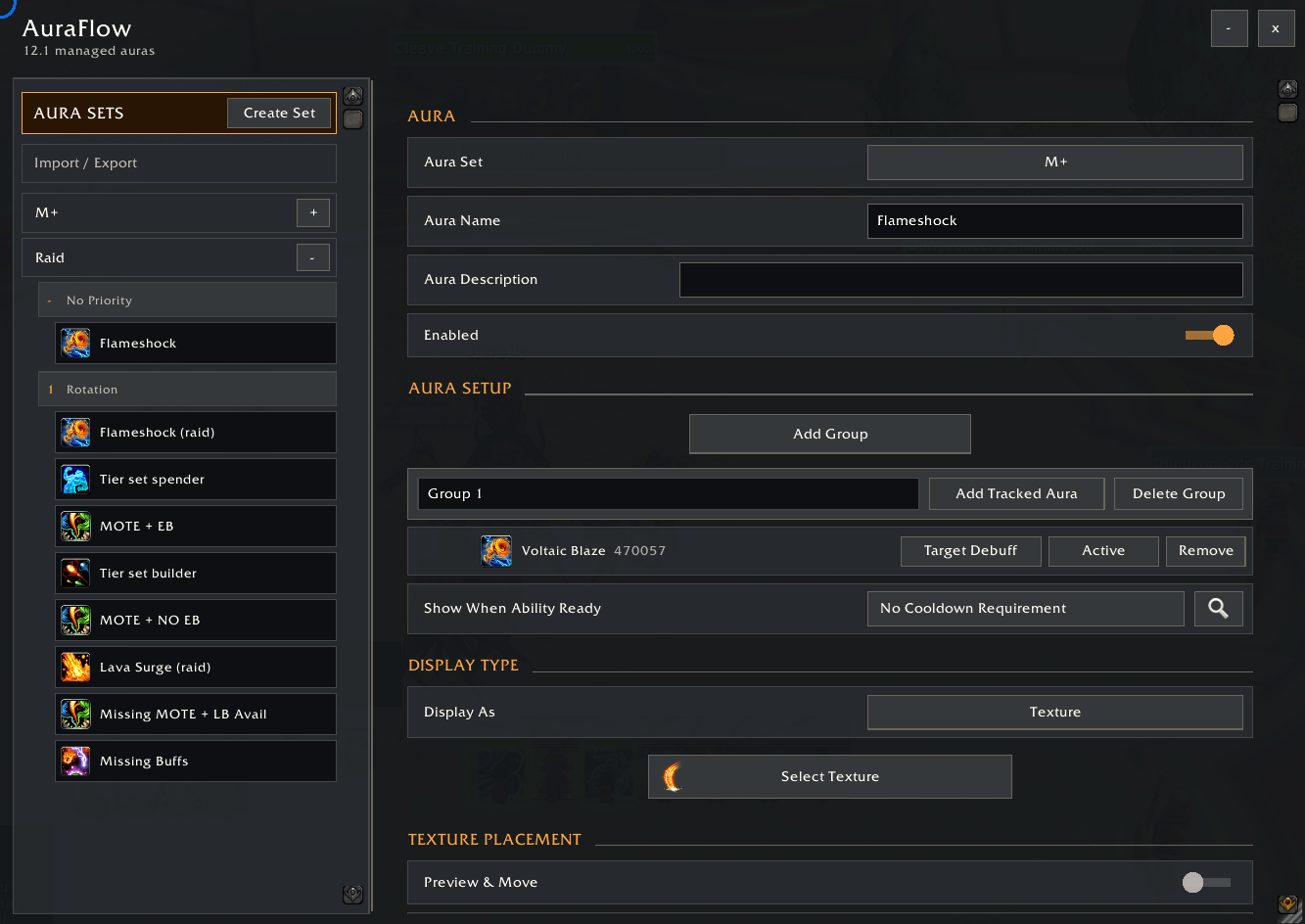
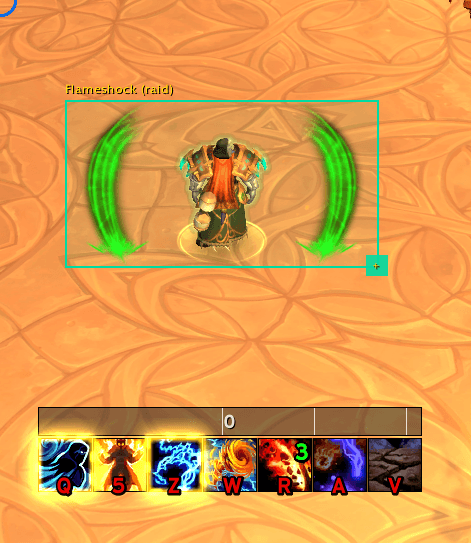
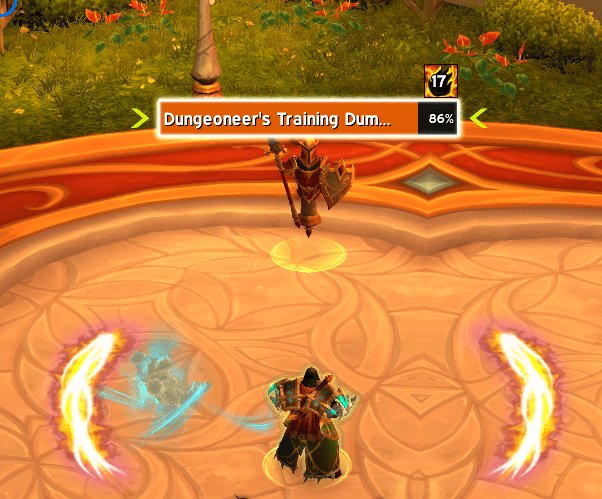
AuraFlow lets you build custom visual Auras that react to buffs, debuffs, cooldowns, castability, and other gameplay conditions. Each Aura can show a texture, spell icon, text. Auras can work independently or as a priority list where only the first matching option appears.
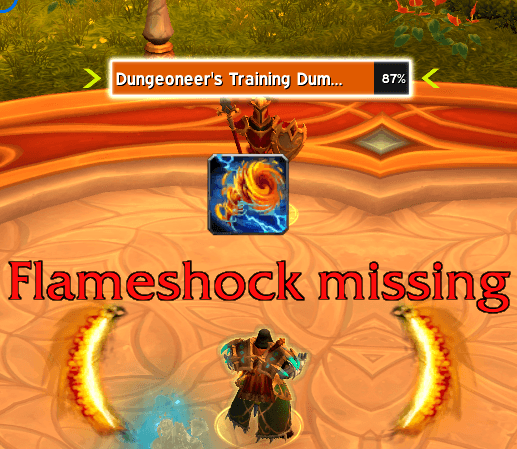
I initially created this for my own personal use to be an obnoxious visual reminder when an important debuff was not on my target. It evolved from there and I'm sharing it in case there are others are find it useful.
Details
Aura management
- Create, rename, copy, delete, and describe Auras
- Organize configurations into activity- or build-specific Aura Sets
- Enable Aura Sets manually or based on whether a selected talent is learned
- Drag Auras between sets and groups, clone complete sets, and collapse or resize the editor
- Store configurations per character and specialization
- Import or export one Aura Set or the current specialization's complete collection
Priority groups
Every Aura Set includes a permanent No Priority group, where matching Auras display independently. Custom Priority Groups evaluate from top to bottom and show only the first matching Aura, making them useful for ability reminders, fallback recommendations, and mutually exclusive displays.
Displays
- Texture: Select artwork from AuraFlow's texture library
- Icon / Text: Enable an icon, editable text, or both
- All the standard configuration settings (size, location, colour, pulsing, etc)
Conditions
- Conditions tell AuraFlow when to show a display. Check whether a Player Buff or Target Debuff is Active or Not Active.
- When using multiple conditions, choose AND when every condition must match or OR when any condition can match.
- Conditions can also check if an ability is castable as part of the criteria
For example, to create a reminder when Flame Shock is missing, select Target Debuff: Flame Shock and set it to Not Active. You can also require Flame Shock to be ready and castable, so the reminder only appears when you can use it.
Example uses
- Show a reminder while a player buff is active
- Show a prompt when your debuff is missing from the target
- Recommend an ability only when it is ready and castable
- When multiple auras match, prioritize the most impactful one for display
Commands
/af- Open or close AuraFlow/af minimap- Toggle the minimap button/af settings- Open AuraFlow in Blizzard Settings/af help- Show command help
AuraFlow Team