


ATS - ActionBar Text Styler
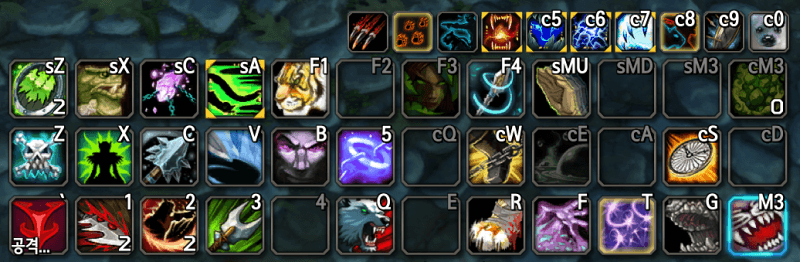
An add-on that customizes the font style of action bar text (hotkeys, counts, macro names).
Description
Introduction
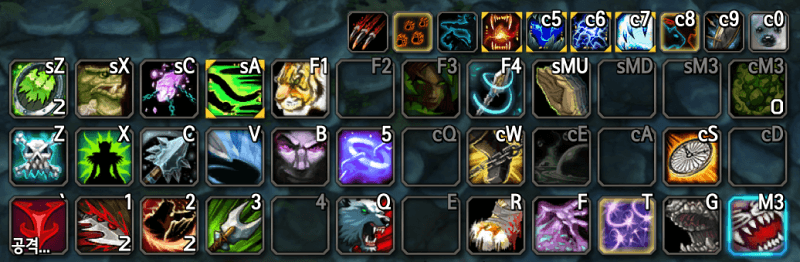
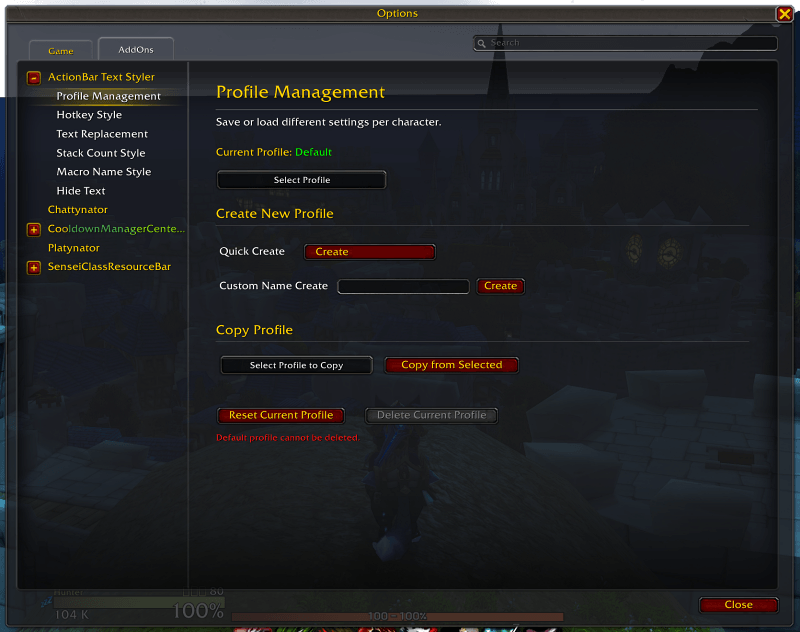
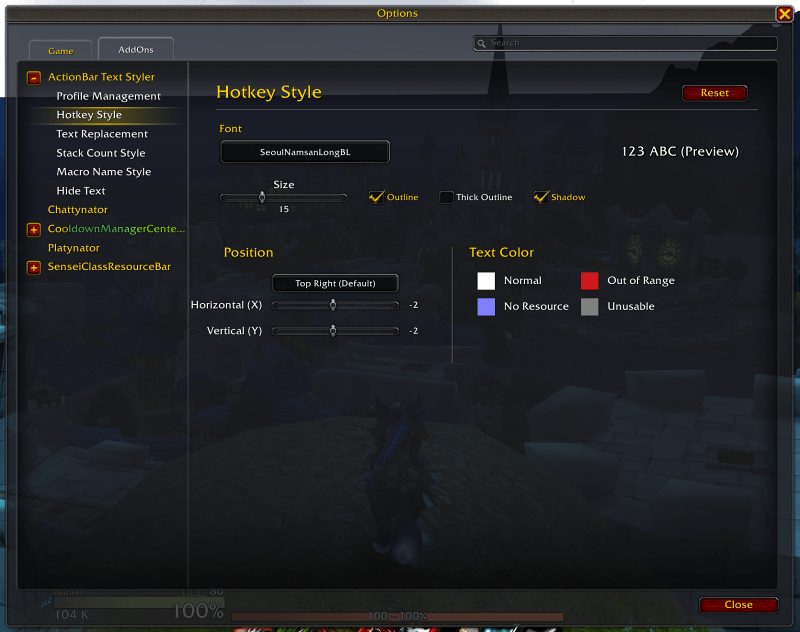
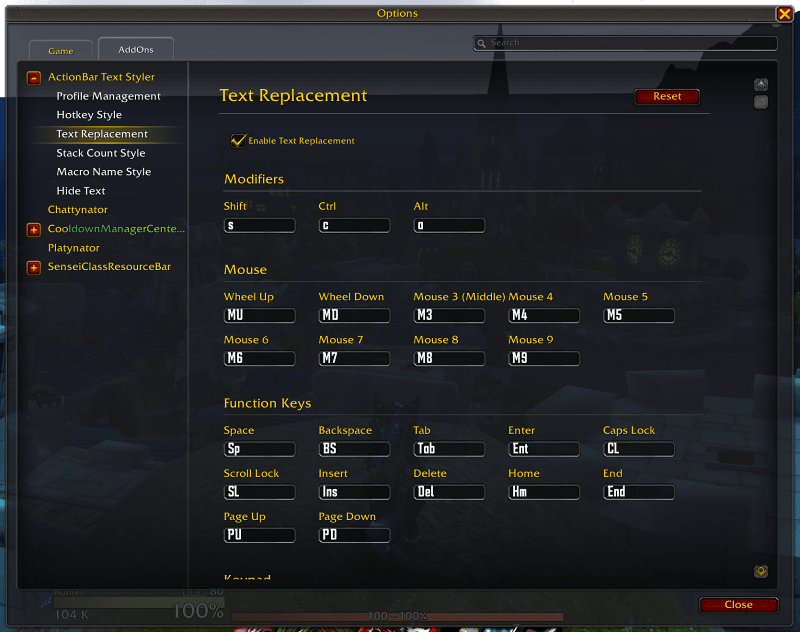
This add-on customizes the text style of your action bars. You can modify the following:
- Change the font, size, position, and color of hotkeys, stack counts, and macro names.
- Replace long hotkey text with custom alternatives.
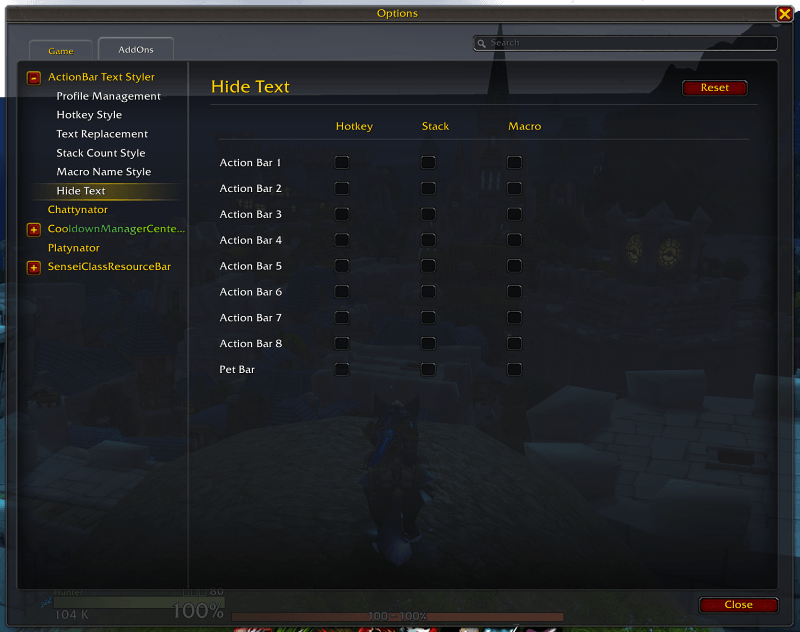
- Hide specific text elements (highly customizable).
Configuration
Type /ats in the chat window.
Please Note
- This add-on only works with the default UI(Blizzard UI) action bars. It is not compatible with action bar add-ons like Dominos or Bartender4.
- Compatibility is not guaranteed with comprehensive UI add-ons that modify action bars, such as ElvUI.
- Changes to hotkey text abbreviations require you to click the 'Apply' button and then 'Reload UI' to take effect.
- If you change your action bar hotkeys, the text abbreviations may revert; performing a UI reload (/reload) will restore them.
License
- The included LibSharedMedia library is subject to its creator's license terms.
- All parts of the add-on, except for the library, are dedicated to the MIT License.
한국어 설명
소개
이 애드온은 행동 단축바(액션바)의 텍스트 스타일을 변경해 줍니다. 변경할 수 있는 부분은 다음과 같습니다.
- 단축키 텍스트, 개수(스택) 텍스트, 매크로 이름의 글꼴 변경, 크기 변경, 위치 변경, 색상 변경
- 너무 긴 단축키 텍스트를 다른 텍스트로 변경
- 텍스트 숨기기(상세하게 설정 가능)
설정 들어가기
채팅창에 /ats 라고 치면 됩니다.
주의사항
- 기본 UI 행동 단축바에서만 동작합니다. Dominos, Bartender4 등의 행동 단축바 애드온에서는 작동되지 않습니다.
- ElvUI 같이 행동 단축바를 건드리는 통합 애드온에서는 작동을 보증하지 않습니다.
- 단축키 글자 축약은 '변경' 버튼 누른 뒤 'UI 재시작'을 눌러야 적용됩니다.
- 행동 단축바 단축키를 변경할 경우 글자 축약 기능이 초기화되는데, UI 재시작(/reload)을 하면 돌아옵니다.
라이선스
- 이 애드온이 포함하고 있는 libSheredMedia 라이브러리는 해당 제작자가 공표한 라이선스를 따릅니다.
- 라이브러리를 제외한 애드온의 모든 부분은 MIT 라이선스를 따릅니다.
ATS - ActionBar Text Styler Team
