


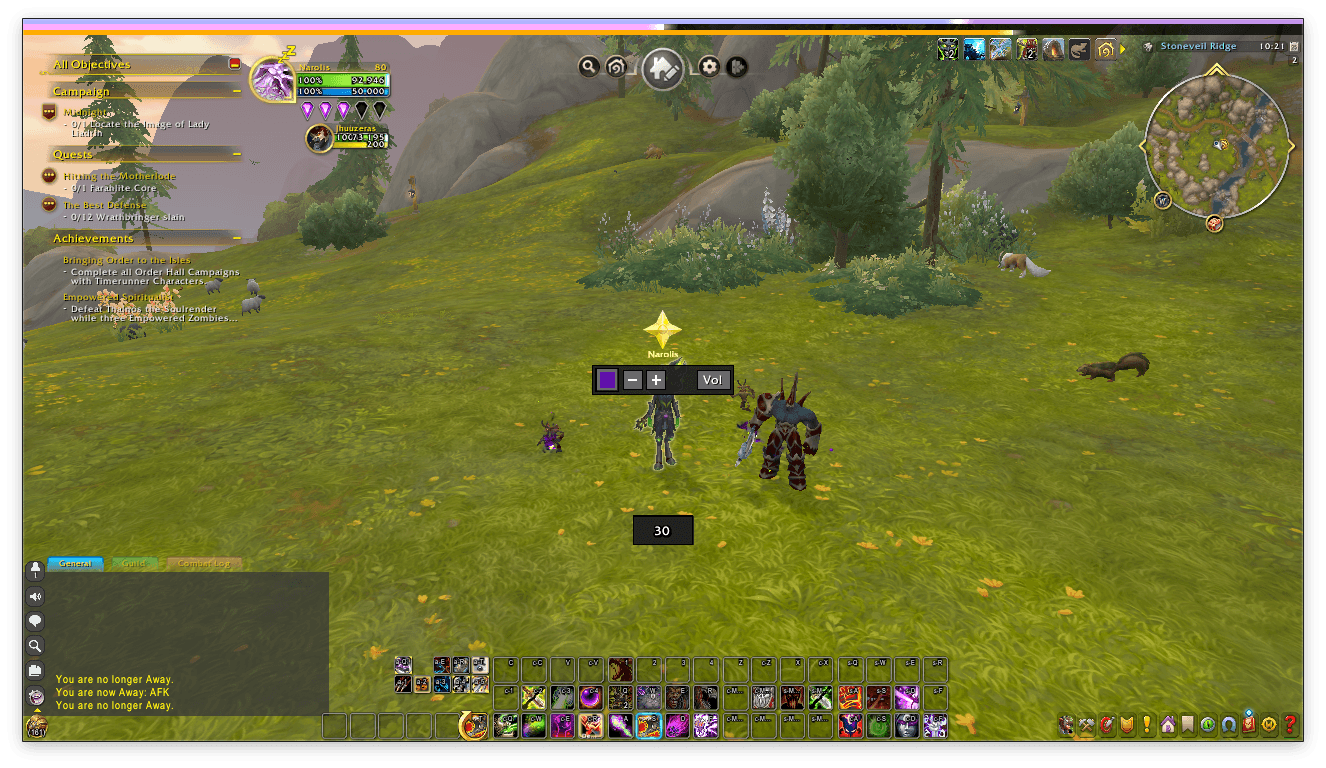
Fresh start
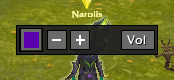
Toggle on/off the master volume or modify it rapidly without accessing the game menu.
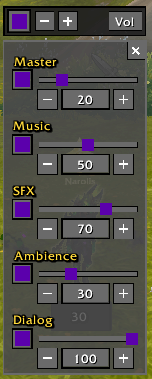
Click the Vol button to get access to more in depth sound volume options.
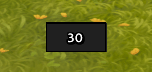
See your current FPS, dragged it around, change the frame alpha, text color and size.
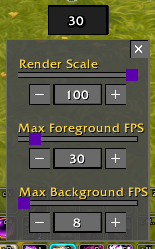
Left-clicking the FPS frame opens a menu to optimize performance. Lower Render Scale to boost framerates in combat. Cap Max Foreground FPS to maintain stability and prevent overheating, and limit Max Background FPS to save resources when tabbed out.
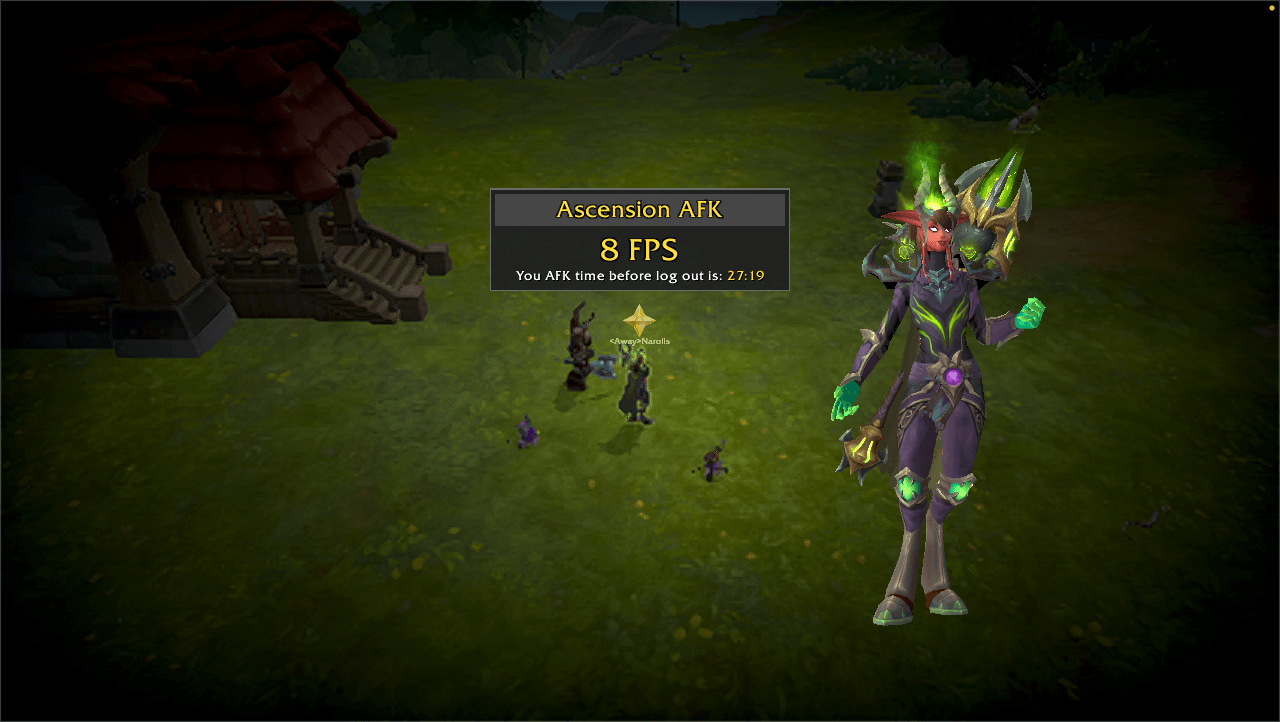
Going AFK triggers AFK screen, dimming the background. A central panel displays your current framerate alongside a countdown timer, letting you know exactly how much time remains before the game automatically logs your character out.
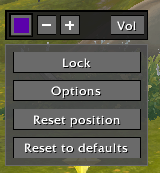
Right click any of the frames to open the context menu. Gaining access to some quick UI options,
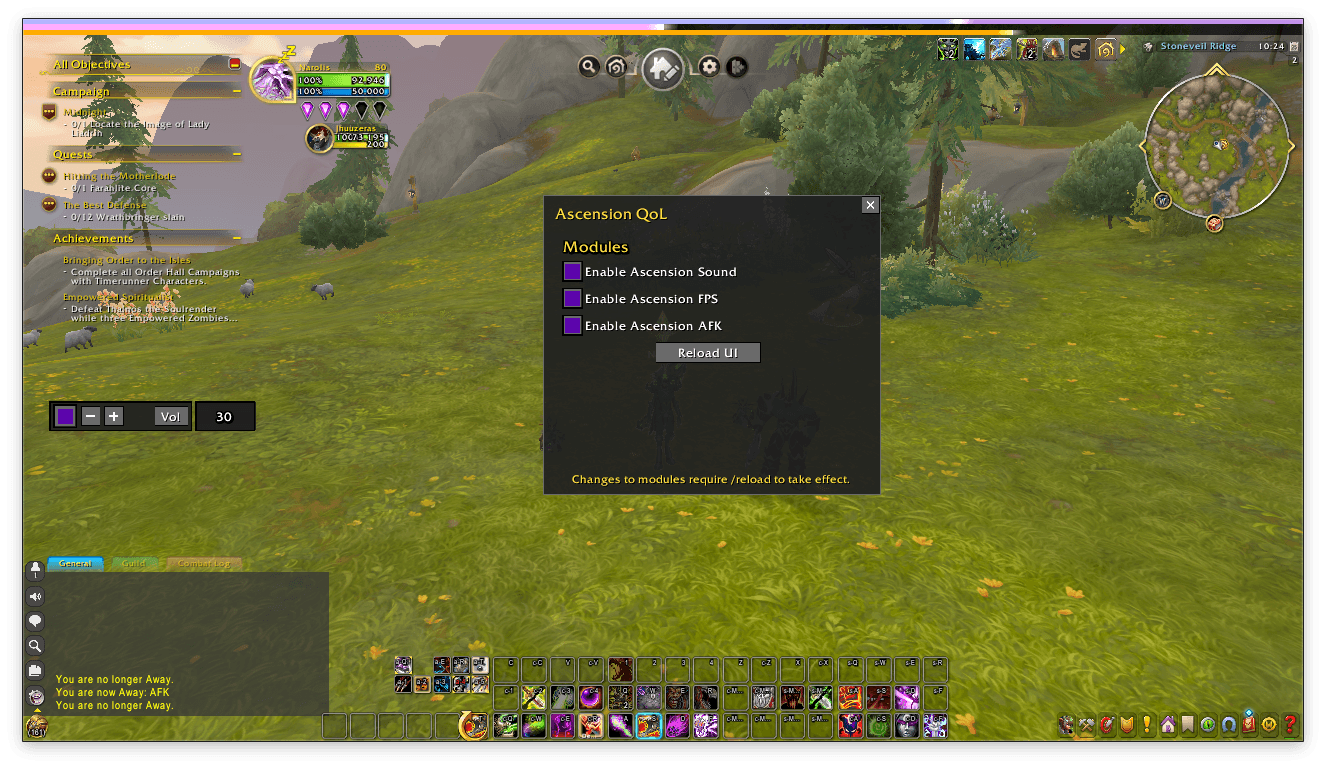
/aqol to toggle on/off any of the modules.
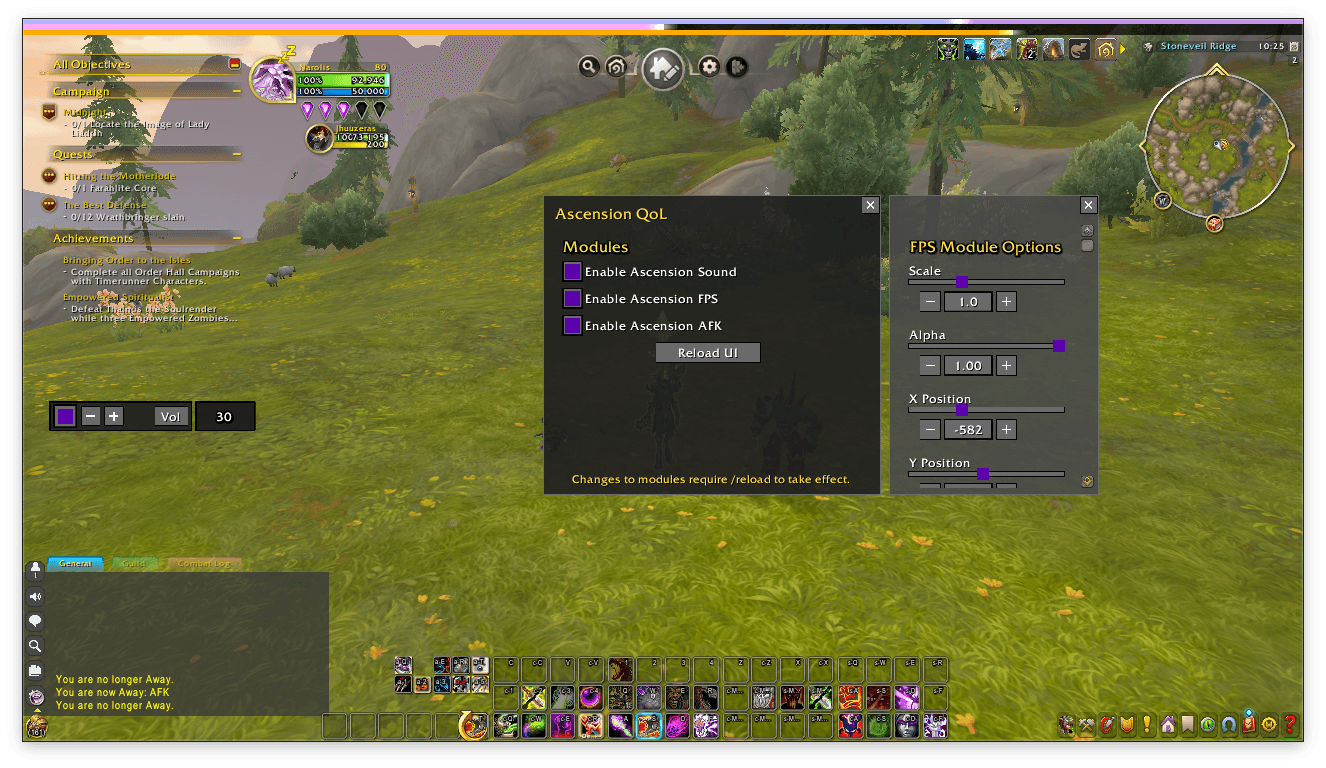
FPS UI options menu, access this from the FPS context menu
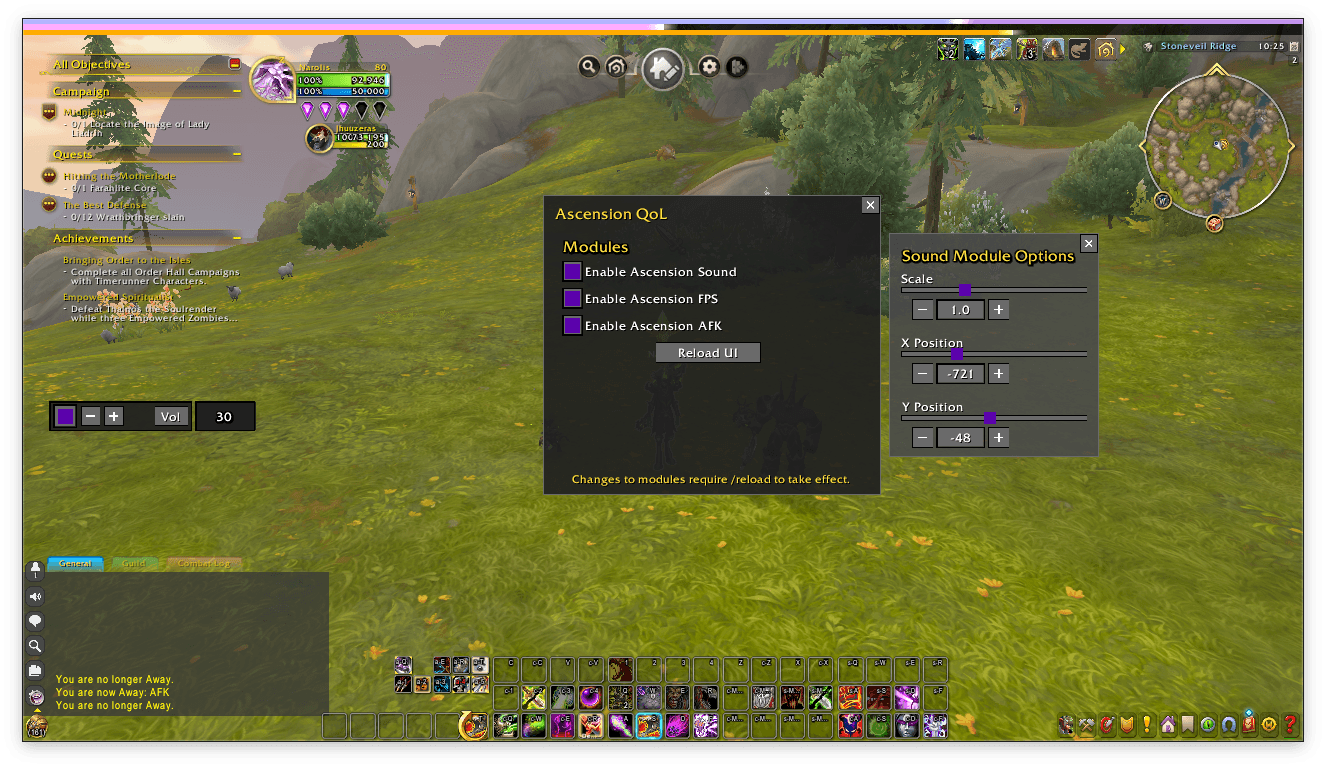
Sound UI options menu, access this from the sound context menu
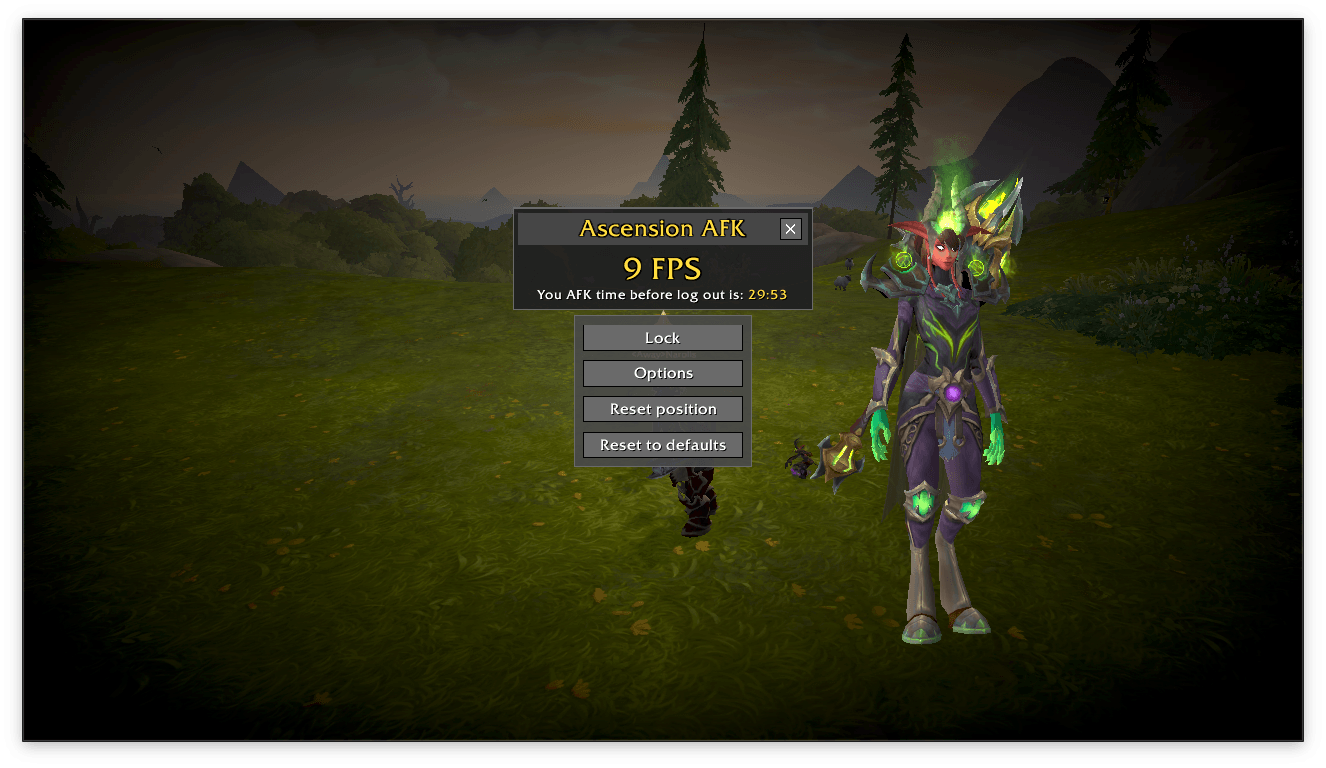
AFK context menu
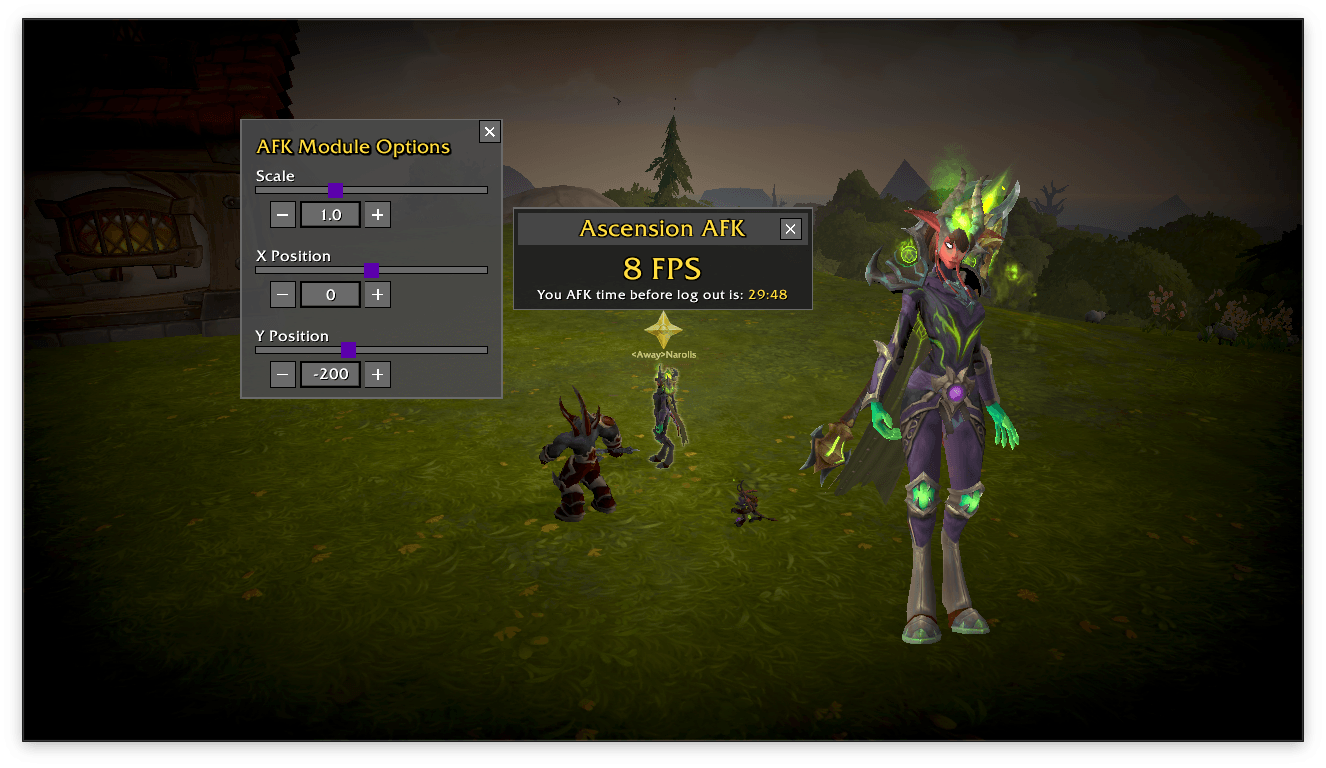
AFK UI options menu, access this from the AFK context menu. since everything else is hidden this one is right next to the frame.
Ascension Hearthstone