ArmorySpy
- By
Aspy logo.png
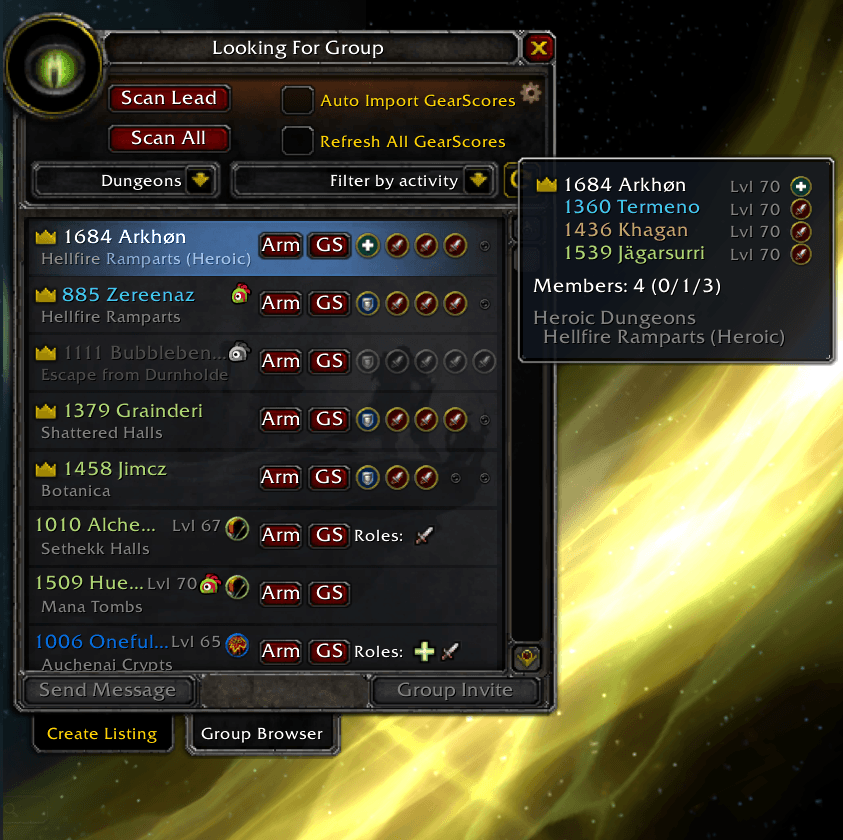
01.png
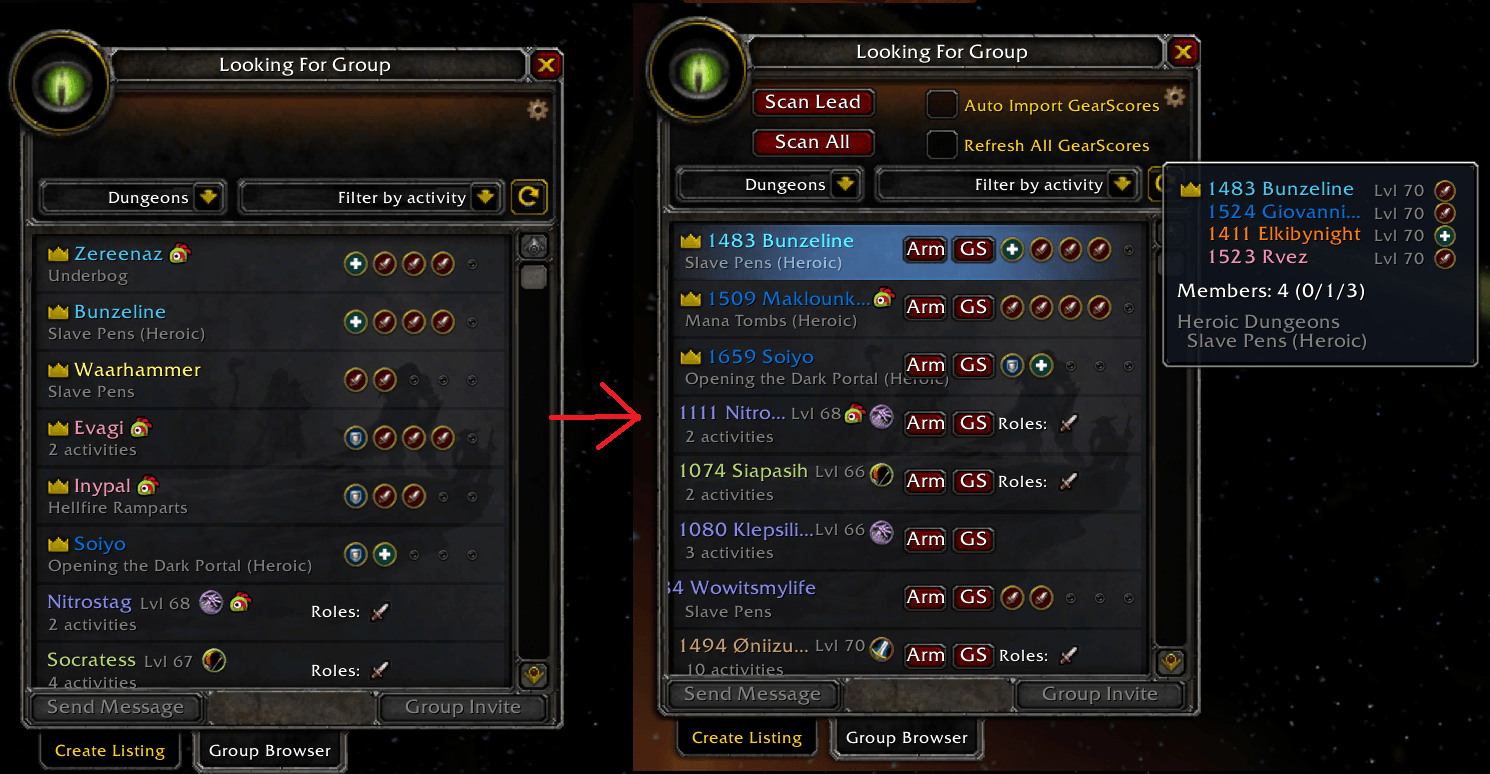
02.png
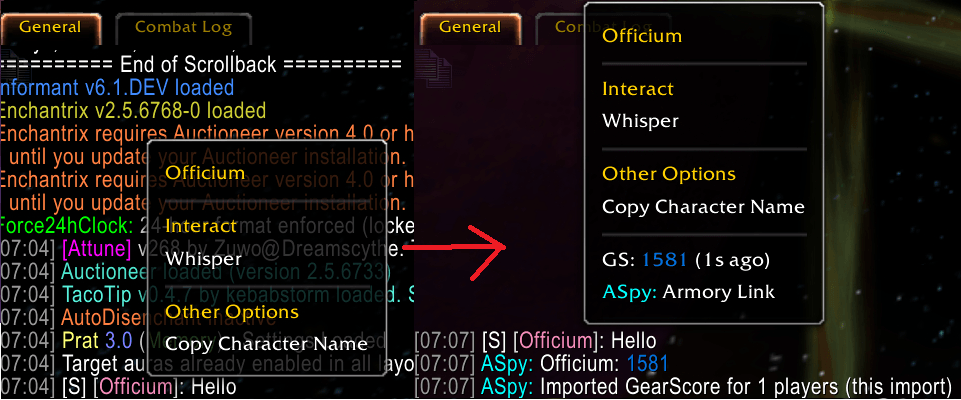
03.png
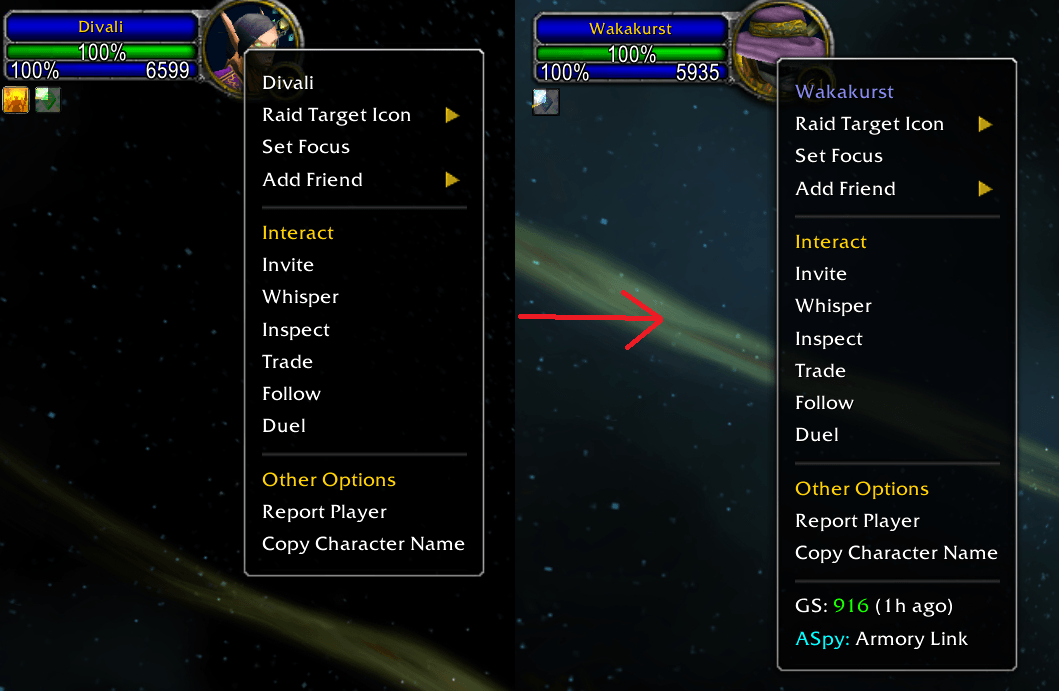
04.png
Description
ArmorySpy – Fetch and Display GearScore and Armory Links In-Game
Version: limited feature Beta
Compatible: WoW Anniversary Edition
Please provide feedback on UI/UX and bugs
Overview
ArmorySpy is a lightweight WoW AddOn that works with the ArmorySpy Desktop App to fetch and display GearScores for characters quickly and efficiently. Designed for speed and simplicity, it helps you keep track of players’ gear without meeting up in-game for a gearcheck or looking characters up on the Armory manually.
This AddOn is designed to be used with the ArmorySpy Desktop App but the App is not a strict requirement!
https://github.com/ASpyDef/ArmorySpy-Desktop-App
Features
- Export character names to the Desktop App for GearScore lookup
- Integration with ArmorySpy Desktop App
- Tracks clipboard input in-game for quick GearScore import
- Supports custom hotkey for copy/paste via the Desktop App
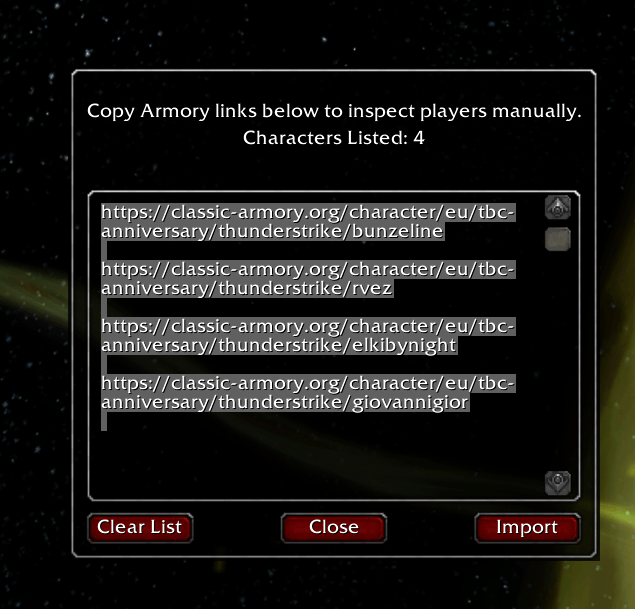
- Copy characters’ Armory Links directly in-game
Installation
Via CurseForge App: Download and install directly through the app.
Manual installation:
- Download the AddOn
.zipfile - Extract it to your WoW AddOns folder:
- Launch WoW and ensure ArmorySpy is enabled in the AddOns menu
- Install the ArmorySpy Desktop App to use the GearScore Import/Export feature
Usage
undefined
GearScore Lookup
1. Fetch character names in-game in different ways:
- Right-click a character name in chat or on the unit frame and click the
"GS: ..."button - LFG Tool: Click the
"Scan Lead"button to fetch the names of all party leaders and applicants - LFG Tool: Click the
"Scan All"button to fetch the names of all characters in all parties and applicants - LFG Tool: Click the
"GS"button on a group or person to fetch the names of all party members of that group
2. Copy the names and metadata from the in-game popup with Ctrl+C or a custom hotkey
3. The Desktop App will automatically process the clipboard and return GearScores
4. Use the Desktop App tray icon to configure hotkeys, pause/resume, or open the console
Armory Links
- Right-click a character name in chat or on the unit frame and click the
"ASpy: Armory Link"button to display and copy that character’s Armory Link - LFG Tool: Click the
"Arm"button on a group or person to display and copy the Armory Links of all party members of that group
Notes
- This is a beta release – features and UI may change
- Make sure your Desktop App is running for full functionality
- You’ll need WoW Anniversary Edition and the ArmorySpy Desktop App to use this AddOn’s full functionality
Support
- Desktop App GitHub – for updates and bug reports
- In-game instructions available via
/ASpycommand
ArmorySpy Team