Alt Army Export
- By
Self-sourcing exporter for the Alt Army Tracker. One export string with every alt's gold, concentration, currencies, warband stock, and craft profits.
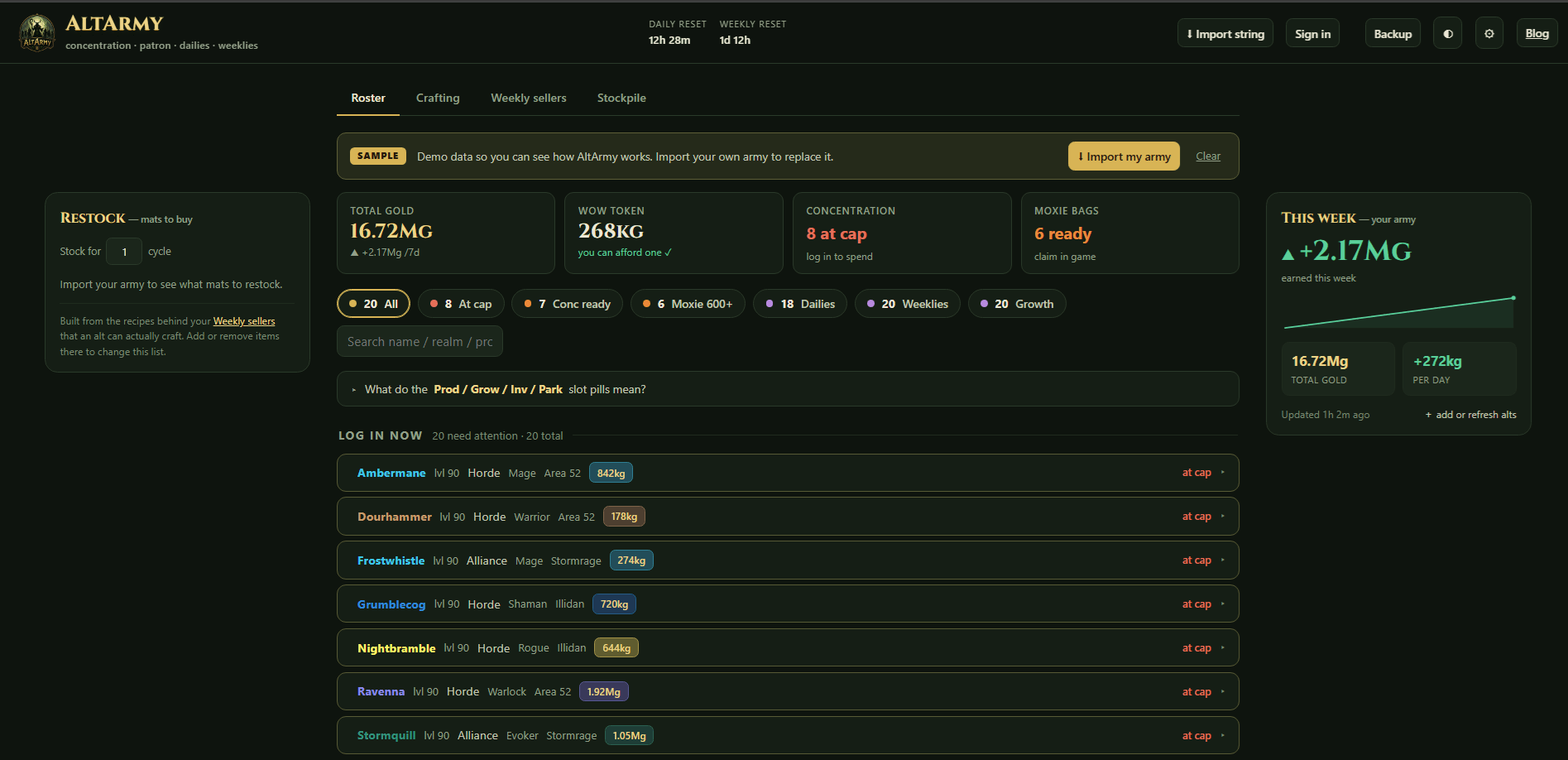
Roster Page of website.png
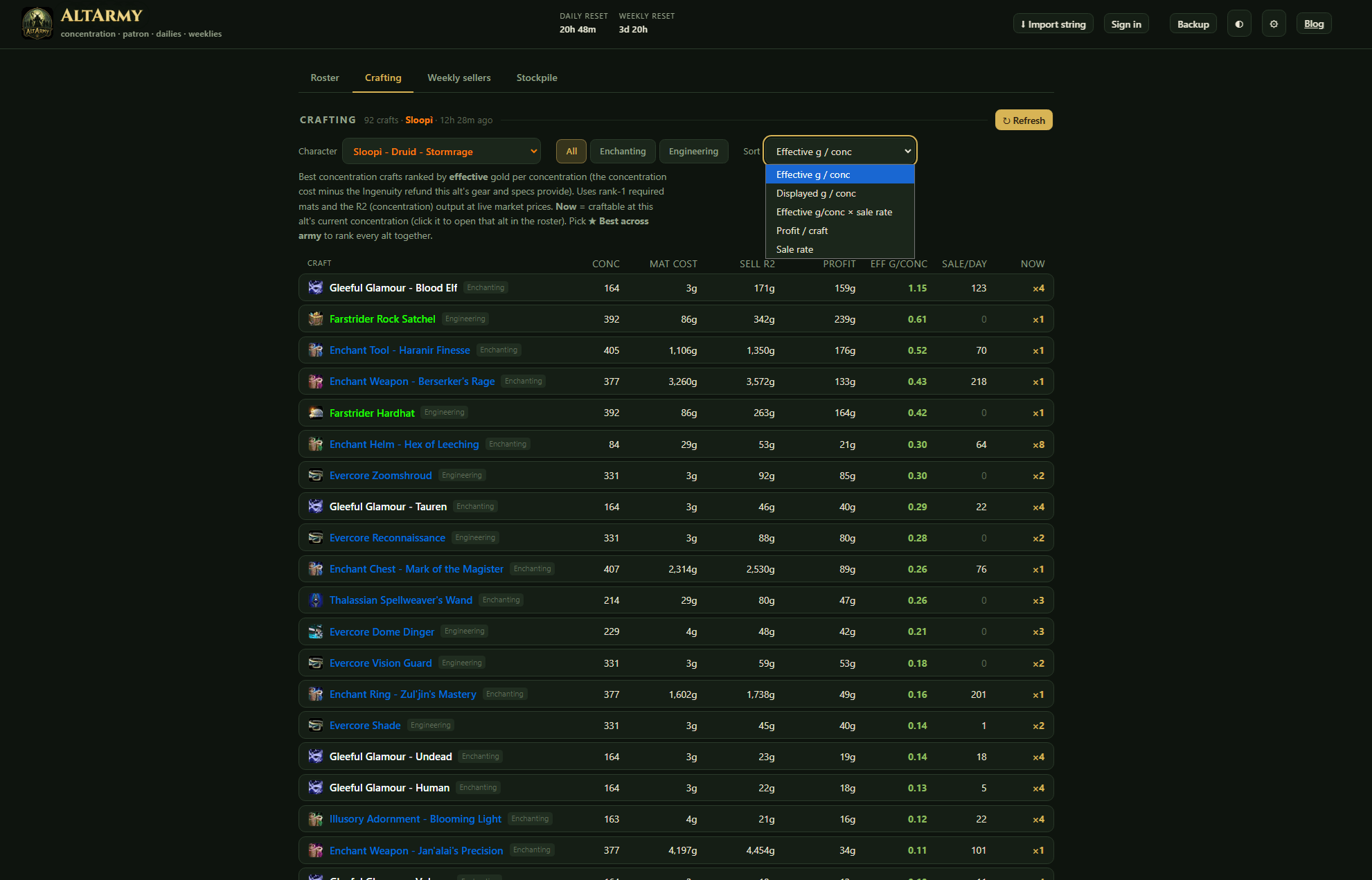
This is where all of your characters recipes live and their profit.
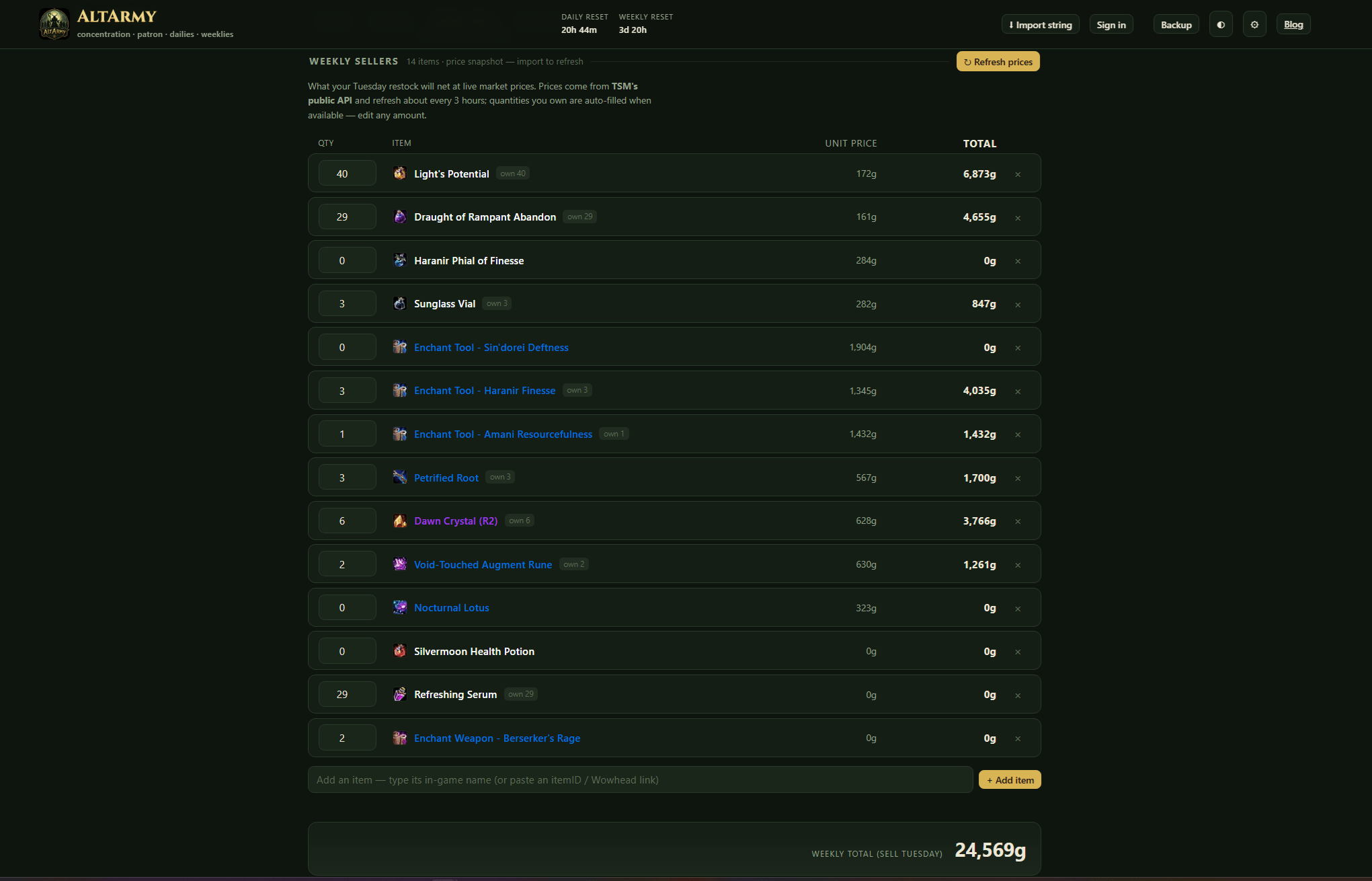
This is where you can add the items you sell the most of and it gives a projection of the total gold you're set to make when you sell them.
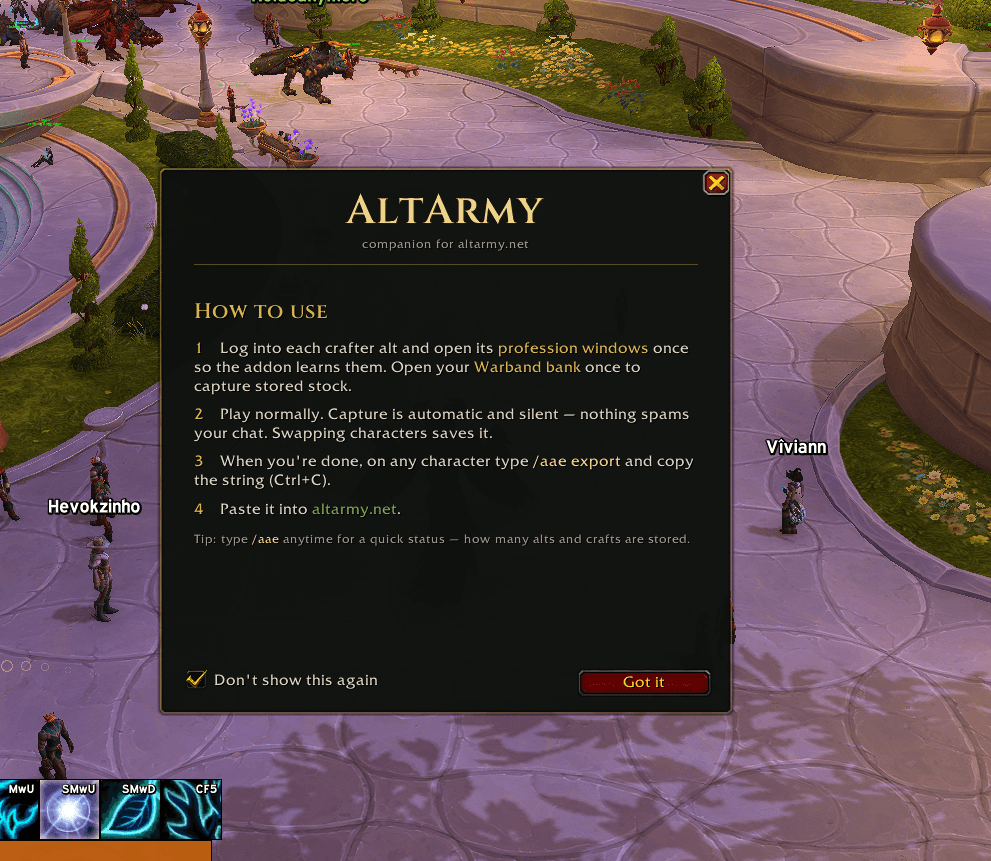
This is the screen you receive upon first opening the addon.
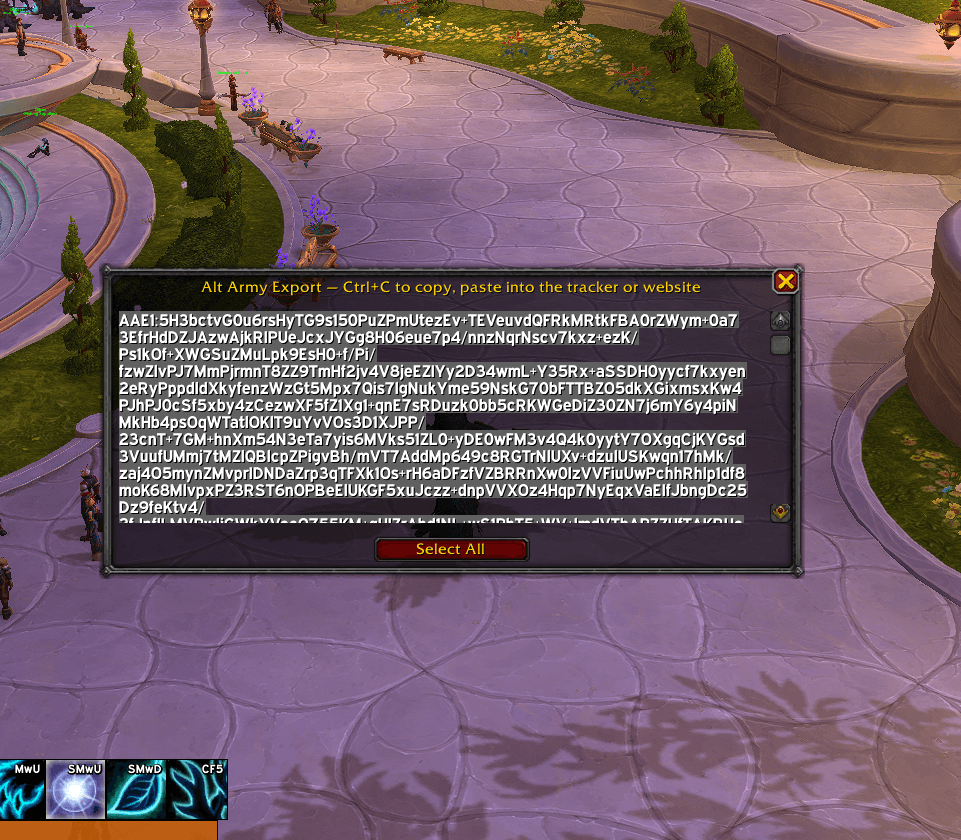
This is the window you receive that provides you with a copy of the string that contains all the character information during your session.
Description
Alt Army Export
Companion addon for the Alt Army Tracker site. https://altarmy.net
A gold-making dashboard for players who run many crafter alts. This addon reads your own
A gold-making dashboard for players who run many crafter alts. This addon reads your own
account data in-game and produces a copy-paste export string the website decodes. There
is no live connection between the game and the site; you copy a string and paste it.
Community Discord: https://discord.gg/HXFVZ9Tjff
Community Discord: https://discord.gg/HXFVZ9Tjff
Install
- Manual: extract the `AltArmyExport` folder into
`World of Warcraft/_retail_/Interface/AddOns/`, then `/reload` or restart WoW.
How to use
1. Log into each crafter alt and open its profession window once so the addon
learns that profession. Open your Warband bank once to capture stored stock.
2. Play normally. Capture is automatic and silent. Nothing spams your chat.
Swapping characters saves the data (WoW writes it on logout).
3. When you're done, on any character type /aae export and copy the string
(Ctrl+C in the box that appears).
4. Paste it into https://altarmy.net
Type /aae (without "export") any time for a quick status. How many alts and
concentration crafts are currently stored.
Data accumulates across all your alts in one account-wide save, so you only export
once and every alt you've visited comes along.
What it collects. Your own account only
- Character identity, level, faction, and gold
- Warband bank gold and contents
- Per-profession concentration (current amount, cap, recharge rate)
- Currencies, including per-profession Moxie
- Your learned concentration recipes (concentration cost, reagents, outputs)
- An optional price snapshot if TradeSkillMaster is installed (not required)
It does not read guild data, mail, friends lists, whispers, other players, or
anything outside your own account.
Privacy & security
- No internet access. WoW addons run in a sandbox that cannot open network
connections — this one makes none. Data leaves only via (1) the export string you
choose to copy and (2) the addon's SavedVariables file on your own PC.
- It transmits nothing — no chat, whispers, mail, or addon messages.
- It runs no external code — no `loadstring`/`RunScript`.
- Open source — You can read every line.
- Treat your export string as mildly private: it lists your characters, gold, and stock,
so don't post it publicly.
Full details in SECURITY.md.
Third-party libraries
- LibDeflate 1.0.2-release © Haoqian He (SafeteeWoW), zlib License
- LibStub — the canonical public-domain version stub used by thousands of addons.
- Cinzel (SemiBold) © The Cinzel Project Authors. SIL Open Font License 1.1, used for the
first-run guide's wordmark so it matches the site. License in `Fonts/OFL.txt`.
License
MIT for the addon's own code — Bundled libraries keep their own
licenses.
Alt Army Export Team