


All Objectives RXP
- By
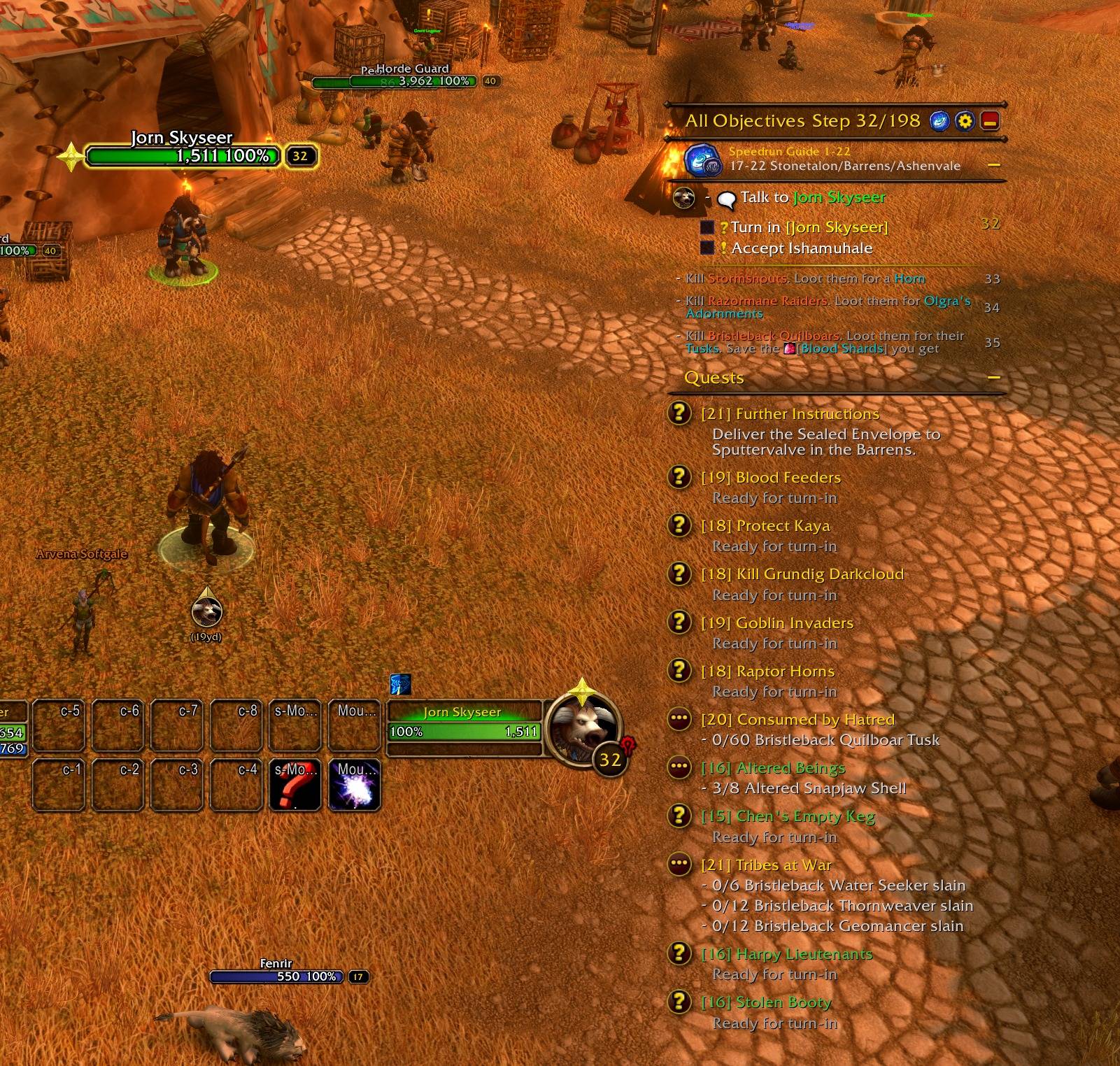
05-scene-tracker-and-pin.jpg
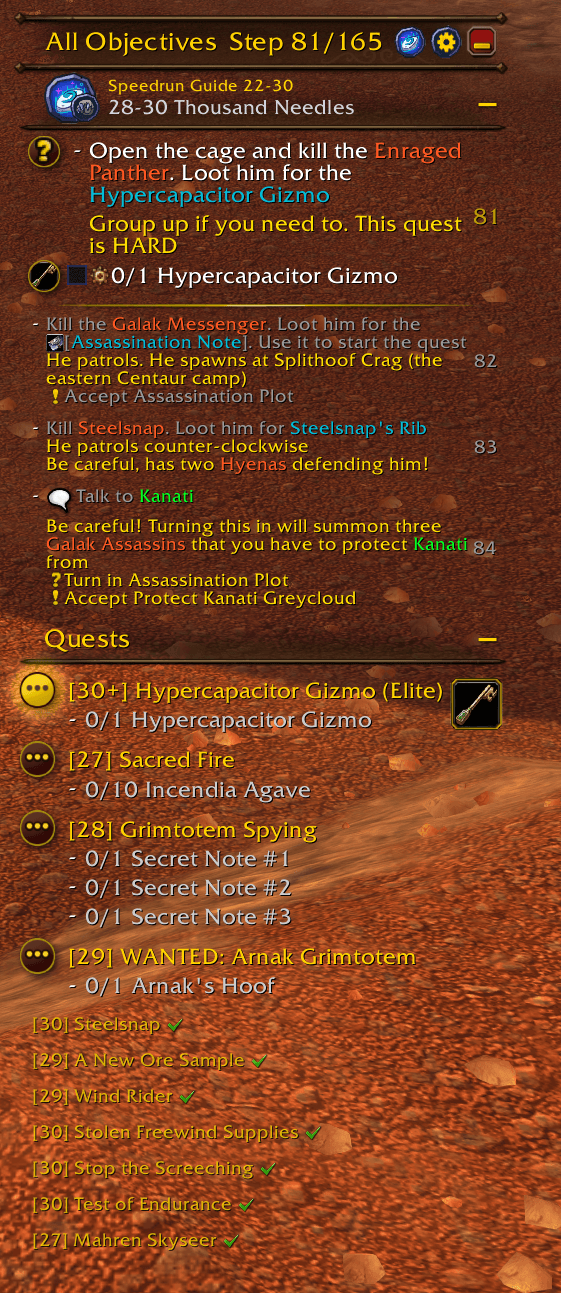
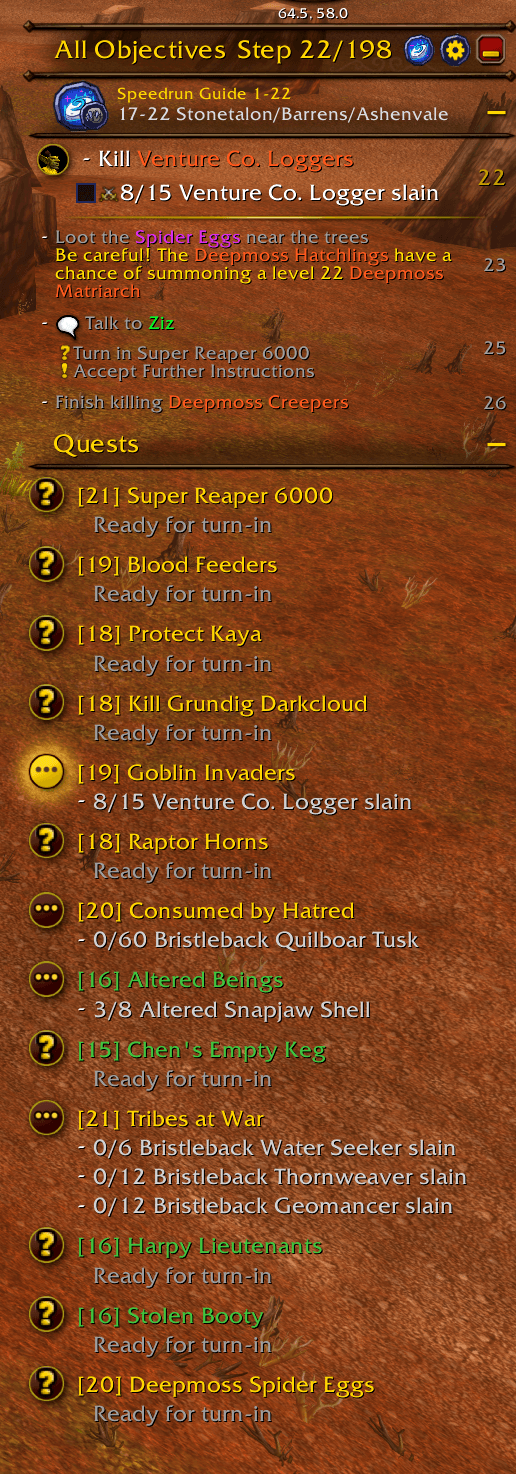
01-tracker.png
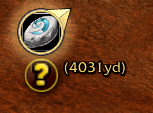
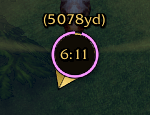
04-arrow-logo-with-satellite.png
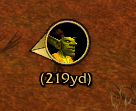
02-arrow-pin.png
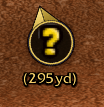
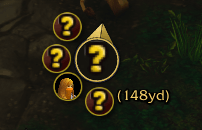
03-arrow-question-mark.png
Description
AllObjectives RXP
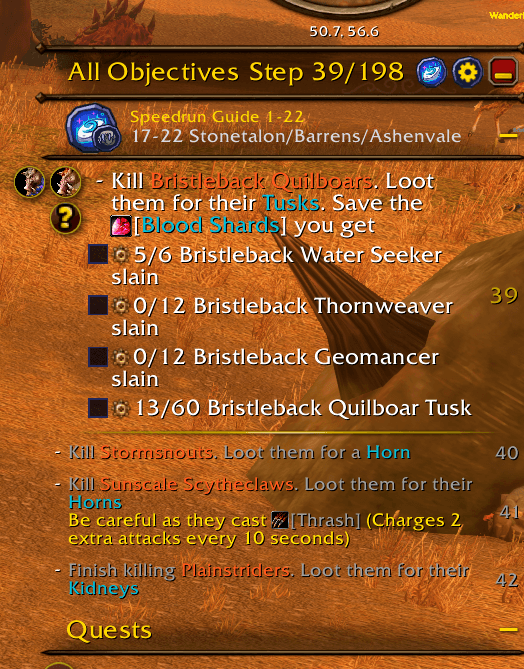
Your RestedXP guide steps, shown in the All Objectives tracker next to your quests. The current step sits at the top of the tracker with RestedXP's text, colours and step numbers. The steps after it follow in smaller grey rows.
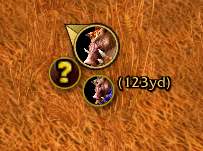
Next to each objective, a circle does the job for you: target the unit, cast the spell, use the item, run the macro. RestedXP's arrow turns into a button for the step's main objective.
Requires the Forever-compatible RestedXP Guides. RestedXP still picks, tracks and advances your guide; this addon changes where it is shown. Made for WoW Forever 1.60.1.
What you get
- Current steps as quest-style entries in the tracker, with the step number on the right
- Upcoming steps below them: 3 by default, 0 to 8 with
/aorxp <0-8> - A circle left of each objective: click it to target the unit, cast the spell, use the item or run the macro. A unit shows its portrait once you have seen it, a question mark until then. These circles replace RestedXP's item bar and target frame
- A skip checkbox on every checkable line
- RestedXP's arrow as a button: click it to do the step's first objective, drag it to move it, Ctrl+Right-click to lock it in place
- The step's other objectives as small circles around the arrow, or folded into one +N badge with
/aorxp badge - RestedXP's timers (flight, hearth cast, boat) as a clock on the arrow
- Steps that tell you to destroy an item get a button: the first click arms it for 3 seconds, the second click deletes the item
- With
/aorxp questson, Blizzard's quest tracker lists only the quests your guide still has you turn in, in the order the guide gets to them. The current step's quest comes first and is highlighted. A quest that is ready to turn in is dimmed, checked, smaller and listed last. Other quests, including ones you tracked by hand, are untracked; turning it off tracks your earlier quests again. The setting is per character and off by default - RestedXP's own guide windows are hidden. The RestedXP logo in the tracker header, or
/aorxp toggle, brings them back
Install
Use an addon manager, or download the zip and place the AllObjectivesRXP folder in the Interface\AddOns folder of your WoW version.
On the first login of each character, a welcome window offers RestedXP's guide chooser and importer. /aorxp welcome opens it again.
Commands
/aorxp or /ao
/aorxp: help/aorxp status: current settings/aorxp toggle: tracker steps on or off; off brings RestedXP's own windows back/aorxp <0-8>: number of upcoming steps shown/aorxp arrow: arrow button on or off/aorxp satellites: small circles around the arrow on or off/aorxp badge: fold those circles into +N/aorxp quests: quest tracker follows your guide, on or off/aorxp welcome: reopen the guide chooser
Known limits
- In combat, the circles and the arrow keep their last action and position until combat ends, and the arrow cannot be dragged
/aorxp questschanges which quests are tracked only out of combat- When you have no quests of your own, Blizzard hides the tracker. The steps still show, without the tracker's header and background
- A quest title can show as plain text until the game has the quest's data
- With a full tracker, the sections under the steps can reach past the tracker's bottom edge
Support
Report bugs with the addon version, your RestedXP version and a screenshot of the tracker. Error messages help most: type /console scriptErrors 1, then /reload.
All Objectives RXP Team
