Alert Studio
- By
A sound of your choice when you cast, when a buff lands, stacks, drops or is missing, when Bloodlust hits, or on game events
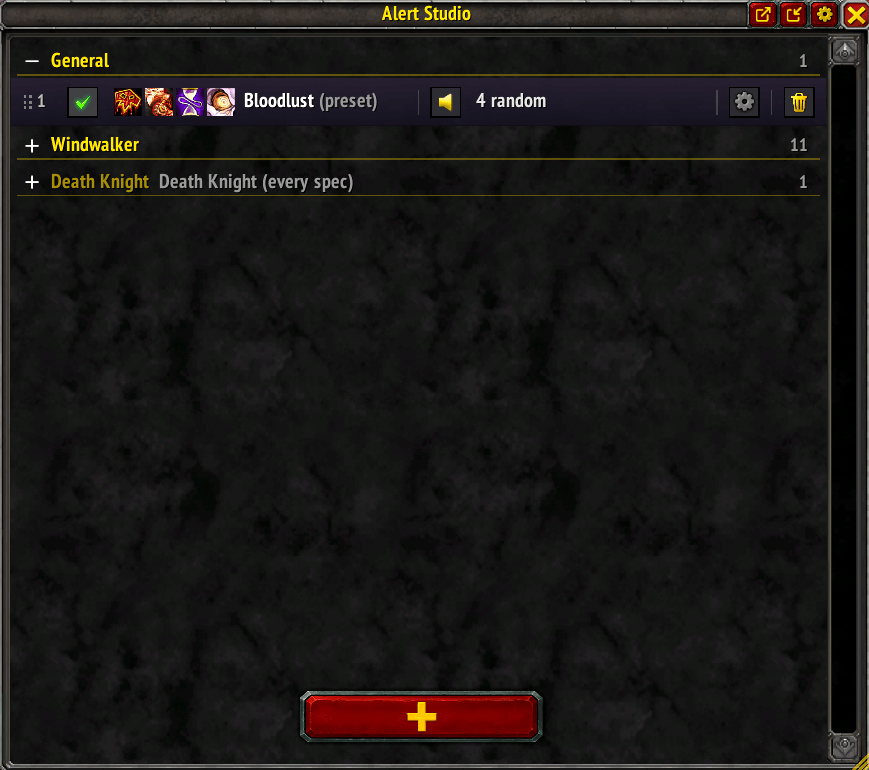
Overview
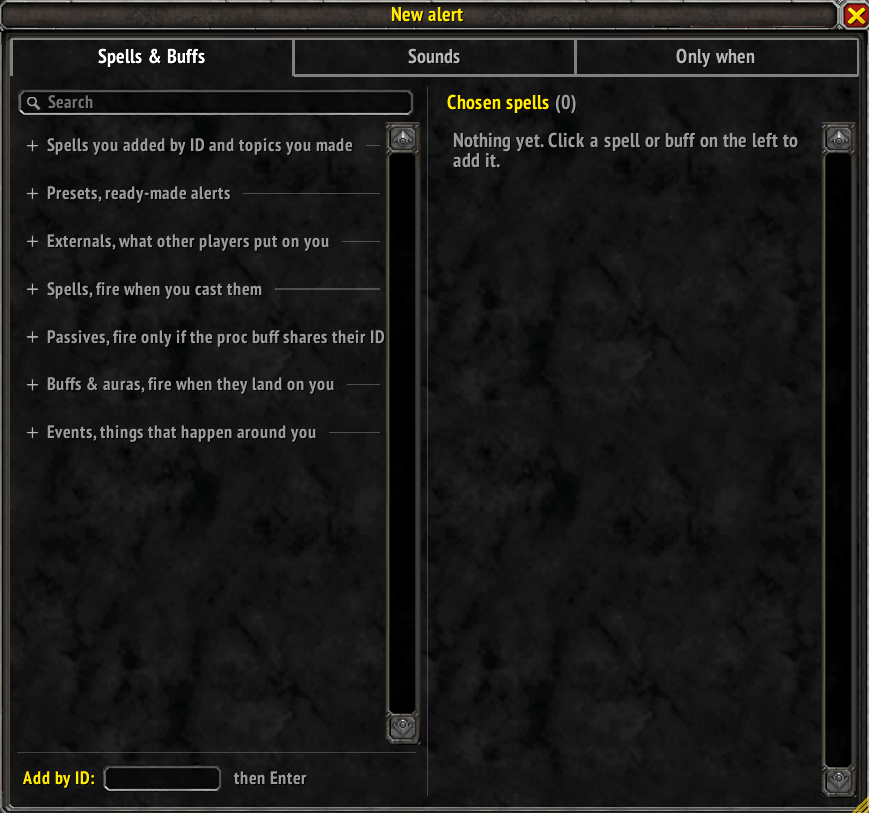
Spells, Buffs & Events
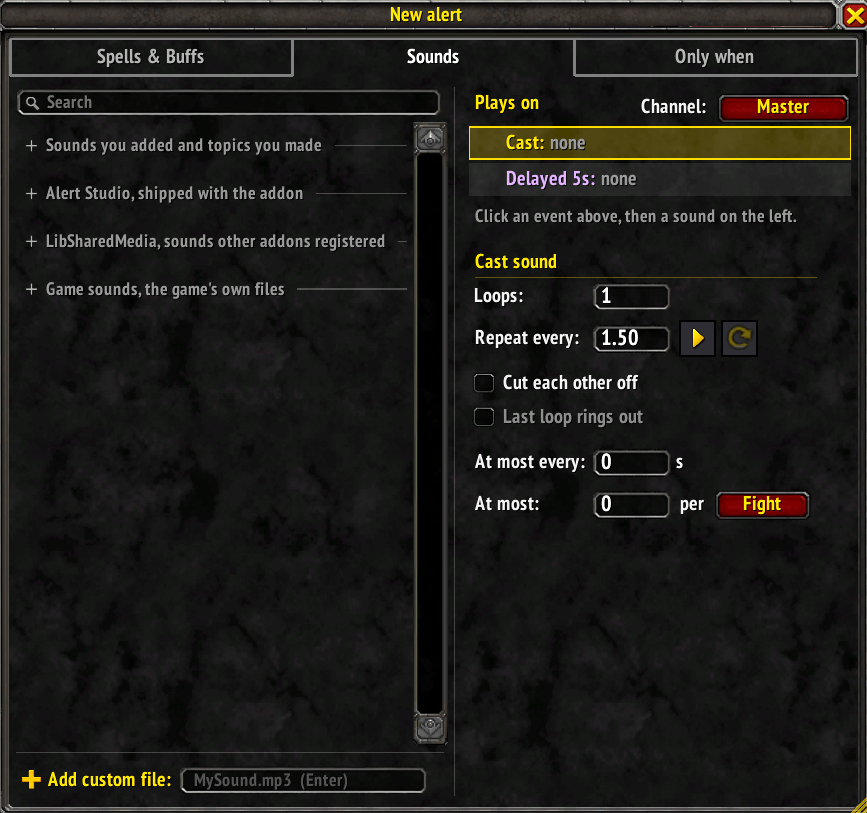
Sounds
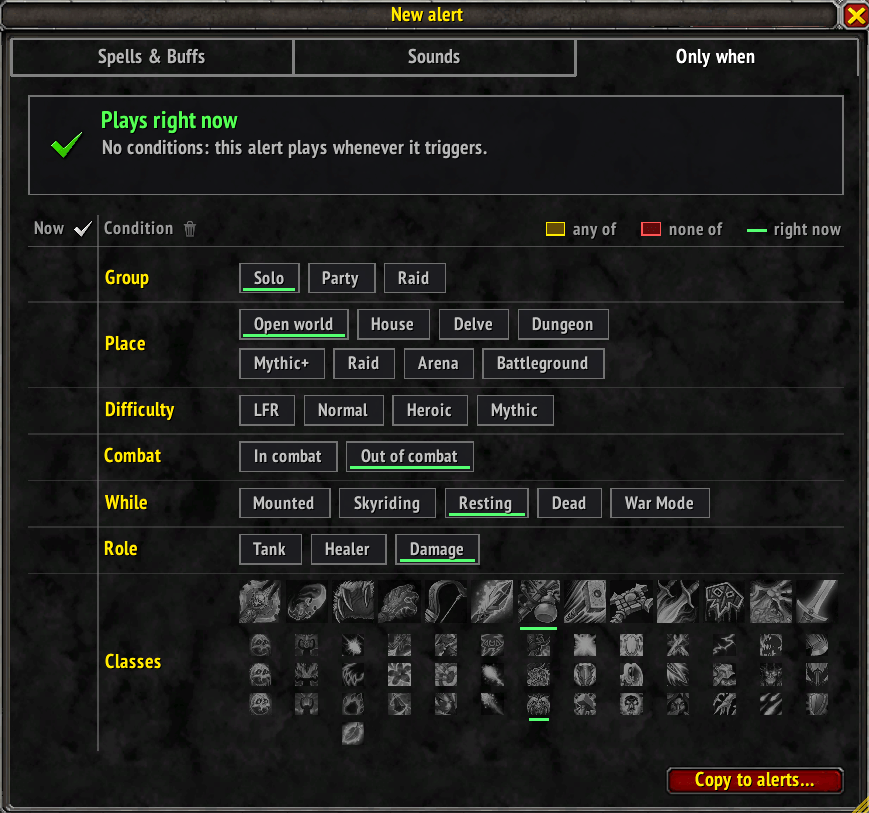
Only When Settings
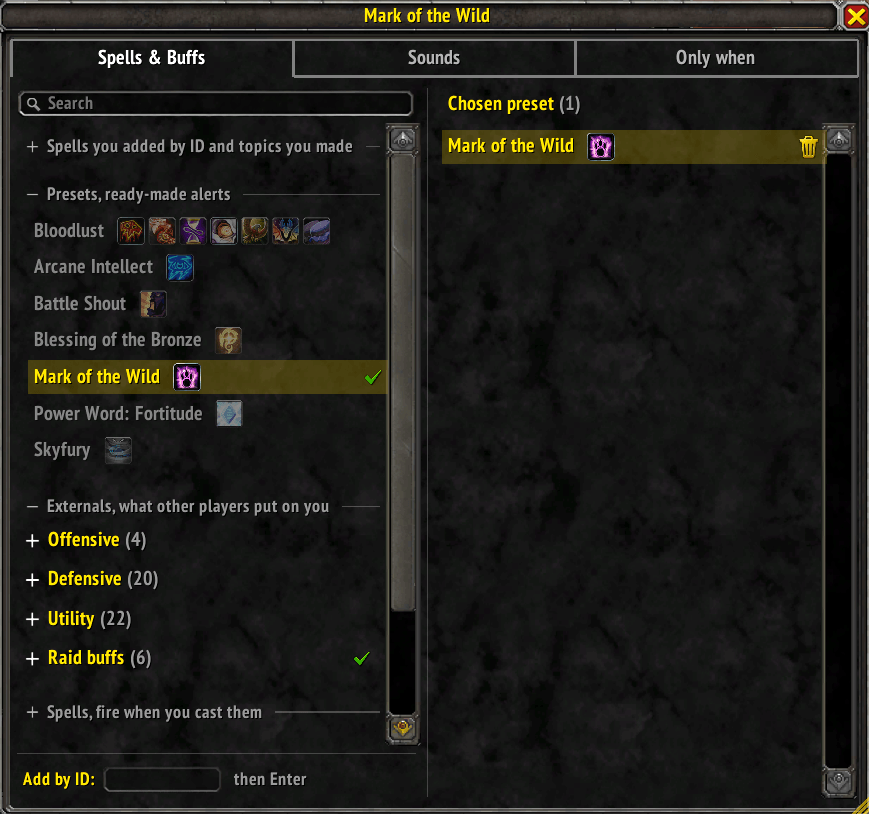
Presets & Externals
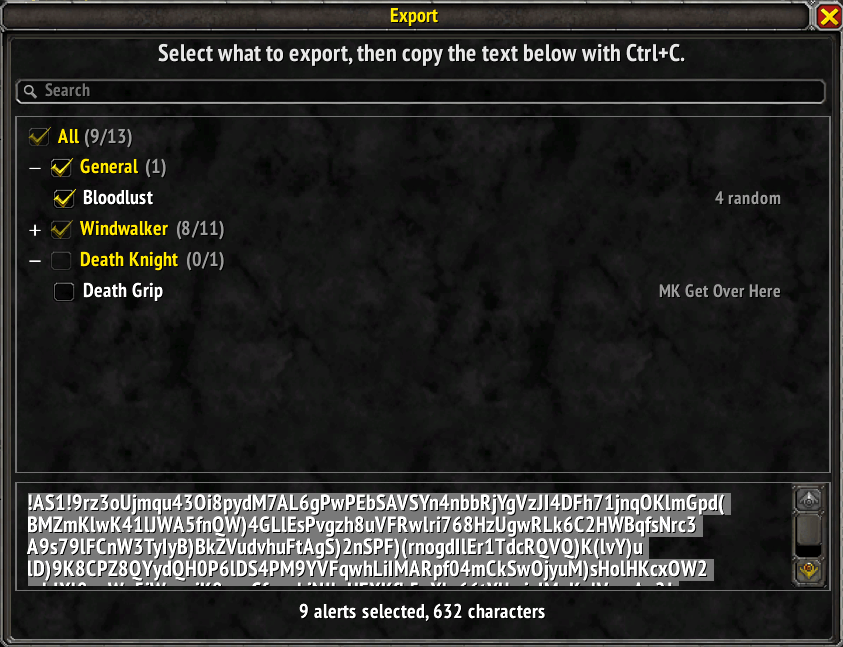
Export
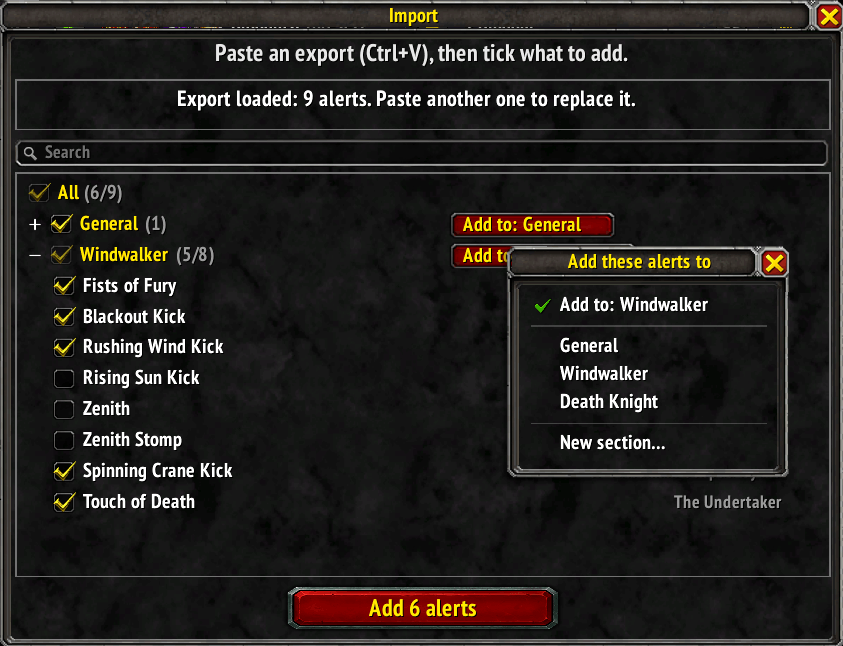
Import
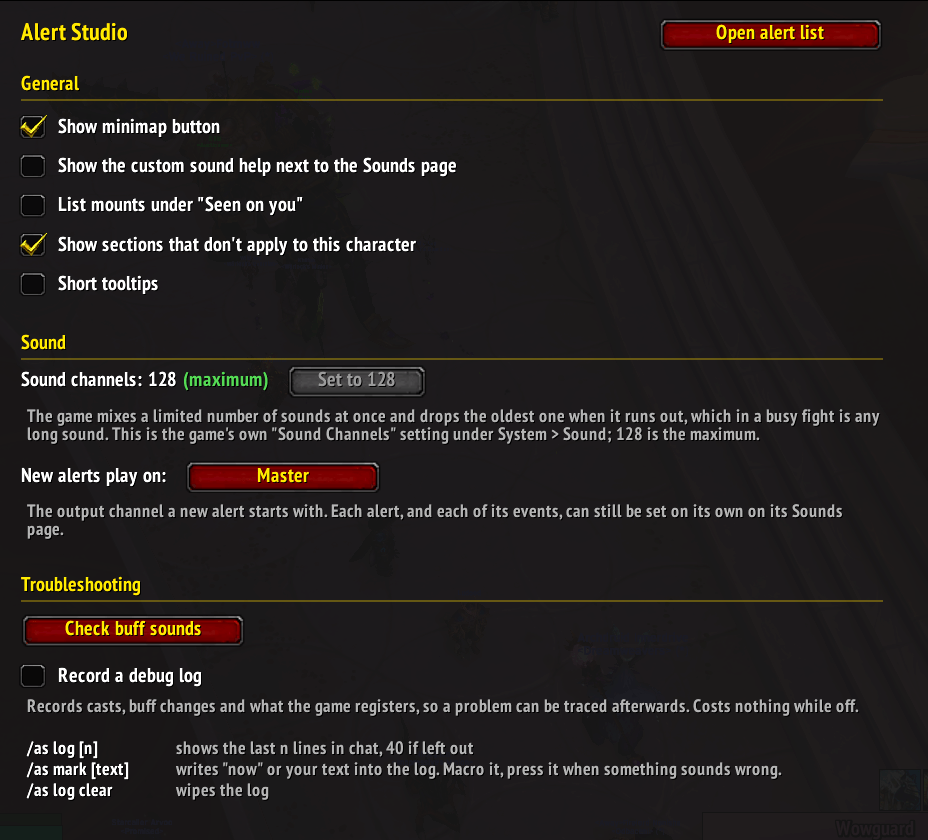
Settings
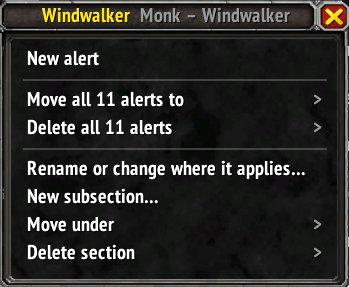
Right-Click Menu
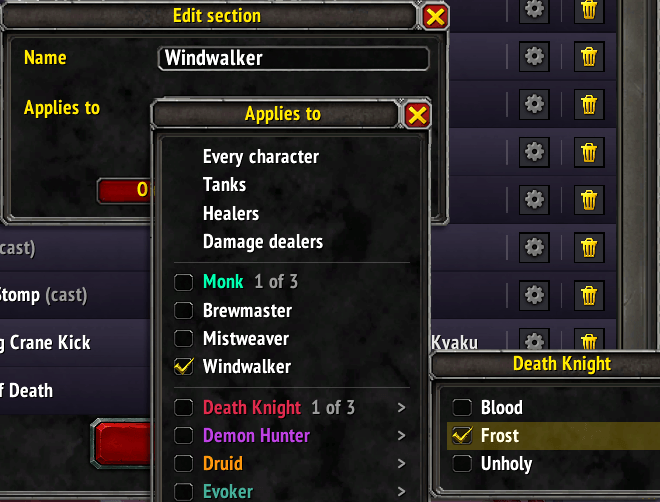
Section Settings
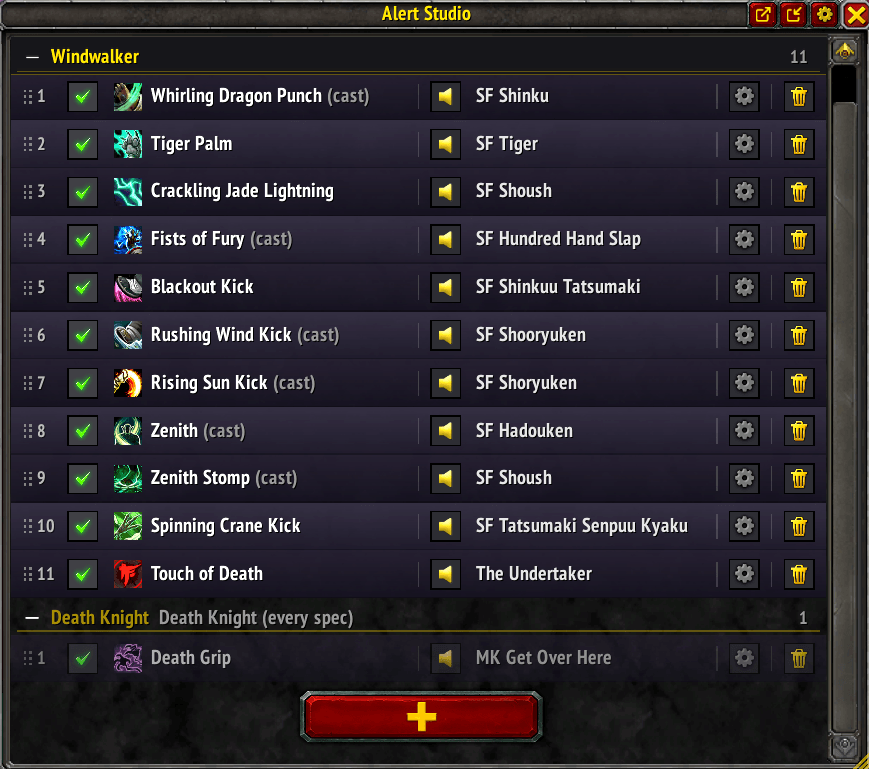
Example
Description
Alert Studio lets you set up alerts: a sound of your choice when you cast a spell, when a buff lands on you, stacks, drops off or is missing, when Bloodlust hits, or when something happens around you: you die, a ready check starts, your queue pops, a boss goes down.
Alerts live in sections that apply to every character, to one class, to a role or to any mix of specs, so each of your characters hears only what is meant for it.
Features
- Cast sounds for your own abilities, with loops and an interval
- Delayed sound: plays a set time after a cast, with its own loops and a rule for re-casts
- Buff sounds for procs, passives, trinkets and externals: gained, stack gained, removed and missing
- Buff sounds are played by the game itself, so they work in combat, raids, Mythic+ and PvP (client 12.1 or newer)
- Missing reminders every N seconds while a buff is off you
- Presets: Bloodlust (all forms) and one for every raid buff, reminding you while someone in the group could cast it
- Event alerts: dying, combat, boss kills, ready checks, queue pop, whispers, invites and more
- Only when: plays when you want it to: "Solo", "In Heroic", "With a Monk" and more
- Play limits: at most once every X seconds, at most N times per fight or session
- Sound sets: several sounds on one event, one of them plays each time
- Sections per character, class, role or any mix of specs, with subsections, drag & drop and multi-select
- Export and import of sections and alerts as text
Sounds
- 119 shipped sounds sorted into topics
- Every sound other addons share
- The game's own sound files, 131,000 of them, browsable by folder or searched by name.
- About 40,000 voice lines are named by what is said, so "by fire be purged" or "laugh tauren" finds them
- Your own .ogg / .mp3 files (see below)
! The shipped sounds are gathered from the internet (effects, game and film snippets, memes). Alert Studio doesn't own them and claims no rights to them; they're included unchanged and free, as a fan project.
If you hold the rights to one and want it taken out, write to me here and it will be removed !
Adding your own sounds
- Put your .ogg or .mp3 files into "World of Warcraft\_retail_\Interface\AddOns\SharedMedia_MyMedia" (create the folder if needed). Not into the AlertStudio folder, an update would delete them!
- Restart the game client completely, a /reload is not enough.
- On an alert's Sounds page, type the file name into the "Add custom file" box and press Enter.
Good to know
- The spell picker's "Active on you now" and "Seen on you" lists come from reading your buffs, which the game hides in combat, boss encounters, Mythic+ and PvP. They fill in out of combat; alerts play regardless.
- Long sounds cut off in fights: the game drops the oldest sound when its channels run out. The addon's settings have a button that raises the game's Sound Channels to 128.
- A short-tooltips setting leaves out the explanations and the click, drag and mouse wheel hints once you know your way around.
Slash Commands
- /as (open or close the alert list; /alerts and /alertstudio do the same)
- /as check (report whether every buff sound is registered with the game)
- /as debug (record a log for bug reports)
- /as log <n|clear> (show or clear the log)
- /as mark <text> (put a marker into the log)
Feel free to leave a comment if you liked it.
If something is not the way it should be or could be improved you can comment or create an issue on curseforge.
THX
The Alert Studio Team