


AIU : Adaptive Immersive UI
- By
A customizable addon that automatically or manually hides and manages selected UI elements, with multiple options for a cleaner interface.
menu-alt.png
AIU-nameplate.png
addon-2.jpg
addon4.png
addon-12.jpg
addon-14.jpg
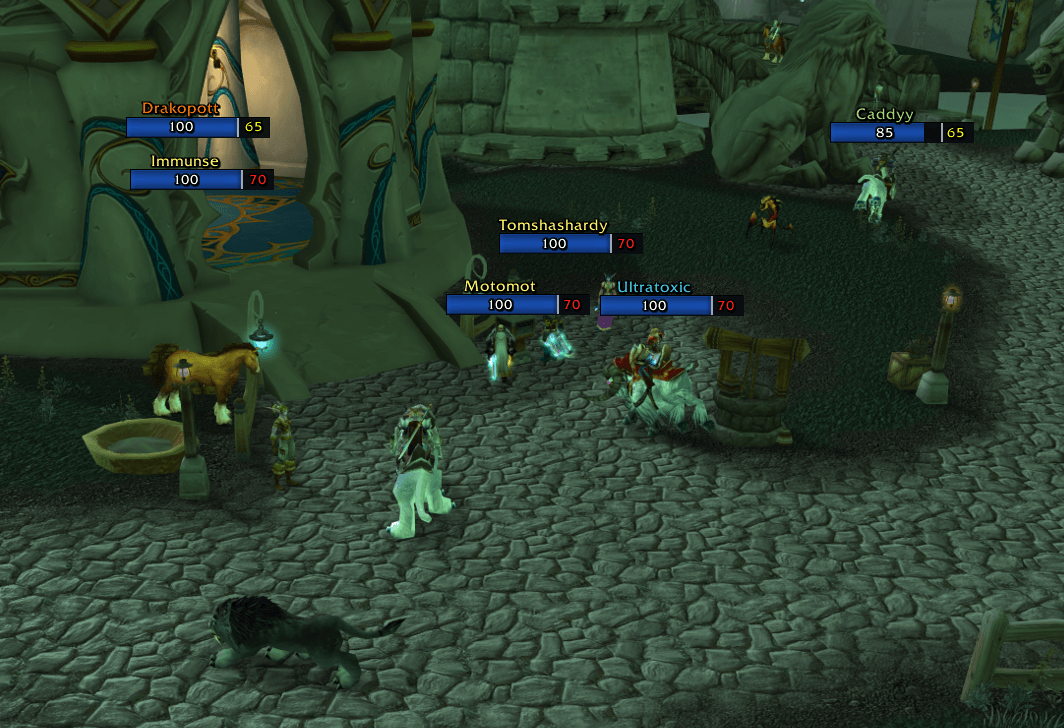
image2.png
bank_aiu.jpg
332.png
Description
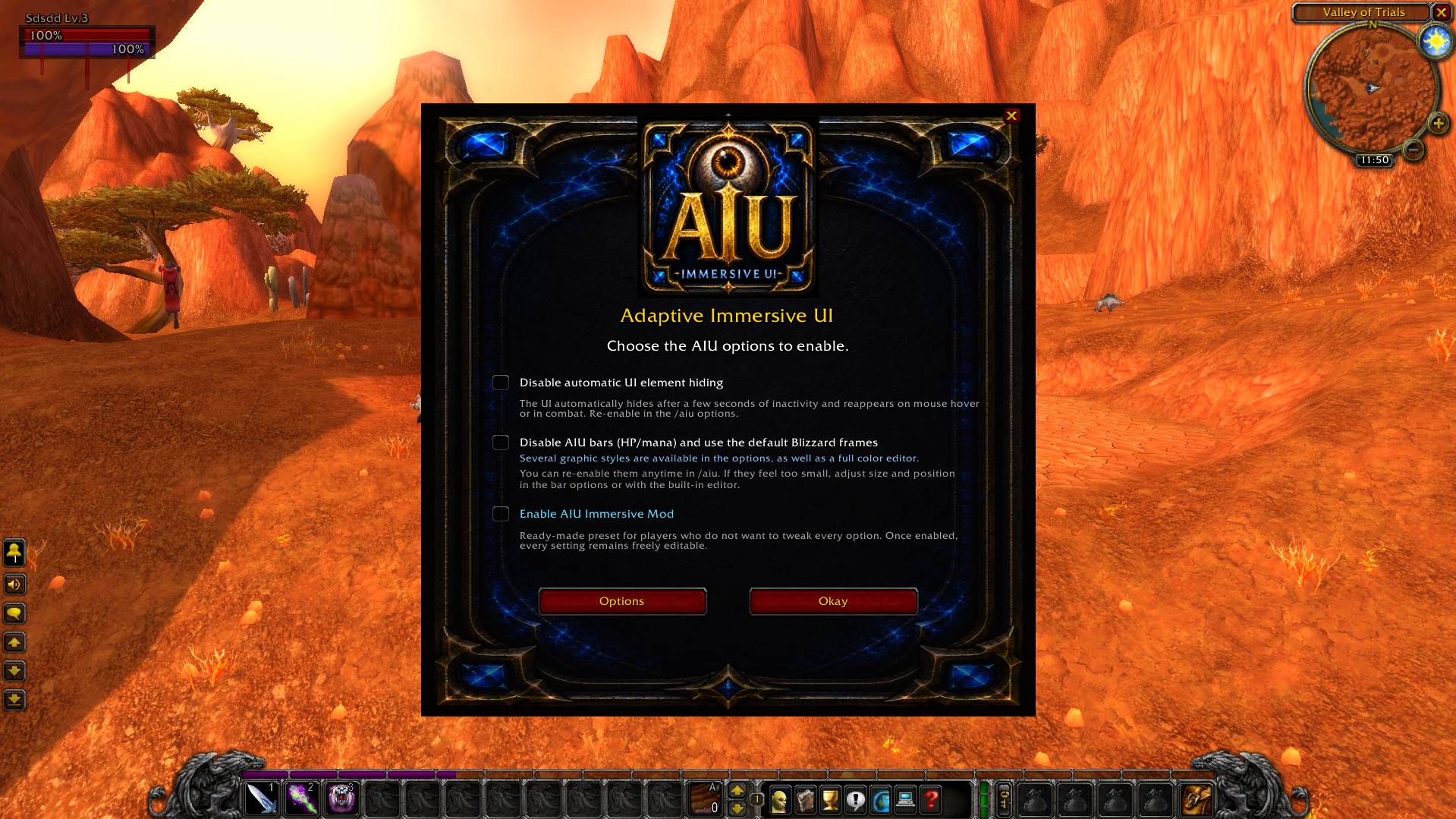
Adaptive Immersive UI is a lightweight World of Warcraft addon made to give you a cleaner UI without hiding the important stuff when you actually need it.
AIU can automatically hide or show parts of your interface depending on what you are doing: combat, mouseover, chat, bags, NPCs, opened panels, action bar input, PvP activity, or a hold-to-show key.
It also has a small safety check system to make sure the UI does not randomly stay hidden or visible when it should not.
Main Features
Choose how your interface looks and control most AIU options directly from the /aiu panel.
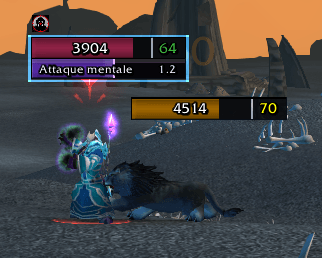
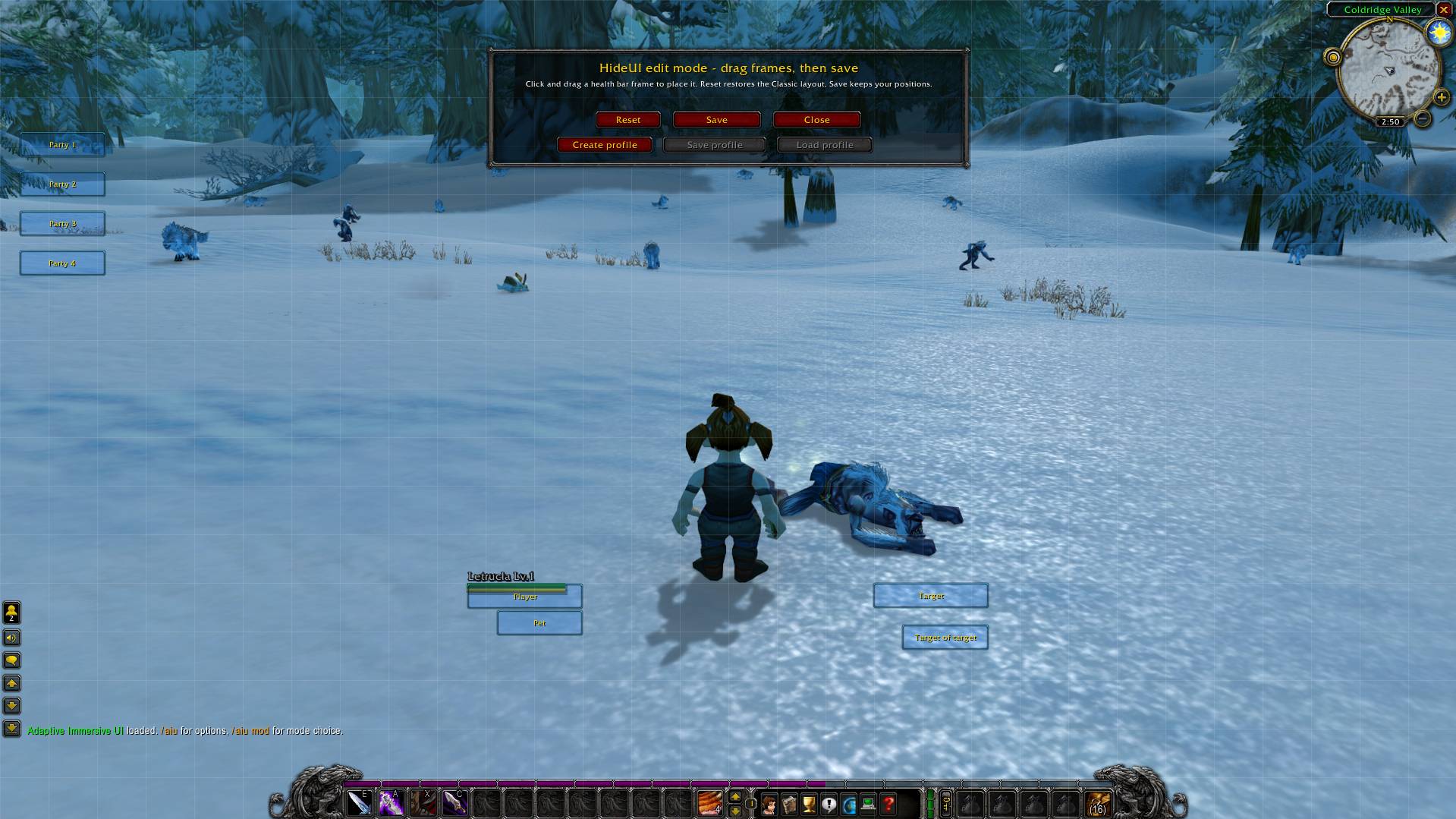
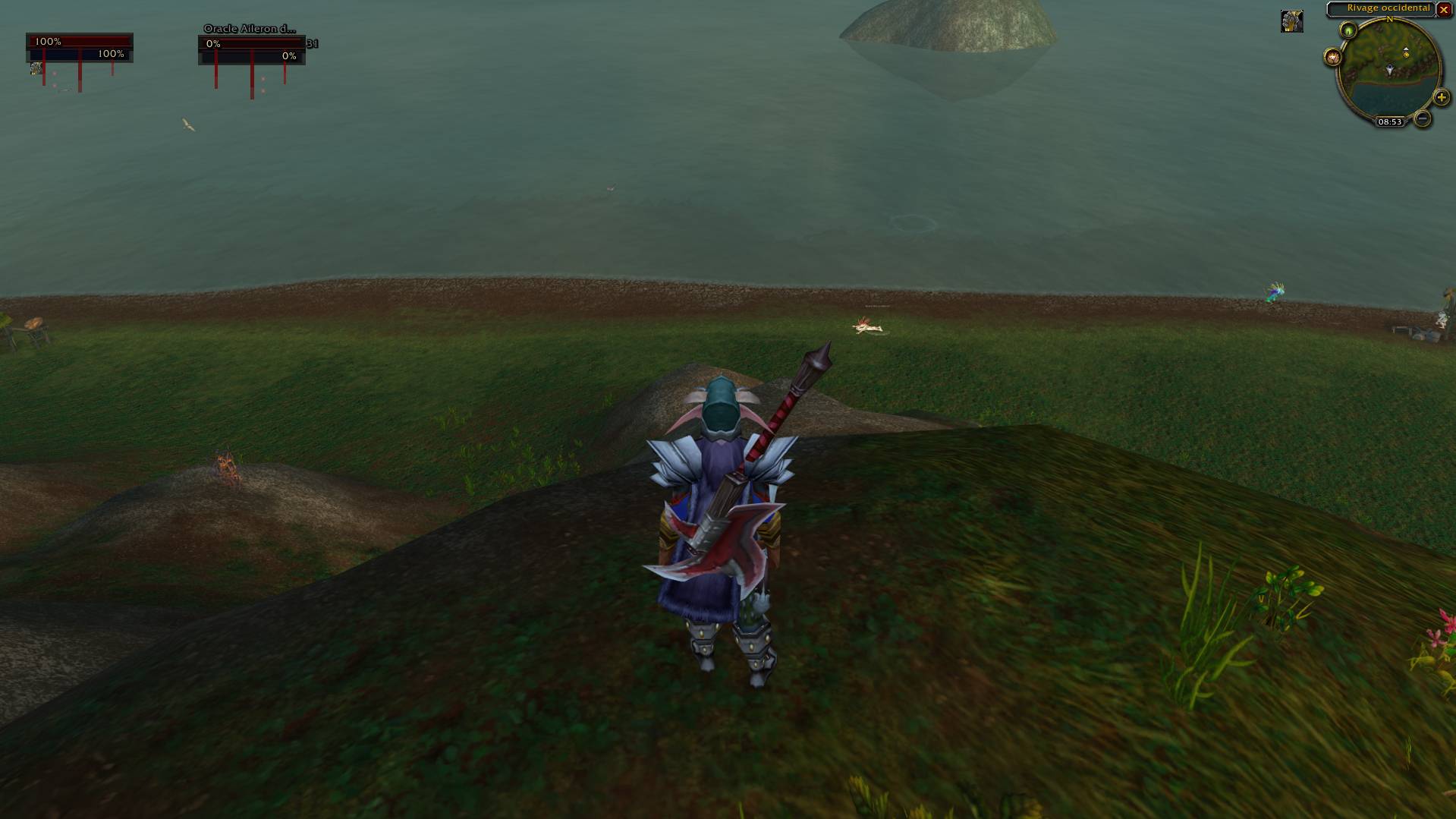
AIU includes customizable mini bars for player, pet, party, target, and target-of-target frames. You can change their size, position, style, colors, text, names, levels, aura icons, percentage display, and mouse click behavior.
AIU also manages nameplates, giving you full control over their appearance. You can adjust them to your preference, including size, colors, style, and other display options.
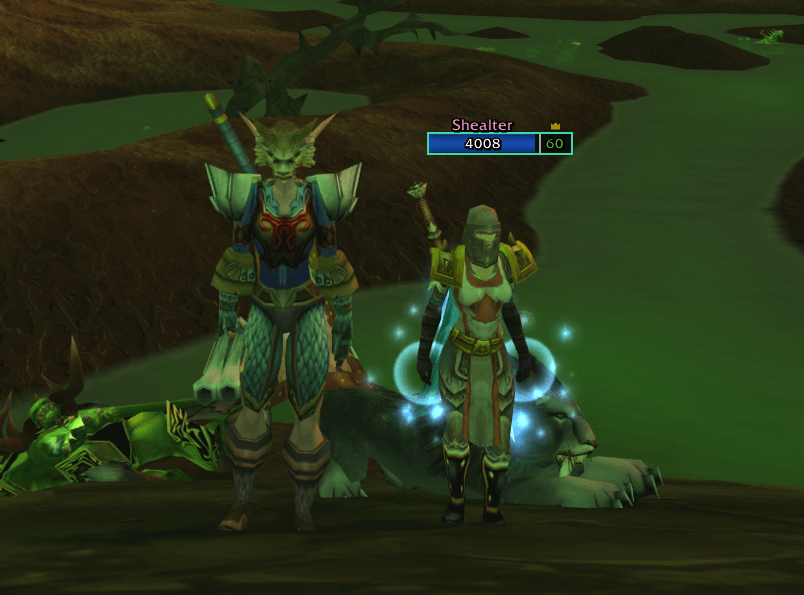
The AIU nameplates can also display clear visual elements to help you quickly recognize important players around you, including members of your group, the group leader, and your friends.
AIU also manages friend visibility on both the world map and the minimap. Friends can be displayed directly on the map to make them easier to find while playing.
If a friend does not have AIU installed, they will still be shown, but only at the center of the zone they are currently in. This acts as an approximate default position and does not provide an exact location.
If your friend also uses AIU, their position can be shown much more precisely, giving you a more accurate location on the world map and minimap.
The minimap friend display can be disabled from the AIU settings if you prefer not to use it.
There is also a layout editor that lets you move AIU bars and some important Blizzard frames around, so you can place things where they feel right for you.
AIU Shortcut Menu
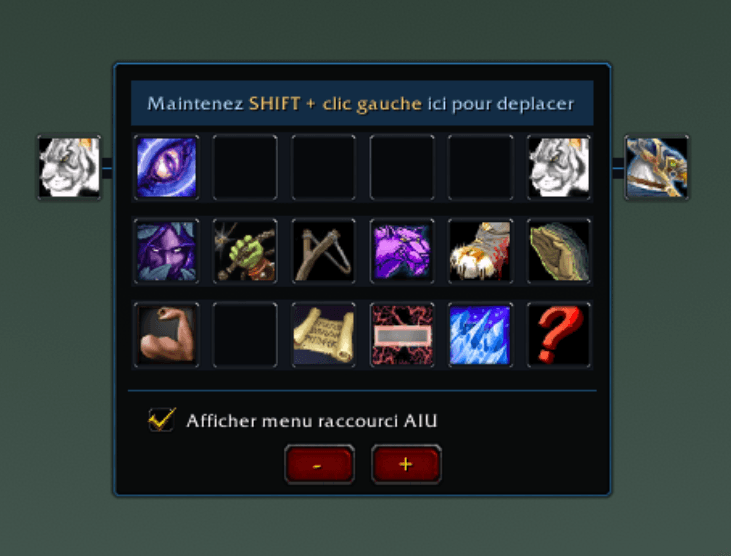
AIU also includes a shortcut menu with up to 44 slots.
This menu is displayed only while you hold the ALT key by default, giving you quick access to extra actions without keeping another bar visible all the time.
You can place your abilities, skills, talents, macros, consumables, and other usable items directly inside this shortcut menu.
AIU VENGEANCE
AIU VENGEANCE is a PvP tracking mode made for Battlegrounds and open-world PvP.
Open it with /aiu pvp to display a dedicated menu showing:
• players you have killed;
• players who have killed you;
• vengeance kills you have completed.
This makes it easier to track your PvP encounters, remember who killed you, and quickly see when you have taken your revenge.
AIU Bags
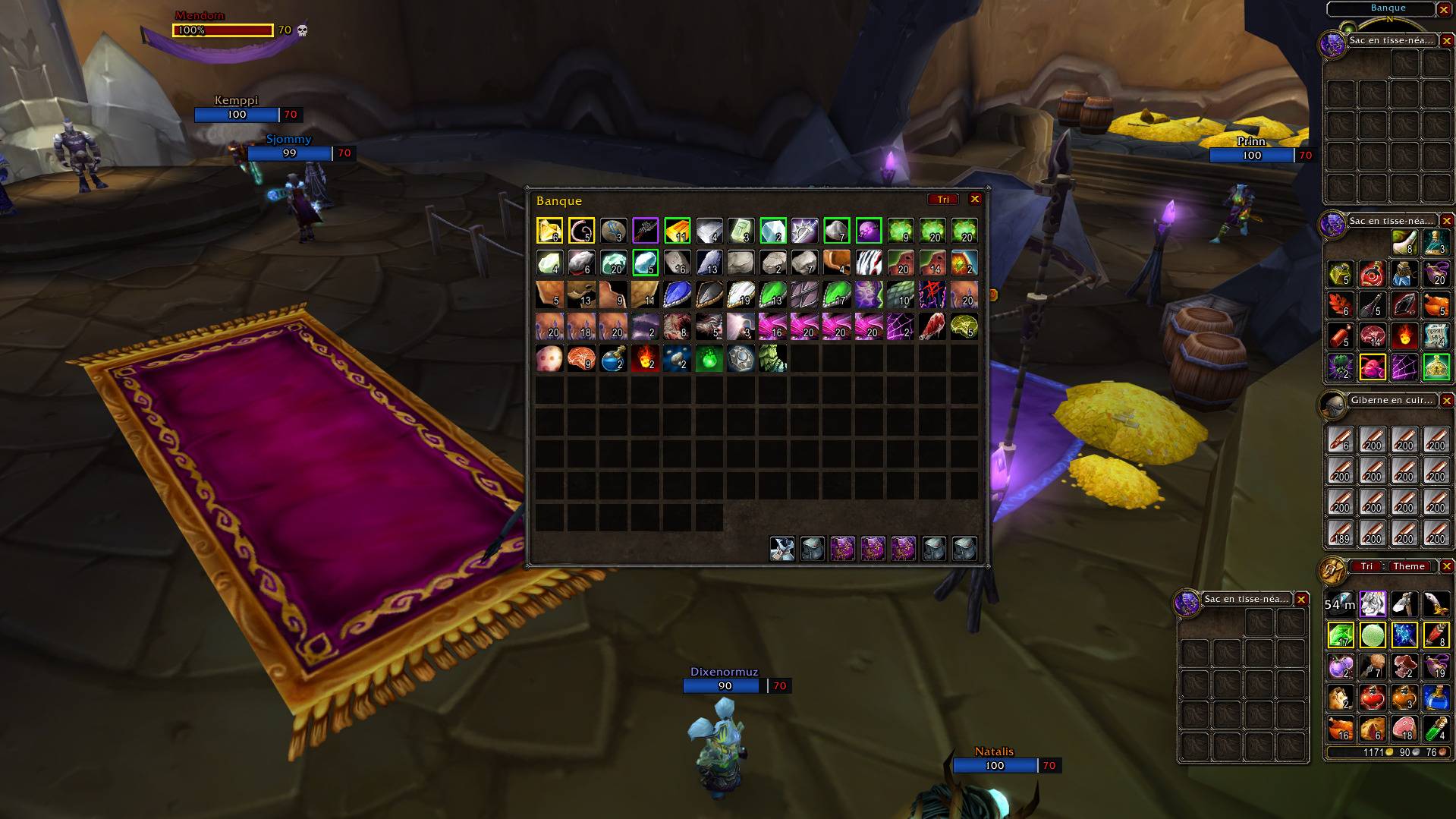
AIU Bags is a simple upgrade to the default Blizzard Classic bags and bank display.
It keeps the classic bag style, but makes it a bit cleaner and lets you change the frame color of your bags and bank so they fit better with your UI.
AIU Bags also supports the bank display, letting you view all your bank bags together in one clean unified window, using the same system as the AIU bags.
The bank display includes the same handy Sort button and the same colored item outlines for item qualities, making it easier to organize your bank and quickly spot useful items.
It also adds a handy Sort button to quickly organize all your bags without having to do it manually.
Bag Item Highlights
AIU can add a clear outline around items in your bags and bank, making useful items easier to spot at a glance.
You can highlight quest items and item qualities like green, blue, and purple items.
This can be turned off whenever you want from the AIU settings with /aiu.
Extra UI Tools
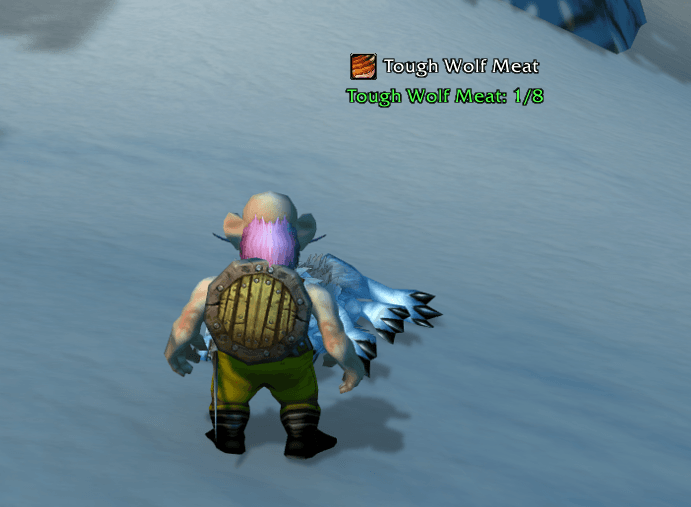
AIU also comes with a bunch of small UI options for action bar visibility, chat wake-up, minimap behavior, tooltips, floating loot text, quest progress text, skill-up alerts, error alerts, pet happiness text, enemy faction alerts, and a custom target health bar above nameplates.
Elite and Boss NPCs can also have a different health bar border, making them much easier to identify quickly during gameplay.
Commands
/aiu — Open the options panel.
/aiu edit — Open the AIU bar position editor.
/aiu minimouse — Enable or disable mouse clicks on AIU mini bars. Useful for macros.
/aiu pvp — Open the AIU VENGEANCE PvP menu.
Important
Action bar features are mainly made for the default Blizzard action bars, Dominos, or Bartender4. With another action bar addon, some visibility, mouseover, or key wake-up options may not work perfectly.
The AIU : Adaptive Immersive UI Team


