AI Agents Chat
- By
screenshot.jpg
Screenshot 2026-10-03 at 2.41.42â¯AM copy.jpg
Screenshot 2026-10-03 at 2.42.20â¯AM.jpg
Description
AI Agents Chat
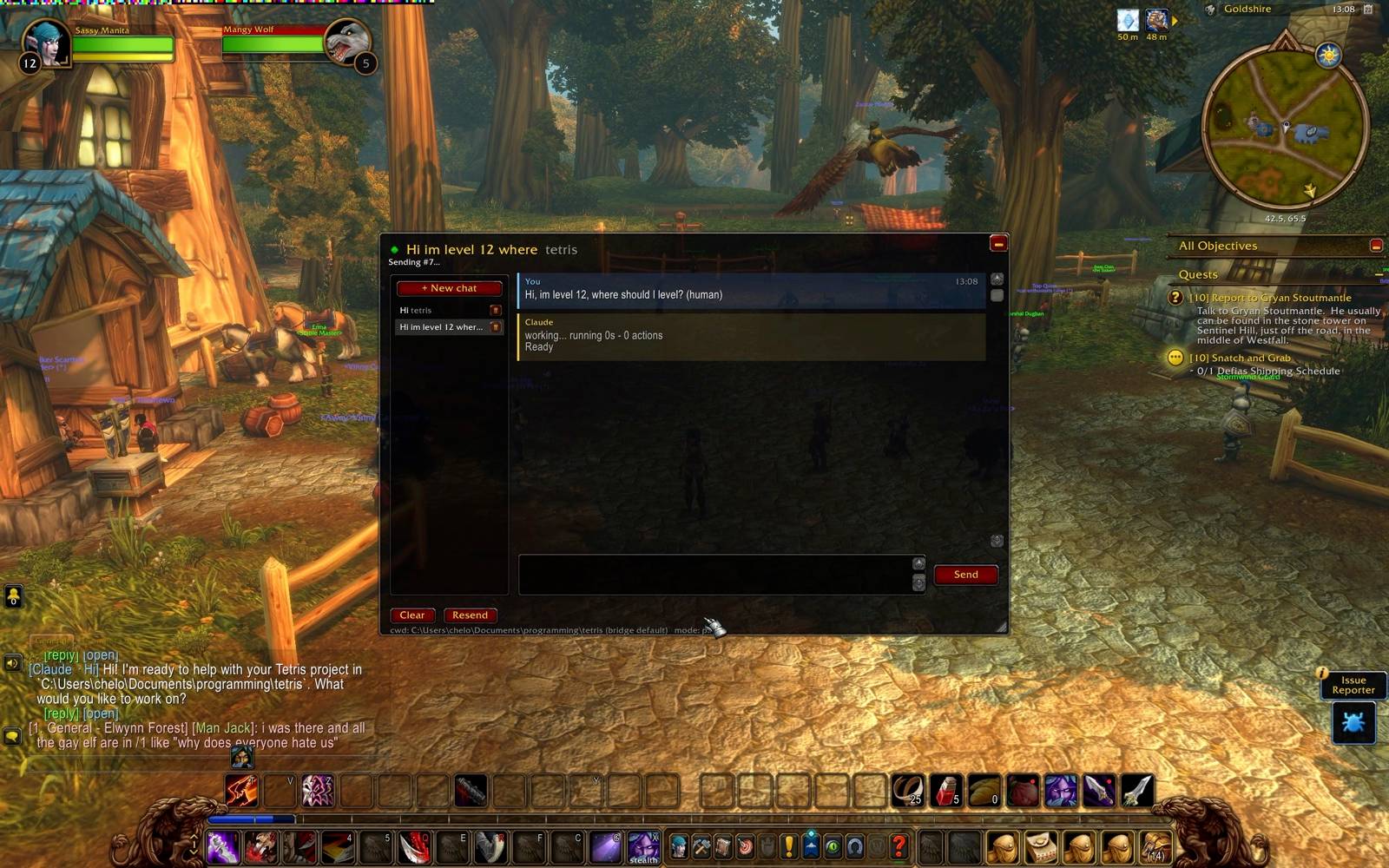
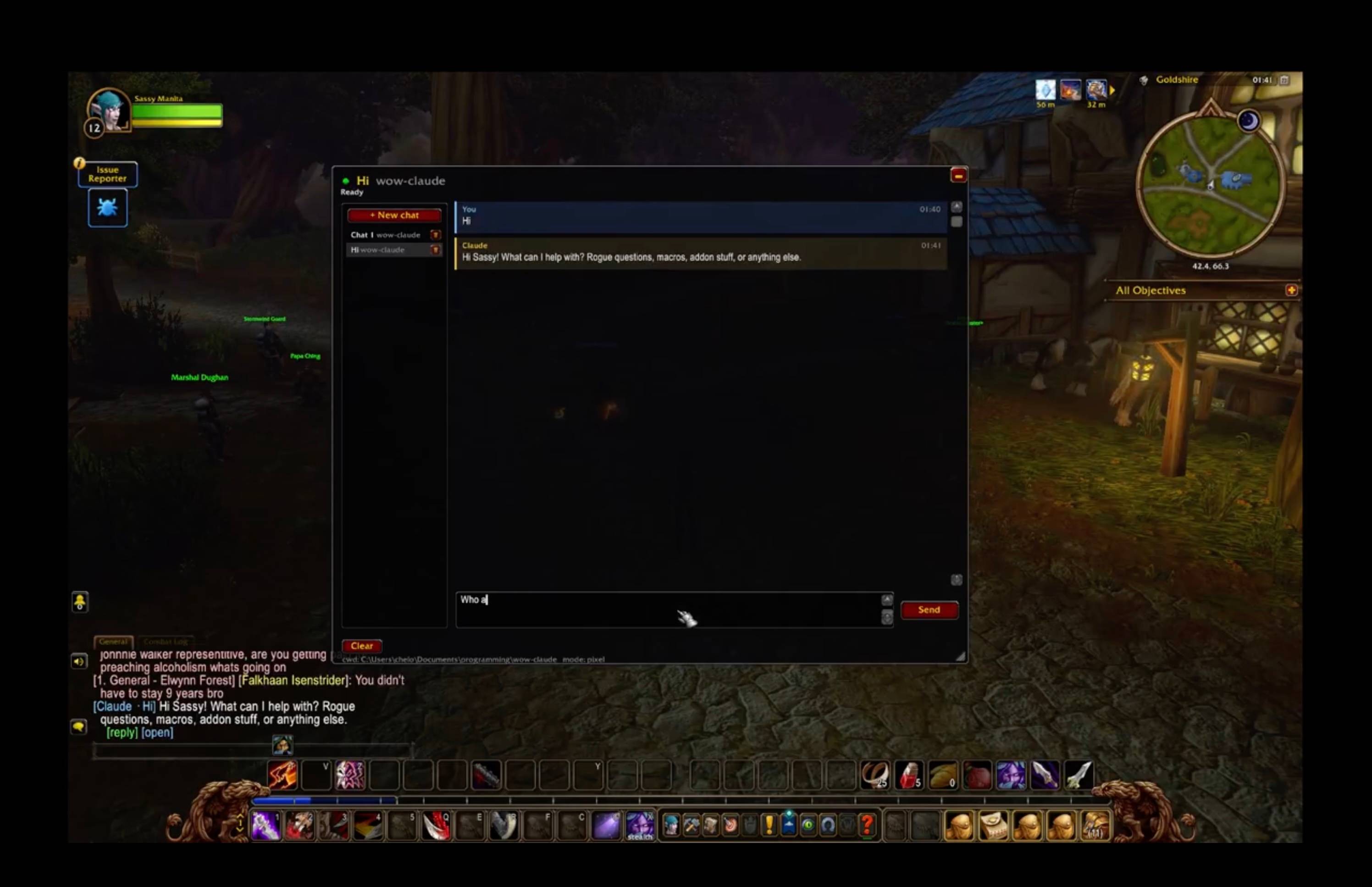
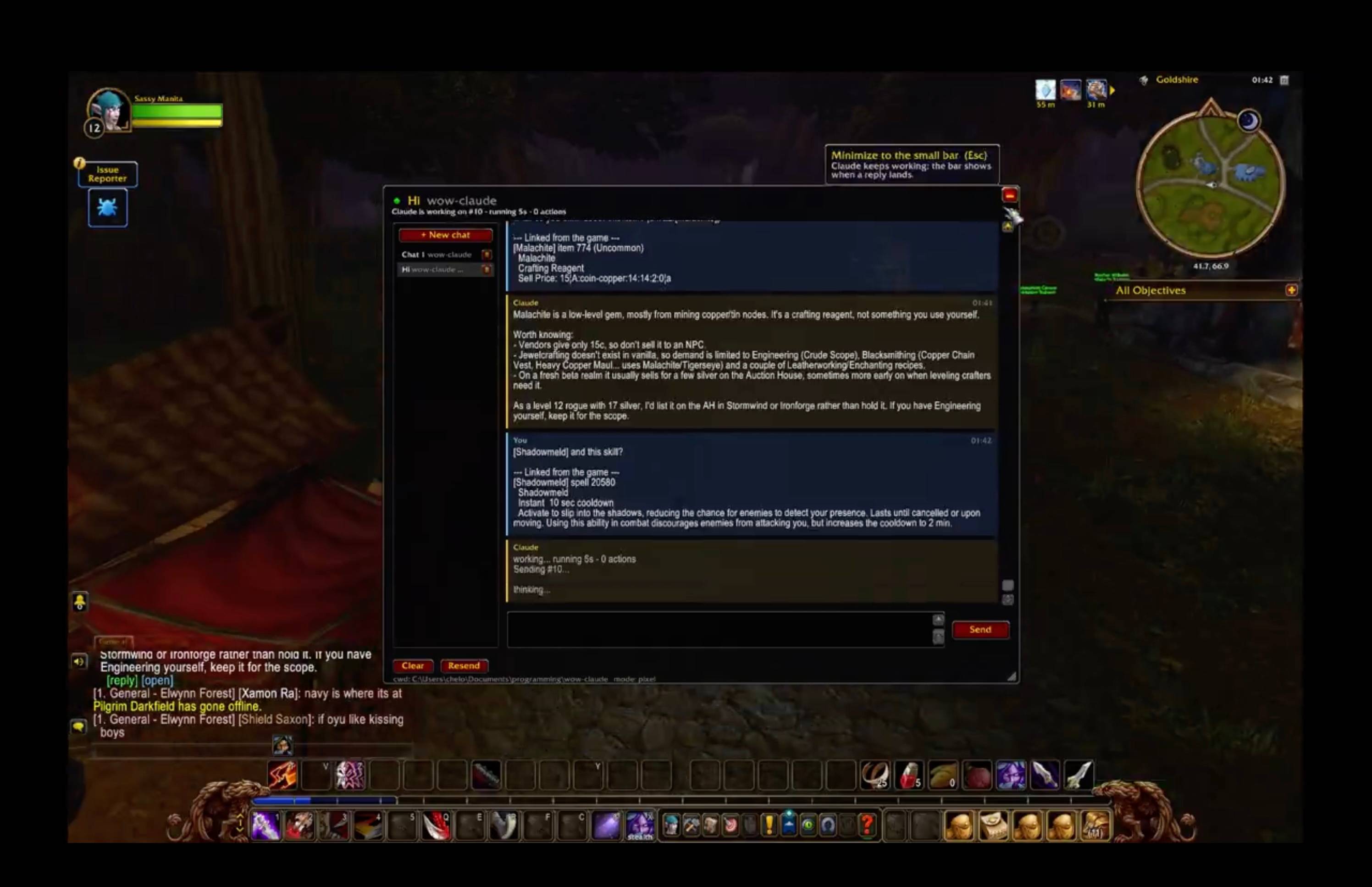
Chat with your local coding agents (Claude Code, Codex, Grok Build, Antigravity, Hermes) from inside World of Warcraft: Forever. Send a task, go back to questing, and get pinged in-game when the answer lands. No alt-tabbing, no /reload per message.
- Multiple chats, each its own agent session and project folder
- Live progress while the agent works, replies echoed into game chat,
/rto answer - The agent knows your character, zone, talents, professions and quest log (optional)
- It can draw routes and marks on your world map, and hand you ready-made macros with a Create macro button
Nothing here injects code, reads game memory, or generates input. The addon uses documented addon APIs only.
⚠️ This download is only the in-game half
Addons can't reach the network, so AI Agents Chat talks to a small companion program (the bridge) that runs on your PC. The addon does nothing without it. Setup takes a few minutes:
You need: Windows, Linux (Wine on X11) or macOS · the game in windowed or borderless mode · Node.js 22.2+ · at least one agent CLI installed and logged in (e.g. claude, codex)
- Install this addon (CurseForge app, or unzip it into
World of Warcraft\_classic_\Interface\AddOns\) - Get the bridge and run setup: git clone https://github.com/chelinho139/wow-ai cd wow-ai node setup.js --project "C:\path\to\your\project" Setup creates ~15,000 tiny files in your AddOns folder. That's normal: it's how replies get back into the game.
- Fully quit and relaunch WoW (a
/reloadis not enough), and enable AI Agents Chat on the AddOns screen - Start the bridge:
npm start - In game:
/wow-ai, click Connect, and the light turns green
Full guide, Linux/macOS notes, commands and troubleshooting: https://github.com/chelinho139/wow-ai
AI Agents Chat Team