


AHSniper
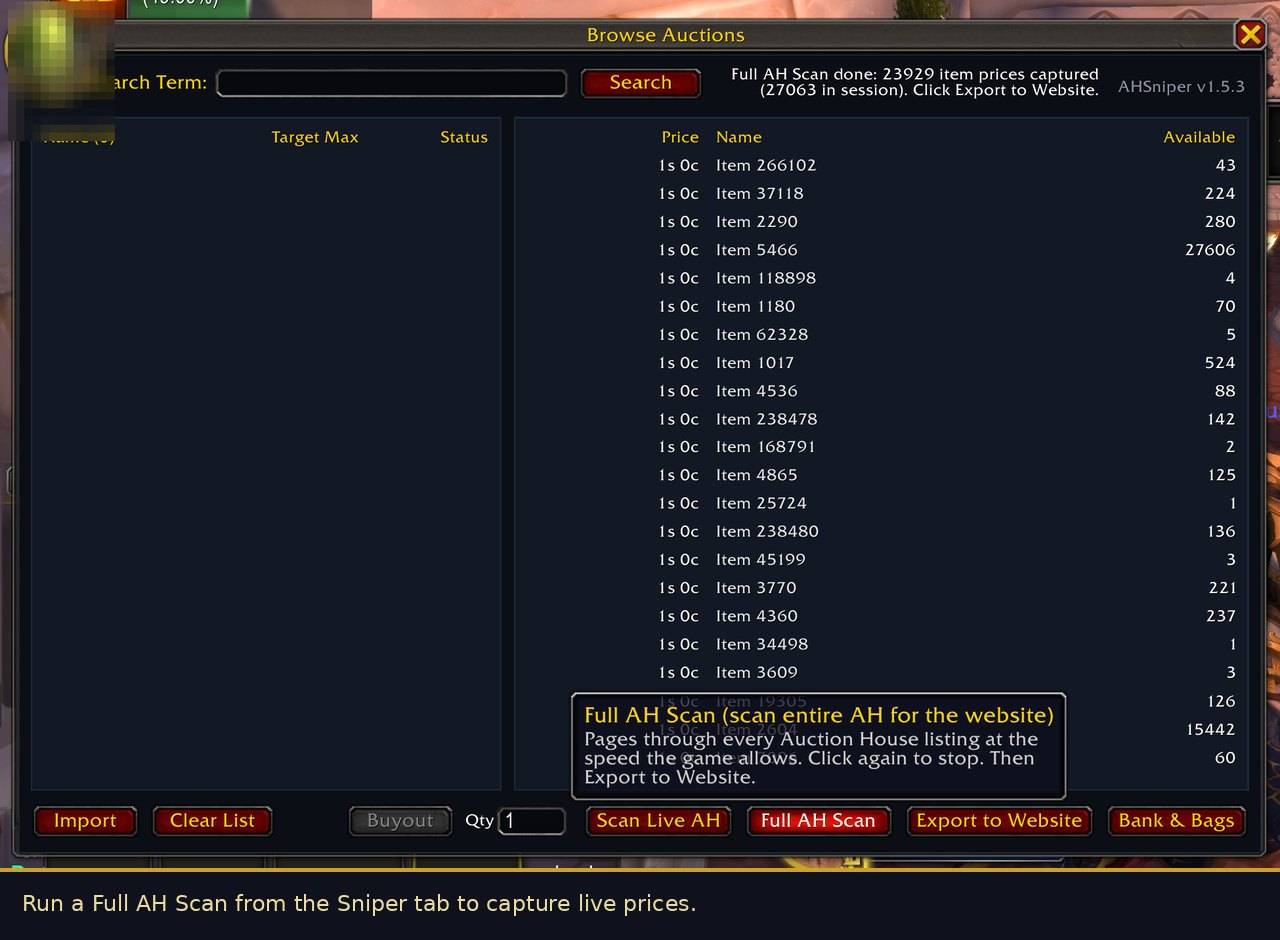
Run a Full AH Scan from the Sniper tab to capture live prices.
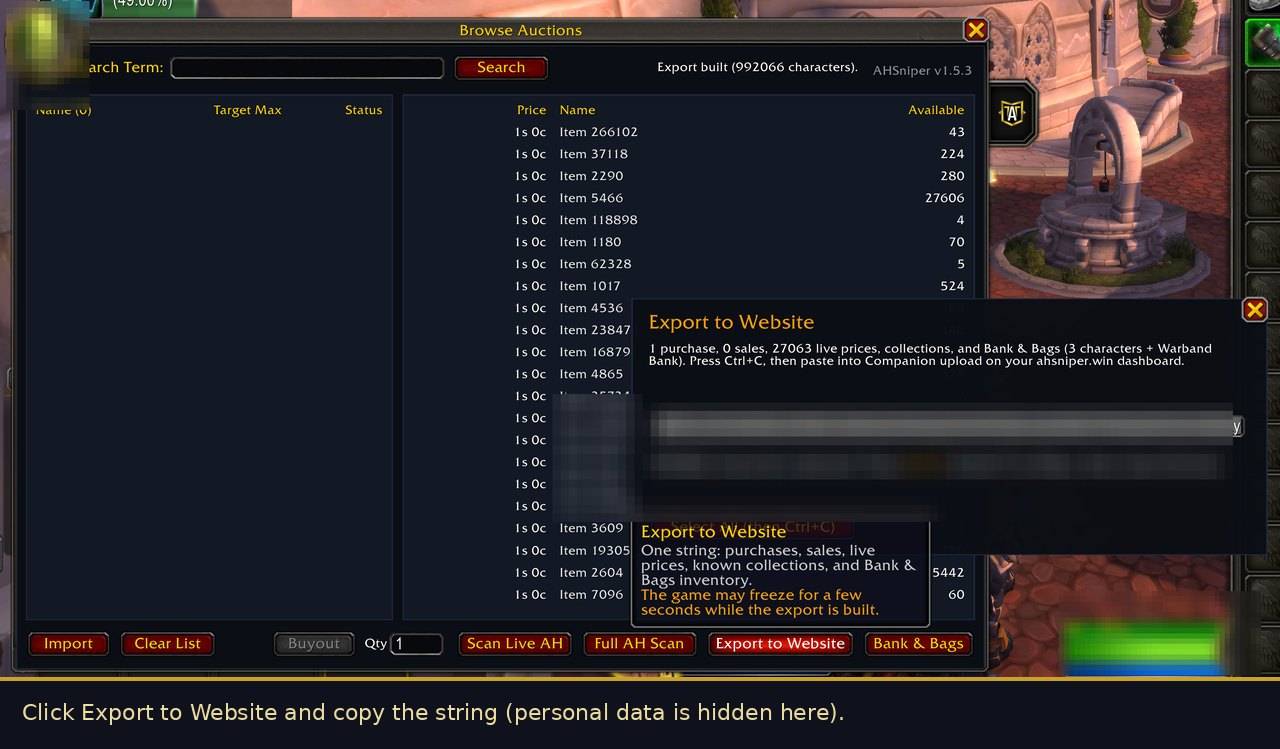
Click Export to Website and copy the string (personal data is hidden here).
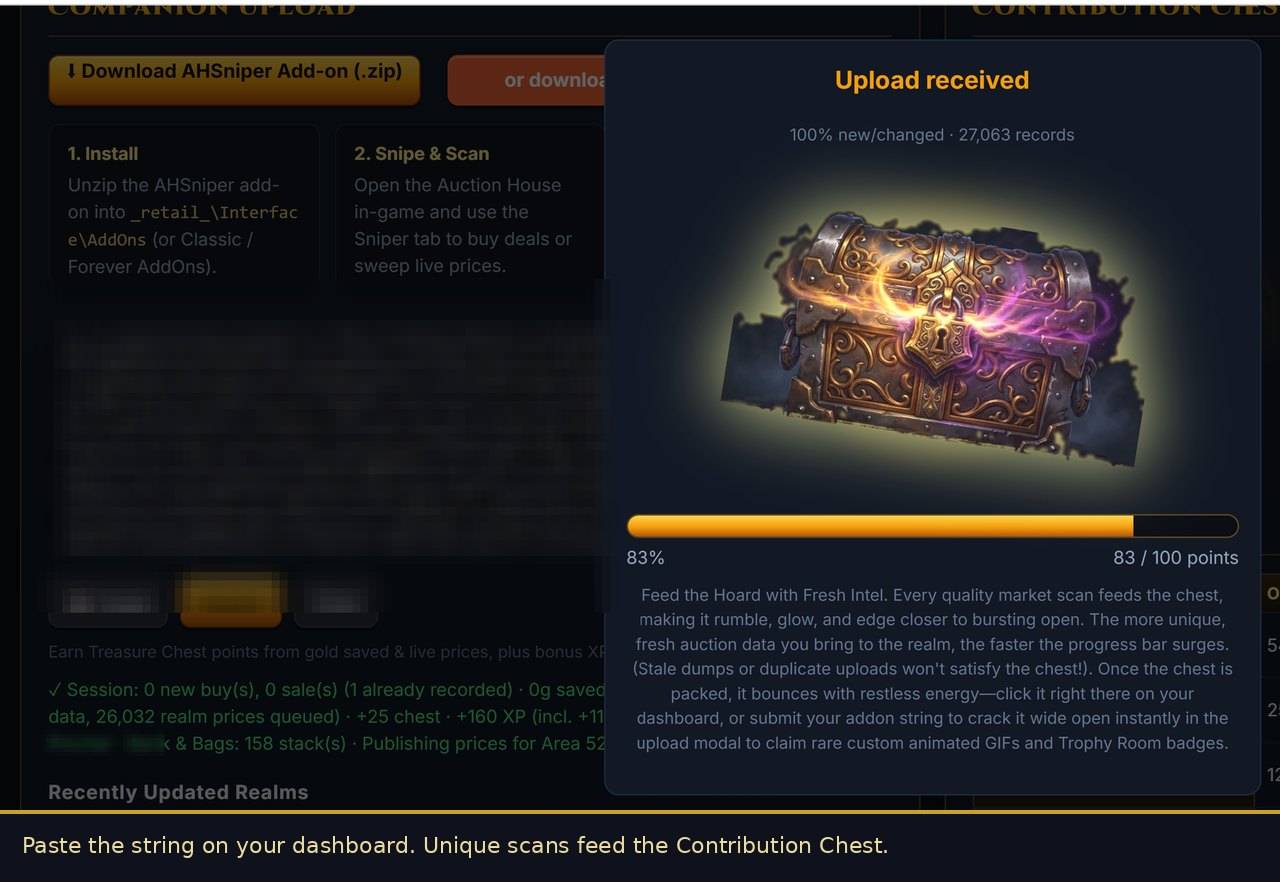
Paste the string on your dashboard. Unique scans feed the Contribution Chest.
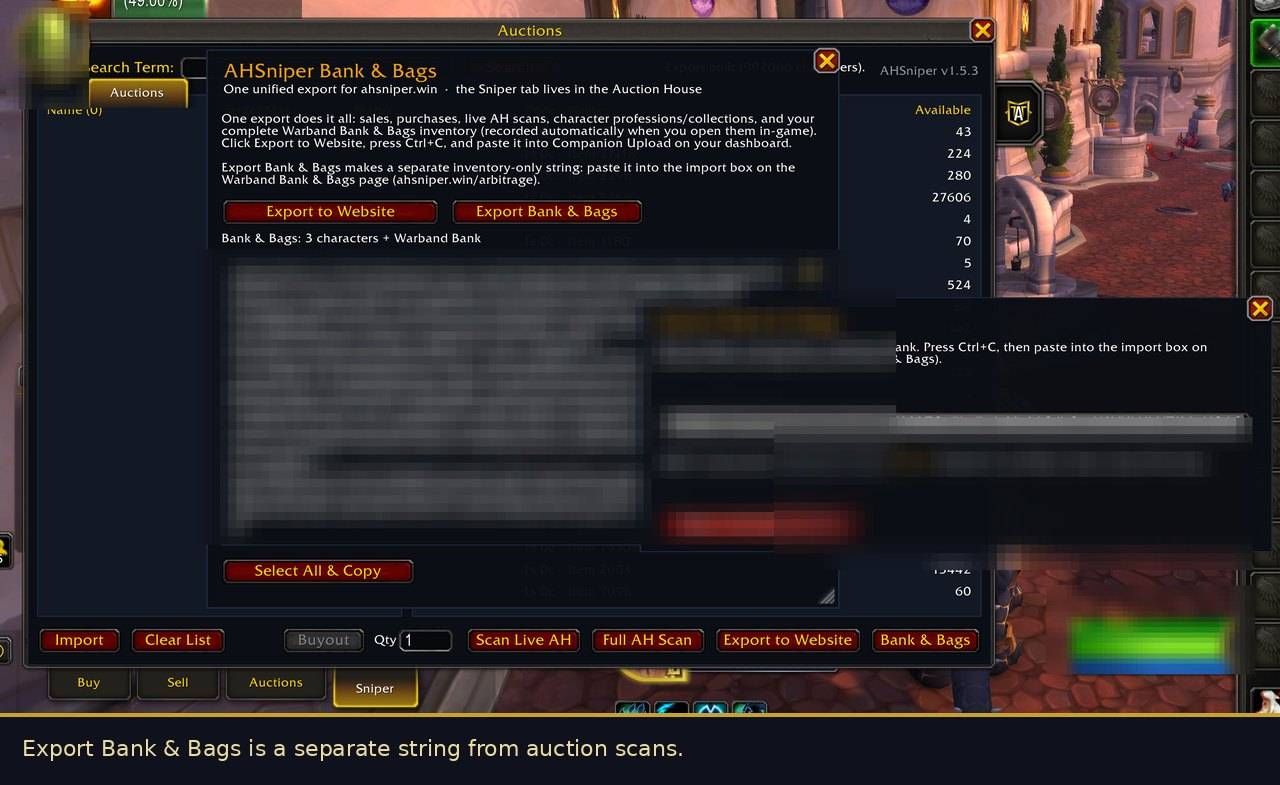
Export Bank & Bags is a separate string from auction scans.
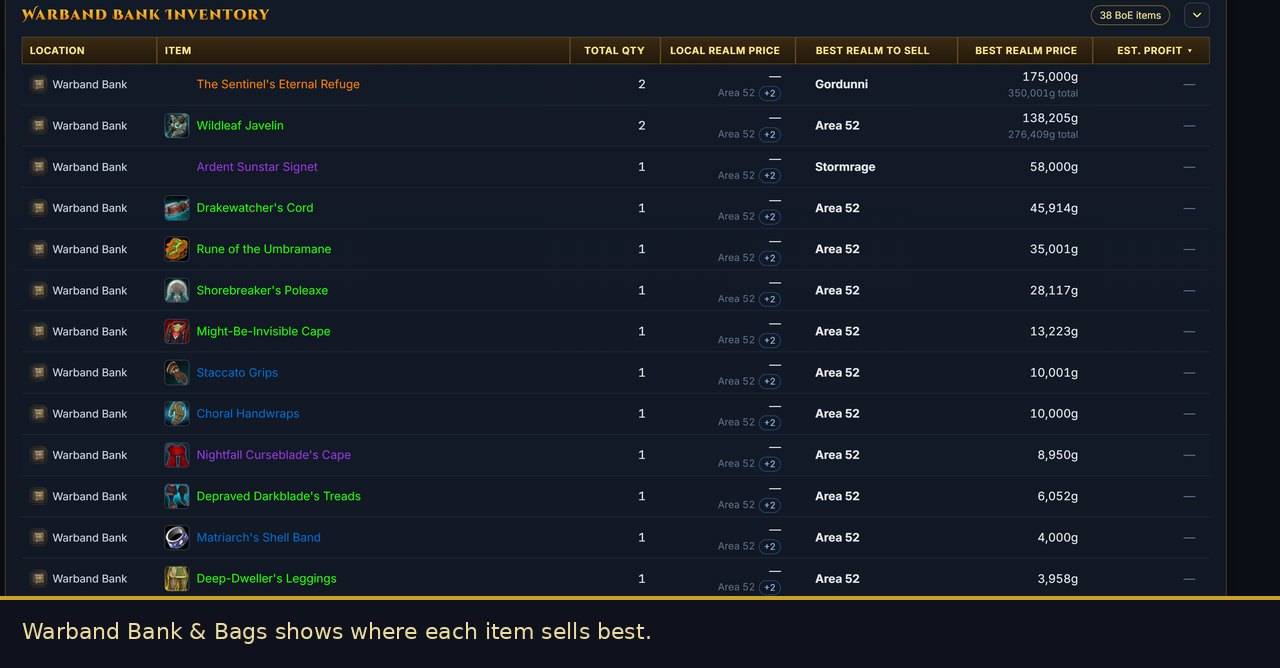
Warband Bank & Bags shows where each item sells best.
Description
AHSniper — your Auction House companion for ahsniper.win
AHSniper adds a native Sniper tab to the default Auction House and pairs with ahsniper.win, a free deal-finding site that scans every realm's auction house each hour. Find the deal on the website, then buy it in game in seconds.
Built by a long-time player who farms old content for transmogs, mounts and speed gear, and wanted a faster way to find the good stuff.
How it works with ahsniper.win
- Find deals on the site. Browse snipes, twink gear, speed gear and cross-realm price gaps, all filtered by region and game version.
- Send them to the game. Copy a target or a whole shopping list from the site and paste it into the Sniper tab, or use
/ahs buy. - Buy with one click. AHSniper finds the exact listing and highlights it when it's at or below your max price. You press Buyout, one click per purchase.
- Share your data back (optional). Export your market snapshots, bags, Warband Bank and collections, then upload them on the site. That powers your dashboard, cross-realm arbitrage, and price data for versions the official API doesn't cover.
Features
- Native Sniper tab: sits inside the normal Auction House window, with your shopping list on one side and live results on the other.
- Exact item matching: checks item ID, item level, bonus IDs, sockets and tertiary stats (Speed, Avoidance, Leech) before it flags a match, so you never buy the wrong version.
- Connected-realm aware: knows your connected realm group, so you only chase deals on the auction house you can actually use.
- Manual buyouts only: one click, one purchase. No automation and nothing that breaks the rules.
- Market snapshots: captures live prices from your current auction house for the site.
- Bags and Warband Bank scan: exports what you're holding so ahsniper.win can show where each item sells for the most.
- Collections sync: exports the mounts, pets, toys and appearances you know so the site can hide what you already own.
- Multi-version: Retail, Forever rulesets and Classic versions. Era, Season of Discovery and TBC Anniversary prices on the site come only from add-on uploads, so your snapshots help everyone.
Slash commands
/ahsopens or closes the AHSniper window and shows command help./ahs buy <itemID>:<bonusIDs>:<maxCopper>:<Realm>loads a specific target into the Sniper tab. The realm is optional.
Links
- Website: ahsniper.win
- Getting started guide: Add-on setup
- Discord (support and price alerts): Join the AHSniper Discord
AHSniper is a fan project and is not affiliated with or endorsed by Blizzard Entertainment.
Why upload your scans? Every scan you upload makes prices on ahsniper.win more accurate for everyone. More uploaders means fresher, more reliable prices.
Shopping List import: Build a Shopping List on ahsniper.win, click Export to Add-on (Supporter), then use the Import Shopping List button in the add-on.
Illustrated walkthrough: https://ahsniper.win/guides/addon-website-walkthrough
AHSniper Team
