


Aggro Gauge
- By
5-pull-preview.png
6-chasing-you.png
AggroGauge_dial_closeup.jpg
AggroGauge_bar_closeup.jpg
Description
Aggro Gauge
See how close you can get before mobs notice you. Works on every WoW version: Retail, Classic Era, Anniversary, Titan, Cataclysm, Mists of Pandaria Classic and WoW: Forever.
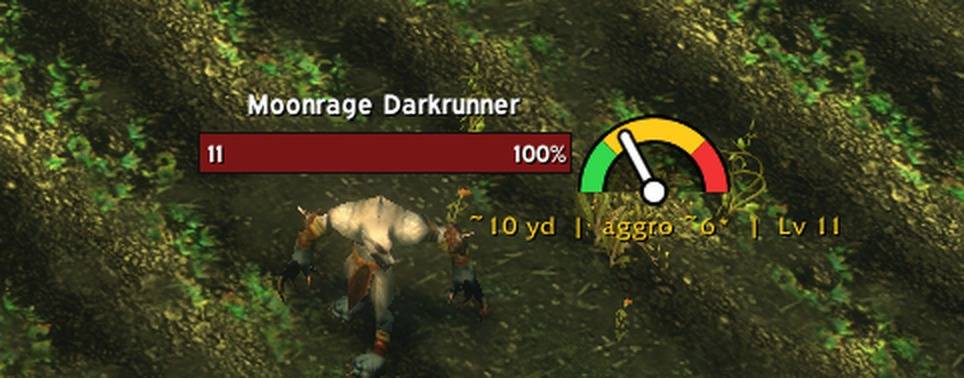
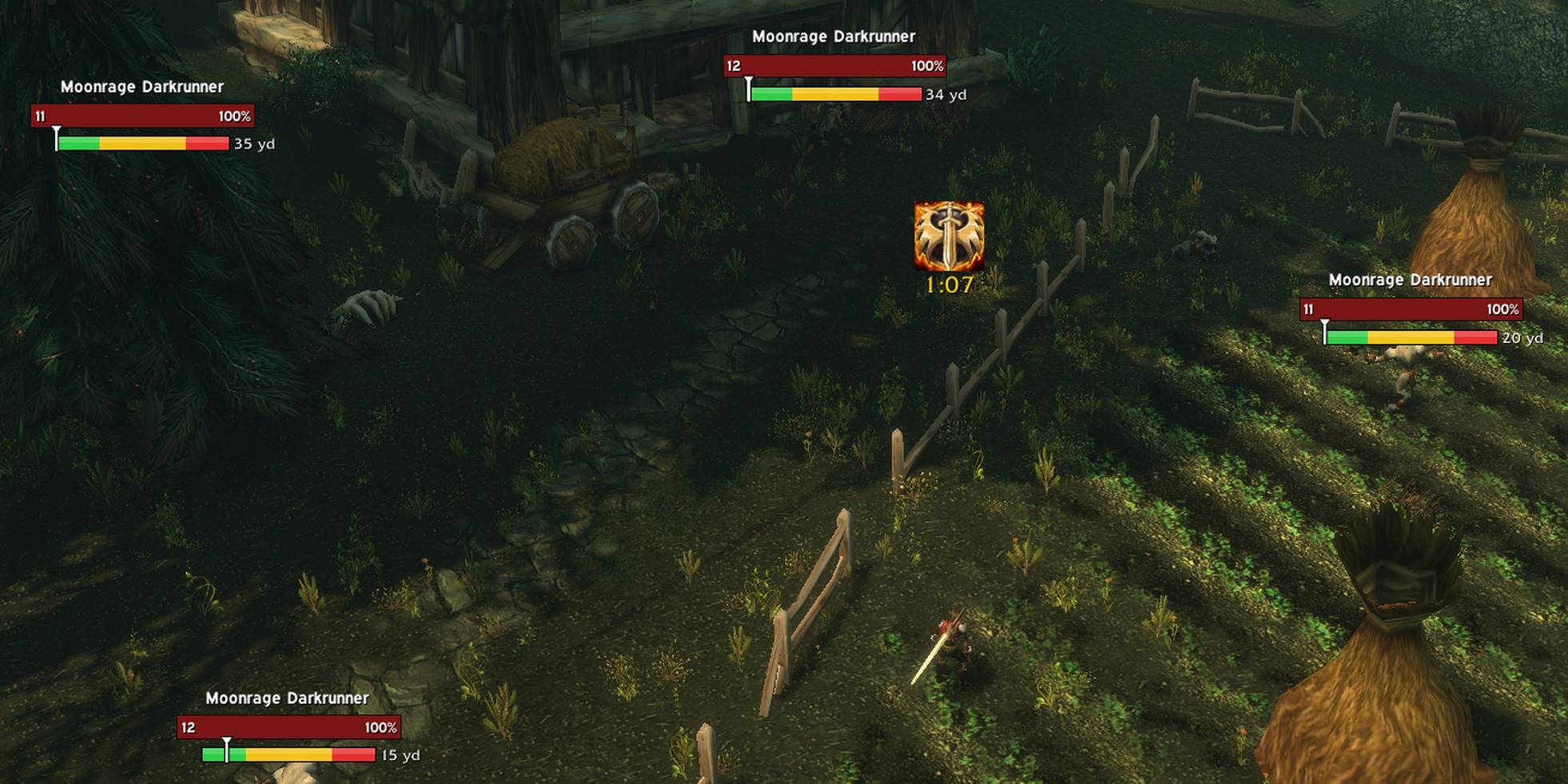
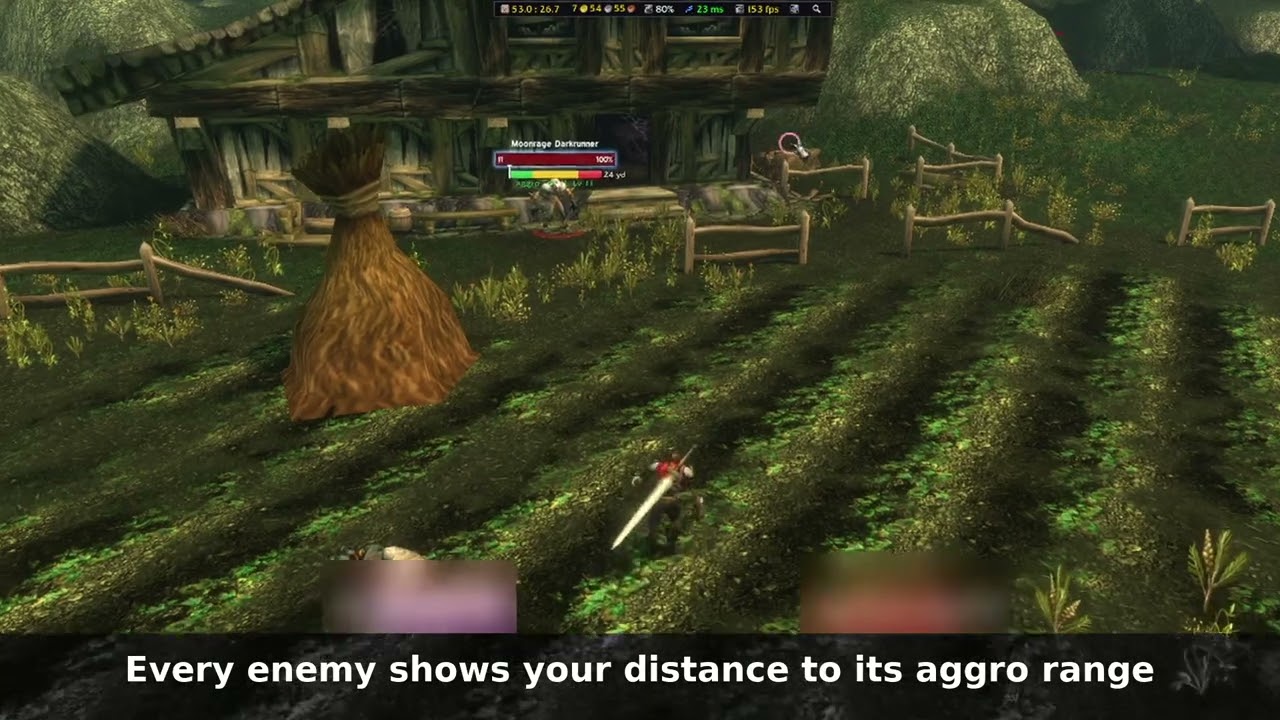
Every enemy nameplate gets a small gauge:
- 🟩 Green – safe, you have room
- 🟨 Yellow – getting close, slow down
- 🟥 Red – inside the mob's aggro range (the start of red is the aggro point)
The world already shows you where each mob is. Aggro Gauge shows you how close you are to pulling it.
Two styles – a Bar under each nameplate (a bright color strip with a pointer for you and your distance beside it) or a vehicle-style Dial beside it. A soft heartbeat plays as you near the red zone (or pick a drum, chime, tick or map ping).
It learns as you play
WoW doesn't tell addons how far a mob can notice you. Aggro Gauge starts from real data (~15 yards at the same level, about 1 yard less per level you're above the mob) and gets more accurate every time a mob notices you on its own. It learns per mob, per creature type, and elite vs. normal, adjusted for level. Fights you start yourself are ignored so they don't skew the numbers.
Stealth-aware
While you're stealthed (Stealth, Prowl, Shadowmeld) the red zone shrinks, and the addon learns the real number from your own stealthed aggros. Mobs that can see through stealth keep their full range and are flagged SEES STEALTH.
Pinpointing
The game only measures distance at a few fixed checkpoints. Between them, Aggro Gauge uses your own movement to work out the real distance (e.g. "16.4 yd") instead of a guess.
Built for tanks: pull preview
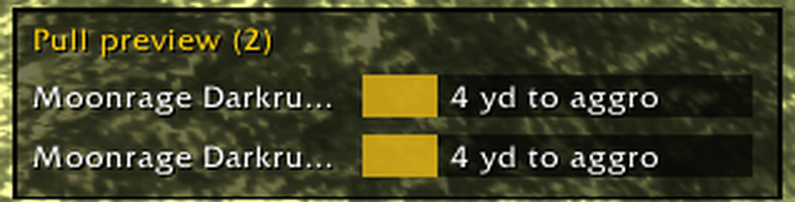
Out of combat, a small panel lists every mob — from any pack — you're about to pull: "IN RANGE" or "2 yd to aggro", plus "usually +2" for mob types that tend to bring friends.
When something chases you
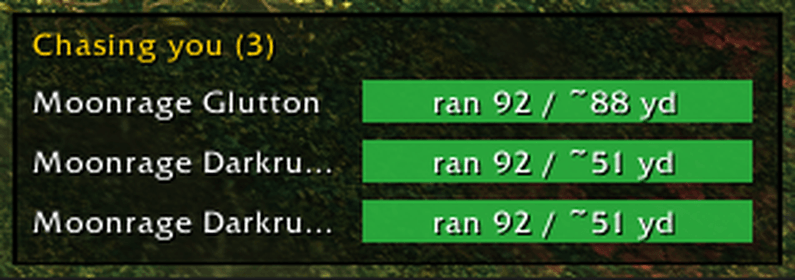
The gauge becomes a chase meter showing how far you've run from where the mob noticed you. The "Chasing you" panel lists every mob after you — even the ones behind you — and learns when each kind of mob gives up.
Plays nice
- Light on your PC – built to stay fast even with lots of mobs on screen.
- Other players' fights – no gauge on mobs another player outside your group is fighting or has tagged.
- Safety net – if any part hits an error, it's logged once and that part switches itself off; the gauges keep working.
Languages
English, German, French, Spanish (EU and Latin America), Brazilian Portuguese, Italian, Russian, Korean, Simplified and Traditional Chinese – picked automatically from your game client. The translations are AI-made, so native speakers: please post corrections in the comments and they'll go into the next update.
Getting started
A short welcome tour shows on first login. Settings: Options → AddOns → Aggro Gauge or /aggro config. All commands: /aggro.
Good for
Hardcore and self-found players avoiding accidental pulls, tanks planning clean pulls, rogues and druids sneaking past packs, and anyone leveling who wants to know the aggro range, aggro radius or pull distance of a mob before walking into it. Works with the default nameplates and popular nameplate addons.
Honest limits
- Distances are estimates; the game deliberately hides enemy positions from addons.
- During combat the game stops answering distance questions, so the chase meter measures your distance from where the mob noticed you.
- Linked/social mobs, mob facing and scripted encounters can't be seen by addons; learning averages them in.
- Learning pauses while you're in a group (the gauges still work).
Feedback and bug reports are very welcome in the comments!
Aggro Gauge Team
