Advanced Market Tool
- By
Wow_3I65HVXTWV.png
Description
Advanced Market Tool
Your prices stay current even when you're nowhere near the auction house. Every player on your realm running Advanced Market Tool shares what they see, so one person's scan updates everyone's tooltips within minutes. Log in, hover an item, and you already know what it's worth.
As more and more people use AMT, prices will be updated almost in real time!
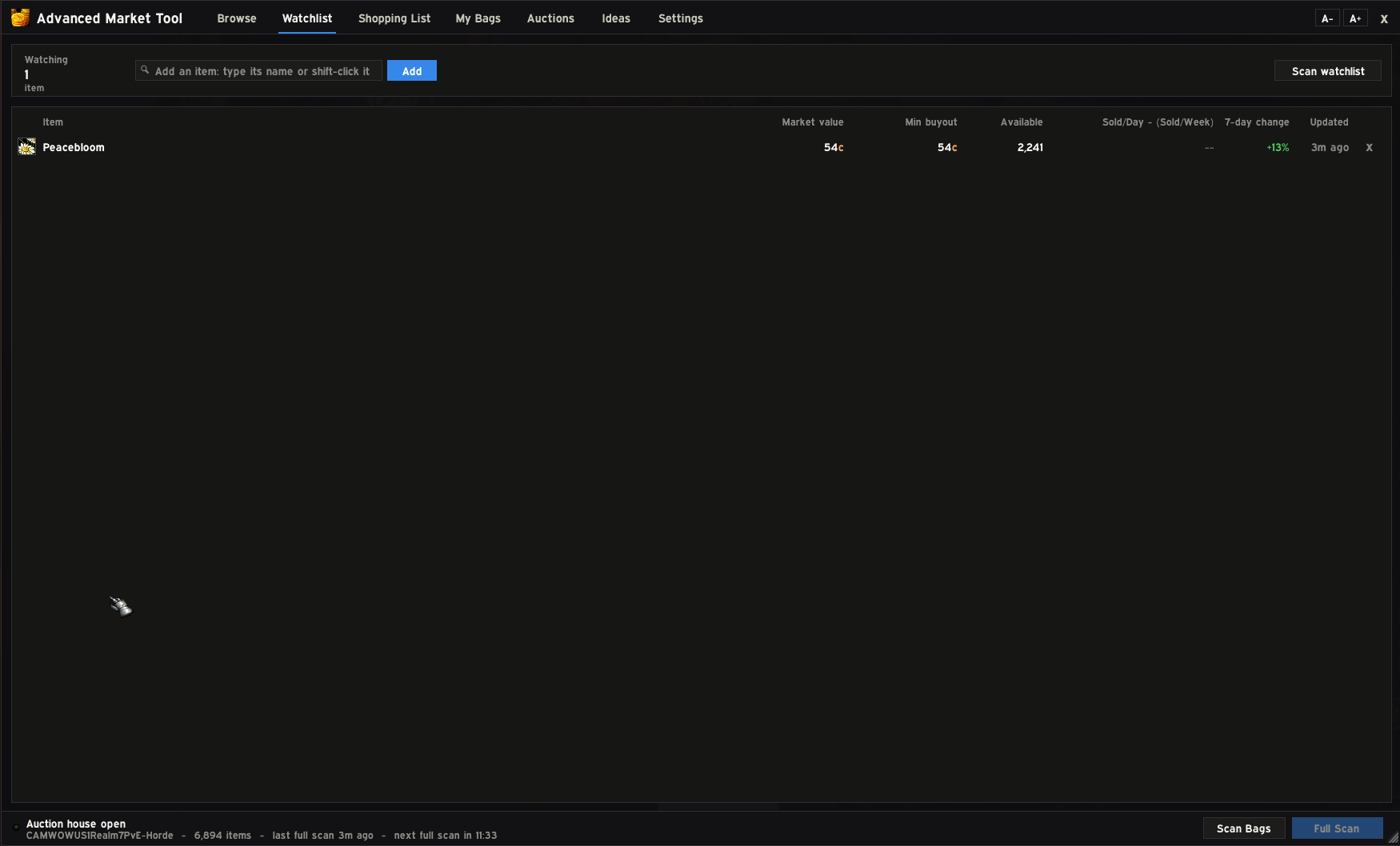
Advanced Market Tool swaps Blizzard's auction house for a faster, cleaner window where browsing, buying, selling and checking prices all happen in one place, so you're never clicking back and forth between tabs. This addon also shares information between users allow players to stay up to date on Auction Houser prices without being at one. AMT also puts the numbers you care about right on your tooltips, and it works on both WoW Forever and Retail.
Prices on every tooltip
Hover any item, anywhere, and you'll see:
- What it sells for on the auction house and what a vendor pays, with the better option in green
- How fast it sells, and a suggested posting price
- The current lowest buyout and how many are listed
- The 7-day average, and whether the price is going up or down
A better auction house window
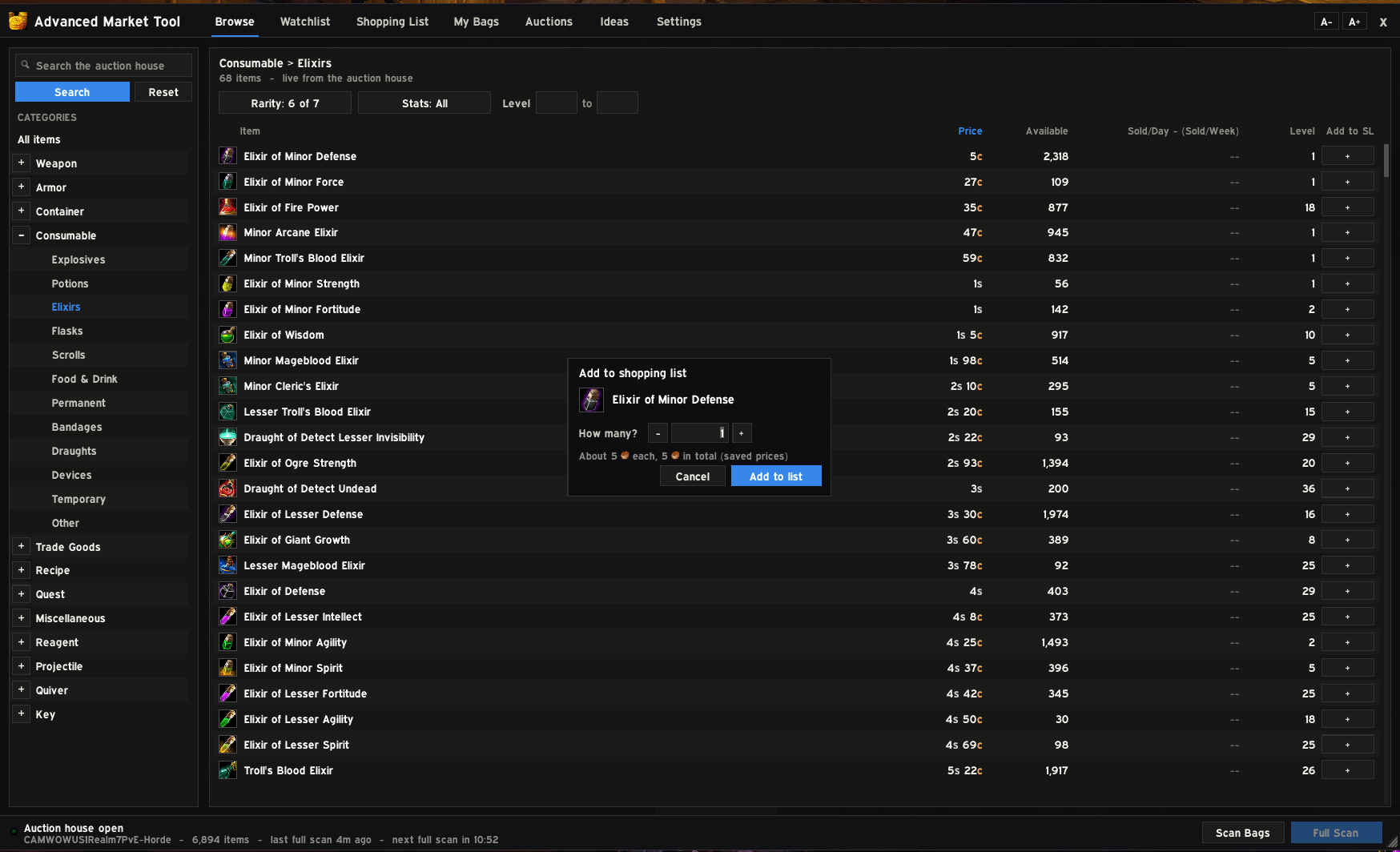
- Browse with the same categories you're used to (Armor > Cloth > Chest and so on), plus filters for rarity, stats and level.
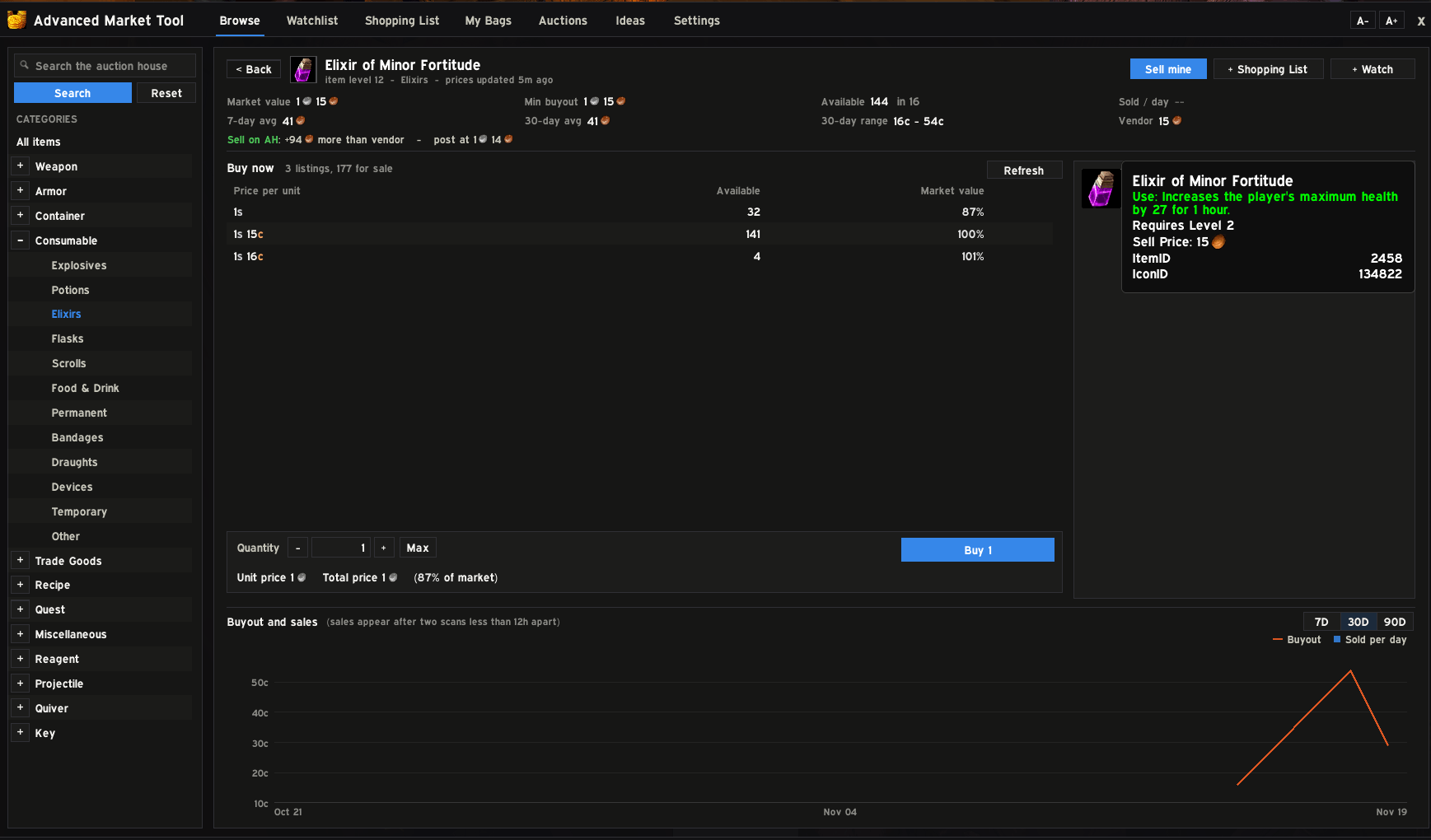
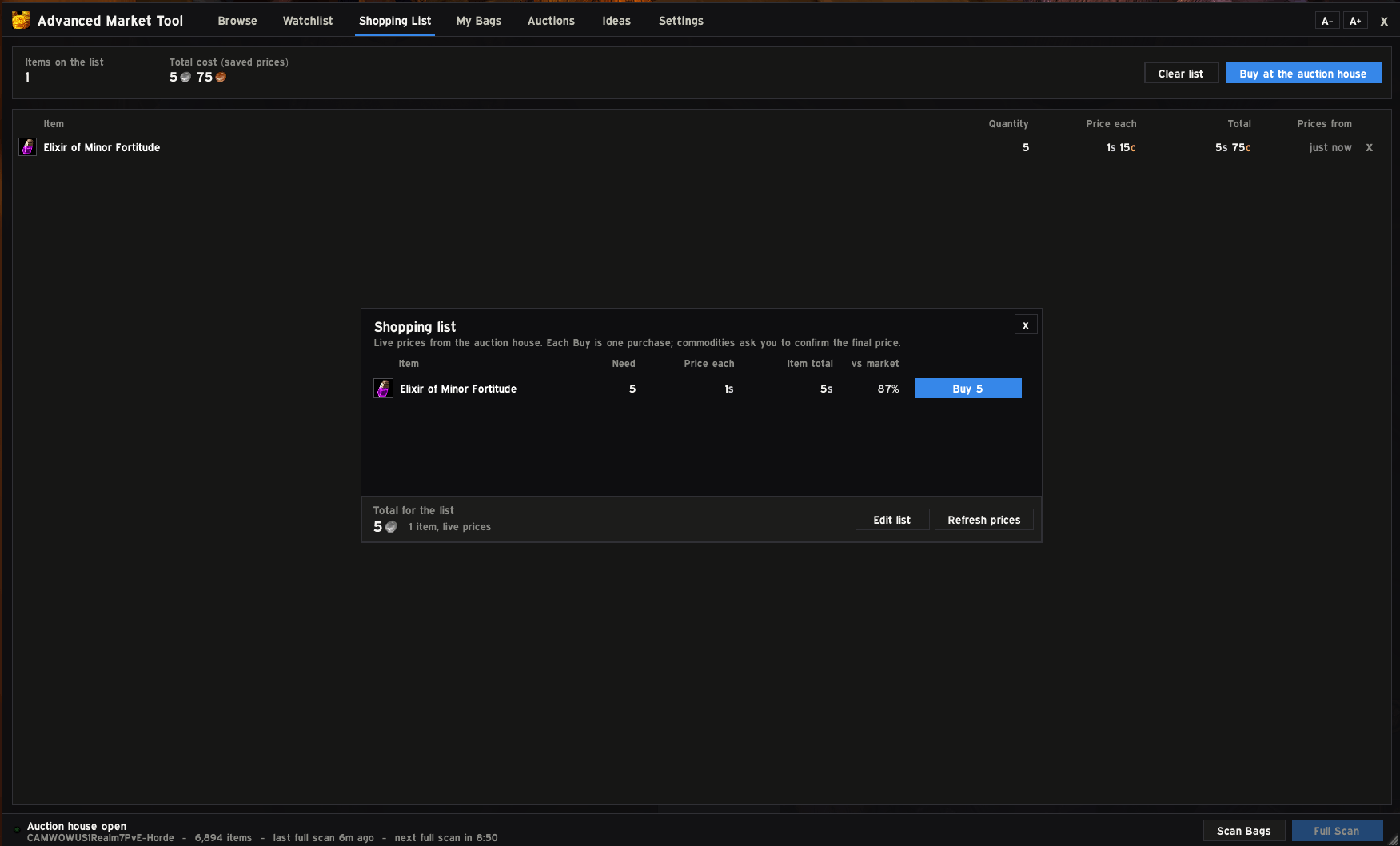
- Buy exactly as many as you want. Use the + and - buttons or type a number. You don't have to buy a whole stack to get the few you need.
- An item card shows the item you selected, its stats and all, so you don't have to hover anything.
- Price history graphs for 7, 30 or 90 days, with supply and estimated sales.
- Every listing shows how it compares to market value, so you can spot a good deal at a glance.
Selling made easy
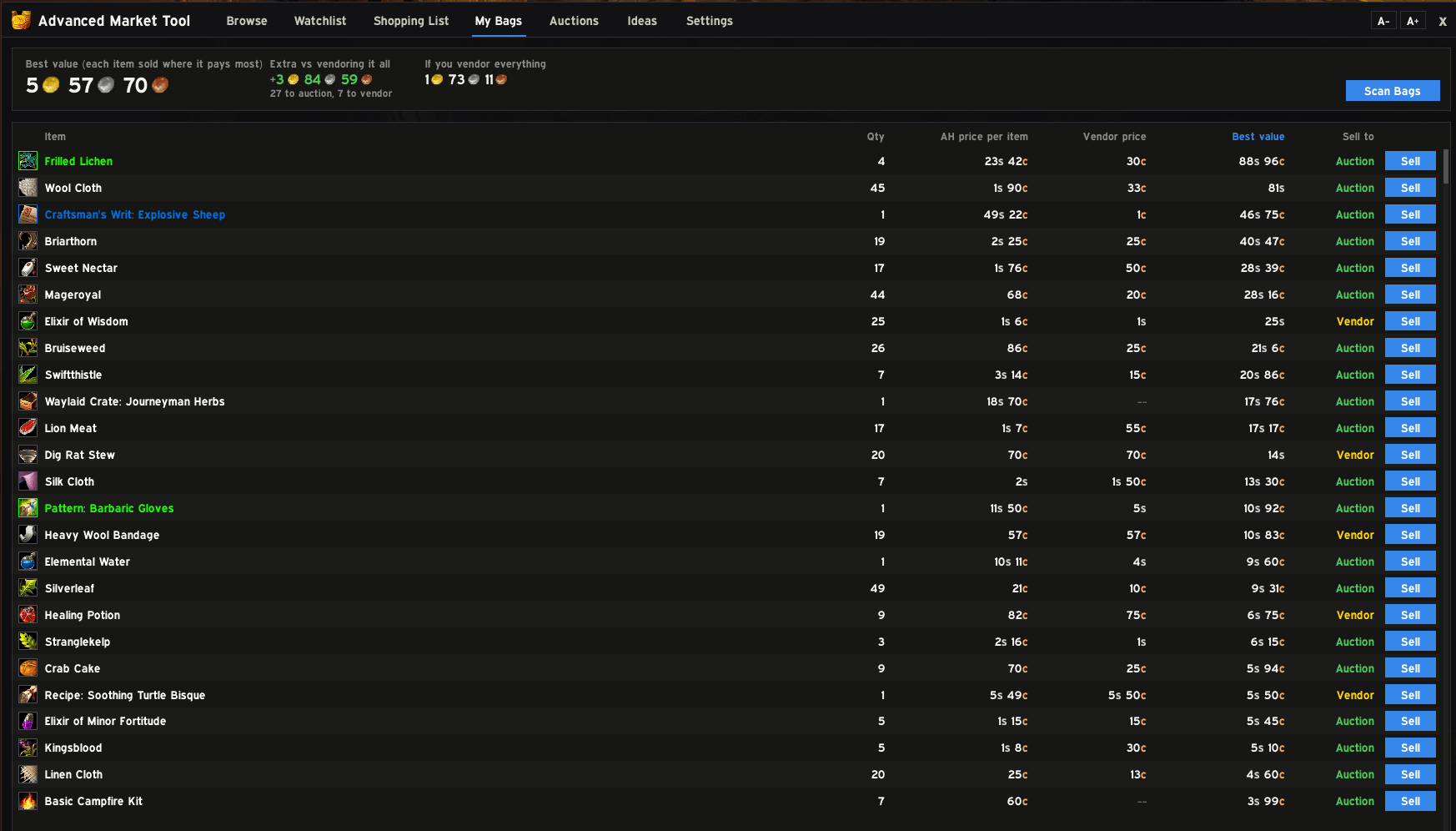
- My Bags lists everything you can sell, with the auction house price, the vendor price and where you should sell it.
- Right-click or Alt + click an item in your bags to open it straight in the sell panel.
- The sell panel suggests a price and has one-click Undercut and Market buttons. It shows your deposit and what you'll actually get, and warns you if a vendor would pay more.
- The Auctions tab shows your listings and sales, with the cost to cancel.
Ideas for making gold
The Ideas tab shows best sellers, rising prices, deals listed well under value, and vendor flips (items listed for less than a vendor pays). It also shows which crafts are actually worth making.
Crafting profit
Open a profession window and you'll see what each recipe sells for, what it costs to make, and your profit. A side panel tells you whether to craft it or sell the materials.
Shared prices
Players using the addon can share prices with their guild, or with the realm through a hidden channel. Your prices stay fresh even when you haven't scanned in a while. When enough prices are already fresh, the addon skips the full scan, so the auction house opens faster. Sharing is slow and invisible: it uses hidden addon messages, never chat, and pauses during combat and in instances. Only item prices are shared, never anything about you.
Good to know
- It's free, with no ads and no paid features.
- Every purchase and every post needs your own click. Nothing is ever bought or posted automatically.
- Your prices are saved per realm (and per faction on Forever), and updating the addon never wipes them.
- You can resize the window, change the text size, and choose from several fonts.
- If you'd rather use Blizzard's auction house window, untick one box in Settings.
Slash commands
- /amt opens the window
- /amt scan runs a full scan
- /amt bags prices just the items in your bags
- /amt share shows price sharing status
Advanced Market Tool Team