
Advanced Gold Tracker
- By

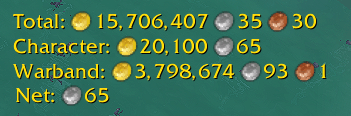
Multiple window support allows you to track different gold metrics easily!
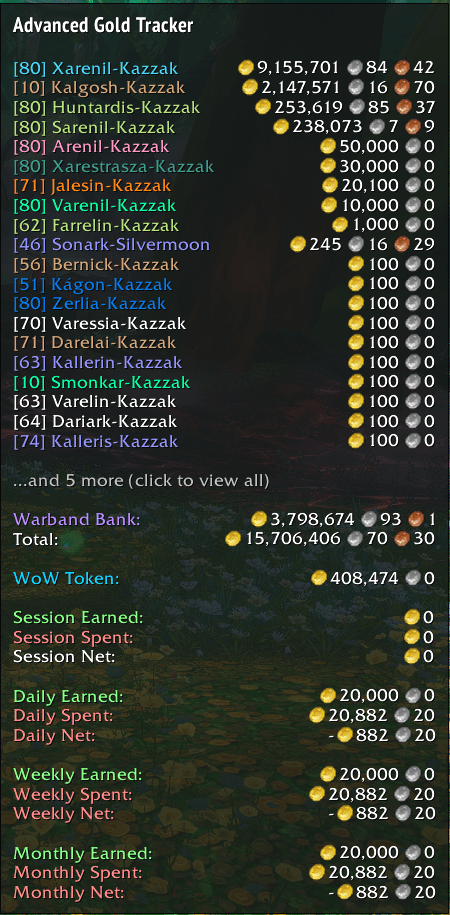
This is the tooltip with most options enabled
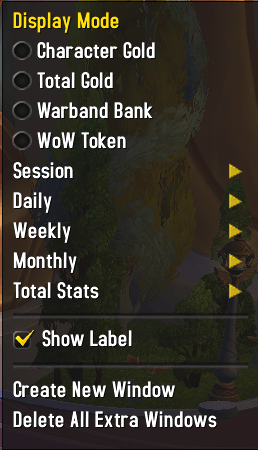
Choose what you want to display per individual window
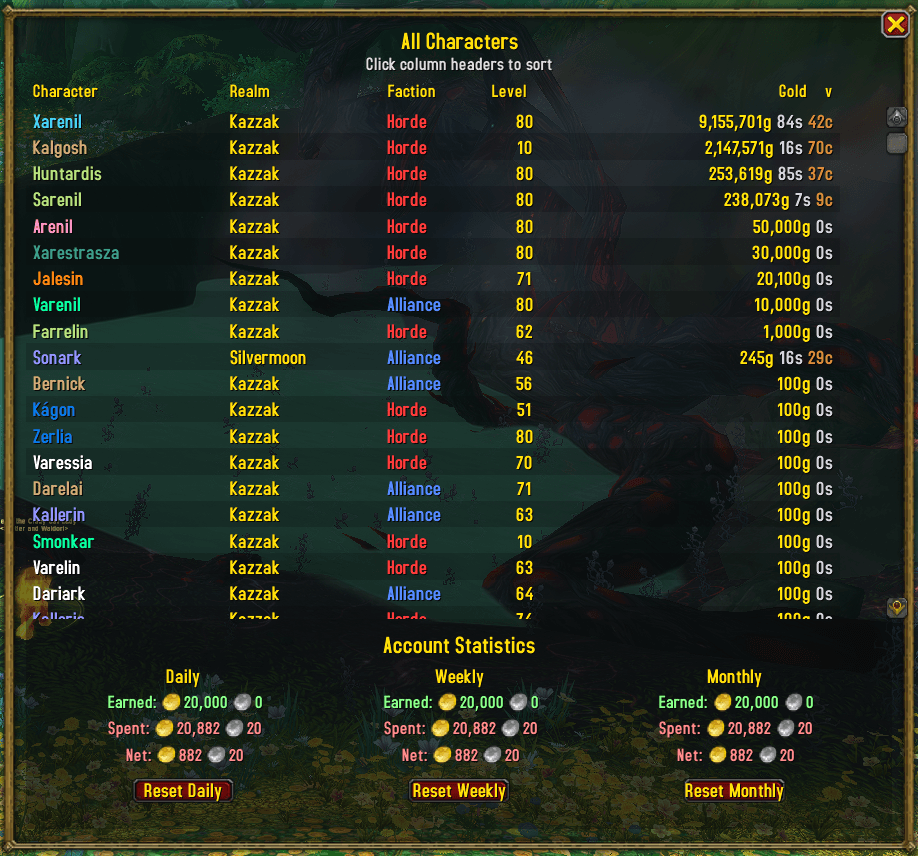
View all your characters, their gold and account statistics from today, weekly or monthly!
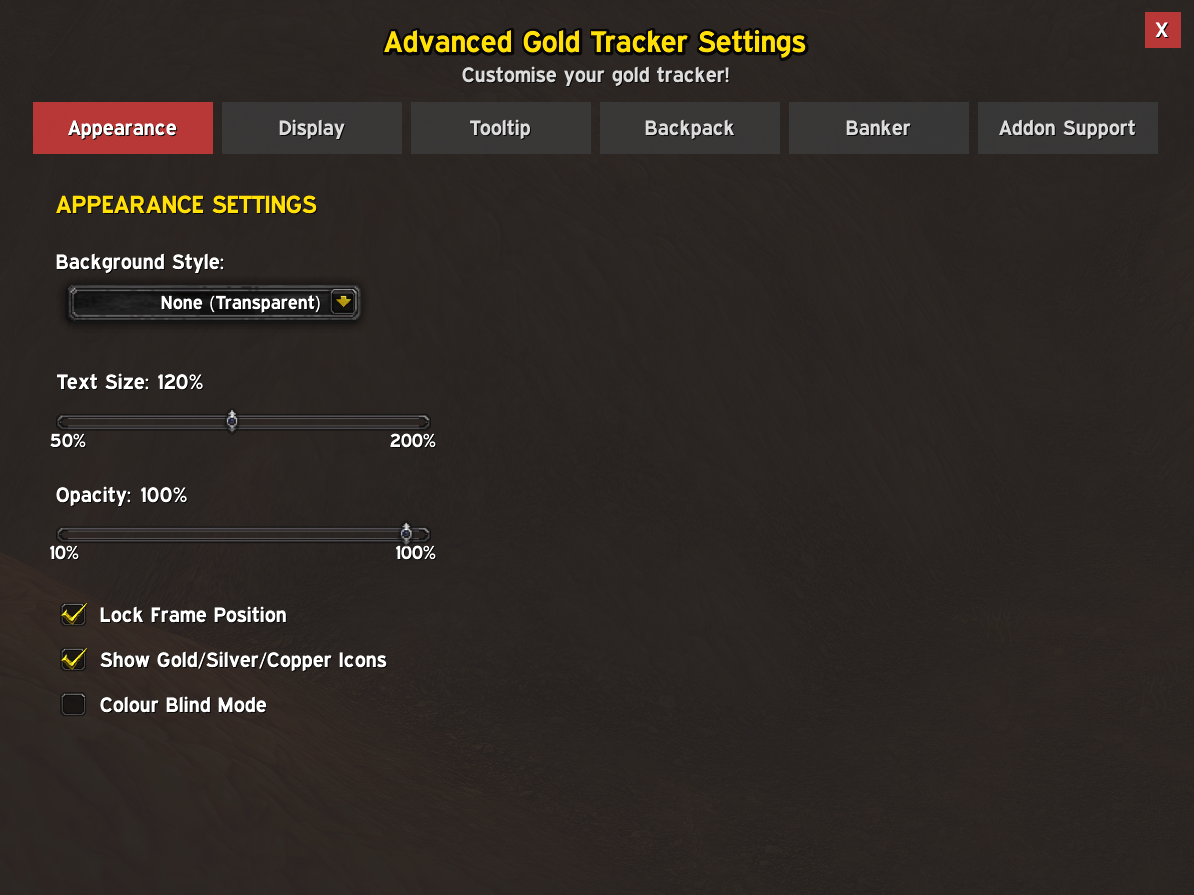
Change basic appearance settings such as opacity, text size and an optional colour blind mode.
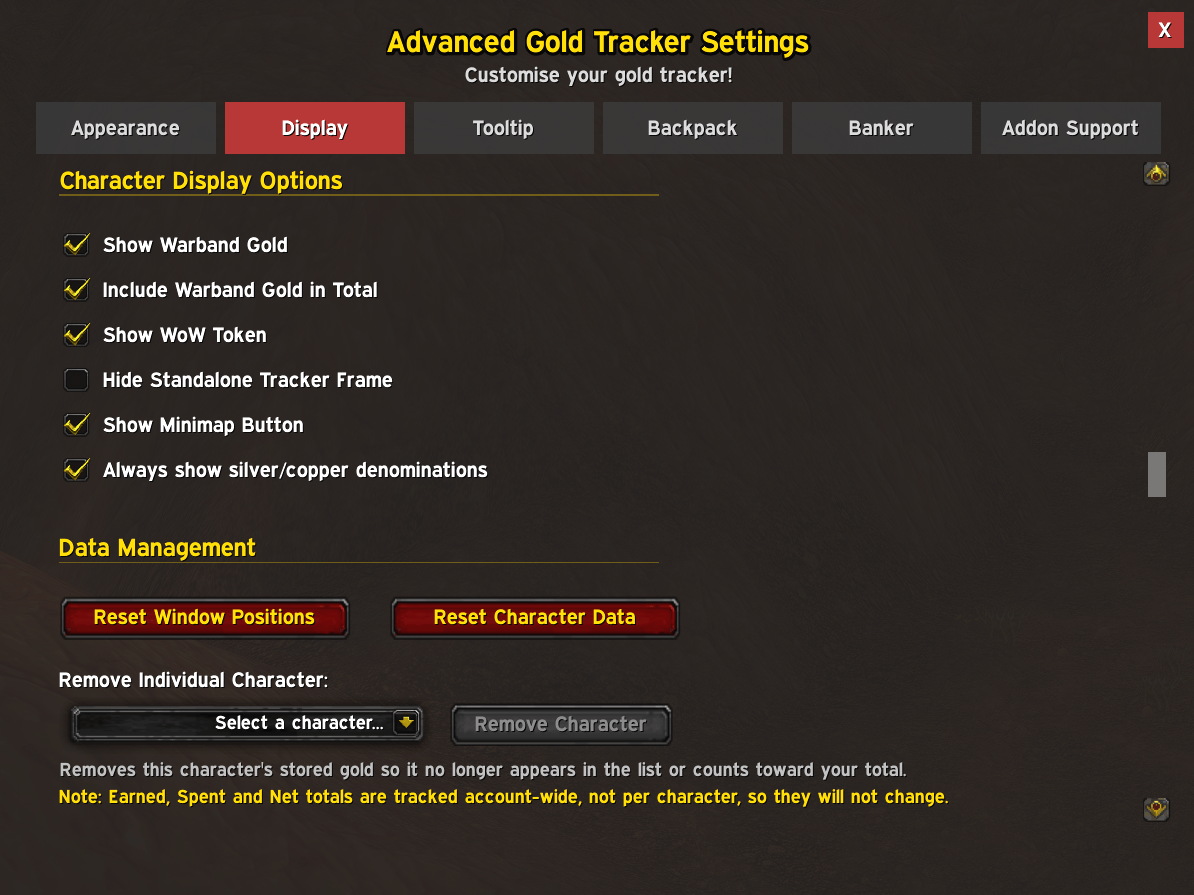
Change options affecting the standalone tracker frame. You can also remove characters from appearing in the tooltip, character list and total gold on this page.
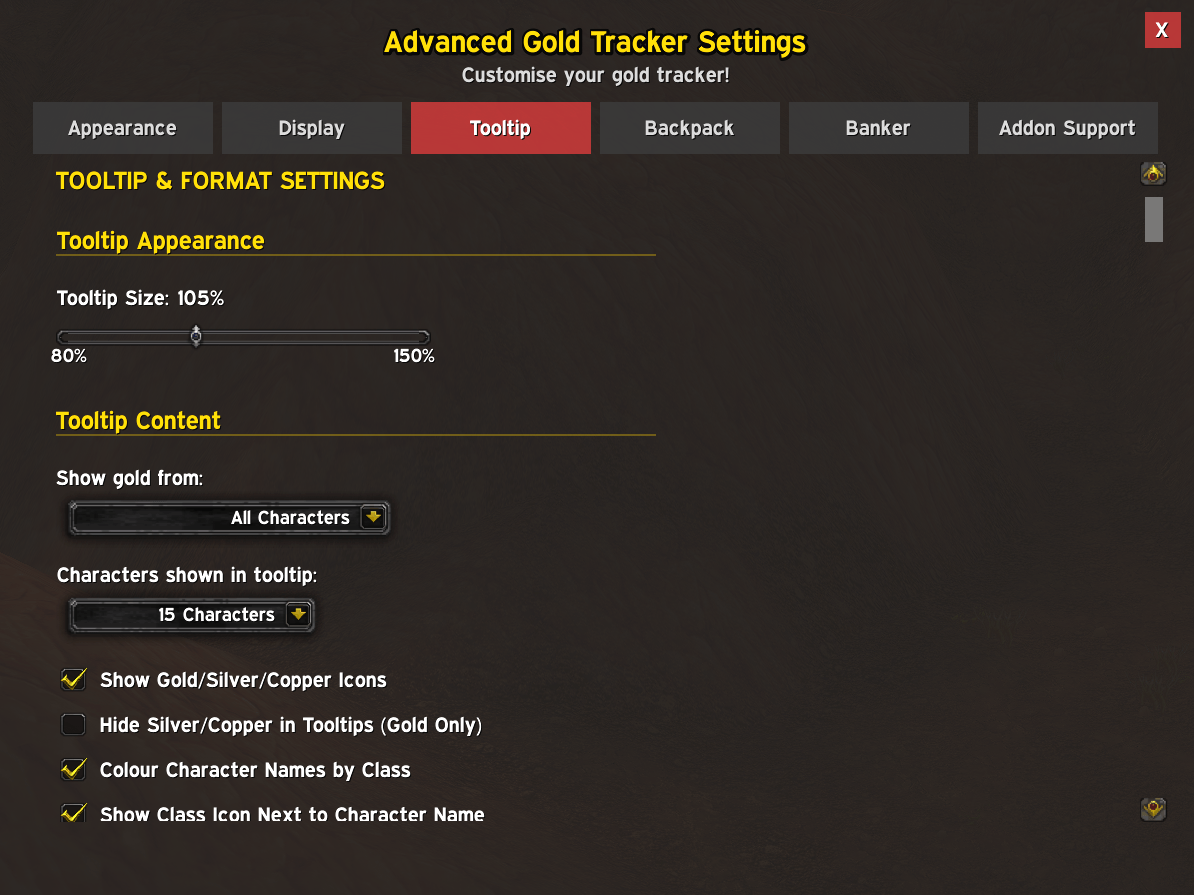
Change how the tooltip looks and what data it displays. There's a lot of options on this page such as tooltip size, character settings, statistics range and the ability to reset this data.
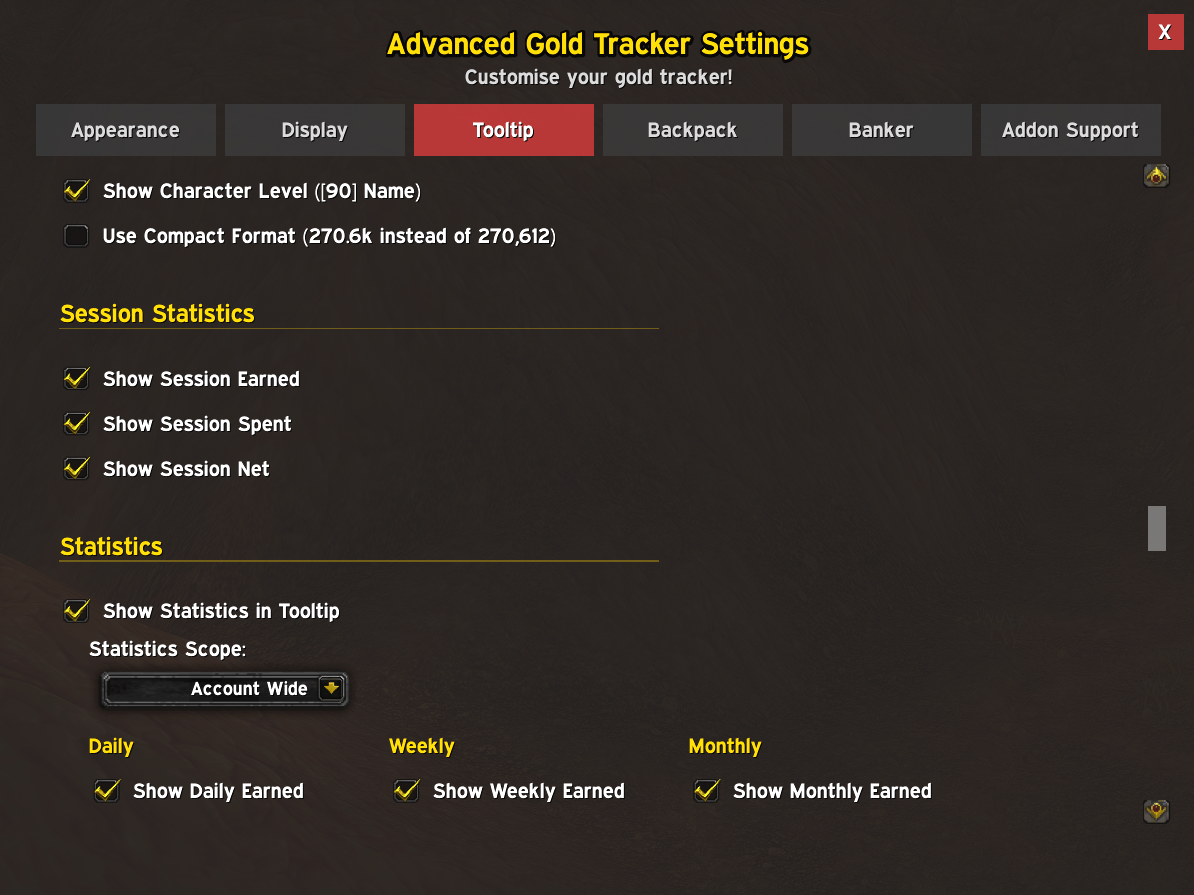
Change how the tooltip looks and what data it displays. There's a lot of options on this page such as tooltip size, character settings, statistics range and the ability to reset this data.
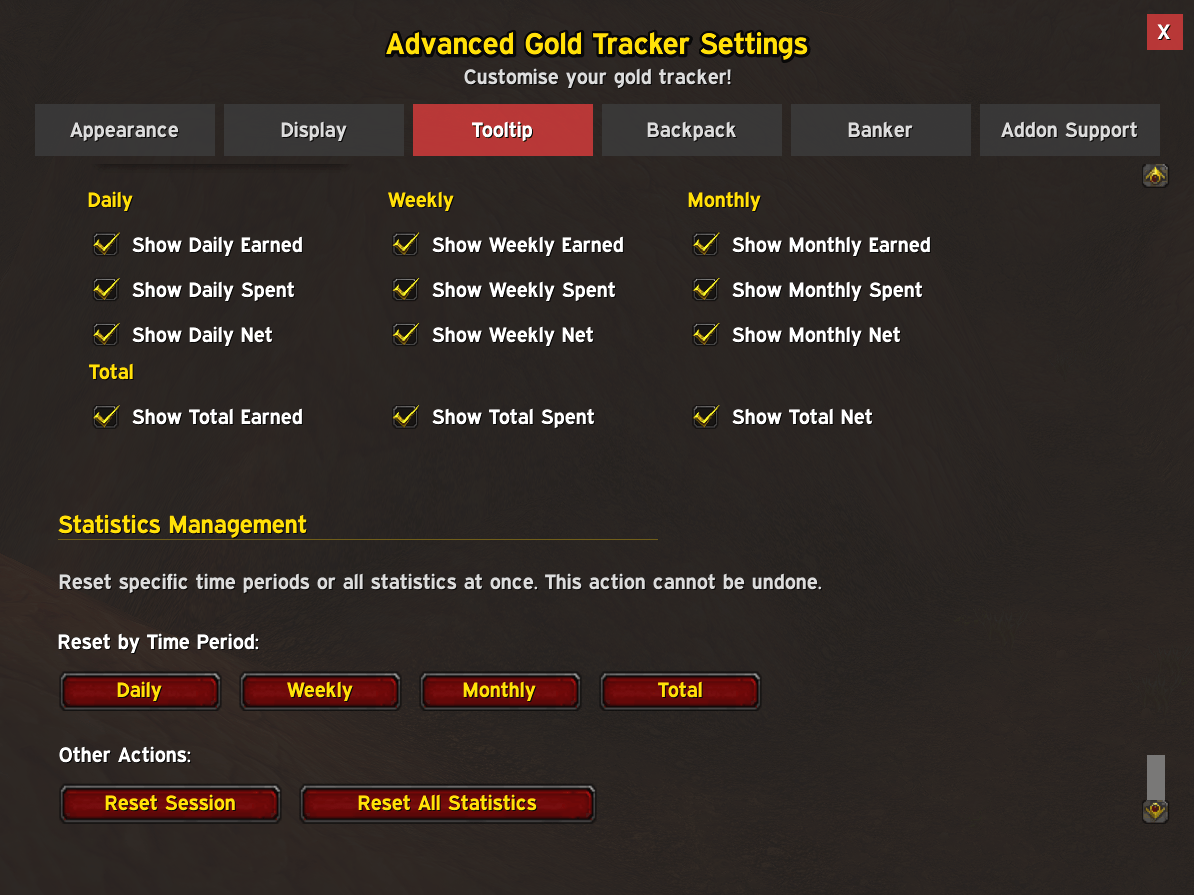
Change how the tooltip looks and what data it displays. There's a lot of options on this page such as tooltip size, character settings, statistics range and the ability to reset this data.
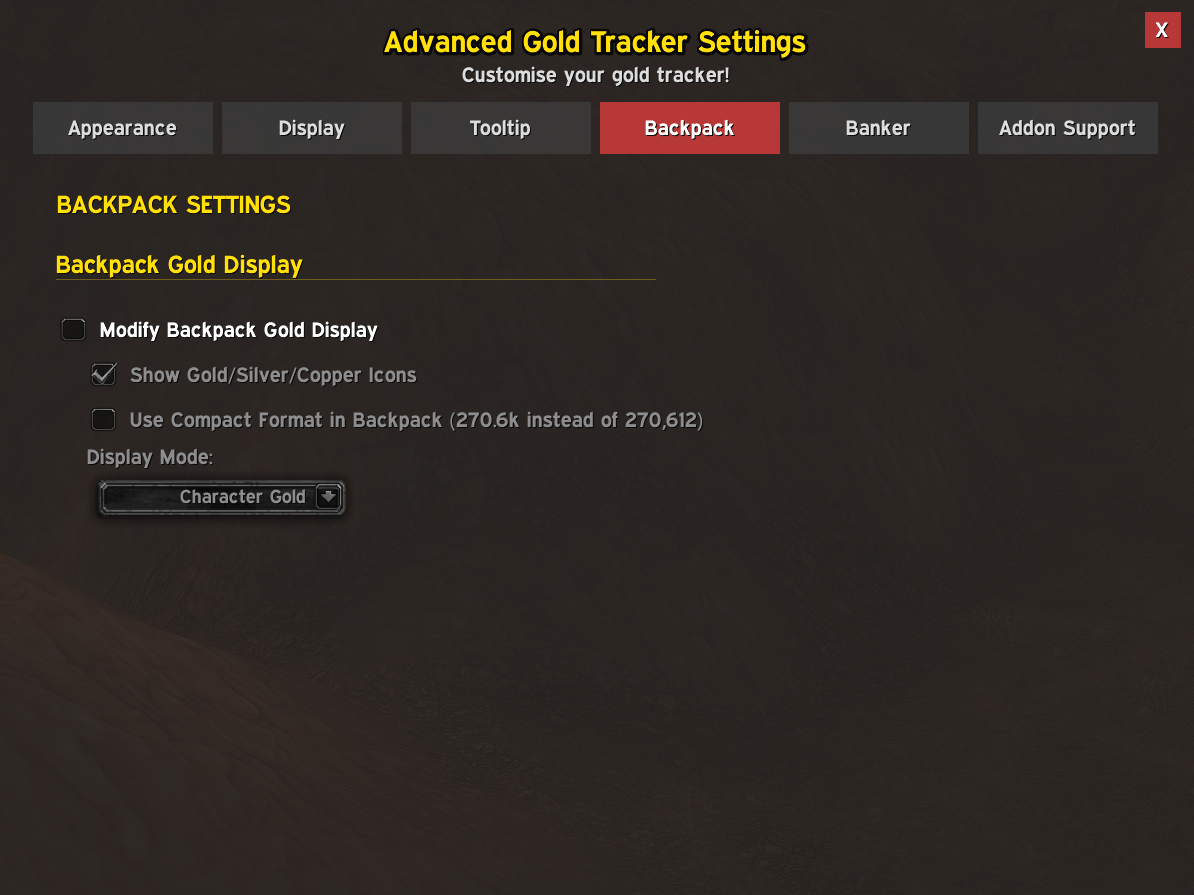
Enable or disable the backpack gold display here, with a couple of settings for this.
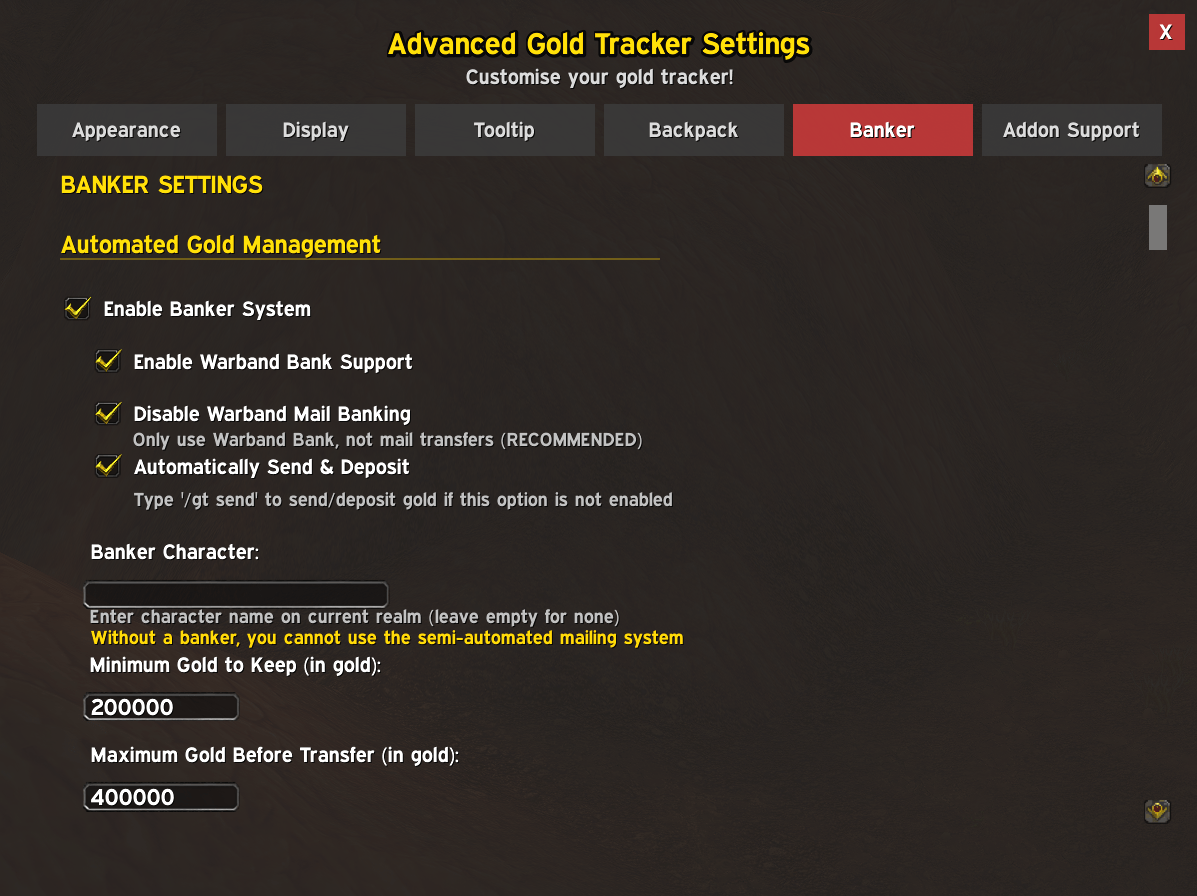
Utilise automatic gold depositing into Warband Bank or using mail. With this enabled, when you open bank/mail and your character has more gold than the maximum gold before transfer, it will deposit all your gold except your minimum gold to keep value.
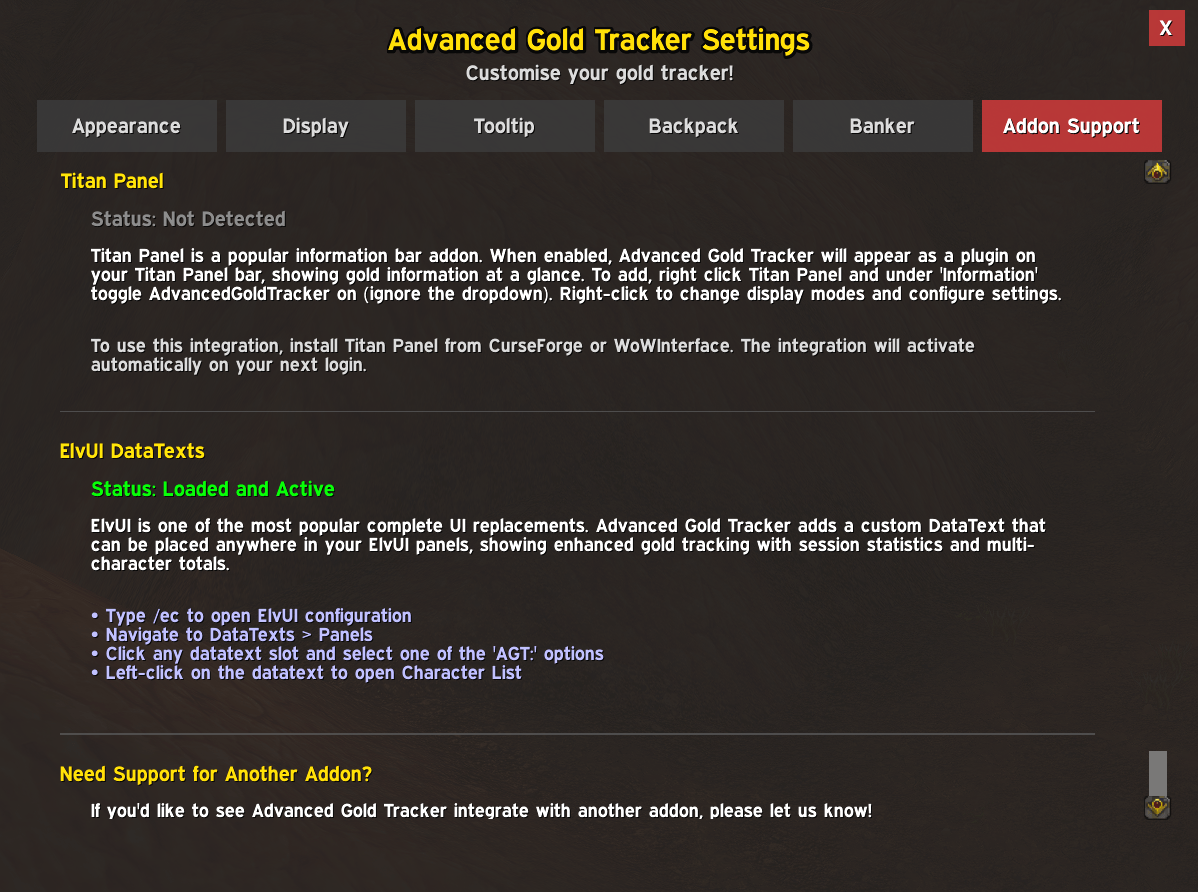
Right now we only support TitanPanel and ElvUI. This page will help you to show Advanced Gold Tracker on either of those two addons if you have them installed.

An example of Advanced Gold Tracker being used in an ElvUI DataText (customisable)

An example of Titan Panel with Advanced Gold Tracker statistics showing (customisable)