


Addon Mgr
- By

This allows the currently loaded addons to be changed without reloading. This also allows saving sets of addons.
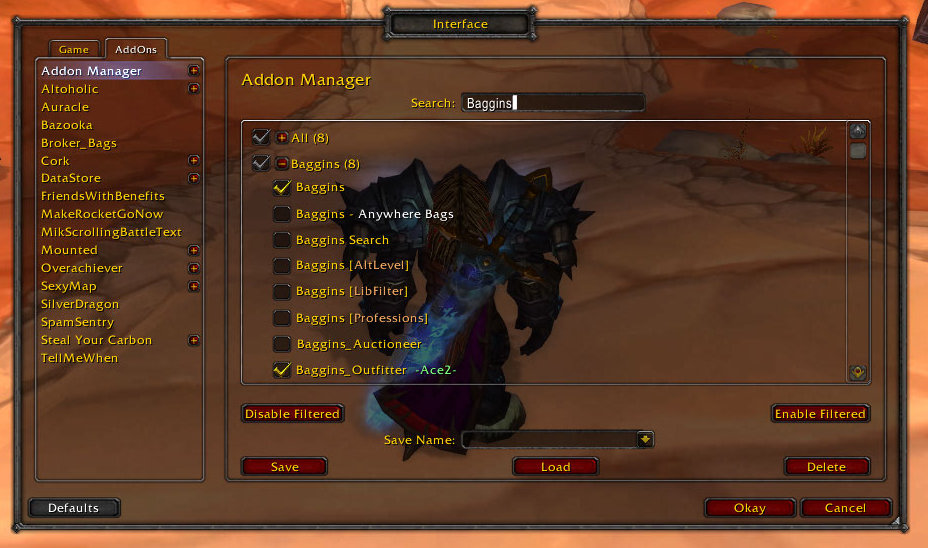
This shows the search function. Searching hides all addons that do not match. Searching also allows you to enable or disable just the matching addons.
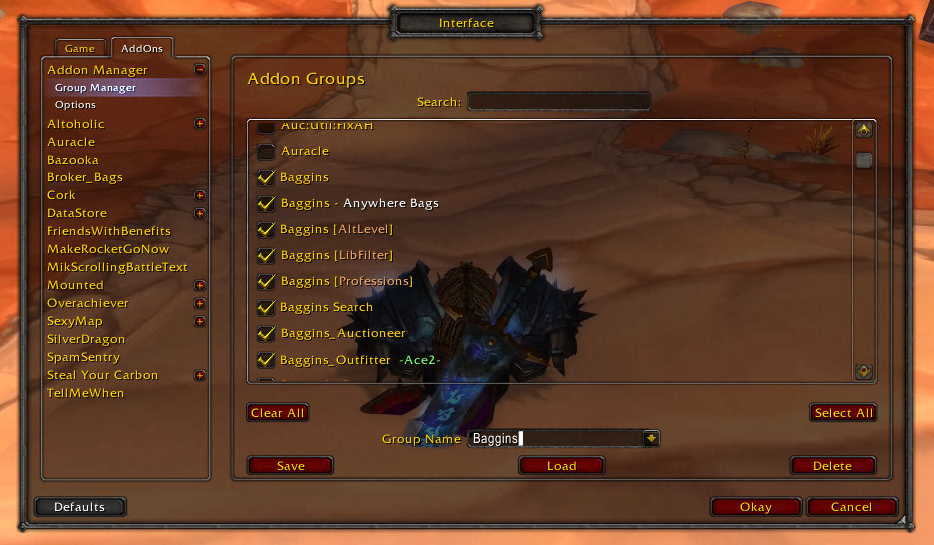
This shows the Group Manager, which is used to create the groups that are shown in the Addon Manager. As you can see it is very similar to the Addon Manager in layout.
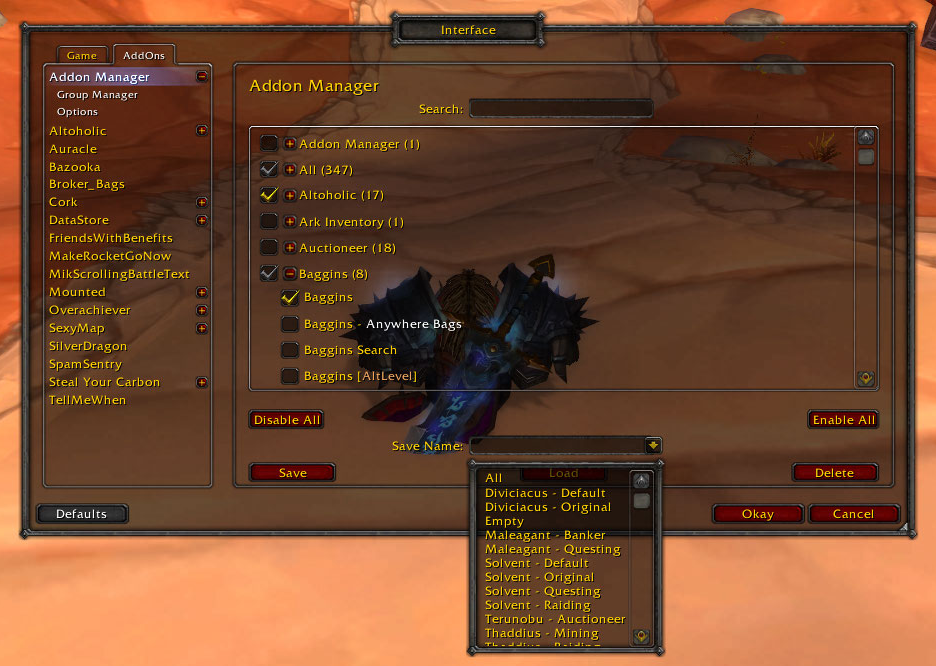
This shows the drop down menu for saves. After selecting a save you need to press the load button to load it.
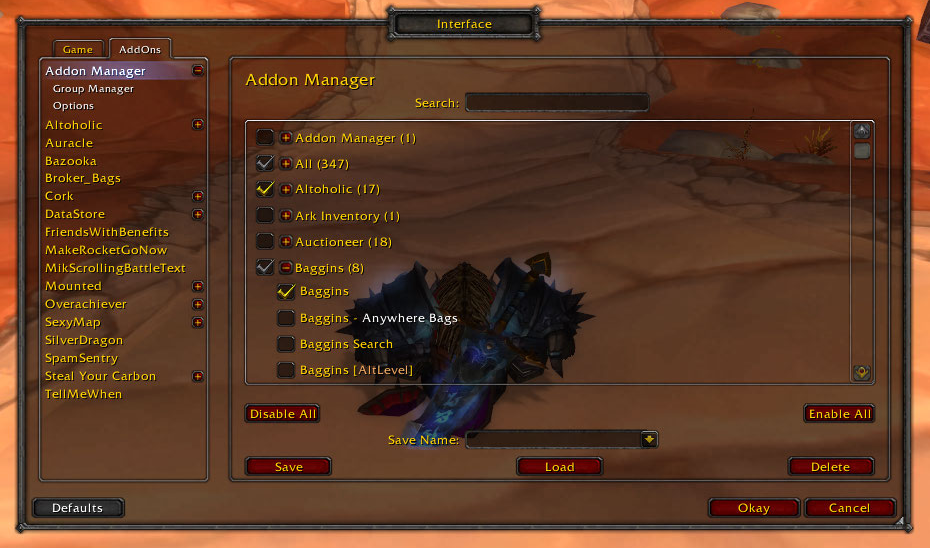
This shows the main window of the Addon Manager. You can reach this through the Blizzard AddOn Interface.