AddonManager Retail/Forever
- By
A powerful, multilingual addon manager for WoW Retail and WoW Forever. Manage addons, profiles, dependencies and compatibility diagnostics directly in-game.
AddonManager
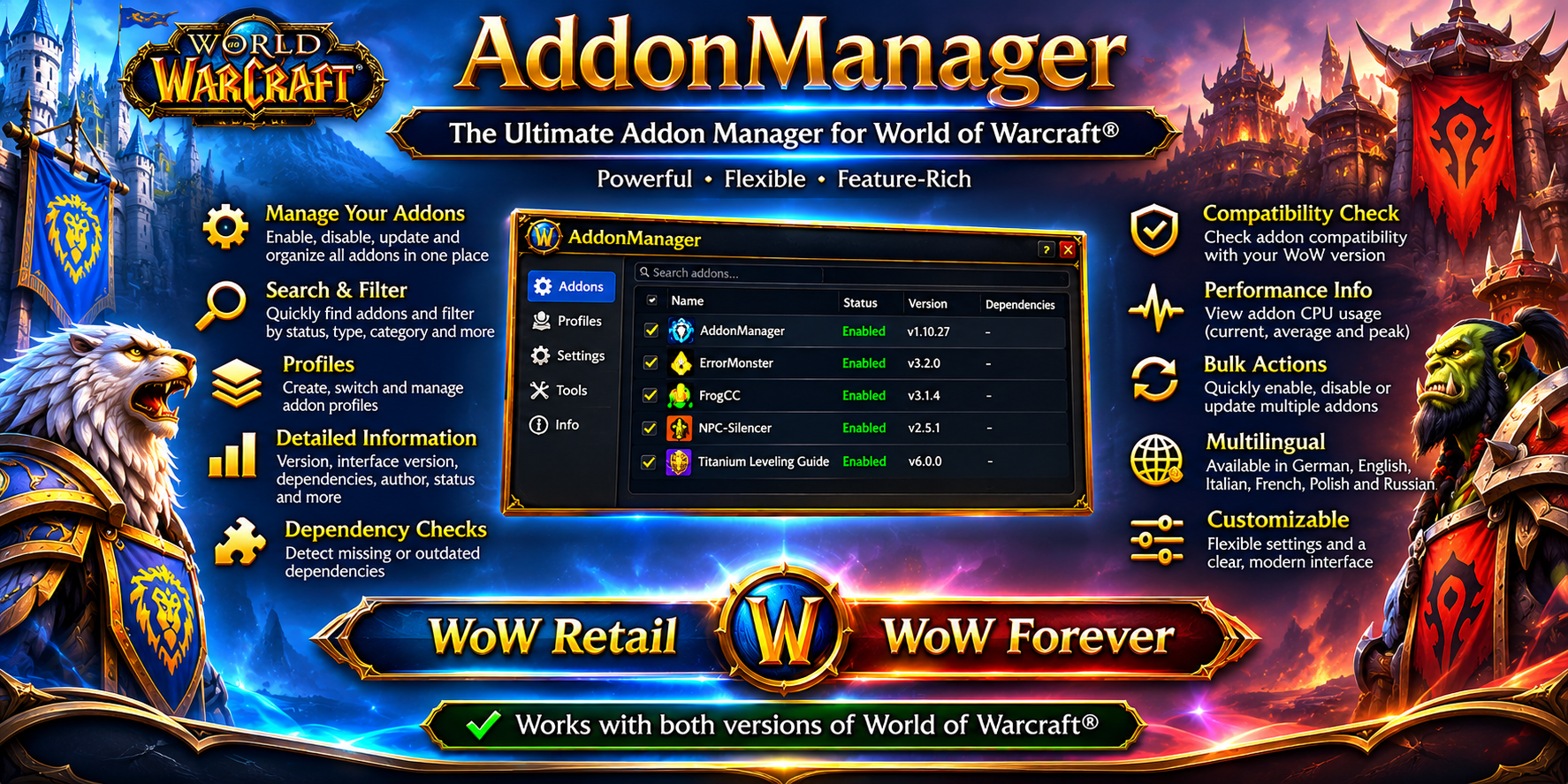
A simple, powerful and multilingual addon manager for World of Warcraft Retail and WoW Forever.
AddonManager gives you a convenient overview of your installed addons and lets you manage them directly in-game. Enable, disable, organize and inspect your addons through a clean and easy-to-use interface.
Features
- Addon Management – Enable and disable installed addons directly in-game.
- Addon Overview – View loaded, enabled and disabled addons in one place.
- Sorting – Sort your addon list by name, enabled status, compatibility status or WoW version.
- Version Sorting – Correct semantic version sorting for addon version numbers.
- Dependency Protection – Warns you before disabling addons that other addons depend on.
- Protected Addons – Prevent important addons from being accidentally disabled.
- Addon Profiles – Save and manage different addon configurations.
- Compatibility Diagnostics – Check addon interface compatibility and identify potential issues.
- Detailed Diagnostics – Inspect addon information and compatibility warnings with helpful explanations.
- Addon Icons – Displays locally mapped icons for supported addons.
- Localization – Automatically detects your game language, with an option to select a language manually.
Supported Languages
- English
- German
- Spanish
- French
- Italian
- Portuguese (Brazil)
- Russian
- Korean
- Simplified Chinese
- Traditional Chinese
Supported Game Versions
- World of Warcraft Retail
- WoW Forever
Both versions are included in one ZIP archive and use separate TOC files. You do not need to download two separate packages.
Commands
Open AddonManager using any of these commands:
/am/addons/addonmanager
Installation
- Download the ZIP archive.
- Extract the
AddonManagerfolder into your WoWInterface/AddOnsdirectory. - Make sure you use the correct TOC file for your game version.
- Start or reload the game.
Author: Schmanlein @Forscherliga
AddonManager Retail/Forever Team