


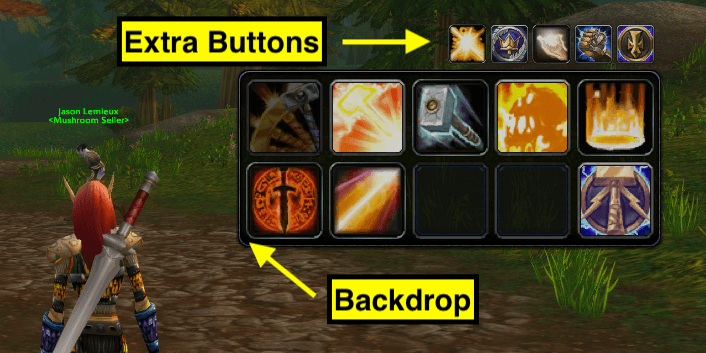
ActionbarPlus offers flexible Extra Buttons that can be placed at the top or bottom of your main action bar frame. Choose from a selection of Backdrops to match your UI style — minimal, sleek, or bold.
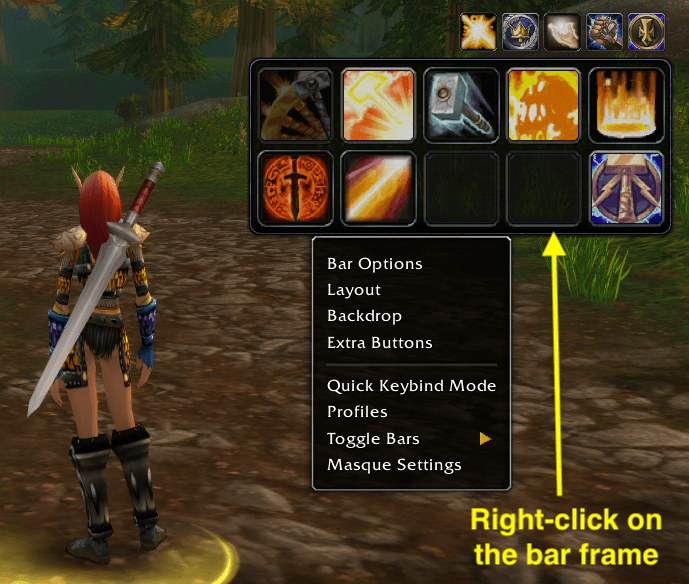
Right-click any ActionbarPlus frame or drag handle to open a contextual configuration menu. Adjust settings, assign spells, or tweak appearance — all without leaving your action bars.
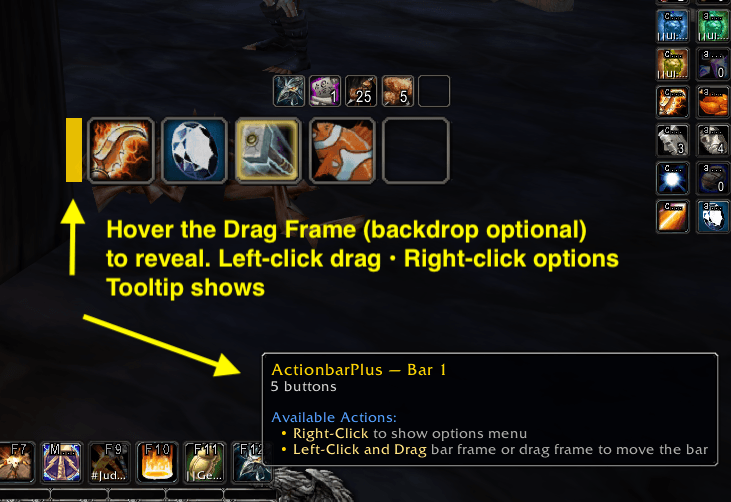
Drag Frame: Left-click to drag, Right-click for options. Hover if bar is hidden. (Backdrop can be disabled in options.)
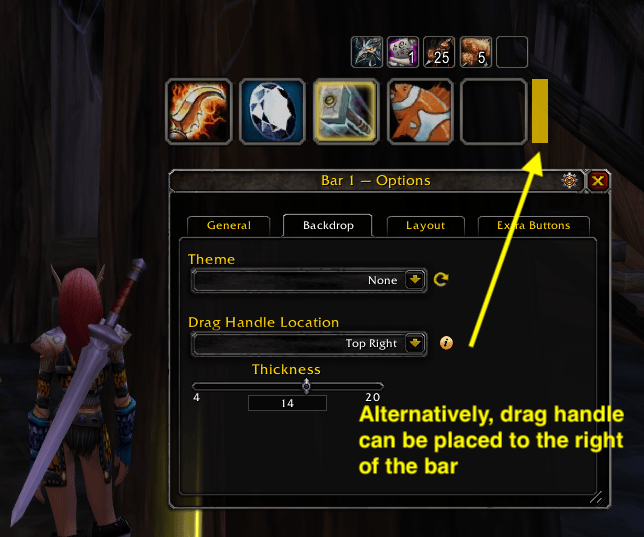
The drag handle can be placed left or right of the first row of the bar frame.
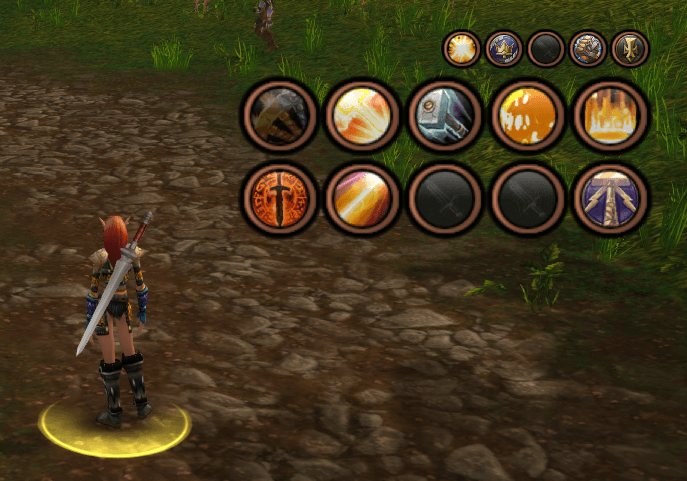
ActionbarPlus with Masque (Skin) — fully customizable action bars with your favorite Masque skin applied.

