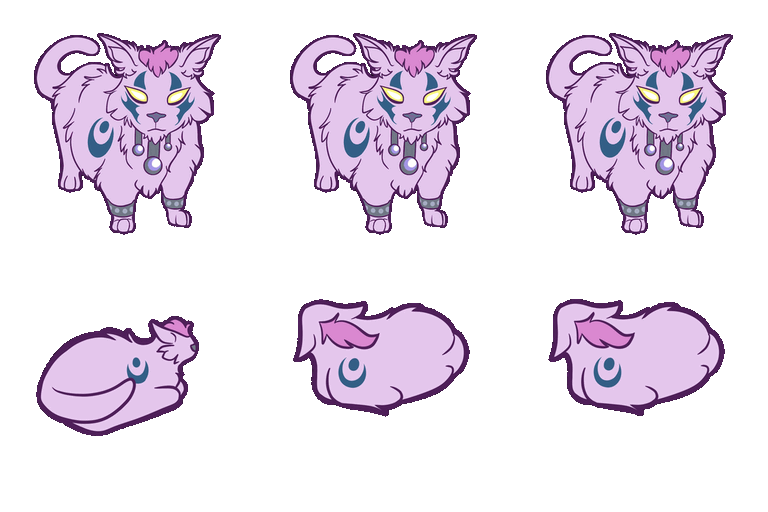
Spinning Cat - by Mychelle
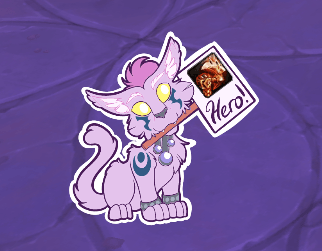
Hero Cat by Mychelle
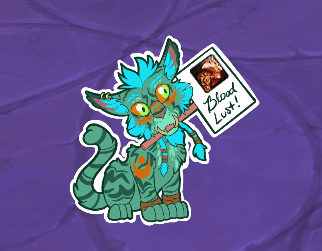
Bloodlust Cat by Mychelle

Prey Ambush Alert - Feline
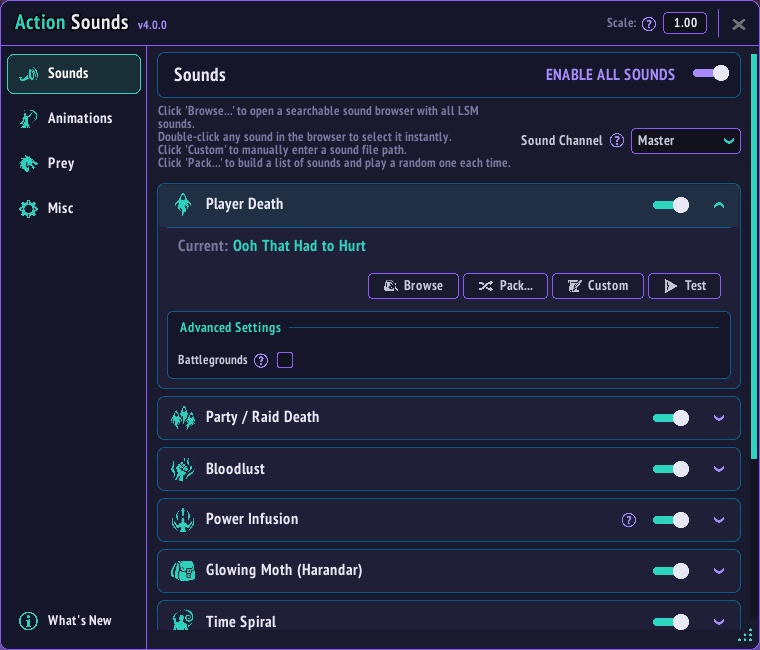
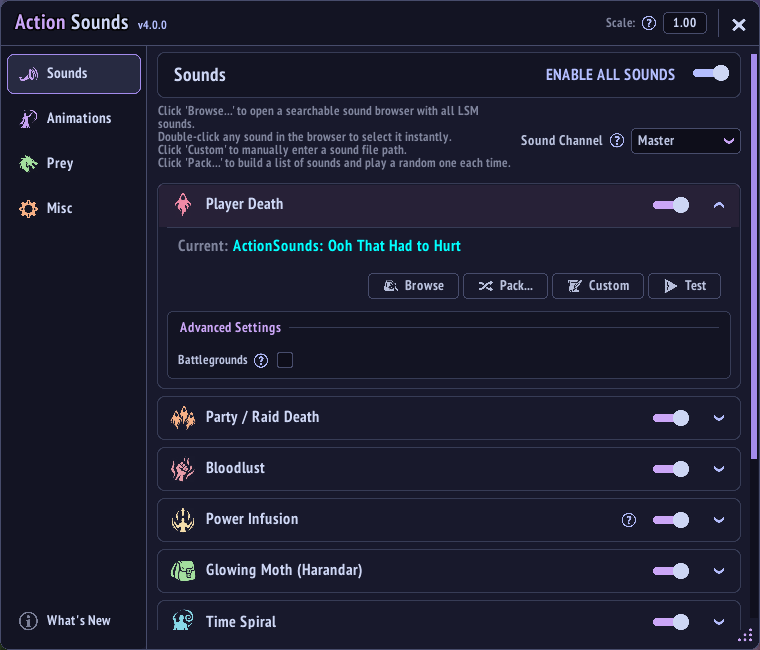
Default theme
Catppuccin Mocha
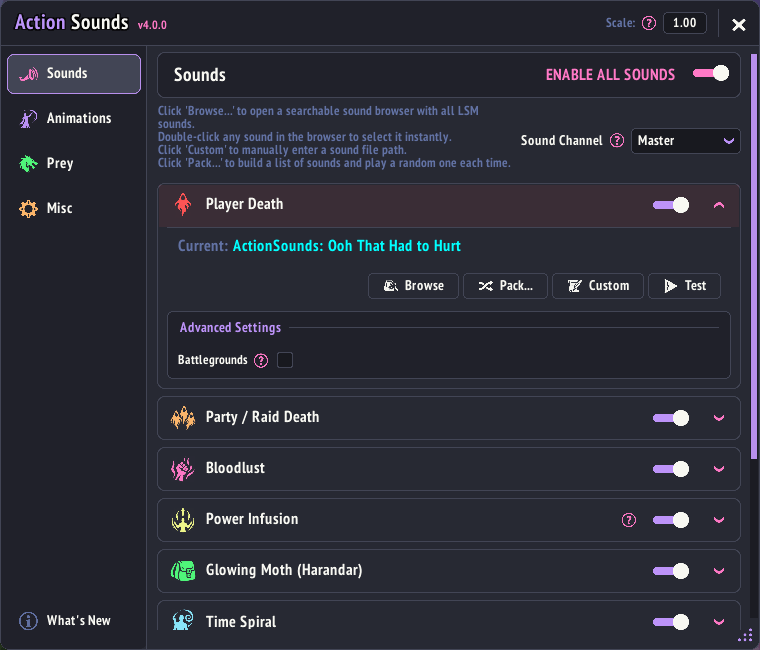
Dracula
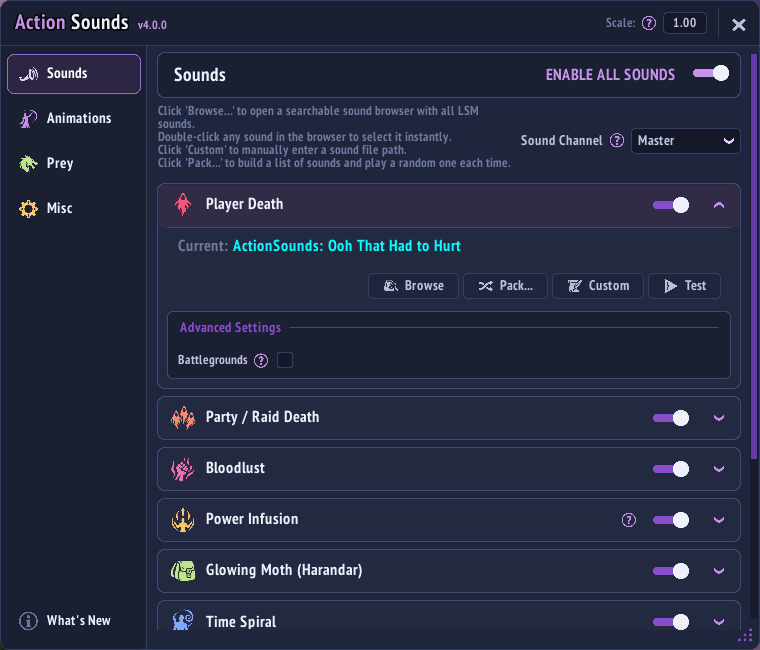
Material Palenight
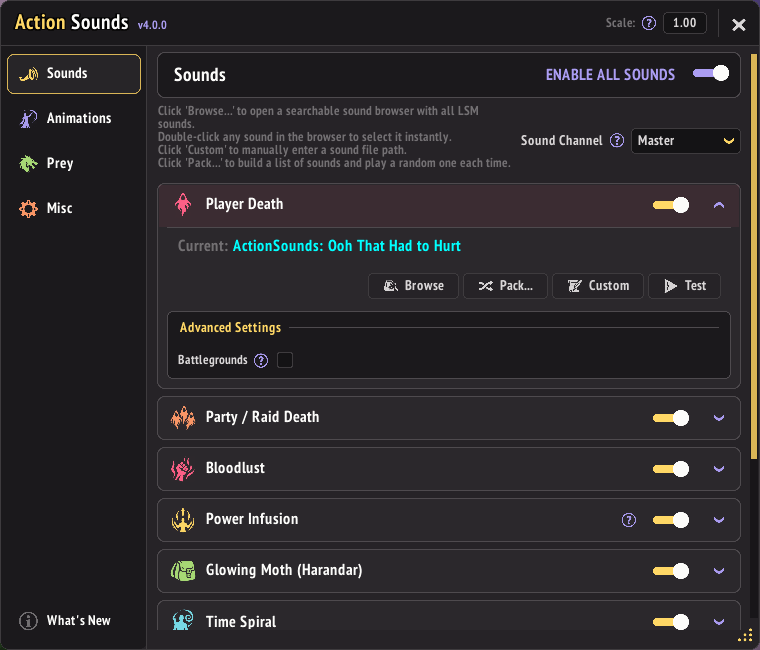
Monokai Pro
Description
Action Sounds
WARNING - WoW 12.1.5 API limitation: Blizzard now forcibly stops sounds played through
C_UnitAuras.AddAuraSound after five seconds. This affects Power Infusion and Custom Aura Triggers. Any built-in or custom sound longer than five seconds will be cut off. This is a Blizzard API limitation that Action Sounds cannot extend or disable.
What it does
Action Sounds reacts to key combat moments with sounds and animations so they actually feel impactful.
- Deaths trigger reactions for you and your group
- Bloodlust and similar effects trigger configurable alerts
- Power Infusion sound alerts are back, routed through Blizzard's own aura alert system (12.1+); Power Infusion animations are still unavailable
- Custom Triggers let you assign a sound to any spell ID using the same aura alert system
- Interrupts, Time Spiral, and custom spells can trigger sounds
- Includes a searchable sound browser, Random Packs, and custom animation editors
⚡ Main Features
- Player death and party or raid death reactions
- Optional role-specific party/raid death sounds, raid sound limiting, and configurable multi-kill reactions
- Bloodlust and Heroism sound and animation alerts
- Power Infusion sound card is back and configurable; the animation card is still kept in place with a disabled overlay
- Custom Triggers card for assigning sounds to any spell ID via Blizzard's aura alert system
- Time Spiral, interrupt, Glowing Moth, and custom spell sounds
- Prey Hunt bar and ambush alerts
- Searchable sound browser for bundled and LibSharedMedia sounds
- Custom animation editors and Random Packs for Bloodlust and Death
Slash Commands
/asor/as configopens the configuration window/as toggletoggles sounds on or off/as memreports addon memory usage/as mem gcreports memory usage before and after garbage collection
🩸 Bloodlust
Bloodlust, Heroism, Time Warp, Primal Rage, Fury of the Aspects, and similar effects can trigger a configurable sound and animation.
- Supports custom sounds and Random Pack
- Supports built-in animations, custom single images, custom spritesheets, and Random Packs
- Animation scale and duration can be adjusted from the main Bloodlust card
✨ Power Infusion
Power Infusion sound alerts are back, thanks to Blizzard's new aura alert system introduced in 12.1. Instead of the addon detecting the buff itself (which Blizzard's combat restrictions made unreliable), the sound is registered directly with Blizzard's client and played by their own system when Power Infusion lands on you.
- Sound only for now. Pick a built-in sound or a custom file path from the Power Infusion sound card
- No Random Pack support for Power Infusion; single file or custom path only
- The sound re-registers automatically whenever you toggle it on/off or pick a different sound
- Power Infusion animations are still unavailable. Blizzard's alert system has no way to tell the addon when it actually fires, so there's no signal to trigger an animation off of
🎯 Custom Triggers
Assign a sound to any spell ID using the same Blizzard aura alert system as Power Infusion, separate from any of the addon's built-in features.
- Each entry can be set to trigger On Apply or On Remove
- Sound only, no Random Pack support; single file or custom path only, same as Power Infusion
- Duplicate spell IDs across entries are flagged and block Save
- Spell IDs already used by Bloodlust or Power Infusion can't be added here, to avoid registering the same aura twice
- Entries re-register automatically whenever you save changes in the Custom Triggers window
🎛 Customization
- Custom sounds can use full file paths or numeric sound IDs such as SoundKitIDs
- Random Pack can play a random sound from a configured list of built-in sounds, custom file names, or numeric sound IDs, including for Interrupt sounds
- Time Spiral can use the normal sound picker, custom paths, numeric sound IDs, and Random Pack
- Bloodlust and Death support custom animations and animation Random Packs
- Custom spell sounds can be assigned by spell ID
- Some death animations remain role-aware
- Sounds and death animations can be filtered in battlegrounds
- Animation layers can be forced above the rest of the UI with
Always On Top
Themes
Themes can be changed live from Misc → Interface without reloading the UI. Available themes are:
- Action Sounds, WoW Classic, High Contrast, and Catppuccin Mocha
- Dracula, Material Palenight, and Material Palenight v2
- Monospace Dark, Tokyo Night, Dark Purple, Monokai Pro, Poimandres, and Shades of Purple
🔊 Custom Sounds
Custom sounds must use a path that WoW can load.
- Place the sound file somewhere inside your WoW folder, preferably outside
Interface\AddOns, such asInterface\MySounds. - In Action Sounds, choose Custom for the sound you want to replace.
- Paste the full path to the file, including the file name and extension.
.oggand.mp3files are supported. - Use Test to confirm the sound plays.
Example custom sound path:
Interface\MySounds\custom.ogg
You can also use a numeric sound ID, such as a SoundKitID:
567463
Avoid putting custom files inside another addon's folder. Addon managers may replace that folder during updates, which can delete anything you added manually.
If you add new sound files while the game is already running, especially inside a newly created folder, you may need to restart WoW before the game can load them.
For Random Pack, custom file entries use the shared Base Path plus each file name.
Example:
- Base Path:
Interface\MySounds\ - File Entry:
custom.ogg
🧩 Custom Animations
Action Sounds supports custom animations for:
- Bloodlust
- Death
Power Infusion animation controls remain unavailable because Blizzard's aura alert system does not expose a trigger event to addons.
To open the custom editor:
- Open the configuration window
- Go to the Animations tab
- In the relevant animation dropdown, select Custom…
- If a custom animation is already active, use Edit Custom
Single Image
- Paste the full file path
- Choose the correct playback mode
- For Bloodlust, select the desired Aspect Ratio
- Save and test from the main animation card
Spritesheet
Provide:
- File Path
- Columns
- Rows
- Frame Time (ms)
- Sheet Width
- Sheet Height
Important:
- Every cell in the grid must be filled
- Partial spritesheets are not supported
- Example: a
9x9sheet must contain81valid frames
📐 How Sizing Works
Bloodlust
- Single Image uses the selected aspect ratio
- Spritesheet uses the size of each individual cell
- Final size is adjusted with the Scale slider on the main Bloodlust card
Death
- Custom death animations are treated as spritesheets
- Display size is derived from each cell automatically
Examples:
2048x2048sheet with a9x9grid → each cell becomes227x2271024x1024sheet with a9x9grid → each cell becomes113x113
No decimal display sizes are used.
🔁 Built-In vs Custom Behavior
- Opening Custom… for the first time seeds from the selected built-in animation
- If nothing is changed, it falls back to the previous built-in
- Existing custom animations retain their values when reopened
Example animation path:
Interface\AddOns\MyMedia\animations\my_animation.blp
Notes
- Custom files should not be stored inside other addon folders
- Restart WoW if new files are not detected
- Some external audio and visuals are used as part of this fan project
Action Sounds Team