Accurate coordinates (DCoords)
- By
Accurate coordinates for in game, minimap and world map world of warcraft

Crazy 1
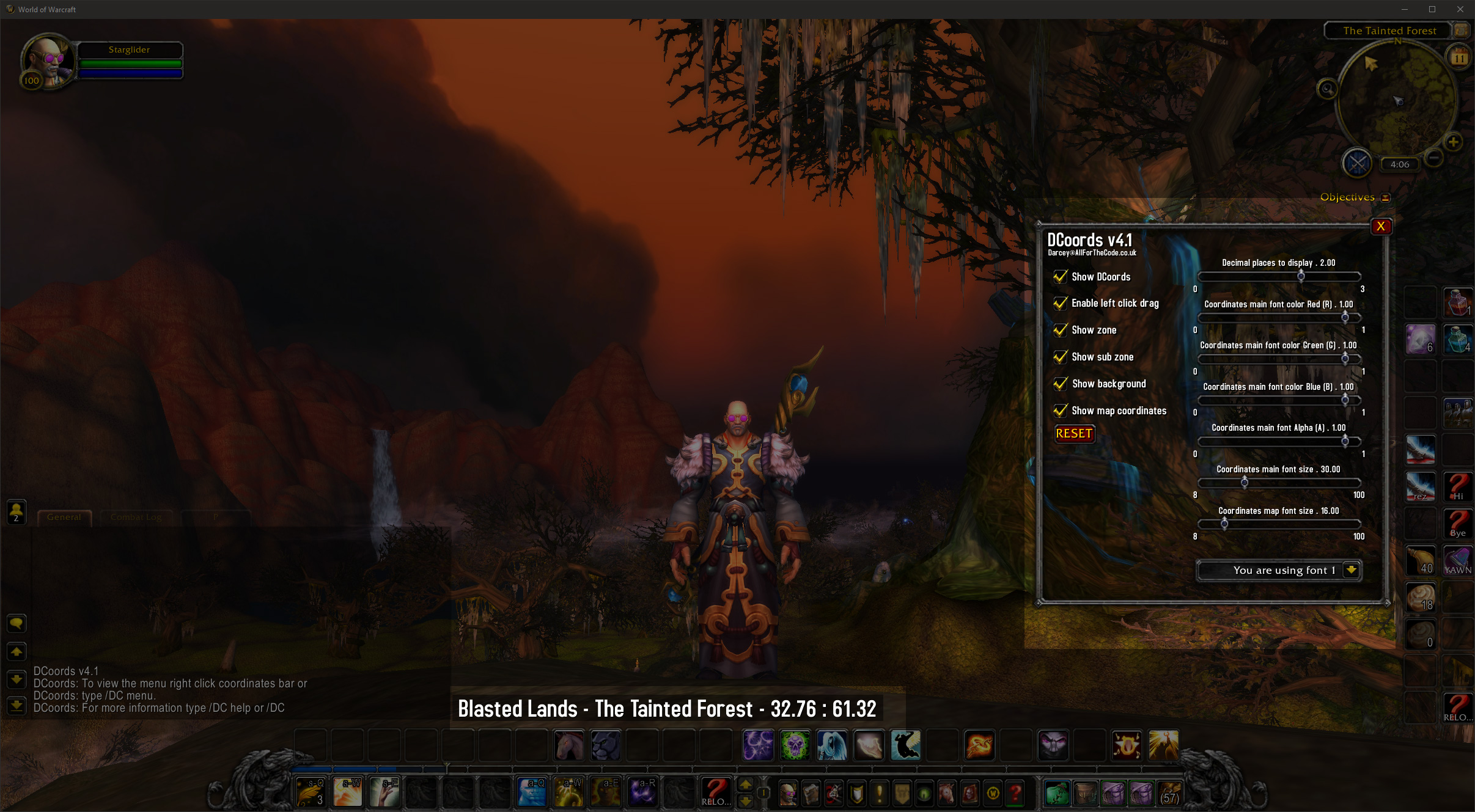
Classic 1
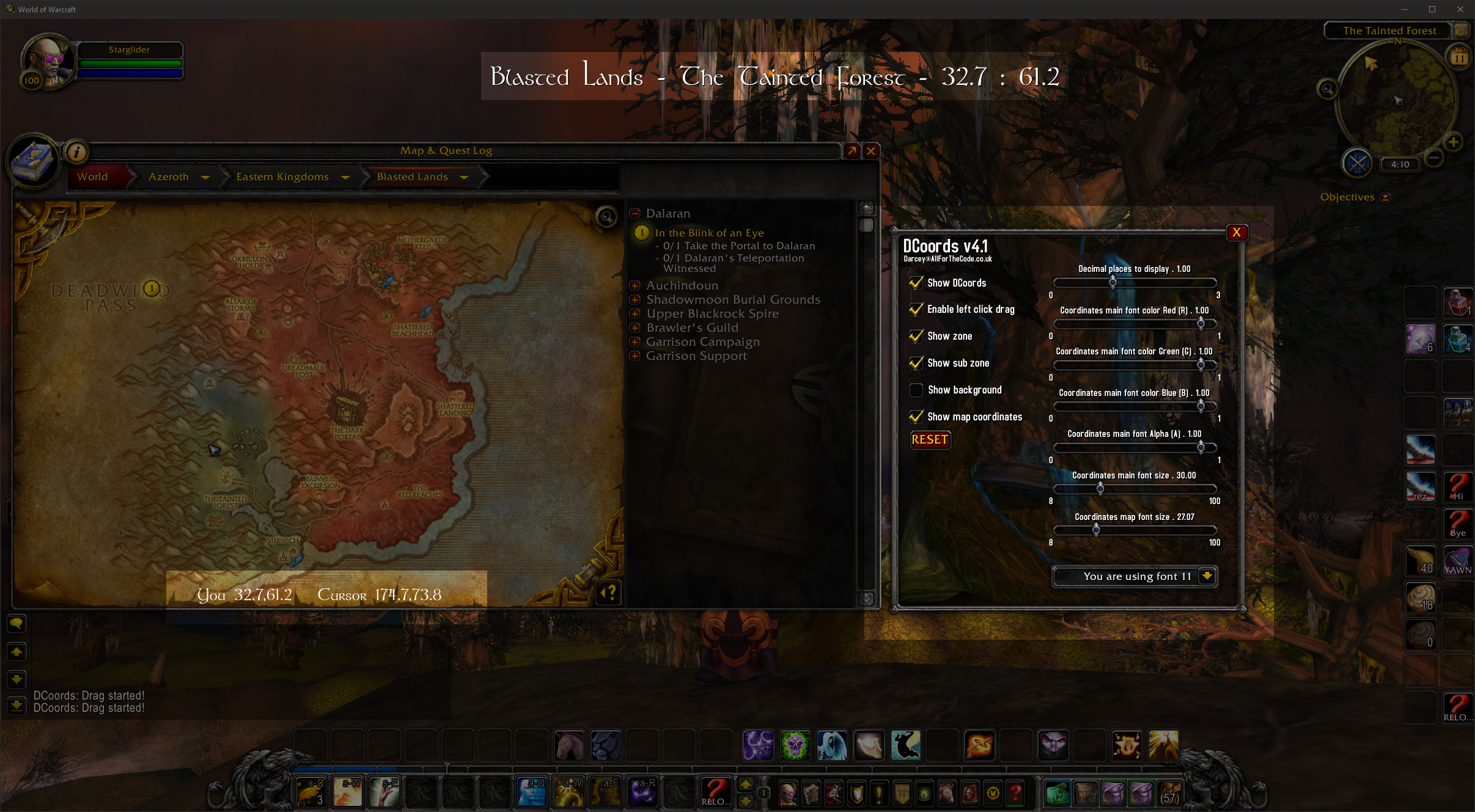
Example 3

Example 2
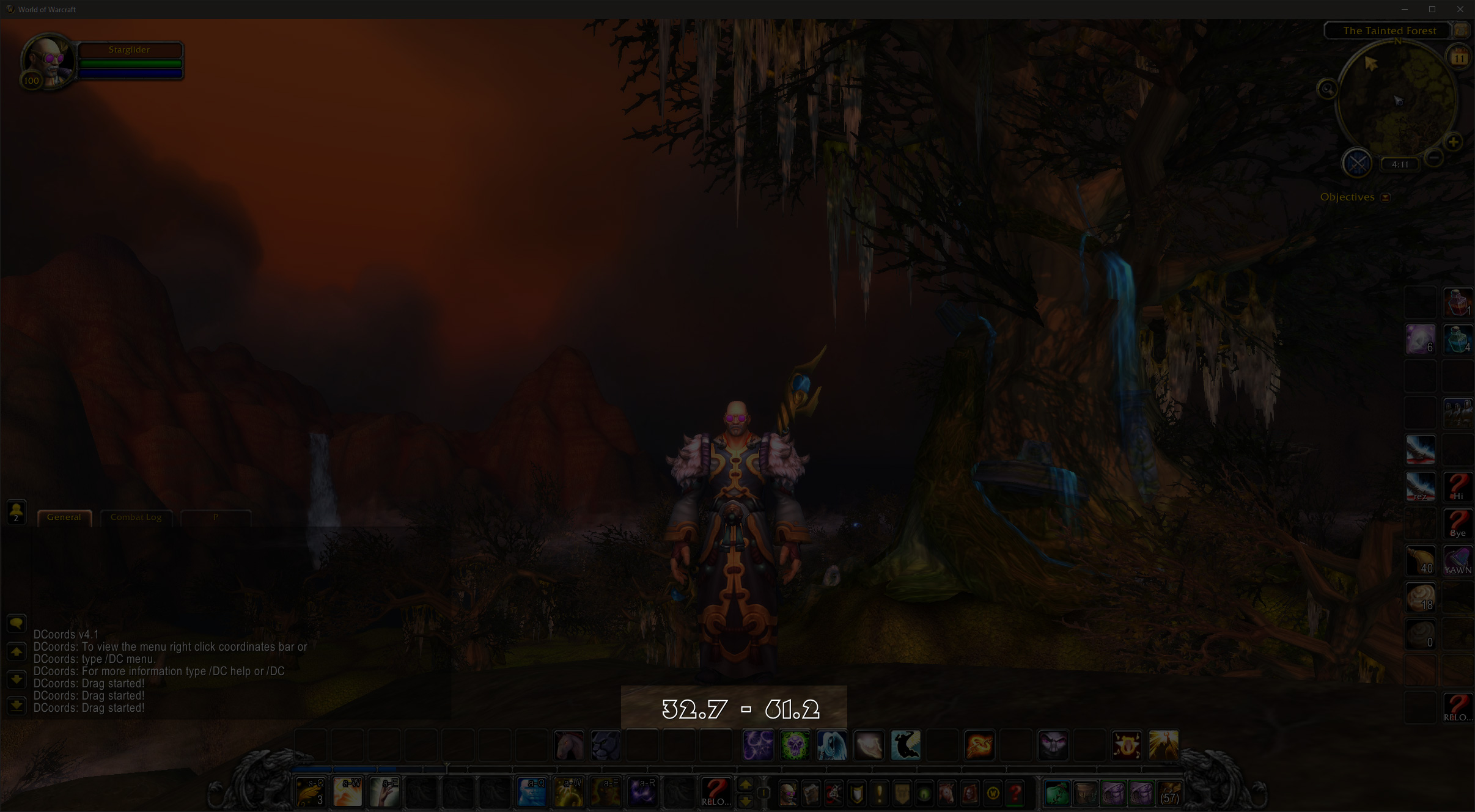
Example 4
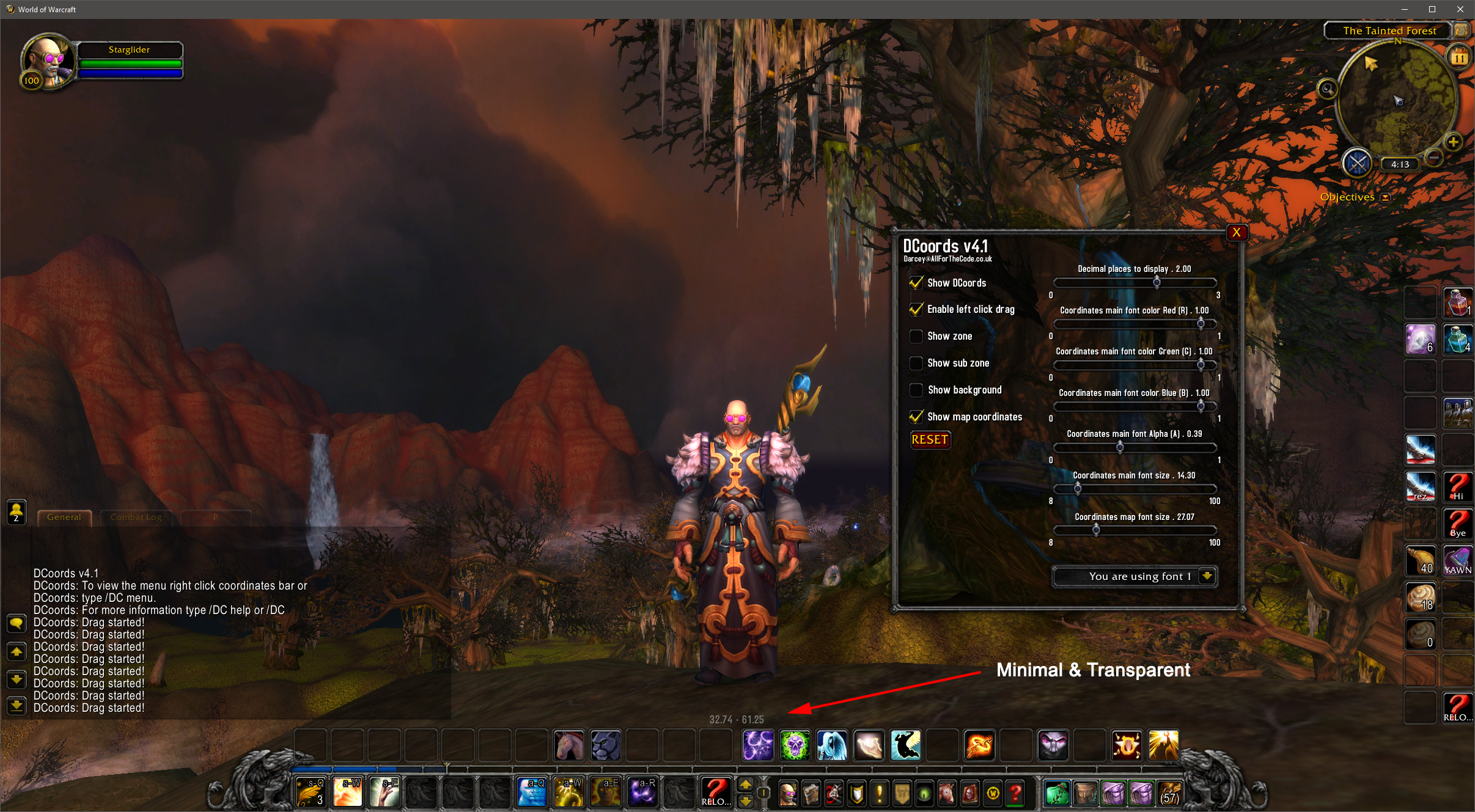
Example 5

Example 6
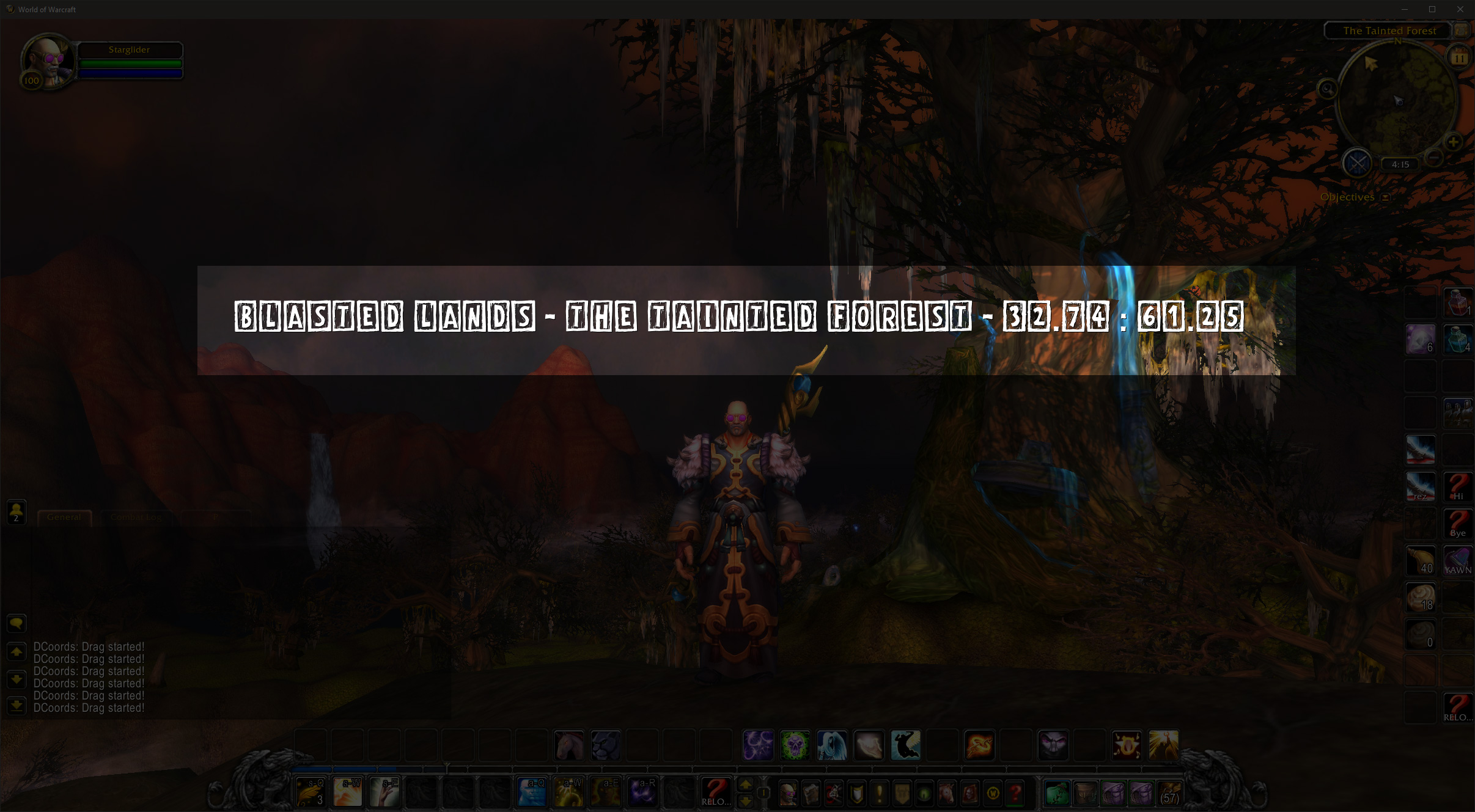
Example 7
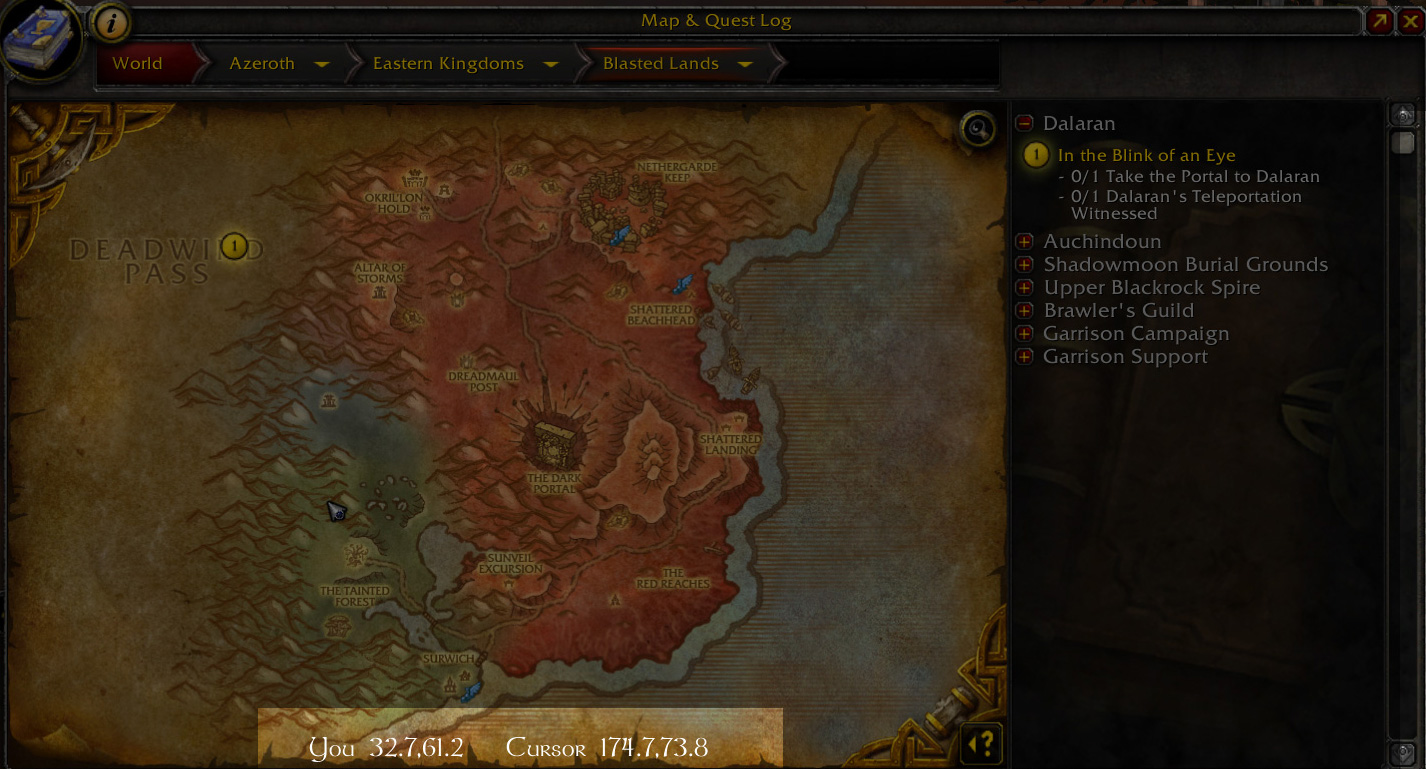
Map example 1

My setup 1
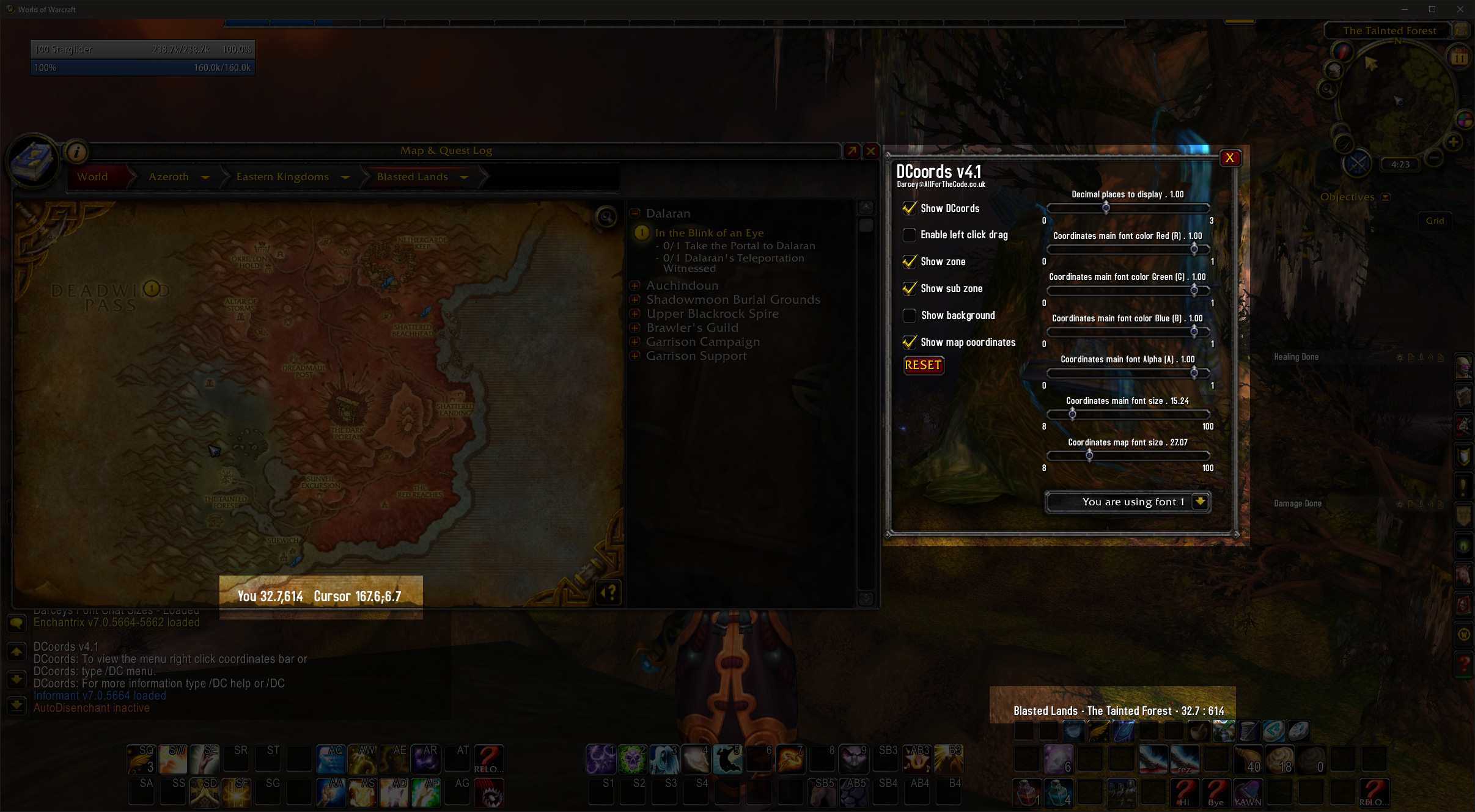
My setup 2

How I like it, but you should set it up to how you like it.

Font example close 1

Font example close 2

Font example close 3
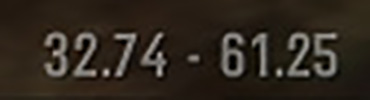
Close up minimal
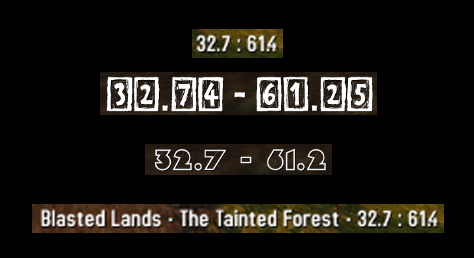
DCoords in a few of it's many configurations.
Description
DCoords v5.x
Last updated: 09/2026
Want the Warcraft Classic version?
Click here for DCoords Classic.
DCoords is a lightweight location & coordinates addon which:
- A customisable location / coordinates bar for your main UI
- Customisable location / coordinates for your minimap
- Worldmap player and mouse pointer coordinates
- Drag, scale, height adjust and alpha/opacity adjust of the Objectives Tracker
Usage
Settings / Options / Menus
To open DCoords settings you can do one of the following:
- Right click on the coordinates bar
- Type /dc menu
- Press ESC > Click INTERFACE > Click ADDONS > Click DCoords
Want to see just the numbers on the main bar?
Untick show zone and sub zone.
Want to move the coordinates bar?
Hold SHIFT + LEFT CLICK and DRAG, or adjust in settings.
Want to move the objectives tracker?
Hold SHIFT + LEFT CLICK and DRAG. Make sure you enable this feature first in settings.
Want to adjust the settings (on/off, fonts, colour, location etc) of in the main Coordinates Bar?
Right click the coordinates bar to enter options and click on "Coordinates".
Want to hide, turn off or adjust the Minimap location bar settings?
Right click the coordinates bar to enter options and click on the "Minimap" option from the left menu.
Want to lower the load on your computer? or to change how often the coordinates update?
Right click the coordinates bar to enter options and select "Other" from the left menu.
BUG REPORTS
Thanks for letting me know about bugs, please keep doing so, remember to let me know your settings, what you were doing at the time and how I can re-produce the bug.
HAVING PROBLEMS? CAN'T SEE THE ADDON?
Try and reset by typing /dc reset, if that fails message me via curse.
I will update addons when I'm in wow, this could be years apart or could be multiple times a day when I have an active subscription.
If I'm not paying for a sub at the time then I wont be able to fix or create anything. If you want something fixed or created that much then by all means feel free to donate some money for a 2 month sub and let me know what you want fixing. If you want something I suggest you message me as I do have a full time job.
2 Month sub £20
https://www.paypal.com/paypalme/DarceyLloyd
Accurate coordinates (DCoords) Team

Owner